Product Overview
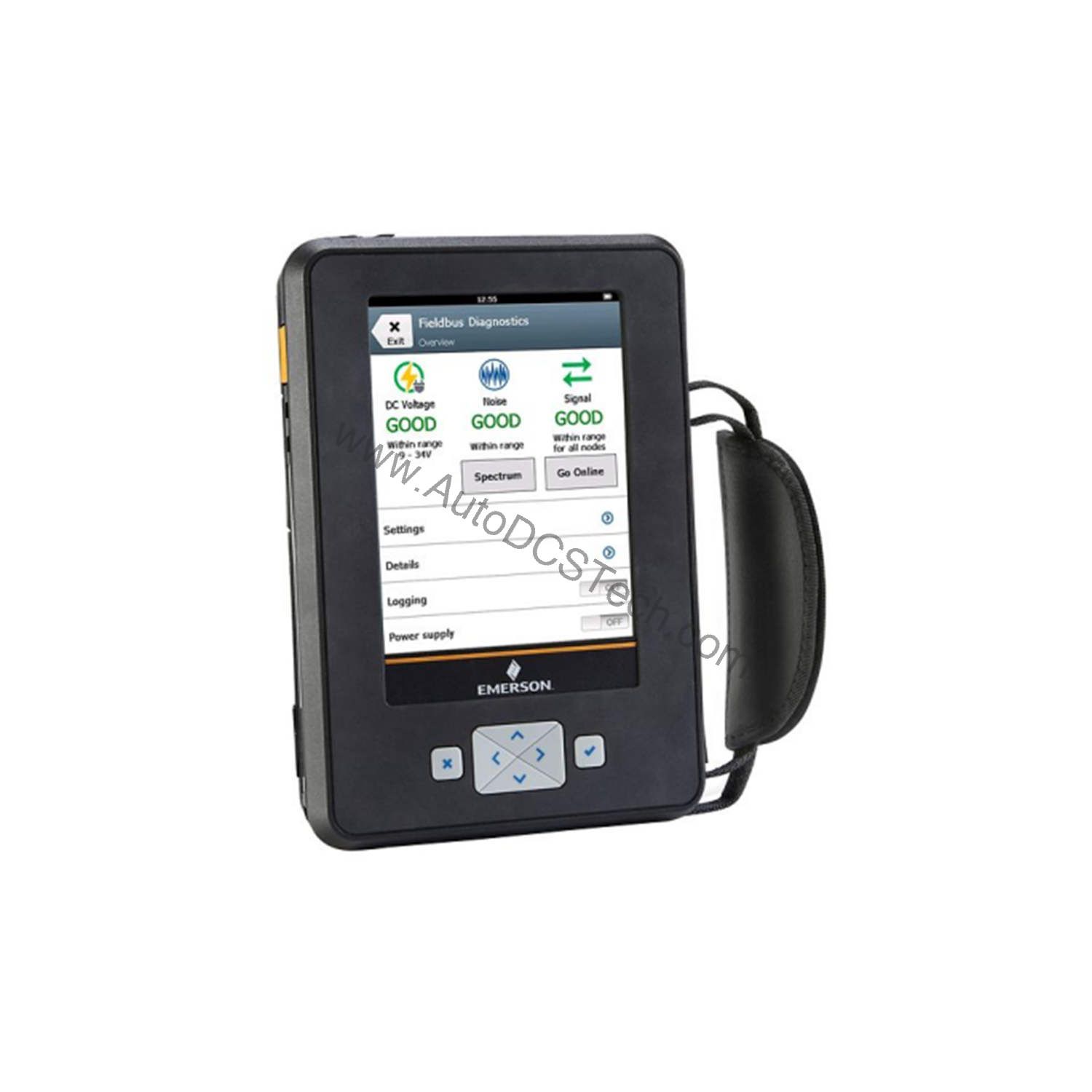
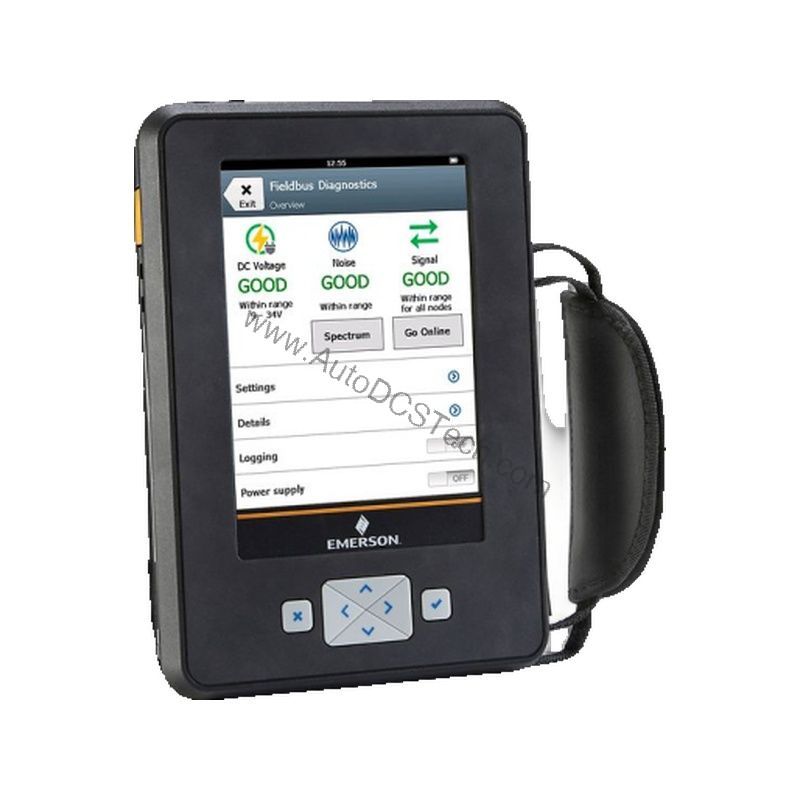
The TREXCHPNA9S1S is an AMS Trex Device Communicator manufactured by Emerson. This model is configured with a Device Communicator communication module and a HART Application, making it a dedicated tool for HART-enabled field instruments. It is powered by a rechargeable Li-Ion power module, ensuring long-lasting operation in the field. The device features a 5.7-inch (14.5 cm) color VGA resistive touchscreen with a 640 x 480 pixel resolution, providing a clear and responsive interface for navigating device menus and diagnostics.
Technical Specifications Breakdown
Key parameters for the TREXCHPNA9S1S are listed below for quick reference:
| Feature | Specification |
|---|---|
| Manufacturer | Emerson |
| Product No. | TREXCHPNA9S1S |
| Product Type | AMS Trex Device Communicator |
| Communication Module | C = Device Communicator communication module |
| Applications | H = HART Application |
| Power Module Type | P = Rechargeable Li-Ion Power Module |
| Product Certifications | NA = No Approval |
| Radio Options | 9 = None |
| Support | S1 = Standard Support (1 Year) |
| Display | 5.7 inch (14.5 cm) color VGA resistive touchscreen 640 x 480 pixel |
| Microprocessor | 800 MHz ARM Cortex A8 / NXP |
| Memory Internal Flash | 2 GB NAND and 32 GB extended flash |
| Weight | 1.5 Kg |
Industry Applications
In oil and gas facilities, technicians use this device to configure and troubleshoot pressure transmitters, flow meters, and level sensors. In chemical plants, it simplifies the commissioning of smart valves and analyzers. For maintenance teams, the device's fast processor and ample memory allow for quick access to device diagnostics, helping to identify issues before they cause process upsets. This capability directly translates to reduced unplanned downtime and lower maintenance costs.
Installation & Setup Guidance
Before using the TREXCHPNA9S1S, ensure the Li-Ion power module is fully charged. To connect to a HART device, use the appropriate communication leads and connect them to the device's loop terminals. The communicator will automatically detect the HART device and display its configuration menu. For initial setup, navigate through the menu to verify device tag, range, and units. Always follow your plant's safety procedures when connecting to live process loops.
Maintenance & Reliability
The TREXCHPNA9S1S is built for rugged field use, but regular care will extend its lifespan. Inspect the touchscreen for cracks or damage before each use. Clean the screen with a soft, dry cloth. Periodically check the battery health and replace the Li-Ion power module if runtime becomes insufficient. Keep the device's firmware updated to ensure compatibility with the latest HART device revisions. Store the communicator in a clean, dry environment when not in use.
The Evolution of Field Device Communication
Field device configuration has come a long way from the days of bulky, single-purpose handhelds. Modern plants demand a communicator that can handle multiple protocols, offer a clear interface, and withstand the rigors of daily use. The Emerson AMS Trex Device Communicator, specifically the TREXCHPNA9S1S, represents a significant leap forward in this evolution.
Compatibility & Integration
As a dedicated HART communicator, this device is designed to interface with any HART-enabled instrument. It supports standard HART commands, allowing you to read process variables, configure parameters, and perform loop tests. The device also integrates with AMS Device Manager software for advanced diagnostics and asset management. For plants using Emerson's digital plant architecture, the TREXCHPNA9S1S is a natural fit.
Selection Guide & Purchasing Advice
When selecting a device communicator, consider the protocols you need to support. This model is specifically for HART applications. If you need other protocols like FOUNDATION Fieldbus or Profibus, look for other Trex models. For a reliable source of this device, contact AutoDCSTech. They offer genuine industrial automation parts and can help you verify the correct model for your needs.
Troubleshooting & Common Issues
If the communicator fails to power on, check the battery charge and connections. If the touchscreen is unresponsive, try a soft reset. When a HART device is not detected, verify the wiring and that the device is powered. If you encounter communication errors, ensure the device is in HART mode and the loop resistance is adequate. For persistent issues, consult the Emerson Trex user manual or contact technical support.
Availability & Condition at AutoDCSTech
| Part Number | TREXCHPNA9S1S |
|---|---|
| Availability | In Stock |
| Condition | New |
| Warranty | One Year |
| Origin | US |