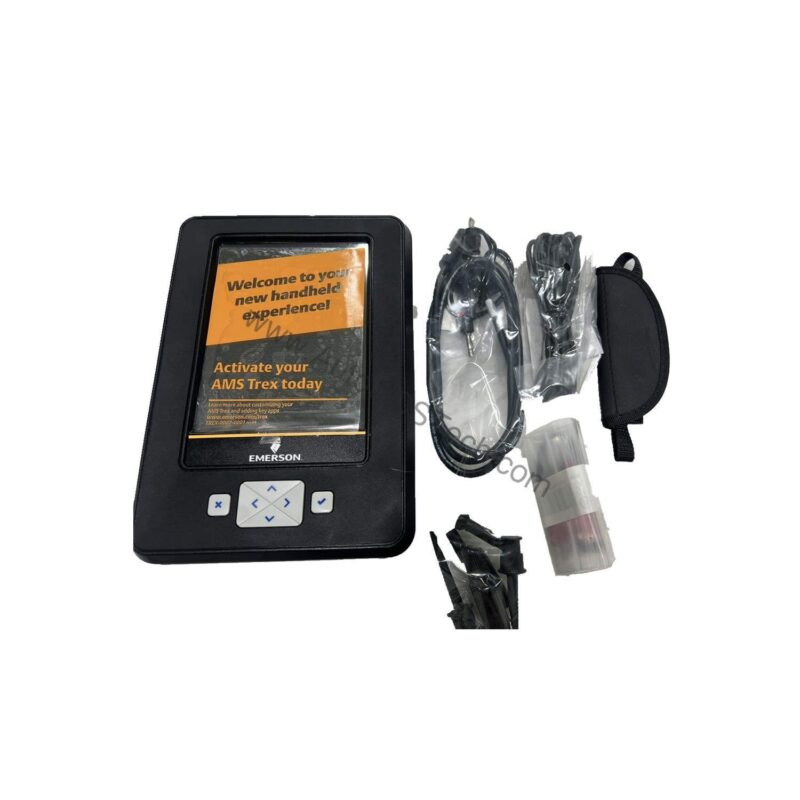
Overview: A Portable Powerhouse for HART and Wireless
The Honeywell TREXCHPNAWS3S is a base Trex platform equipped with a Device Communicator communication module and a HART application. It is built for technicians who need reliable, on-the-go access to field devices. With a wireless radio option and a rechargeable Li-Ion power module, this unit supports both wired and wireless communication, making it a flexible tool for routine maintenance and emergency troubleshooting.
Technical Specifications Breakdown
Key parameters for the TREXCHPNAWS3S are listed below for quick reference:
| Feature | Specification |
|---|---|
| Manufacturer | Emerson |
| Product No. | TREXCHPNAWS3S |
| Product Type | AMS Trex Device Communicator |
| Platform | Base Trex Platform |
| Communication Module | Device Communicator communication module |
| Applications | HART Application |
| Power Module Type | Rechargeable Li-Ion Power Module |
| Product Certifications | No Approval |
| Radio Options | Wireless |
| Support | Standard Support (3 Year) |
| Carrying Case | Carrying Case |
| Microprocessor | 800 MHz ARM Cortex A8/NXP |
| Memory Internal Flash | 2GB NAND and 32 GB extended flash |
| Operating System | Windows Embedded Compact 2013 |
| Display | 640 x 480 pixel |
1. HART Device Configuration and Diagnostics
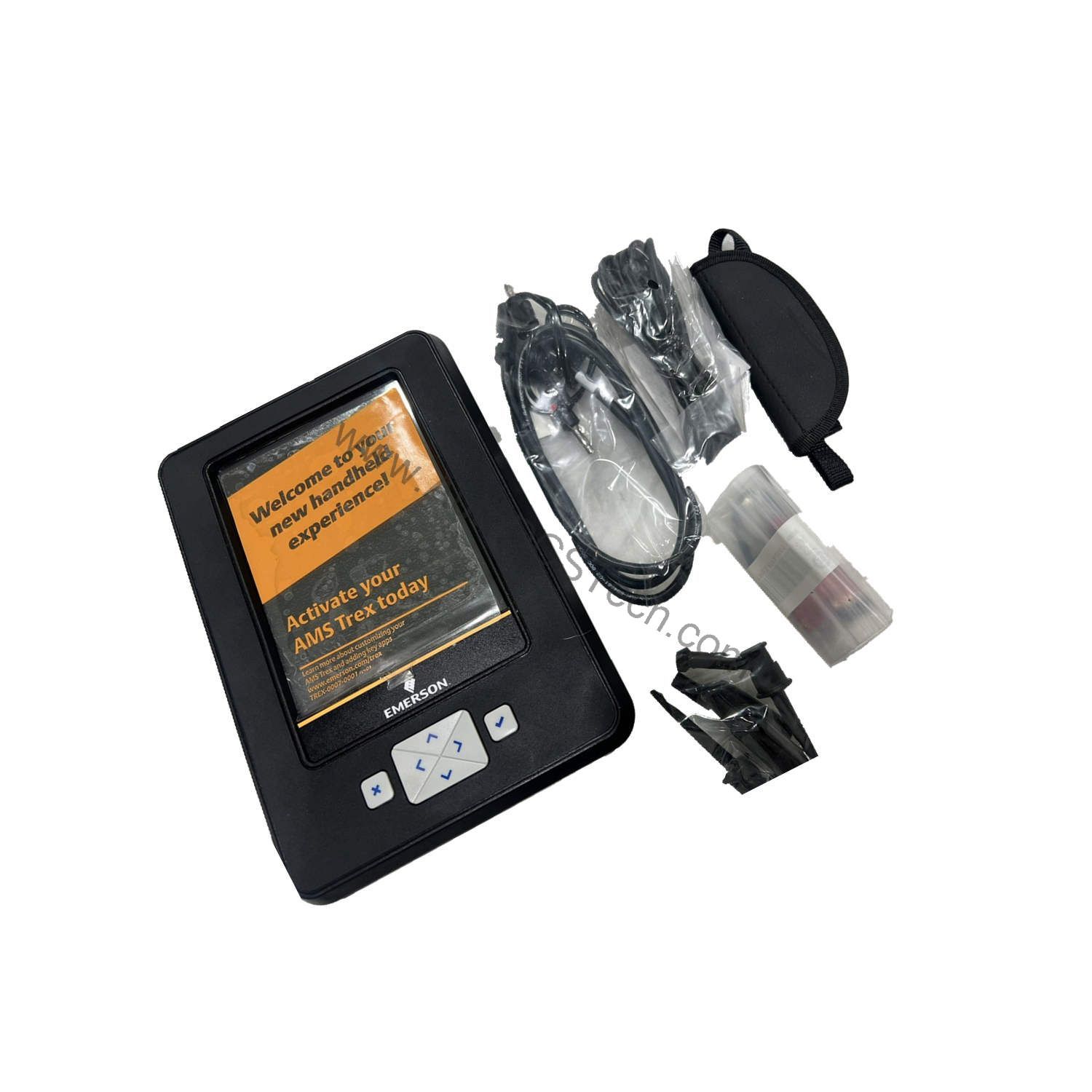
The HART application allows technicians to configure, calibrate, and diagnose HART-enabled instruments. In a typical chemical plant, this means quickly adjusting a pressure transmitter or verifying a temperature sensor's health without returning to the control room. The wireless radio option enables remote connectivity, reducing the need for physical access in hazardous or hard-to-reach areas.
2. Maintenance and Troubleshooting in Process Industries
For maintenance teams in oil and gas, refining, or power generation, the TREXCHPNAWS3S provides a single tool to handle multiple device types. Its 800 MHz ARM Cortex A8/NXP microprocessor ensures responsive navigation, while the 640 x 480 pixel display offers clear readouts in bright sunlight or dim lighting. The rechargeable Li-Ion power module supports long field sessions, and the included carrying case protects the unit during transport.
3. Asset Management and Digital Transformation
As plants move toward predictive maintenance, the Trex communicator becomes a bridge between legacy analog devices and modern digital systems. By capturing device data on-site, technicians can upload it to asset management software, enabling trend analysis and proactive maintenance. The Windows Embedded Compact 2013 operating system provides a familiar interface, while the 2GB NAND and 32 GB extended flash memory offers ample storage for device configurations and logs.
Installation & Setup Guidance
Before first use, fully charge the Li-Ion power module. The Trex communicator is designed for handheld operation; ensure a secure grip when working at height. For HART communication, connect the device leads to the loop terminals, observing proper polarity. The wireless option requires configuration via the device's settings menu; consult your plant's IT security policies before connecting to a wireless network. Always verify that the communicator's firmware is up to date to ensure compatibility with the latest HART devices.
Maintenance & Reliability
Regularly inspect the device for physical damage, especially the display and communication ports. Clean the touchscreen with a soft, dry cloth; avoid solvents that may damage the protective coating. The rechargeable battery should be cycled periodically to maintain capacity. Store the unit in its carrying case when not in use, away from extreme temperatures and humidity. As with any electronic instrument, periodic calibration of the communicator itself is not required, but verify that the HART application functions correctly by testing on a known-good device.
The Evolution of Field Device Communication
The industrial landscape has shifted from manual calibration to intelligent, software-driven asset management. Field technicians once carried multiple handheld devices to interface with different instruments. The TREXCHPNAWS3S from Honeywell represents this evolution—a versatile AMS Trex Device Communicator designed for modern plant environments.
Compatibility & Integration
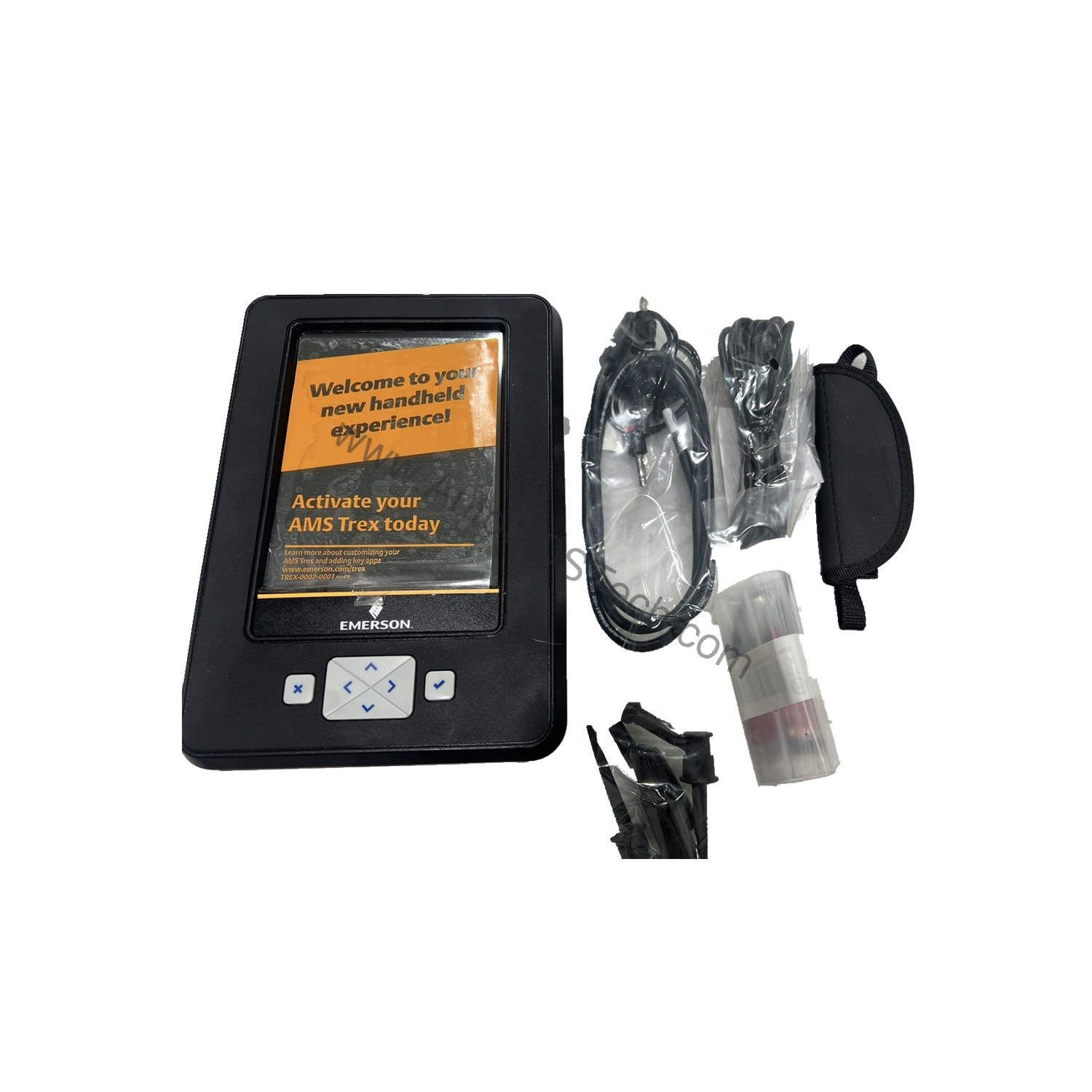
The wireless radio option allows connection to plant wireless networks, enabling remote monitoring and data transfer. The device runs on Windows Embedded Compact 2013, which supports standard file management and data export. For integration with asset management systems, data can be transferred via USB or wireless connection to a PC running Emerson's AMS software.
Selection Guide & Purchasing Advice
When selecting a device communicator, consider the communication protocols you use, the battery life, and the ruggedness of the hardware. The TREXCHPNAWS3S offers a balanced combination of processing power, storage, and wireless capability. At AutoDCSTech, we stock this model and can advise on alternatives if your needs differ. Contact our team to verify current lifecycle status and availability before ordering. We are committed to helping you find the right industrial automation parts for your operations.
Troubleshooting & Common Issues
If the device fails to power on, check the battery charge level and connections. If the HART communication is unstable, verify that the loop wiring is correct and that the device is properly connected. For wireless connectivity issues, ensure that the wireless radio is enabled and that the network credentials are correct. If the display appears dim, adjust the brightness settings. For persistent problems, consult the user manual or contact AutoDCSTech for technical support. Always follow plant safety procedures when working with live process loops.
Availability & Condition at AutoDCSTech
| Part Number | TREXCHPNAWS3S |
|---|---|
| Availability | In Stock |
| Condition | New |
| Warranty | One Year |
| Origin | US |