Technical Specifications Breakdown
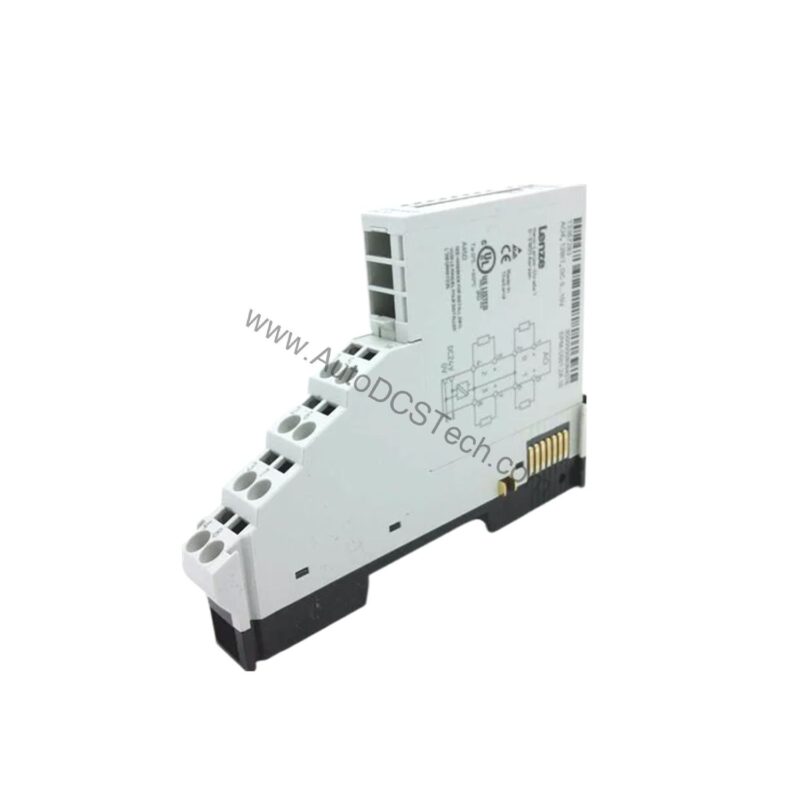
Key parameters for the EPM-S501 are listed below for quick reference:
| Feature | Specification |
|---|---|
| Output Type | Analog Voltage Output |
| Number of Outputs | 4 |
| Output Voltage Range | 0 V ... +10 V |
| Resolution | 12 bits |
| Supply Voltage (Load) | DC 24 V |
| Current Consumption (Load) | 35 mA (without load) |
| Current Consumption (Backplane Bus) | 80 mA |
| Power Loss | 1.2 W |
| Min. Load Impedance | 5 kΩ |
| Max. Capacitive Load | 1 µF |
| Short Circuit Protection | Yes |
| Operational Error Limit | ± 0.3 % |
| Basic Error Limit | ± 0.2 % |
| Conversion Time | 2 ms (all channels) |
| Output Data Size | 8 bytes |
| Electrical Isolation (Channels to Bus) | Yes |
| Max. Potential Difference (Uiso) | DC 75 V / AC 60 V |
Industry Applications
Process Control in Manufacturing
Its four outputs allow a single module to manage several loop controllers simultaneously, reducing panel space and wiring complexity.
Material Handling and Packaging
In packaging lines, precise speed and tension control are essential. This module can transmit 0-10 V signals to multiple drives, ensuring synchronized operation. The 12-bit resolution provides fine granularity, enabling smooth adjustments even at low speeds.
Test and Measurement Rigs
For test benches that simulate process signals, the EPM-S501 offers reliable voltage generation. Its low error limits (±0.2% basic) ensure accurate simulation, while the short-circuit protection safeguards the module and connected equipment.
Installation & Setup Guidance
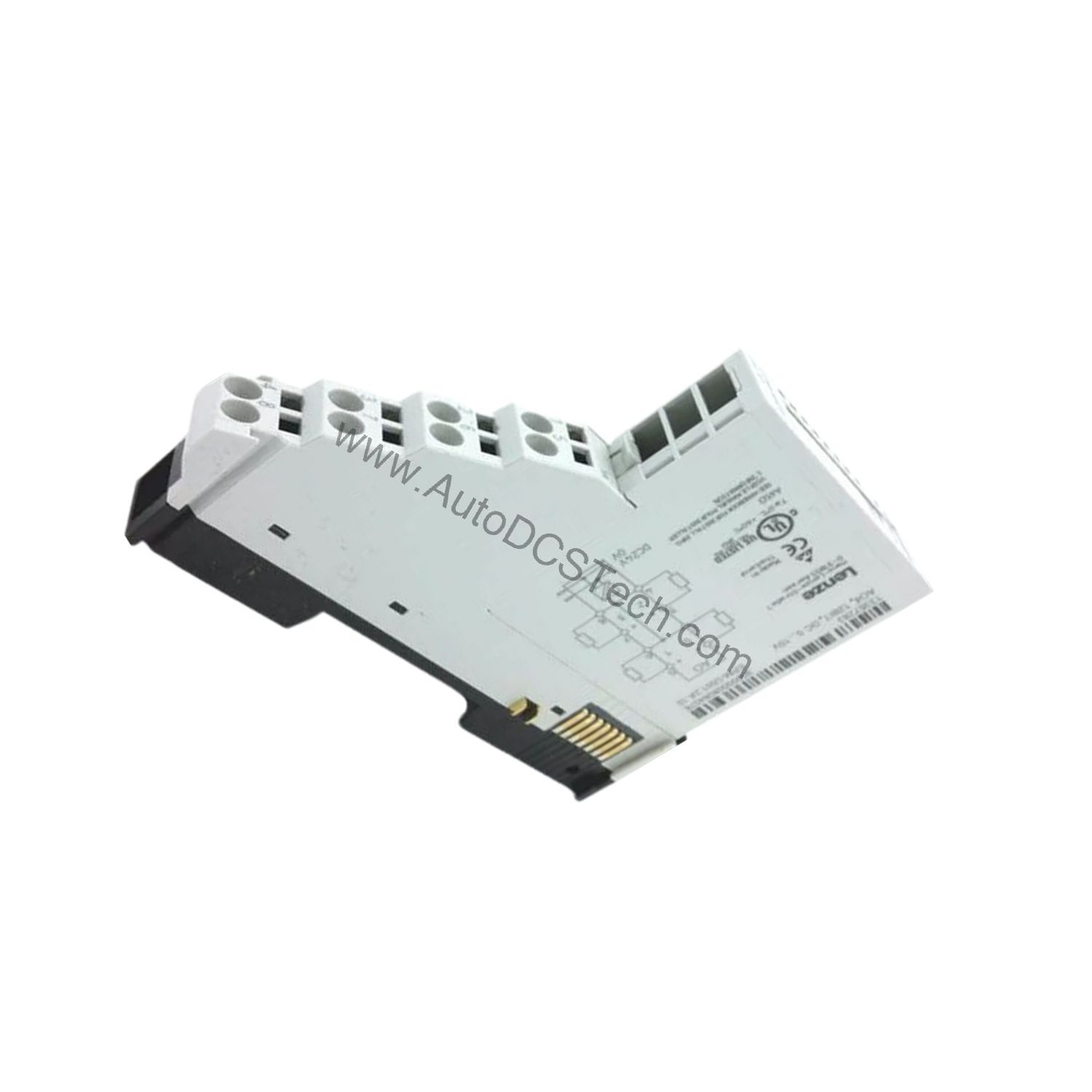
- Mounting: Install the module on a standard DIN rail in a control cabinet. Ensure adequate airflow for cooling.
- Wiring: Use shielded cables for analog outputs to minimize electromagnetic interference. The maximum cable length is 200 m.
- Supply: Connect a 24V DC power supply to the load voltage terminals. The module draws 35 mA without load; ensure the supply can handle the total current of all connected modules.
- Configuration: Set the signal function via the higher-level bus system. The module is parameterizable, allowing you to define output behavior.
- LED Indication: After power-up, check the RUN LED (green) for module readiness. The MF LED (red) indicates module errors; refer to the status table in the manual.
Maintenance & Reliability
Regular inspection of the module and its connections is recommended to ensure long-term reliability. Check for loose wiring, signs of overheating, or contamination. The module's diagnostic function allows reading of diagnostic information, which can be used for predictive maintenance. Periodically verify the output accuracy against a calibrated meter to detect drift.
The Challenge of Precise Analog Control
In modern industrial automation, transmitting precise analog control signals from a PLC or bus system to field devices is critical. A minor voltage drift or signal degradation can lead to product waste, equipment stress, or process downtime. The Lenze EPM-S501 addresses this by providing four stable, parameterizable analog outputs in a compact, reliable package.
Compatibility & Integration
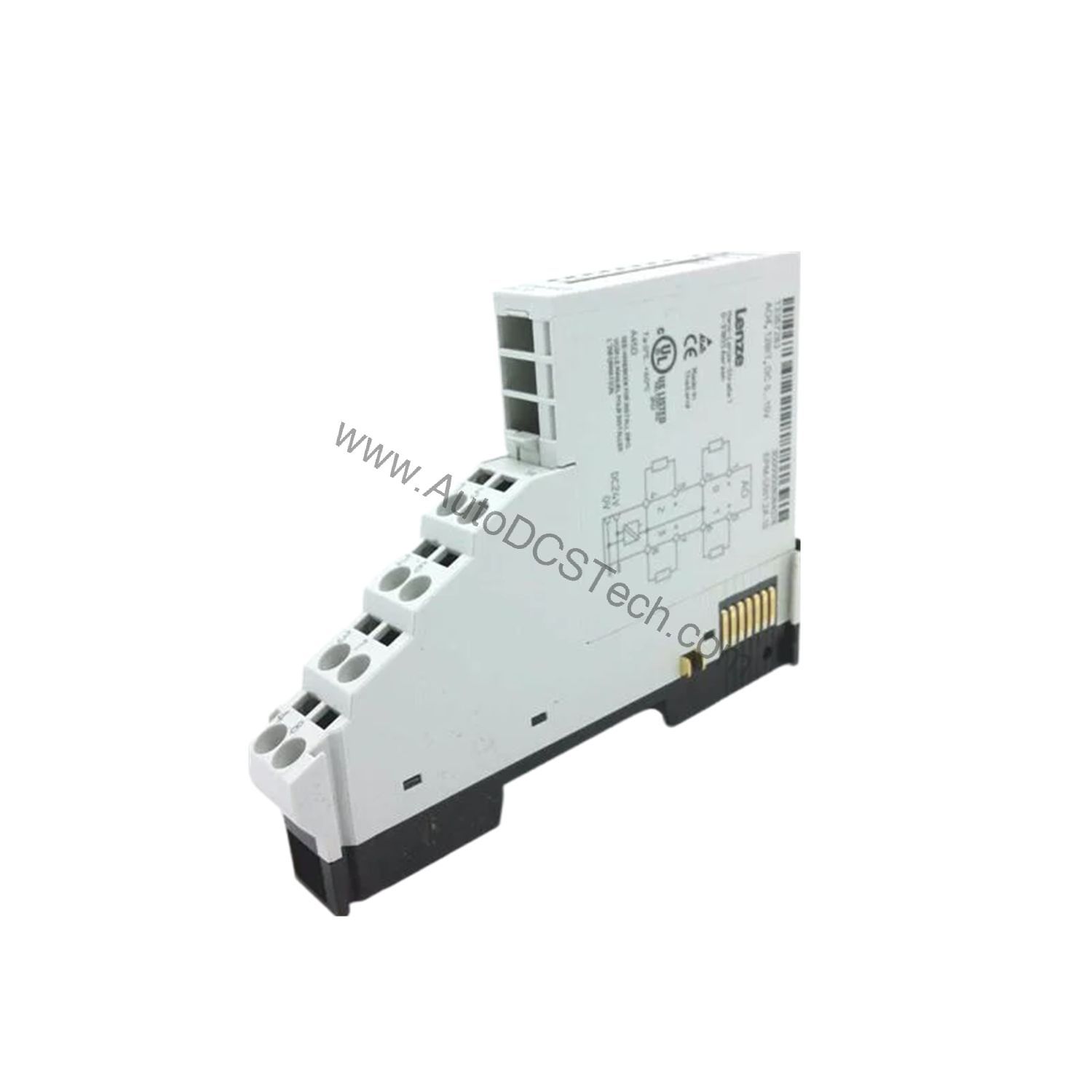
The EPM-S501 is designed for Lenze's system platform and communicates via the backplane bus. It supports a module identifier of 1283dec, ensuring proper recognition by the bus master. The module provides electrical isolation between channels and the backplane bus, enhancing system immunity to ground loops.
Selection Guide & Purchasing Advice
When selecting an analog output module, consider the number of channels, resolution, output range, and isolation requirements. The EPM-S501 meets these needs with four 0-10V outputs, 12-bit resolution, and full isolation. For replacement or new installations, verify compatibility with your existing Lenze system. AutoDCSTech offers this module and can assist with availability and lifecycle status. Contact our team to confirm the current status before ordering.
Troubleshooting & Common Issues
- No Output Signal: Check the load voltage (24V DC) and the backplane bus connection. Verify that the module is properly configured and the RUN LED is green.
- MF LED Red: This indicates a module error. Use the diagnostic function to read the error code. Common causes include overload or short-circuit on an output.
- Channel LED Red: Each channel has a red LED (AO1-AO4) that lights on overload, short-circuit, or parameter error. Inspect the wiring and the connected load.
- Inaccurate Output: If the output voltage deviates from the setpoint, check the load impedance (min. 5 kΩ) and capacitive load (max. 1 µF). Also, consider the temperature error (±0.01%/K) and linearity distortion (±0.1%).
- Bus Communication Failure: If the MF LED is off and RUN is off, check the bus supply voltage. If both LEDs blink, a configuration error exists; re-upload the configuration.
Availability & Condition at AutoDCSTech
| Part Number | EPM-S501 |
|---|---|
| Availability | In Stock |
| Condition | New |
| Warranty | One Year |
| Origin | Germany |