Technical Specifications Breakdown
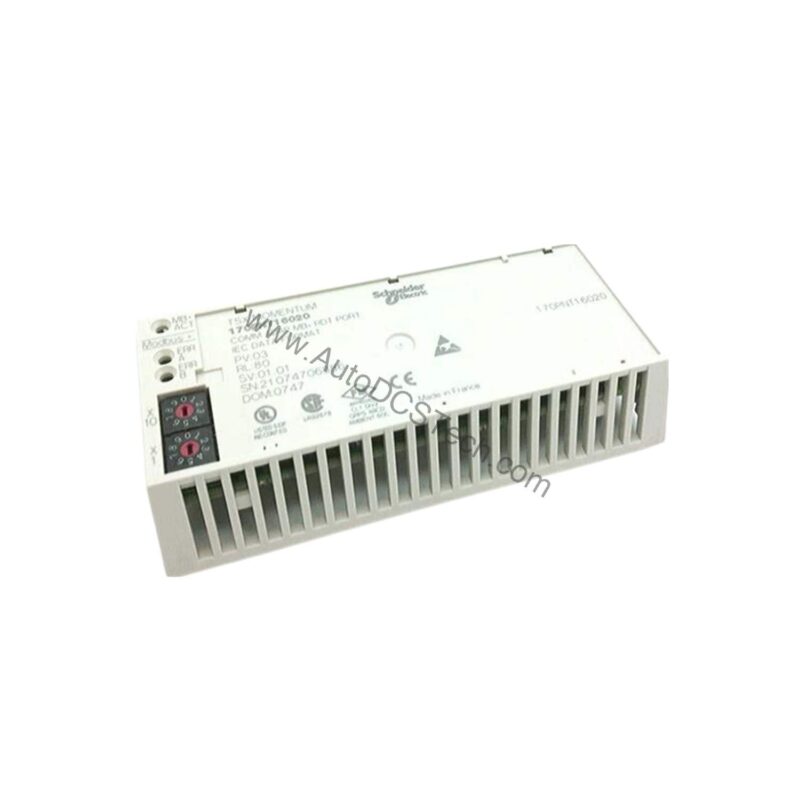
Key parameters for the 170PNT16020C are listed below for quick reference:
| Feature | Specification |
|---|---|
| Manufacturer | Schneider Electric |
| Product Type | Communication Adapter |
| Product Line | Modicon Momentum |
| Communication Protocol | Modbus |
| Data Rate | 1 Mbit/s |
| Topology | Multidrop, daisy-chain or tap |
| Connector Type | SUB-D9 |
| Number of Pins | 9 |
| Device Limits | Up to 31 devices per segment |
| Maximum Ambient Temperature | 40 degrees Celsius |
| Minimum Ambient Temperature | 0 degrees Celsius |
| Maximum Operating Humidity | 80% (non-condensing) |
| Maximum Storage Humidity | 80% (non-condensing) |
| Maximum Operating Altitude | 1000m above sea level |
Industry Applications for the 170PNT16020C
Manufacturing Line Integration
In factory automation, this adapter connects programmable logic controllers (PLCs) and remote I/O modules over Modbus networks. Its 1 Mbit/s data rate supports real-time monitoring of production lines, while the multidrop topology reduces cabling costs.
Building Management Systems
For HVAC or lighting control, the 170PNT16020C enables communication between Modicon Momentum controllers and field devices. The daisy-chain topology simplifies installation in confined spaces, and the 31-device limit per segment allows for scalable system design.
Process Control in Harsh Environments
With an operating temperature range of 0 to 40 degrees Celsius and humidity tolerance up to 80% non-condensing, this adapter suits indoor industrial environments. Its altitude rating of 1000m above sea level ensures reliable operation in high-elevation facilities.
Installation and Setup Guidance
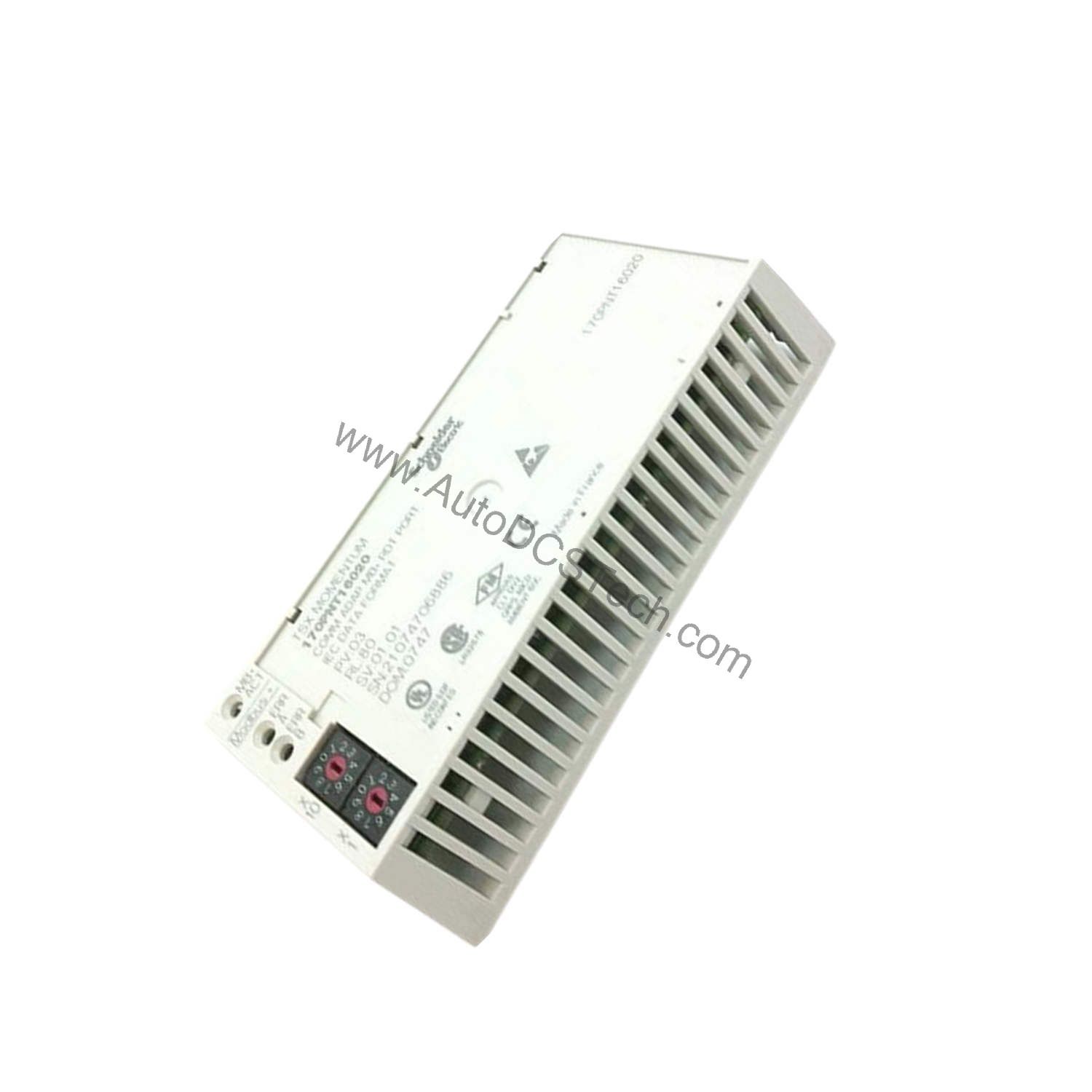
When integrating the 170PNT16020C into a Modicon Momentum system, follow these engineer-level best practices:
- Topology Selection: Choose multidrop for linear bus layouts, daisy-chain for sequential device connections, or tap for star-like branches. Ensure total cable length does not exceed Modbus segment limits.
- Connector Wiring: Use a standard SUB-D9 male connector with proper pin assignments for Modbus signals. Verify shield grounding to minimize electromagnetic interference.
- Device Addressing: Assign unique Modbus addresses (1-31) to each device on the segment. Avoid address conflicts to maintain network stability.
- Termination: Install termination resistors at both ends of the bus line if required by the network length. This prevents signal reflections.
Maintenance and Reliability
To ensure long-term performance of the communication adapter:
- Inspect Connectors: Periodically check the SUB-D9 connector for corrosion or bent pins. Clean with isopropyl alcohol if needed.
- Monitor Environmental Conditions: Keep ambient temperature below 40 degrees Celsius and humidity under 80% non-condensing. Use enclosure ventilation or cooling fans if necessary.
- Check Network Traffic: Use diagnostic tools to verify data rate stability at 1 Mbit/s. Address any intermittent communication issues promptly.
Why Your Automation Network Needs a Reliable Communication Adapter
Struggling with slow data transfer or limited device connectivity in your industrial network? The Schneider 170PNT16020C communication adapter offers a proven solution for Modicon Momentum systems, enabling efficient Modbus communication at 1 Mbit/s.
Compatibility and Integration
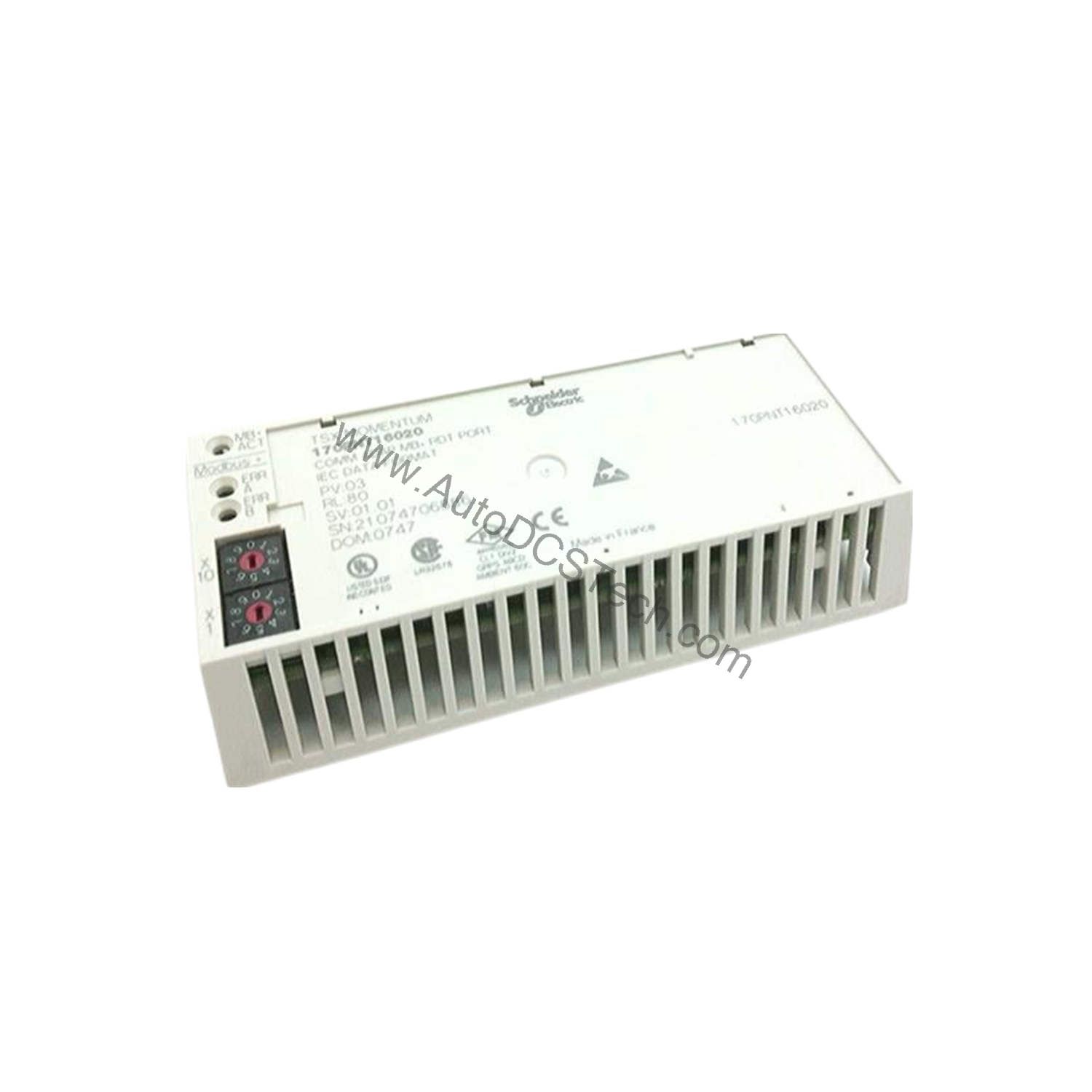
The 170PNT16020C is designed specifically for the Modicon Momentum product line and supports the Modbus protocol. The SUB-D9 connector ensures straightforward connection to existing cabling infrastructure. Please verify current lifecycle status and availability with AutoDCSTech before ordering.
Selection Guide and Purchasing Advice
When selecting a communication adapter for your Modicon Momentum system, consider the 170PNT16020C if you need:
- Modbus protocol support at 1 Mbit/s.
- Flexible topology options (multidrop, daisy-chain, tap).
- Capacity for up to 31 devices per segment.
- Reliable operation in temperatures from 0 to 40 degrees Celsius.
At AutoDCSTech, we stock genuine Schneider Electric parts to ensure compatibility and performance. Contact our team for assistance with your automation needs.
Troubleshooting and Common Issues
- No Communication: Verify power supply to the adapter and connected devices. Check SUB-D9 cable continuity and pin assignments.
- Intermittent Errors: Inspect for loose connections or damaged cables. Ensure termination resistors are properly installed.
- Slow Data Transfer: Confirm that all devices are set to the same baud rate (1 Mbit/s). Reduce segment length or number of devices if below 31.
- Overheating: If ambient temperature exceeds 40 degrees Celsius, improve ventilation or relocate the adapter to a cooler area.
Availability & Condition at AutoDCSTech
| Part Number | 170PNT16020C |
|---|---|
| Availability | In Stock |
| Condition | New |
| Warranty | One Year |
| Origin | France |