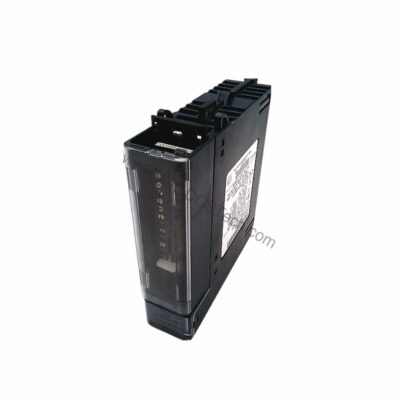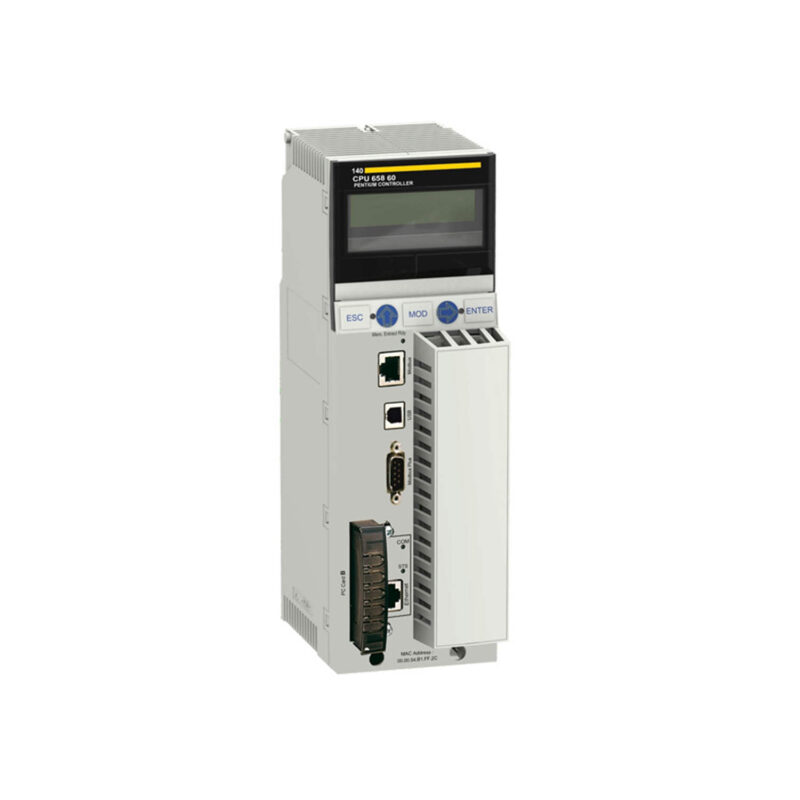
Product Overview
The Schneider Modicon 140CPU65860 is an Unity processor designed for demanding industrial automation tasks. It features 1024 KB of built-in RAM and a program execution speed of 30 K instructions per millisecond. This makes it suitable for applications requiring rapid logic execution and data handling.
Technical Specifications Breakdown
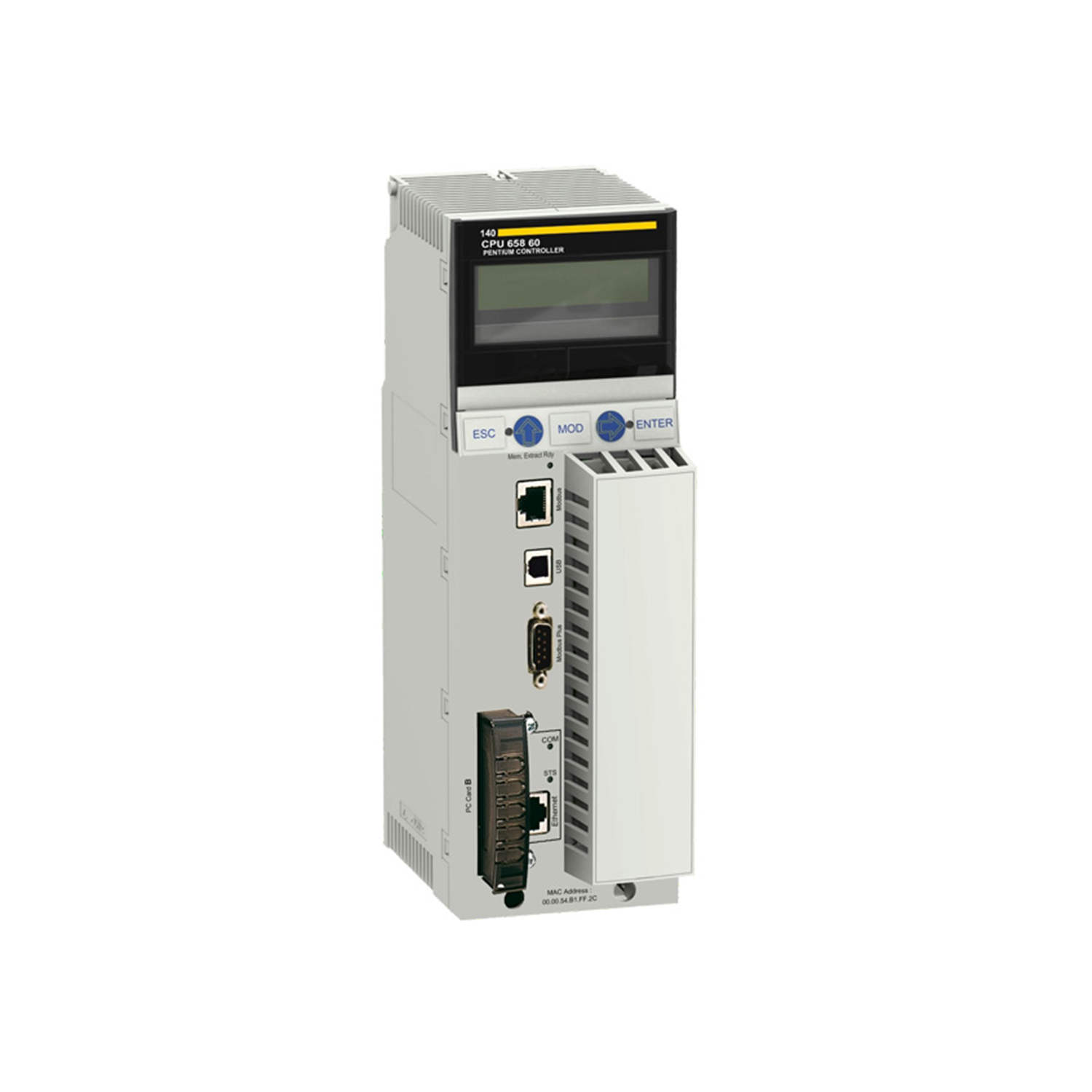
Key parameters for the 140CPU65860 are listed below for quick reference:
| Feature | Specification |
|---|---|
| Clock Speed/Frequency | 266 MHz |
| Memory | 1024 KB (built-in RAM) |
| Program Execution Speed | 30 K instructions/ms |
| Communication Ports | 1 Ethernet (RJ45), 1 Modbus (RS232), 1 Modbus Plus (DB9) |
| Protocol Support | Modbus, TCP/IP, Modbus Plus |
| Number of Slots Supported | Up to 16 in a rack |
| I/O Capacity | Up to 64 racks with 3,072 discrete I/O per rack |
| User Logic Memory | 704 KB |
| Data Storage | Battery-backed SRAM |
| Real-Time Clock | Integrated |
| Operating Temperature Range | 0°C to +60°C |
| Storage Temperature Range | -25°C to +70°C |
| Power Supply Voltage | 24V DC (supplied through the backplane) |
| Power Consumption | 7.2 W |
| Diagnostics | Built-in self-diagnostics and system monitoring |
Industry Applications
For example, in a bottling plant, the 140CPU65860 can manage over 3,000 discrete I/O points per rack across multiple racks, coordinating conveyors, fillers, and cappers. Its 30 K instructions/ms execution speed ensures minimal cycle time. In water treatment facilities, the integrated real-time clock and battery-backed SRAM maintain data integrity during power interruptions, supporting time-stamped logging for compliance.
Installation & Setup Guidance
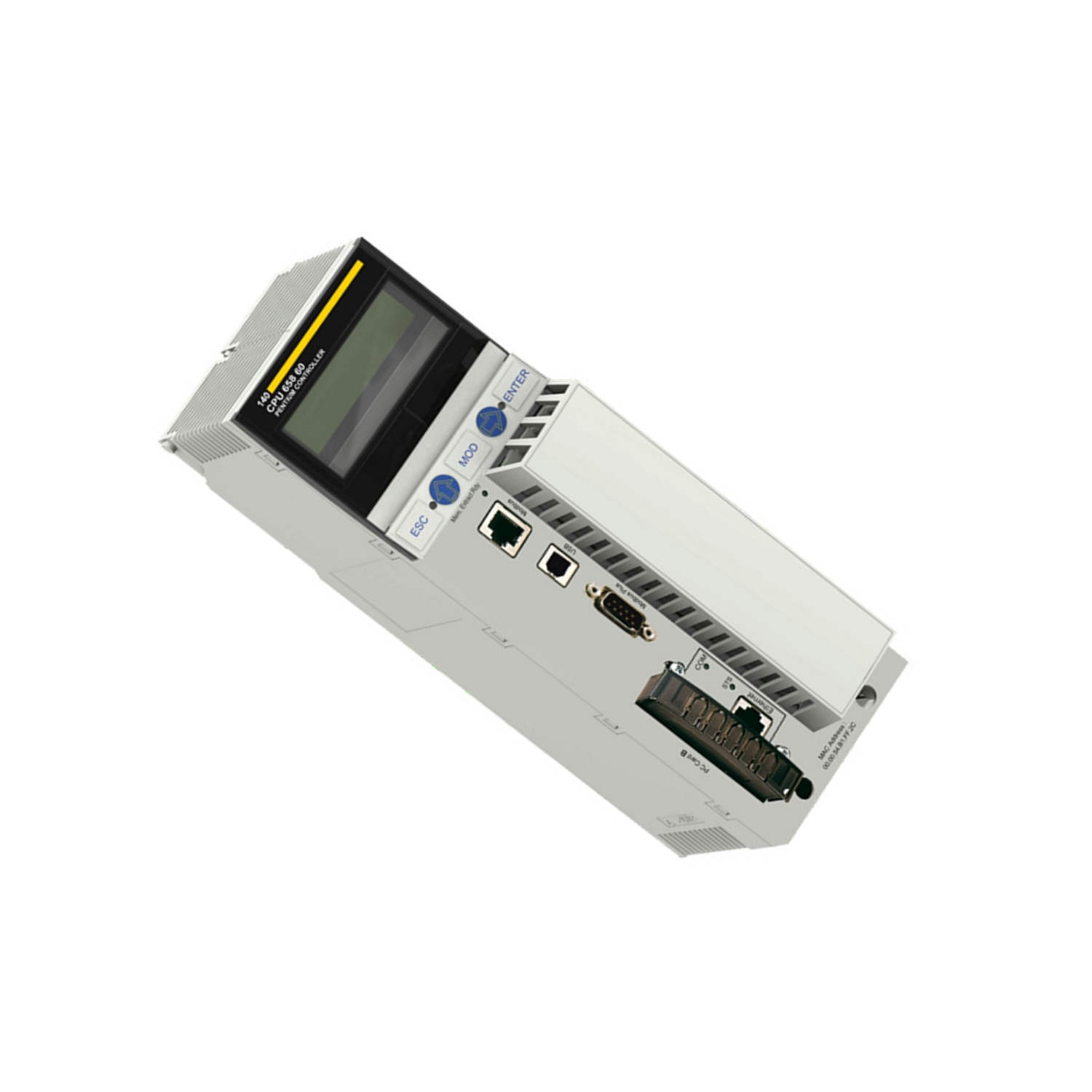
When installing the 140CPU65860, mount it in a Modicon Quantum rack with up to 16 slots. Ensure the backplane supplies stable 24V DC power, as the controller draws 7.2 W. Connect communication cables: use RJ45 for Ethernet TCP/IP, RS232 for Modbus, and DB9 for Modbus Plus. Verify that the key switch on the front panel is set to the desired memory port position before powering up. For distributed I/O, configure up to 63 Modbus Plus stations and up to 31 remote I/O drops via S908 or Ethernet.
Maintenance & Reliability
From a maintenance perspective, the built-in self-diagnostics and system monitoring are invaluable. They allow proactive detection of faults like communication errors or memory corruption. Periodically inspect the battery-backed SRAM to ensure data retention; replace the battery every 5 years or as indicated by the diagnostic LED. Keep the operating environment within 0°C to +60°C to avoid thermal stress. The conformal coating (Humiseal 1A33) protects against moisture and contaminants, but avoid exposing the unit to condensation.
Compatibility & Integration
The 140CPU65860 supports Modbus, TCP/IP, and Modbus Plus protocols, enabling seamless integration with existing Schneider Electric systems and third-party devices. The Ethernet port allows connection to plant-wide SCADA networks, while Modbus Plus links to distributed I/O stations.
Selection Guide & Purchasing Advice
When selecting an Unity processor, consider your I/O count and communication needs. The 140CPU65860 is best for systems requiring high-speed logic and large I/O capacity. At AutoDCSTech, we stock this model and can advise on lifecycle status. Please verify current availability before ordering. We offer competitive pricing and fast shipping for industrial automation parts.
Troubleshooting & Common Issues
If the controller fails to communicate, check the Ethernet RJ45 connection and verify TCP/IP settings. A red Ethernet collision LED indicates network congestion; reduce traffic or use a managed switch. If the Modbus port is unresponsive, confirm baud rate and parity match the connected device. For memory errors, the built-in diagnostics will flag issues; try a cold restart after backing up the program. If the battery-backed SRAM loses data, replace the battery and reload the logic.
Availability & Condition at AutoDCSTech
| Part Number | 140CPU65860 |
|---|---|
| Availability | In Stock |
| Condition | New |
| Warranty | One Year |
| Origin | France |