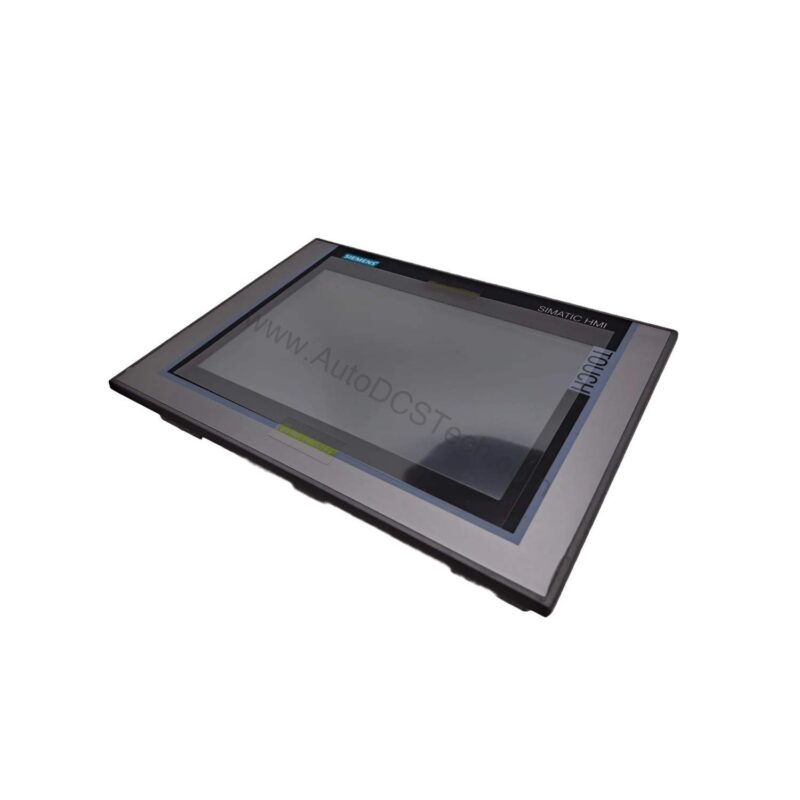
Introduction to the 6AV2124-0JC01-0AX0
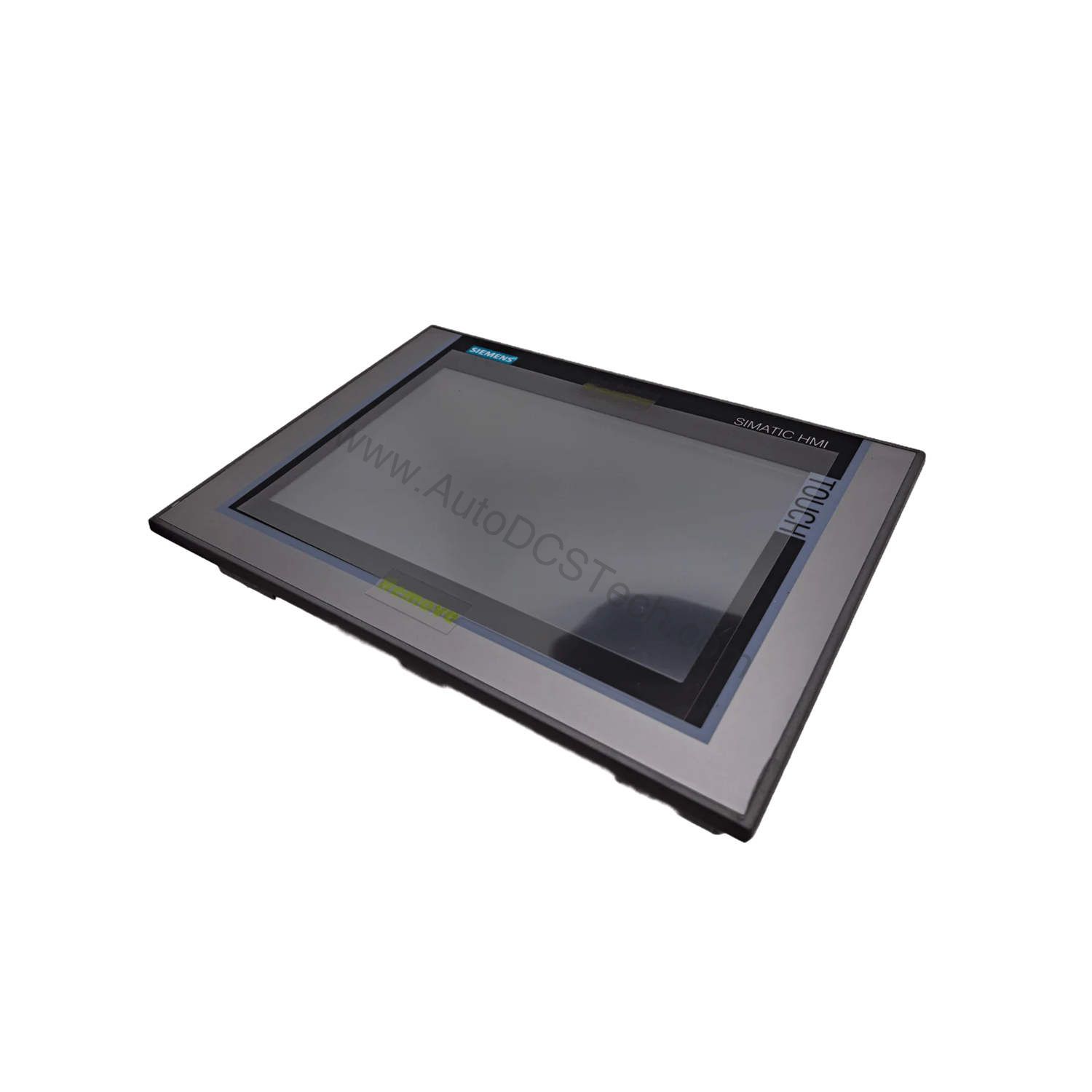
When operators need a dependable interface for complex machinery, the 6AV2124-0JC01-0AX0 from Siemens delivers. This SIMATIC HMI TP900 Comfort panel features a 9-inch widescreen TFT display with 16 million colors. It is engineered for demanding industrial environments where clarity and responsiveness matter.
Part of the Comfort Panel series, this unit supports touch operation with an analog-resistive touch screen. It runs on Windows CE 6.0 and is configurable from WinCC Comfort V11 or later. The panel offers a robust set of connectivity options, including PROFINET and MPI/PROFIBUS DP interfaces.
Key Features and Technical Specifications
The 6AV2124-0JC01-0AX0 is packed with features that streamline process control. Below are the core specifications extracted from the official datasheet.
- Display: 9-inch widescreen TFT, 800 x 480 pixels, 16,777,216 colors
- Backlighting: MTBF 80,000 hours at 25°C, dimmable 0-100%
- Supply Voltage: 24 V DC (range 19.2 V to 28.8 V)
- Input Current: 0.75 A rated; inrush I²t 0.5 A²·s
- Power Consumption: 18 W typical active power
- Processor: X86 type
- Memory: 12 MB user memory, Flash and RAM
- Interfaces: 1x Industrial Ethernet (2 ports, switch), 1x RS 422/485, 2x USB 2.0, 1x USB Mini-B, 2x SD card slots
- Protocols: PROFINET, PROFIBUS, MPI, EtherNet/IP, MODBUS, TCP/IP, DHCP, SNMP, DCP, LLDP
- Degree of Protection: IP65 front, IP20 rear
- Dimensions: 274 mm width, 190 mm height, 62.7 mm depth
- Weight: 1.9 kg without packaging, 2.6 kg with packaging
One standout feature is the 40 direct keys (touch buttons as S7 input I/O), which allow quick operator input without navigating menus. This can significantly speed up repetitive tasks on the shop floor.
Applications and Use Cases
This HMI is suited for a wide range of industrial applications, including machine building, process automation, and packaging lines. Its robust protocol support ensures seamless integration with Siemens and third-party controllers. For example, it can connect to S7-1200, S7-1500, S7-300/400, and even Allen Bradley or Mitsubishi PLCs via supported protocols. The panel's 12 MB memory and 500 configurable images make it ideal for applications requiring detailed process visualization.
Installation and Setup
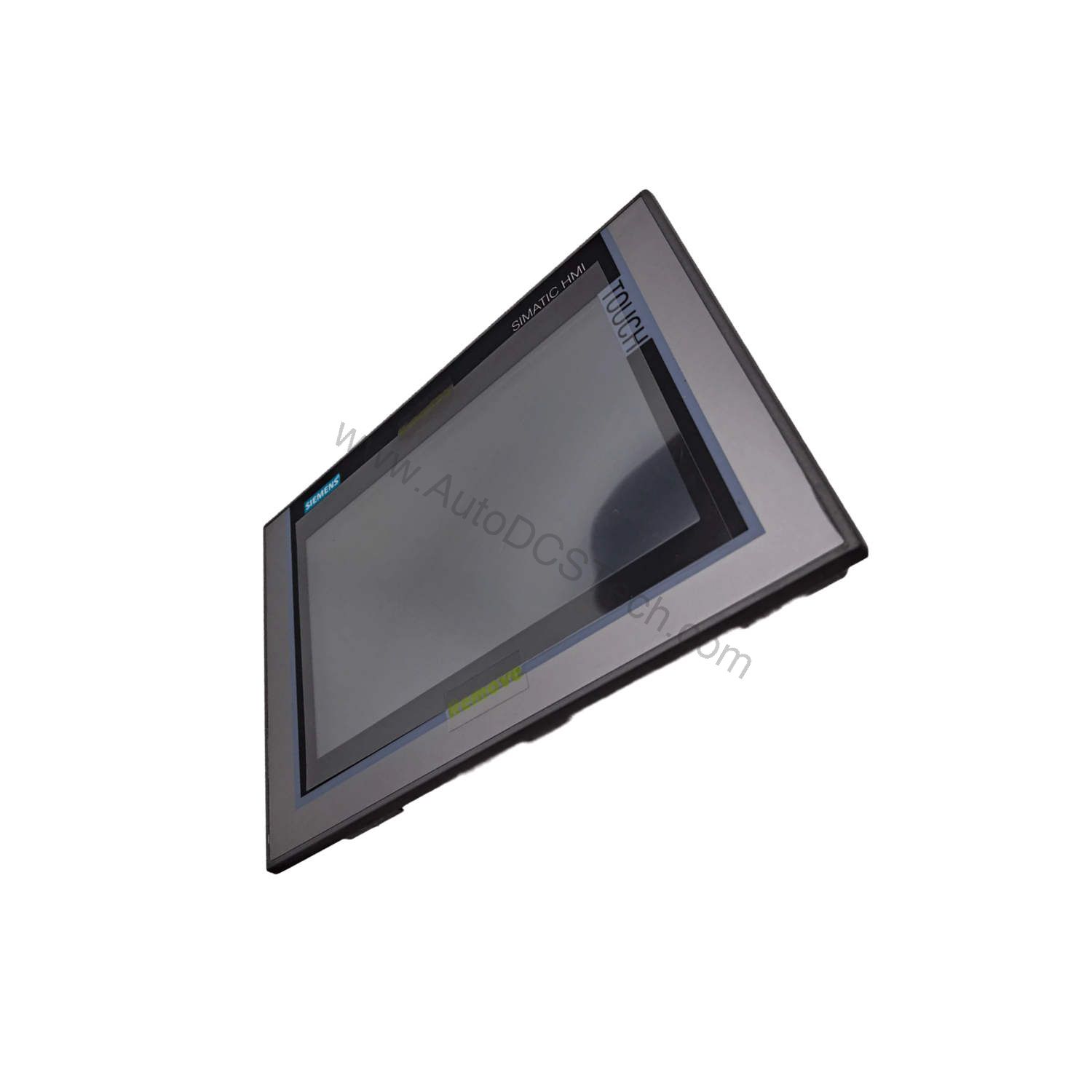
Mounting the 6AV2124-0JC01-0AX0 is straightforward. It supports vertical and landscape orientations, and portrait format is also possible. The maximum permissible tilt angle without external ventilation is 35 degrees. Ensure the mounting cutout is 251 mm by 166 mm, and the overall depth is 62.7 mm. The unit is designed for indoor use only, so avoid outdoor installation. For operation, the ambient temperature must be between 0°C and 50°C for vertical mounting. At maximum tilt, the range is 0°C to 40°C. Always follow the manufacturer's manual for detailed wiring and grounding instructions.
Maintenance and Reliability
To ensure long-term reliability, periodic inspection is recommended. The backlight has an MTBF of 80,000 hours at 25°C, which translates to years of continuous operation. The panel is rated IP65 at the front, protecting against dust and water jets. For maintenance, keep the front surface clean and avoid harsh solvents. Verify that all connections remain secure and that the ambient temperature stays within specified limits. Regular checks per the manufacturer's guidelines will help prevent unexpected downtime.
Compatibility and Integration
This HMI is designed for broad compatibility. It supports PROFINET, PROFIBUS, MPI, EtherNet/IP, and MODBUS, among others. It can communicate with Siemens controllers like S7-1200, S7-1500, S7-200, S7-300/400, LOGO!, WinAC, SINUMERIK, and SIMOTION. It also supports Allen Bradley (EtherNet/IP, DF1), Mitsubishi (MC TCP/IP, FX), and Modicon (Modbus TCP/IP, Modbus). For OPC UA, both client and server are supported, enabling easy data exchange with higher-level systems. The panel includes a web browser, PDF viewer, and media player, expanding its functionality beyond traditional HMI tasks.
Troubleshooting Common Issues
If the display shows no image, first check the DC supply voltage (must be within 19.2 V to 28.8 V). Verify that the backlight is enabled and not dimmed to 0%. For communication issues, confirm that the correct protocol is selected and that the IP settings match the network. If the touch screen becomes unresponsive, recalibrate it via the operating system settings. For persistent problems, refer to the official Siemens documentation or contact AutoDCSTech for support.
Product Support and Availability
The 6AV2124-0JC01-0AX0 is available from AutoDCSTech. Please verify current lifecycle status and availability before ordering. Our team can assist with technical questions and ensure you get the right part for your application.
Availability & Condition at AutoDCSTech
| Part Number | 6AV2124-0JC01-0AX0 |
|---|---|
| Availability | In Stock |
| Condition | New |
| Warranty | One Year |
| Origin | Germany |