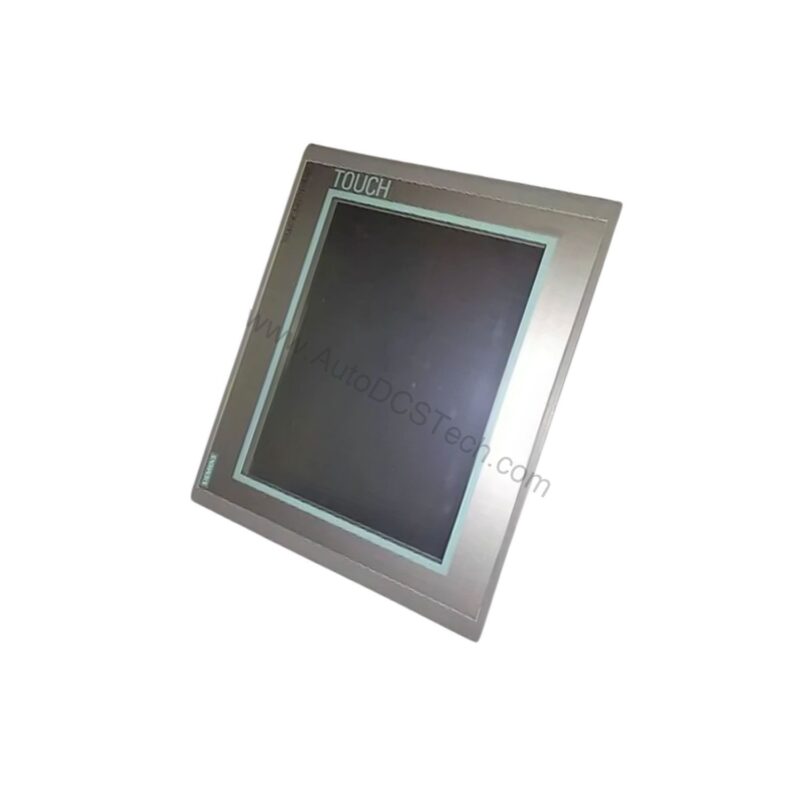
Introduction to the 6AV6644-0AA01-2AX0
When your production line demands a robust and intuitive operator interface, the 6AV6644-0AA01-2AX0 from Siemens delivers. This SIMATIC MP 377 12" Touch Multi Panel is engineered for industrial environments where clarity and responsiveness are non-negotiable. With a 12.1-inch TFT display and 65,536 colors, operators can monitor processes with exceptional visual detail.
The panel's 800 x 600 pixel resolution ensures sharp text and graphics, while the touch screen interface allows for direct and efficient control. Built for demanding applications, this multi panel combines performance with reliability, making it a solid choice for modern automation systems.
Key Features and Technical Specifications
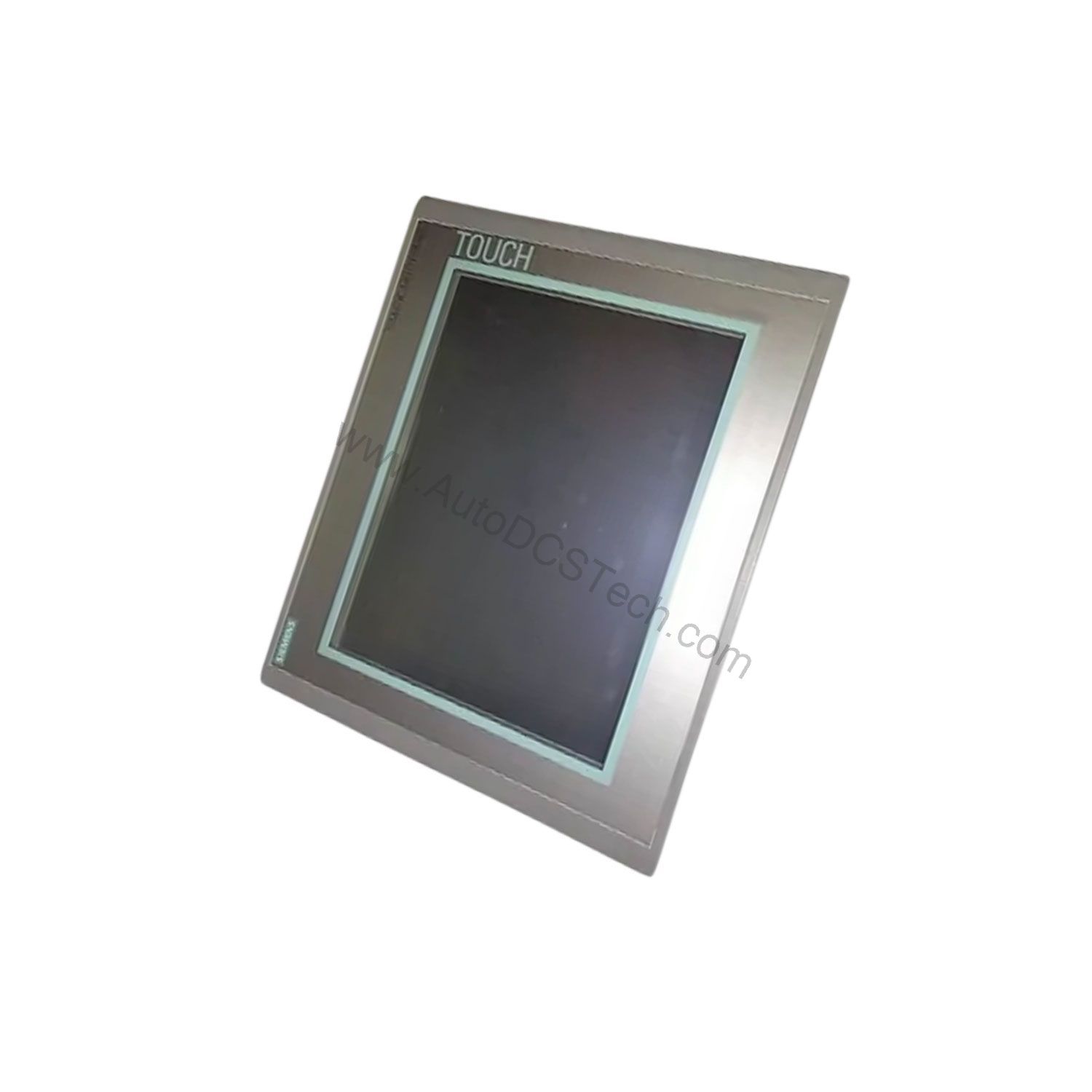
Every specification of the 6AV6644-0AA01-2AX0 is designed to support seamless operation. Below are the core parameters that define this HMI:
- Display: TFT, 12.1-inch diagonal, 800 x 600 pixels
- Color Support: 65,536 colors for detailed process visualization
- Control Elements: Touch screen for intuitive interaction
- Memory: Flash/RAM with 12,288 kbyte for user data
- Expansion: 1x Multimedia Card slot, supports up to 128 MB
- Dimensions: Front 335 mm x 275 mm, cutout 310 mm x 248 mm, depth 72 mm
- Weight: 3.8 kg
One standout feature is the generous 12,288 kbyte user memory. This allows you to store extensive recipes, alarms, and trend data directly on the panel, reducing reliance on external storage. Additionally, the Multimedia Card slot provides a convenient way to transfer data or expand capacity up to 128 MB.
Industry Applications and Use Cases
The 6AV6644-0AA01-2AX0 is versatile enough for a wide range of sectors. In manufacturing, it can serve as a central control point for assembly lines, displaying real-time production metrics. For process industries, the vivid TFT screen helps operators spot deviations quickly, enhancing response times. Furthermore, in packaging or material handling, the touch interface simplifies machine setup and diagnostics. Because the panel supports both numeric and alphabetical input, data entry tasks become straightforward, reducing operator training time.
Installation and Setup Guidance
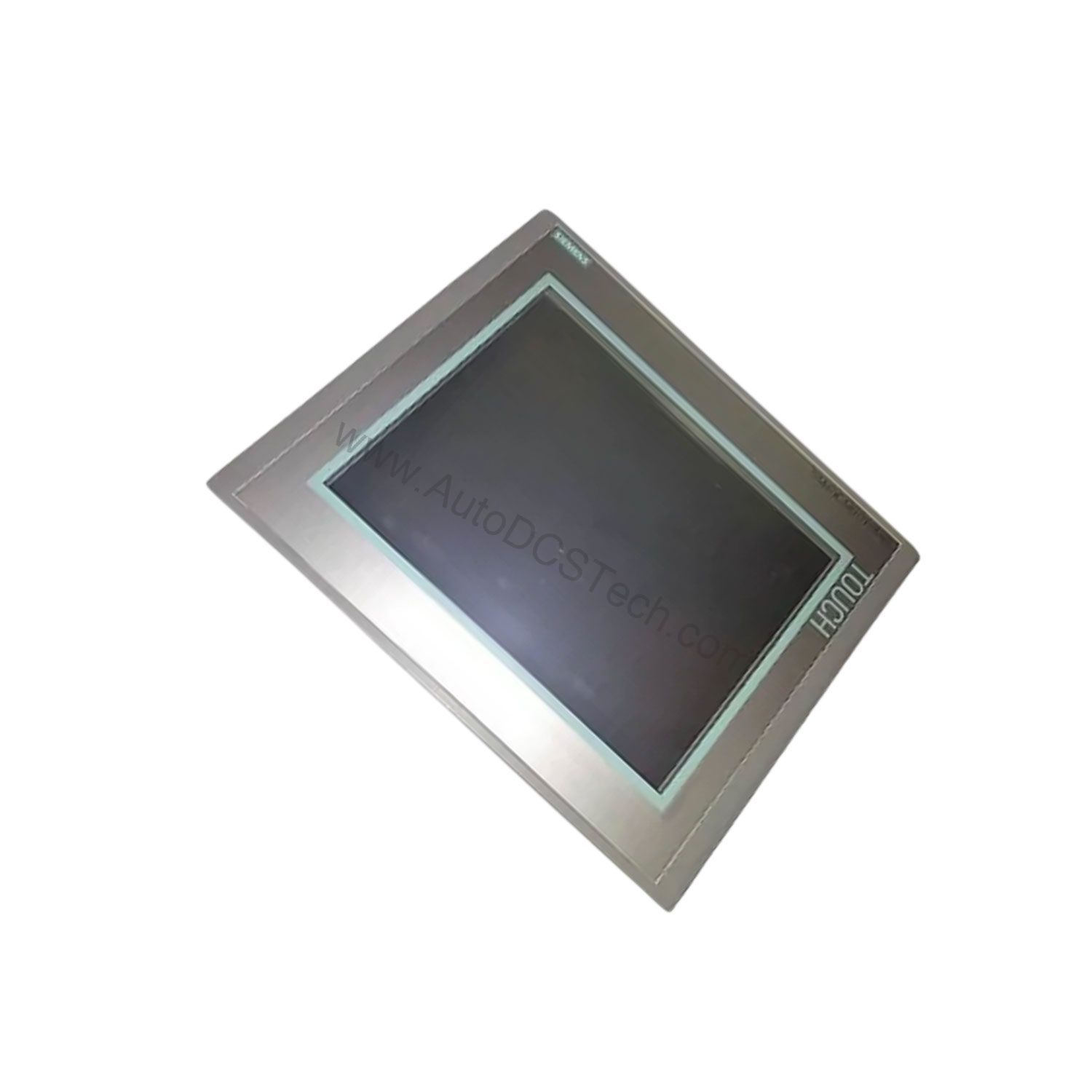
Proper installation ensures optimal performance. The panel's mounting cutout measures 310 mm x 248 mm, so verify your cabinet opening matches these dimensions. The overall depth of 72 mm allows for a relatively slim profile, but ensure adequate clearance for cables and ventilation. When mounting, use the provided clamps to secure the panel firmly. For electrical connections, follow the Siemens manual for the specific pinouts and power requirements. Always confirm that the ambient temperature and humidity are within the specified operating range to avoid overheating or condensation issues.
Maintenance and Reliability
To maintain long-term reliability, periodic inspection is recommended. Check the touch screen for any physical damage or unresponsive areas. Clean the display with a soft, dry cloth to remove dust and fingerprints; avoid harsh solvents. Verify that the Multimedia Card slot cover is secure to prevent dust ingress. Because the panel has no moving parts, its primary wear points are the touch screen and connectors. Regularly inspect cables for signs of wear and ensure they are firmly seated. Following these simple steps can extend the service life of your 6AV6644-0AA01-2AX0 and prevent unexpected downtime.
Compatibility and Integration
The 6AV6644-0AA01-2AX0 is part of the Siemens SIMATIC MP 377 family, designed to integrate with Siemens automation environments. It supports USB connections for mouse, keyboard, and barcode readers, which expands its usability in data-intensive applications. While specific PLC protocols are not listed in the provided data, the panel is typically used with Siemens S7 controllers. For detailed integration steps, refer to the official Siemens documentation or contact AutoDCSTech for guidance.
Troubleshooting Common Issues
If the touch screen becomes unresponsive, first check for any protective film that might interfere. Restart the panel to clear temporary software glitches. Should the display show artifacts, verify the backlight and contrast settings. For memory-related errors, ensure the Multimedia Card is properly inserted and formatted. If problems persist, consult the Siemens support portal or reach out to AutoDCSTech for technical assistance.
Availability and Support
The 6AV6644-0AA01-2AX0 is available from AutoDCSTech. As an industrial automation parts supplier, AutoDCSTech ensures genuine Siemens products and reliable delivery. Contact them for current pricing and lead times. Please verify the lifecycle status of this model before ordering, as availability may vary.
Availability & Condition at AutoDCSTech
| Part Number | 6AV6644-0AA01-2AX0 |
|---|---|
| Availability | In Stock |
| Condition | New |
| Warranty | One Year |
| Origin | Germany |