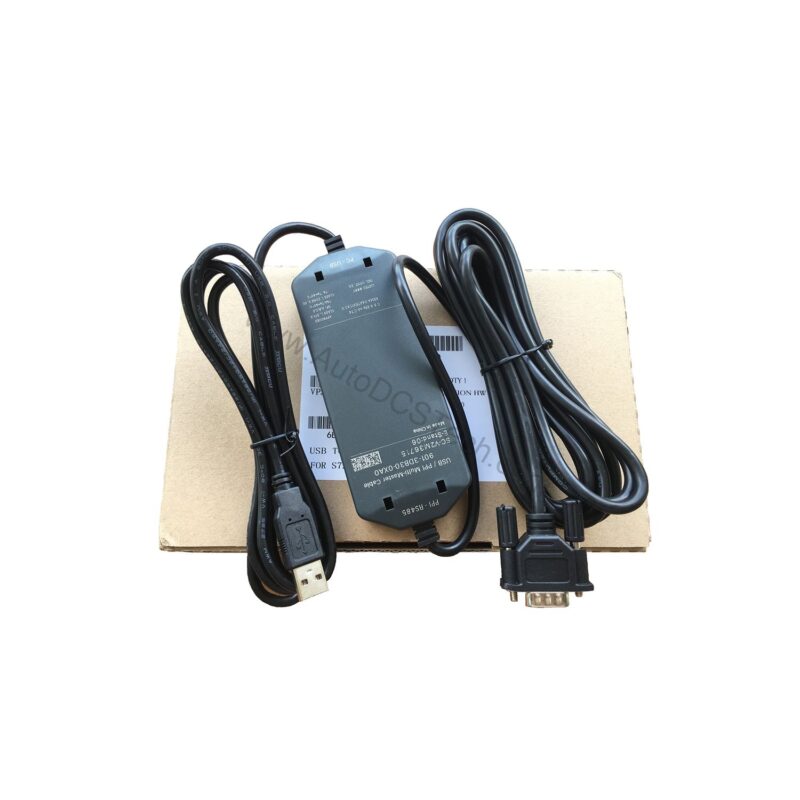
Key Features and Technical Specifications
The 6ES7901-3DB30-0XA0 is engineered for performance and ease of use. Below are the core specifications that define its operation:
- Transmission rate: Supports 9.6, 19.2, and 187.5 kbit/s; no manual setting required.
- Protocol support: PPI (10/11 bit) for direct S7-200 communication.
- LED status indicators: Tx (green) for USB send, Rx (green) for USB receive, and PPI (green) for RS-485 send.
- Power supply: Powered directly from the USB interface, eliminating external adapters.
- Potential separation: Isolated to protect connected equipment.
- Weight: Approximately 300 g, making it portable and easy to handle.
These features combine to provide a robust, user-friendly interface that maintains signal integrity even in industrial environments.
Applications and Use Cases
Common scenarios include:
- Uploading or downloading programs to S7-200 CPUs.
- Monitoring real-time process variables during commissioning.
- Establishing a temporary link for troubleshooting on the shop floor.
- Integrating S7-200 systems with PC-based SCADA or HMI software.
Because it supports multi-master PPI, you can also use it in networks with multiple programming devices or operator panels, ensuring flexible access without conflicts.
Installation and Setup
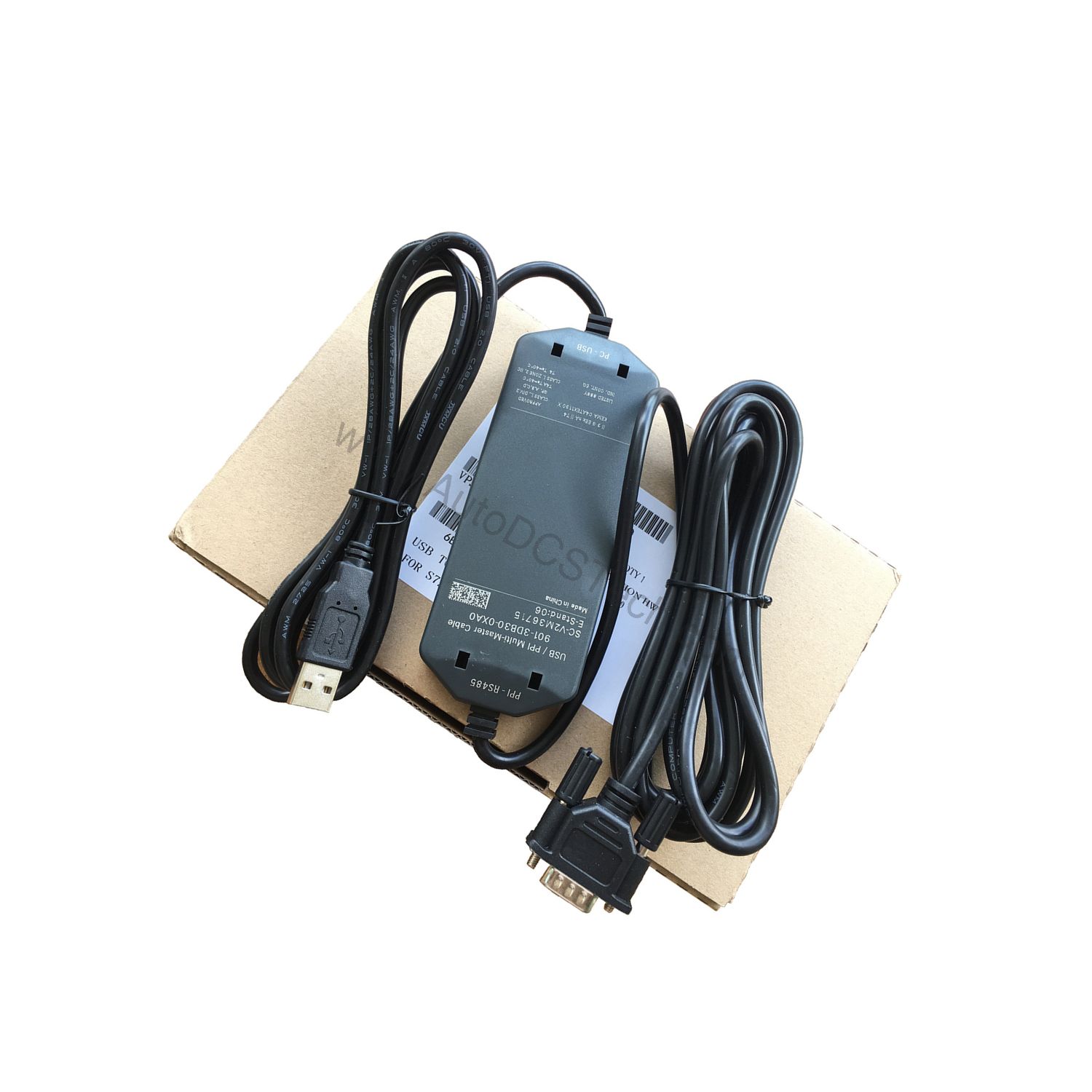
Setting up the 6ES7901-3DB30-0XA0 is straightforward. Simply connect the USB end to your PC and the RS-485 end to the S7-200's programming port. The cable draws power from the USB port, so no external supply is needed. The transmission rate is automatically negotiated, eliminating the need for DIP switches or software configuration.
For best results, use a quality USB port that provides stable power. Avoid extension cables unless necessary, as they can introduce voltage drops. Once connected, the green LEDs confirm active data transmission, giving you immediate visual feedback.
Maintenance and Reliability
Industrial cables are subject to wear, so periodic inspection is recommended. Check the connectors for dust, corrosion, or bent pins. The cable's potential separation helps protect against ground loops, but regular checks ensure long-term reliability. Since there are no moving parts, the main failure point is physical damage—so handle the cable with care and avoid sharp bends.
With proper handling, this cable can provide years of dependable service, minimizing downtime and reducing replacement costs.
Compatibility and Integration
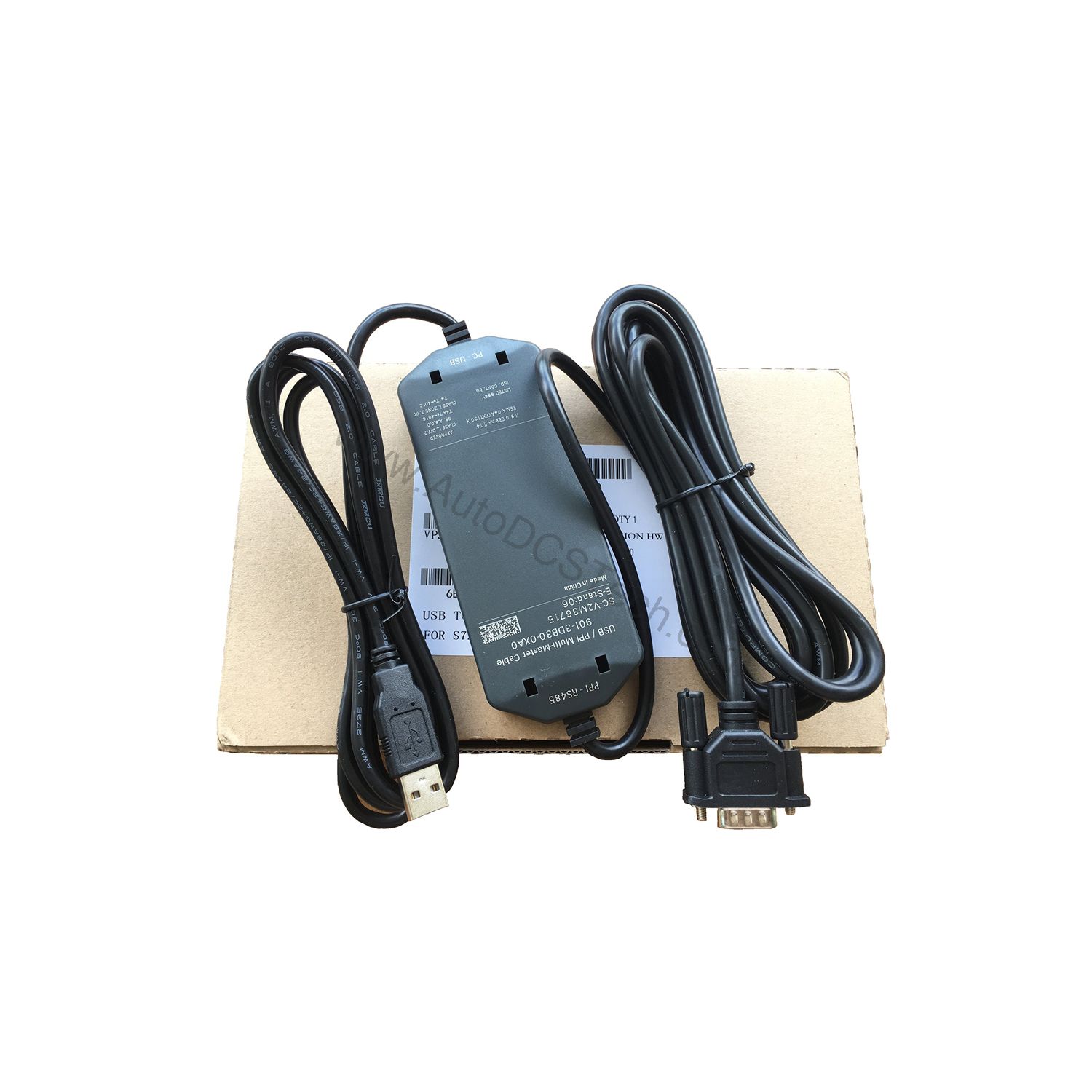
The 6ES7901-3DB30-0XA0 is designed for use with SIMATIC S7-200 PLCs. It supports the PPI protocol, which is the native communication method for S7-200 CPUs. This cable is not intended for Freeport communication, as noted in the datasheet, so it is best suited for programming and HMI connections.
It works with Siemens STEP 7-Micro/WIN software and any PC with an USB port. The multi-master feature allows integration into existing PPI networks without disrupting other masters.
Troubleshooting Common Issues
If communication fails, first check the LED indicators. If the Tx or Rx LEDs are not lit, verify the USB connection and PC driver installation. If the PPI LED is off, confirm the RS-485 connection to the PLC and that the PLC is powered. Also ensure that the correct COM port is selected in your programming software.
Because the cable supports multiple baud rates automatically, you should not need to adjust settings. However, if you experience intermittent errors, try a different USB port or check for electromagnetic interference near the cable.
Product Support and Availability
The 6ES7901-3DB30-0XA0 is available from AutoDCSTech. Contact our team for current stock and delivery options. We are committed to providing genuine Siemens parts and responsive support for your automation needs.
Availability & Condition at AutoDCSTech
| Part Number | 6ES7901-3DB30-0XA0 |
|---|---|
| Availability | In Stock |
| Condition | New |
| Warranty | One Year |
| Origin | Germany |