Product Overview
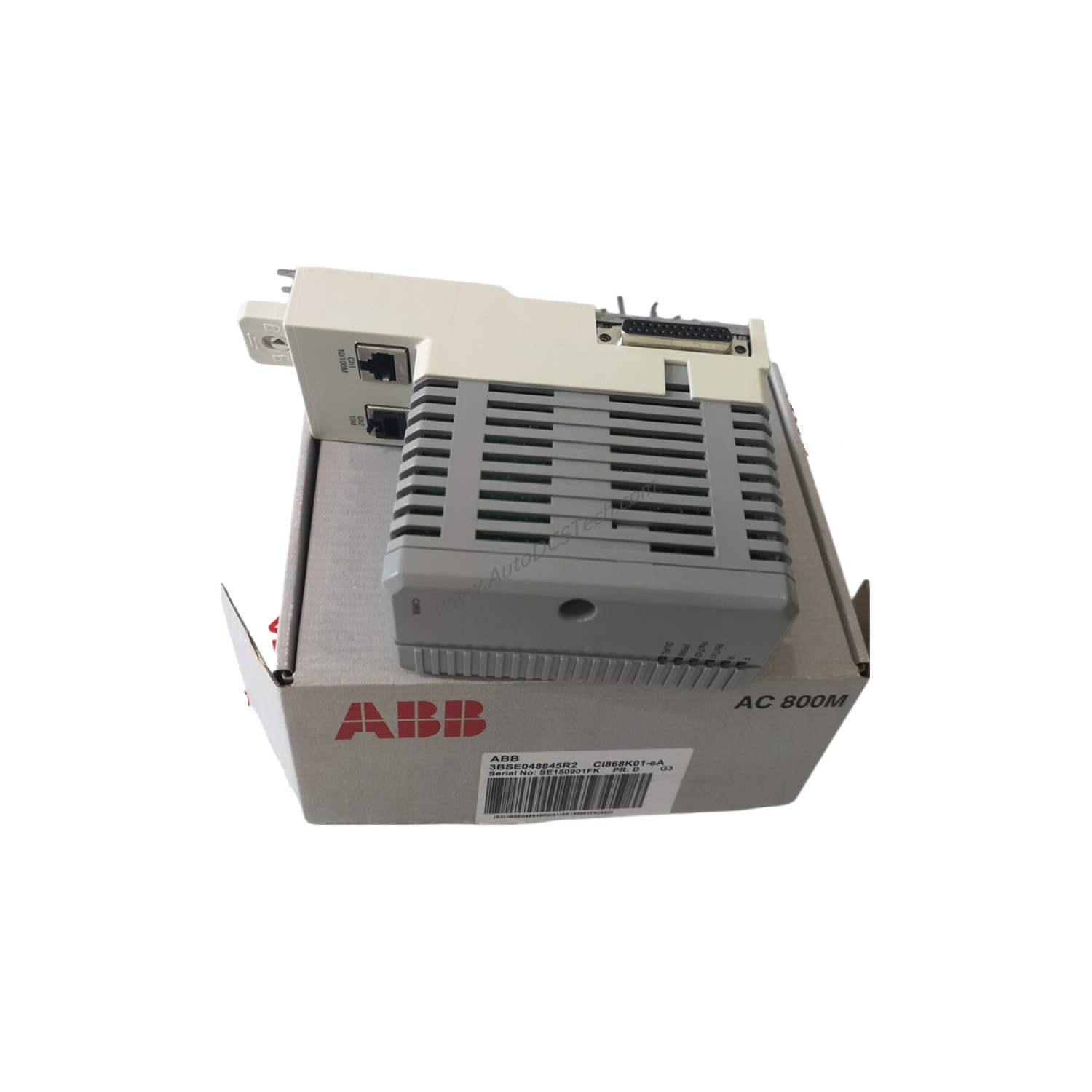
The Allen-Bradley 1756-ENBT ControlLogix EtherNet/IP Bridge Module is a copper communication module designed for transferring large volumes of data over Ethernet networks. As part of the ControlLogix series from Rockwell Automation, this module handles up to 64 TCP and 128 CIP connections, enabling high-speed processor interlocking, distributed I/O control, and routing to devices on different NetLinx networks. This capability simplifies network architecture and reduces maintenance costs by consolidating control, configuration, and data collection onto a single EtherNet/IP network.
Technical Specifications Breakdown
Key parameters for the 1756-ENBT are listed below for quick reference:
| Feature | Specification |
|---|---|
| Manufacturer | Rockwell Automation |
| Brand | Allen-Bradley |
| Part Number/Catalog No. | 1756-ENBT |
| Module Type | Ethernet Communication Module |
| Series | ControlLogix |
| Current Draw (5.1 Volt DC) | 700 milliamps |
| Ethernet-IP Communication Rate | 10/100 Mbps |
| Current Draw (24 Volt DC) | 3 milliamps |
| Integrated Ports | One (1) RJ45; One (1) USB 1.1 |
| Insulation Voltage | 30 Volts Continuous |
| Enclosure | Open |
| Location | Chassis (any slot) |
| Slot Width | 1 |
| Operating Temperature | 32 to 140 degrees Fahrenheit (0 to 60 degrees Celsius) |
| Power Dissipation | 3.7 W |
| Thermal Dissipation | 12.6 BTU/hr |
Industry Applications
For example, in a packaging line, it can route data between remote sensors and a central controller, reducing wiring complexity. In material handling systems, it supports high-speed interlocking between processors, enhancing throughput. Its ability to handle 128 CIP connections makes it suitable for large-scale SCADA networks where multiple devices need simultaneous communication.
Installation & Setup Guidance
Install the module into any slot of a ControlLogix chassis. Ensure the chassis is powered off before insertion. Connect the RJ45 port to an Ethernet switch using a standard twisted-pair cable. The USB 1.1 port can be used for local configuration. After powering up, assign an IP address via BOOTP/DHCP or using RSLogix 5000 software (version 16.03.00 or later for unicast support). Verify link status by checking the port LEDs.
Maintenance & Reliability
Periodically inspect the module for dust accumulation and ensure ambient temperature stays within 32 to 140 degrees Fahrenheit (0 to 60 degrees Celsius). The open enclosure design requires installation in a clean, dry environment. Monitor the module's web interface for diagnostics such as IP traffic and connection management to preempt network issues.
Compatibility & Integration
It is backwards compatible with earlier revisions and can act as a Remote I/O Adapter when placed in a remote chassis. It supports 64 TCP/IP connections and 128 Logix connections, along with 64 + 64 CIP unconnected messages (backplane + Ethernet). Socket services and SNMP support (password required) are available. Duplicate IP detection is supported starting in Revision 3.3.
Selection Guide & Purchasing Advice
When selecting this module, verify your network requires 10/100 Mbps speed and up to 64 TCP connections. For higher packet rates, consider newer modules. Contact AutoDCSTech to confirm current lifecycle status and availability before ordering. We stock genuine Allen-Bradley parts and can advise on compatibility with your existing ControlLogix system.
Troubleshooting & Common Issues
If the module fails to communicate, check the RJ45 cable and ensure the Ethernet switch is operational. Verify the IP address is unique using duplicate IP detection (Revision 3.3+). If packet rates drop below expected 500 pps I/O or 900 pps HMI/MSG, review network traffic and connection counts. The web interface provides collision histograms and connection management data for deeper diagnosis.
Availability & Condition at AutoDCSTech
| Part Number | 1756-ENBT |
|---|---|
| Availability | In Stock |
| Condition | New |
| Warranty | One Year |
| Origin | US |