Technical Specifications Breakdown
Key parameters for the 2711P-B10C15D7 are listed below for quick reference:
| Feature | Specification |
|---|---|
| Manufacturer | Rockwell Automation |
| Brand | Allen-Bradley |
| Part Number | 2711P-B10C15D7 |
| Product Line | PanelView Plus 1000 |
| Display Size | 10.4 in. |
| Display Color | Color |
| Input Type | Keypad/Touchscreen |
| Communication | ControlNet |
| Input Power | 18-32 VDC |
| Memory | 256 MB |
| Backlight Part Number | 2711P-RL10C |
| Communication Cable | 1747-KFC15A |
| Shipping Weight | 10 lbs. |
| Shipping Dimensions | 18 x 14 x 8 in |
| Series | Ser A, B, C, D, and F |
| Product Lifecycle Status | Discontinued/Obsolete |
This operator terminal is particularly effective in manufacturing lines where real-time data visibility is critical. For example, in a packaging plant, the 2711P-B10C15D7 can display machine status, production counts, and alarm messages while allowing operators to adjust parameters via the keypad or touchscreen.
Another common application is in material handling systems, where the HMI provides a central interface for conveyor controls, sorting logic, and safety interlocks. The 10.4-inch color display offers clear graphics, reducing the risk of operator error. Because the terminal supports both scheduled and unscheduled access to controller data, it can handle both time-critical and on-demand data exchanges efficiently.
Installation & Setup Guidance
When installing the 2711P-B10C15D7, ensure the power supply provides a stable 18-32 VDC input. Verify that the voltage is within this range before connecting to avoid damage. For communication, use the designated ControlNet cable (1747-KFC15A) and ensure proper network termination. The terminal features a Network Access port for local connection to the ControlNet network, which simplifies commissioning and diagnostics. Mount the unit in a location that allows adequate ventilation and easy operator access. Always follow the manufacturer's guidelines for panel cutout dimensions and clearance.
Maintenance & Reliability
Regular maintenance of the HMI includes periodic inspection of the display and touchscreen for physical damage. Clean the screen with a soft, dry cloth to maintain visibility. Check the backlight periodically; if the display becomes dim, the backlight (part number 2711P-RL10C) may need replacement. Also, inspect the power connections and communication cables for wear or loose connections. Environmental factors such as dust, moisture, and extreme temperatures can affect performance, so keep the enclosure clean and within specified operating conditions. Since the product is discontinued, it is advisable to verify availability and lifecycle status with AutoDCSTech before ordering.
Why the 2711P-B10C15D7 Remains a Trusted HMI Choice
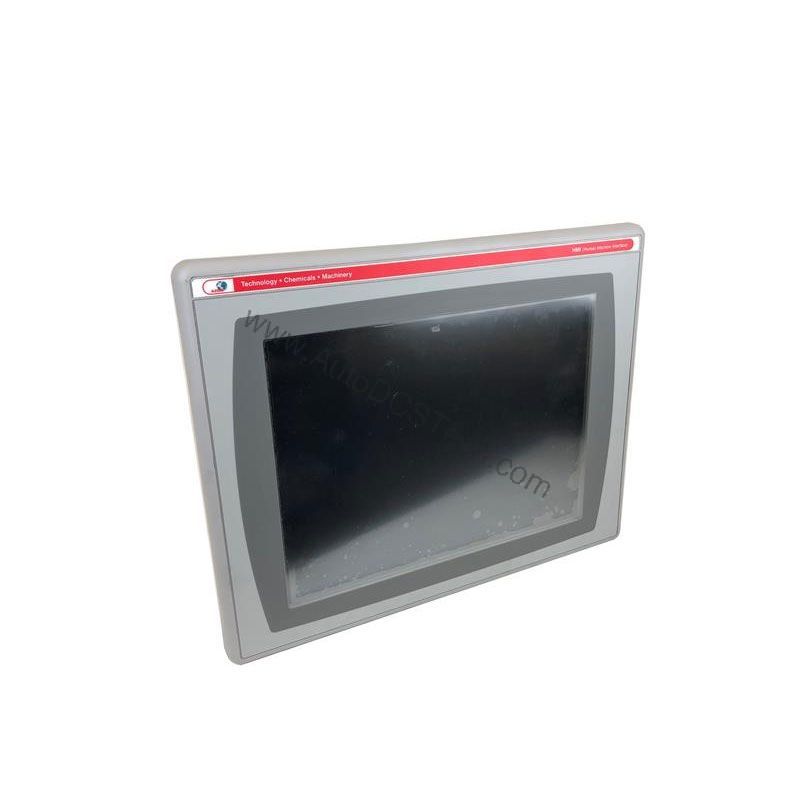
Industrial operators often face a common challenge: how to maintain clear visibility and precise control over machines that operate in demanding environments. The Allen-Bradley 2711P-B10C15D7, part of the PanelView Plus 1000 series, addresses this need with a robust 10.4-inch color display and dual input options. This operator terminal is engineered to interface directly with your machinery, displaying application data in real time and accepting commands through a physical keypad or touchscreen. When you need a dependable, field-proven HMI, this model delivers the performance you expect from Rockwell Automation.
Compatibility & Integration
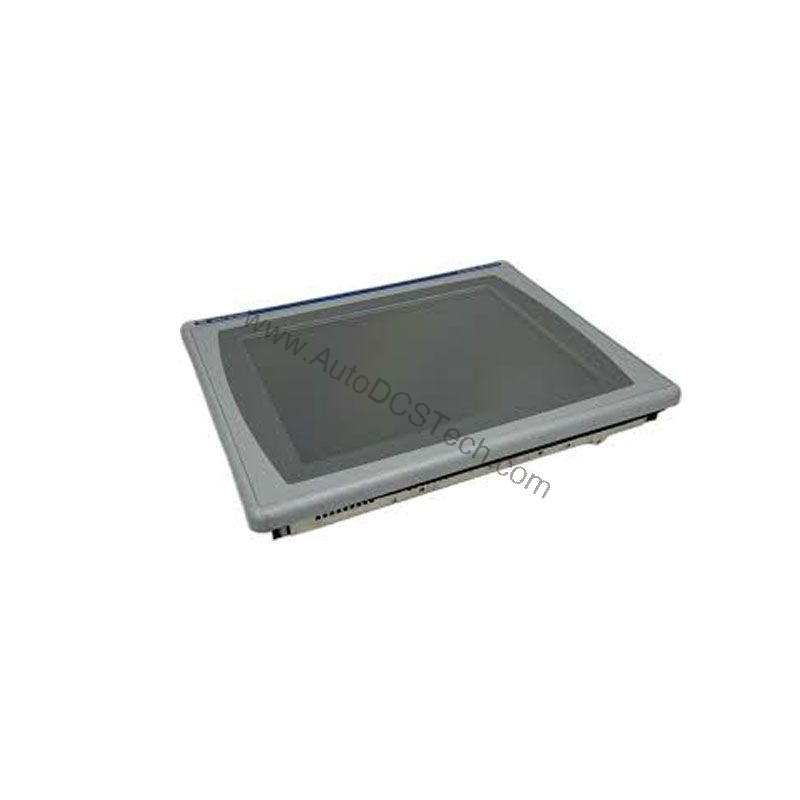
The 2711P-B10C15D7 is designed for ControlNet networks, supporting both scheduled and unscheduled data access. It can connect to single or multiple controllers on an unique ControlNet network, and it supports redundant cabling for enhanced reliability. When used with a ControlLogix system, the terminal supports symbolic CIP addressing, simplifying tag-based programming. This makes integration into existing Rockwell Automation architectures straightforward. The included communication cable (1747-KFC15A) ensures proper connectivity, and the Network Access port allows local troubleshooting.
Selection Guide & Purchasing Advice
Because the 2711P-B10C15D7 is discontinued, sourcing a reliable unit requires a trusted supplier. AutoDCSTech specializes in industrial automation parts and can help you verify the authenticity and condition of the terminal. When purchasing, confirm the series (A, B, C, D, or F) and check that the unit includes the necessary backlight and communication cable. Consider your application's specific requirements, such as display size, input method, and network protocol, to ensure the 2711P-B10C15D7 meets your needs. AutoDCSTech offers competitive pricing and fast shipping, making them a dependable partner for your automation spares.
Troubleshooting & Common Issues
If the HMI fails to power up, first check the input power supply to ensure it is within the 18-32 VDC range. Verify that the power terminals are securely connected. If the display is blank but the unit is powered, the backlight may be faulty; replace it with the 2711P-RL10C. Communication issues often stem from incorrect network settings or cabling problems. Confirm that the ControlNet cable is properly seated and that the network is terminated correctly. For persistent issues, consult the user manual or contact AutoDCSTech for technical support. Always power down the unit before performing any hardware checks.
Availability & Condition at AutoDCSTech
| Part Number | 2711P-B10C15D7 |
|---|---|
| Availability | In Stock |
| Condition | New |
| Warranty | One Year |
| Origin | US |