Product Overview
The Allen-Bradley 2711P-B10C1D6 is a touch screen panel from the PanelView Plus series, engineered for industrial human-machine interface (HMI) applications. This screen panel provides operators with a reliable, interactive interface for monitoring and controlling automated processes. With its slim profile and robust design, it fits easily into control cabinets and operator stations where space is at a premium. Whether you are upgrading an existing line or building a new system, this component offers the durability and functionality required for demanding environments.
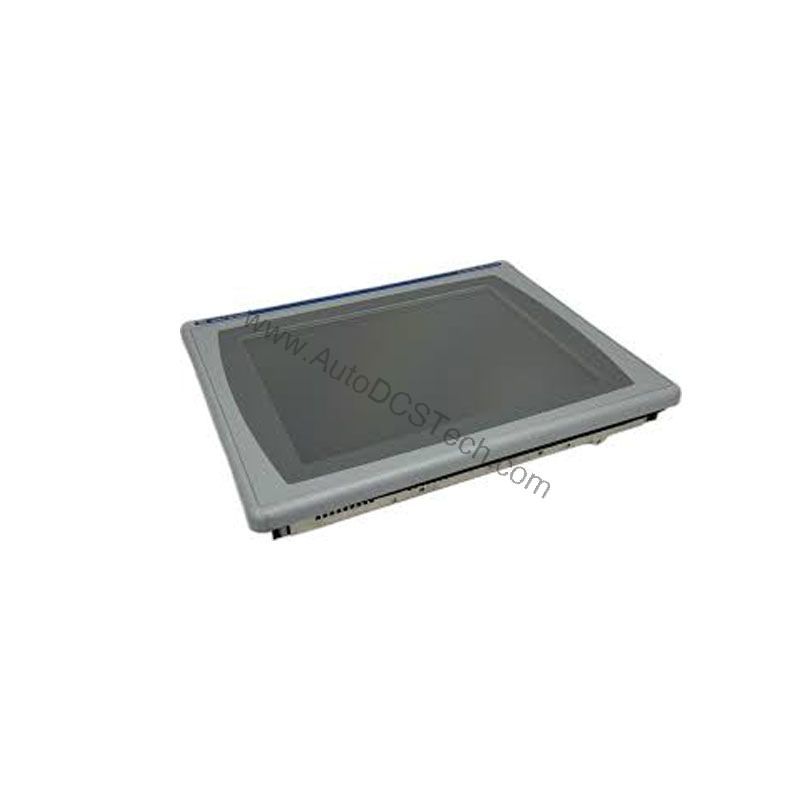
Technical Specifications Breakdown
Key parameters for the 2711P-B10C1D6 are listed below for quick reference:
| Feature | Specification |
|---|---|
| Manufacturer | Allen Bradley |
| Series | PanelView Plus |
| Part Number | 2711P-B10C1D6 |
| Product Type | Screen Panel |
| Screen Type | Touch |
| Length | 231 mm |
| Width | 176.5 mm |
| Thickness | 2.2 mm |
| Protection Class | IP20 |
| Connecting Port Length | 80 mm |
| Maximum Ambient Temperature | 40 degrees Celsius |
| Minimum Ambient Temperature | 0 degrees Celsius |
| Operating Humidity Range | 5 to 95% (non-condensing) |
| Storage Humidity Range | 5 to 95% (non-condensing) |
| Maximum Altitude | 1000 meters above sea level |
Industry Applications
The 2711P-B10C1D6 is well-suited for a variety of industrial control systems. In manufacturing, it can serve as a local operator interface for machine control, allowing operators to view real-time data and input commands. In process industries, it can be used to monitor parameters such as temperature and pressure, helping maintain consistent product quality. The wide operating humidity range (5 to 95% non-condensing) ensures reliable performance even in humid environments, such as food processing plants or textile mills.
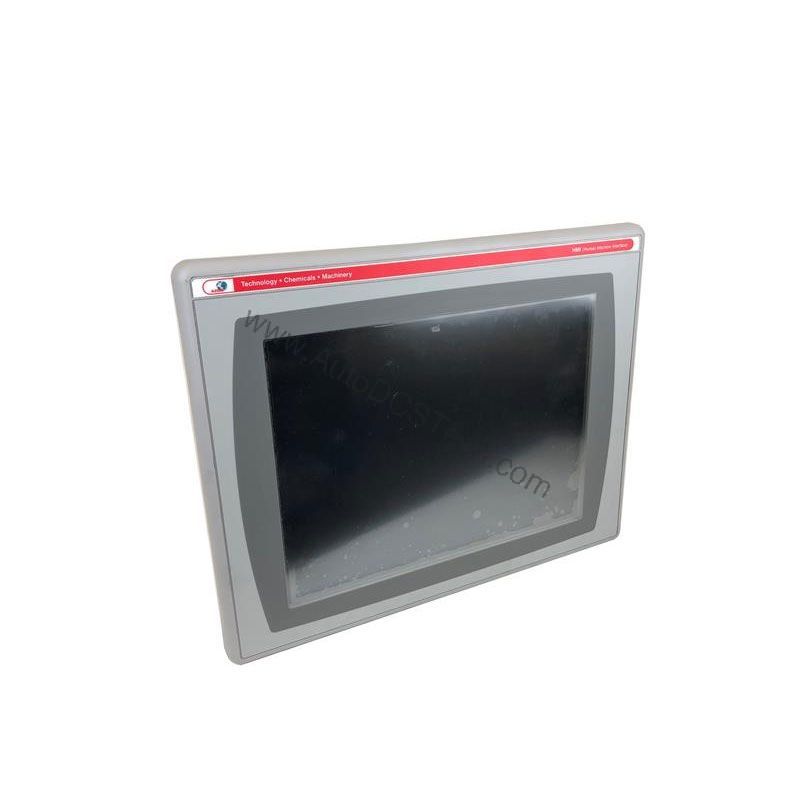
Installation & Setup Guidance
When installing the 2711P-B10C1D6, ensure that the mounting location provides adequate clearance for the connecting port, which extends 80 mm. The panel's dimensions (231 mm length, 176.5 mm width, and 2.2 mm thickness) allow for standard panel cutouts, but always verify the cutout dimensions against the actual product. The ambient temperature should be maintained between 0 and 40 degrees Celsius to ensure proper operation. Avoid placing the unit near heat sources or in direct sunlight. For altitude, the device is rated for operation up to 1000 meters above sea level; for installations at higher altitudes, consult with AutoDCSTech for guidance.
Maintenance & Reliability
Regular inspection of the touch screen panel is recommended to ensure long-term reliability. Check the screen for cracks or scratches that could impair touch sensitivity. Clean the screen with a soft, dry cloth to remove dust and debris. Verify that the connecting port is securely fastened and free from corrosion. Because the unit is rated IP20, it is not protected against moisture, so keep it away from water or condensation. Periodically test the touch response to ensure accurate input. If the panel is used in a high-vibration environment, check the mounting hardware periodically to prevent loosening.
Compatibility & Integration
The PanelView Plus series is designed to integrate with Allen-Bradley control systems. The 2711P-B10C1D6 can be used with various communication protocols commonly found in industrial automation, such as EtherNet/IP, ControlNet, and DeviceNet (note: specific protocol support should be verified with the product documentation). When integrating into an existing system, ensure that the software version on the panel is compatible with your controller's firmware. For detailed integration steps, refer to the user manual or contact AutoDCSTech for technical support.
Selection Guide & Purchasing Advice
When selecting a touch screen panel for your application, consider the environmental conditions, mounting space, and required connectivity. The 2711P-B10C1D6 offers a balance of performance and durability for many industrial settings. If you need a panel with higher protection (e.g., IP65), you may need to look at other models. For this product, AutoDCSTech provides genuine Allen-Bradley parts with competitive pricing. Please verify current lifecycle status and availability with AutoDCSTech before ordering. Our team can help you confirm that this model meets your requirements and is in stock.
Troubleshooting & Common Issues
If the touch screen is unresponsive, first check that the panel is powered and the connecting cable is secure. If the display is blank, verify that the backlight is functioning and that the brightness setting is not set to minimum. For communication issues, ensure that the network settings (IP address, subnet mask) are correctly configured. If the panel shows an error message, refer to the user manual for the specific error code. In case of persistent issues, contact AutoDCSTech for technical assistance. Do not attempt to disassemble the unit, as this may void warranty and cause damage.
Availability & Condition at AutoDCSTech
| Part Number | 2711P-B10C1D6 |
|---|---|
| Availability | In Stock |
| Condition | New |
| Warranty | One Year |
| Origin | US |