Overview
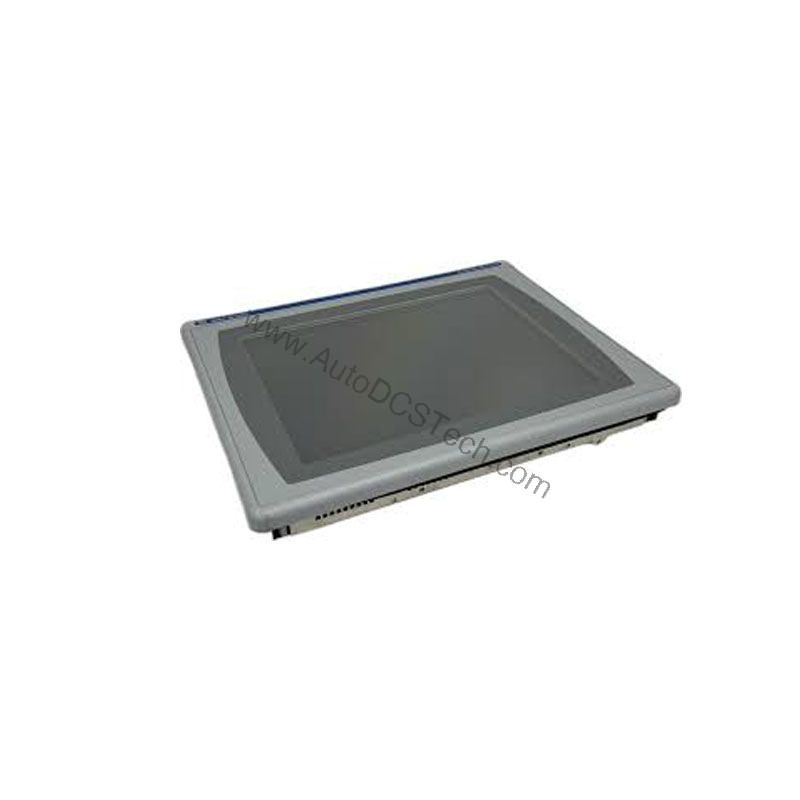
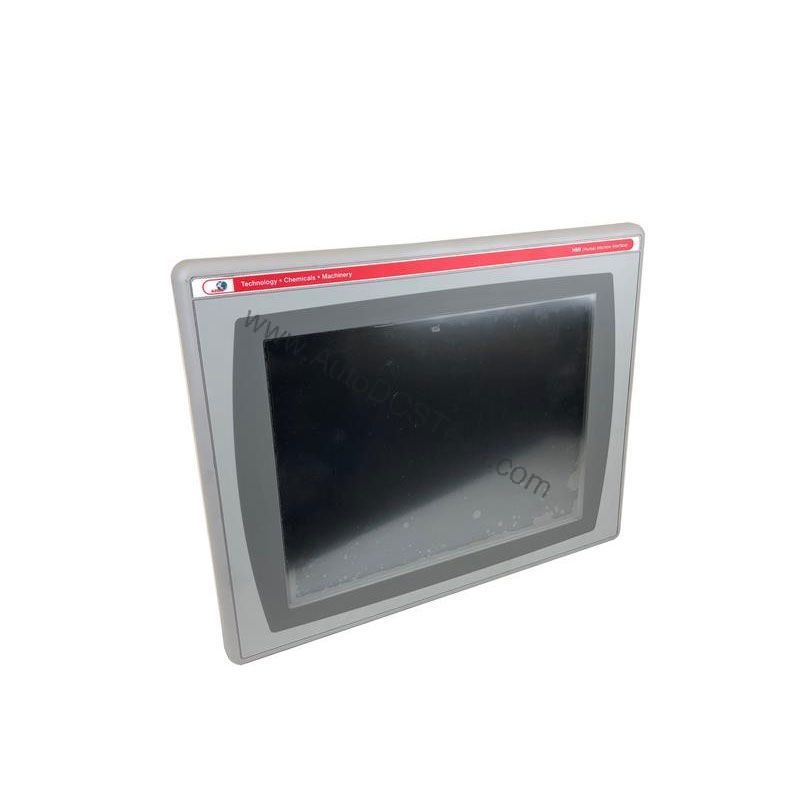
For maintenance engineers and automation specialists, the Allen-Bradley 2711P-B12C1D2 interface terminal delivers a dependable operator interface for demanding production environments. As part of the PanelView Plus 1250 series, this unit combines a 12.1-inch color display with dual input methods—keypad and touchscreen—to accommodate a wide range of operator preferences and application requirements.
Technical Specifications Breakdown
Key parameters for the 2711P-B12C1D2 are listed below for quick reference:
| Feature | Specification |
|---|---|
| Manufacturer | Allen Bradley |
| Series | PanelView Plus 1250 |
| Part Number | 2711P-B12C1D2 |
| Product Type | Interface Terminal |
| Remote I/O Communication | Supported |
| Display Type | Color Display |
| Keypad Input | Supported |
| Touchscreen Input | Supported |
| Memory | 128 MB |
| Voltage Type | DC |
| Screen Size | 12.1 Inches |
| Operating Temperature | 0 to 40 degrees Celsius |
| Storage Temperature | 0 to 50 degrees Celsius |
| Operating Humidity | 80% Max. (Non-Condensing) |
| Storage Humidity | 80% Max. (Non-Condensing) |
| Maximum Operating Altitude | 1000m above sea level |
Industry Applications
The 2711P-B12C1D2 is well-suited for applications where operators need a clear, responsive interface to monitor and control processes. Its 12.1-inch color display provides a readable overview of machine status, alarms, and production data. The support for both keypad and touchscreen input makes it flexible for different operator skill levels and environments, such as those requiring gloves or where touchscreens may be less practical.
With remote I/O communication support, this terminal integrates into existing control architectures, allowing centralized monitoring and control from a single point. This capability is particularly valuable in material handling, packaging, and batch processing lines where distributed I/O is common.
Installation & Setup Guidance
When installing the 2711P-B12C1D2, ensure the operating environment stays within the specified temperature and humidity ranges. The unit is rated for 0 to 40 degrees Celsius operating temperature and up to 80% non-condensing humidity. Avoid placing it near heat sources or in direct sunlight, which could exceed these limits.
For DC power connections, verify the supply voltage matches the terminal's DC voltage requirement. Proper grounding and shielding of communication cables are essential to prevent electromagnetic interference. Refer to the user manual for specific wiring diagrams and configuration steps.
Maintenance & Reliability
Regular inspection of the terminal is recommended to ensure reliable operation. Check the display for any physical damage or discoloration. Clean the screen with a soft, dry cloth to maintain touchscreen responsiveness. Periodically verify that all connectors are secure and free from corrosion.
Given the operating humidity limit of 80% non-condensing, ensure the enclosure provides adequate ventilation to prevent condensation. The terminal is designed to operate at altitudes up to 1000 meters above sea level; installations above this altitude may require derating considerations.
Compatibility & Integration
The 2711P-B12C1D2 supports remote I/O communication, enabling it to connect with Allen-Bradley PLCs and other remote I/O devices. This allows for flexible system architectures where the HMI can be located away from the main control cabinet. When integrating, verify that the remote I/O scanner and adapter are compatible with the terminal's communication settings.
Selection Guide & Purchasing Advice
When selecting a replacement or new interface terminal, confirm that the 2711P-B12C1D2 meets your application's environmental and communication requirements. At AutoDCSTech, we stock this model and can provide guidance on compatibility and availability. Please verify current lifecycle status and availability with AutoDCSTech before ordering.
Troubleshooting & Common Issues
If the display shows no image, check the DC power supply and connections. If the touchscreen is unresponsive, ensure the protective film is removed and the screen is clean. For remote I/O communication issues, verify the network cabling and that the remote I/O address is correctly configured. If problems persist, consult the technical manual or contact AutoDCSTech for support.
Availability & Condition at AutoDCSTech
| Part Number | 2711P-B12C1D2 |
|---|---|
| Availability | In Stock |
| Condition | New |
| Warranty | One Year |
| Origin | US |