Product Overview
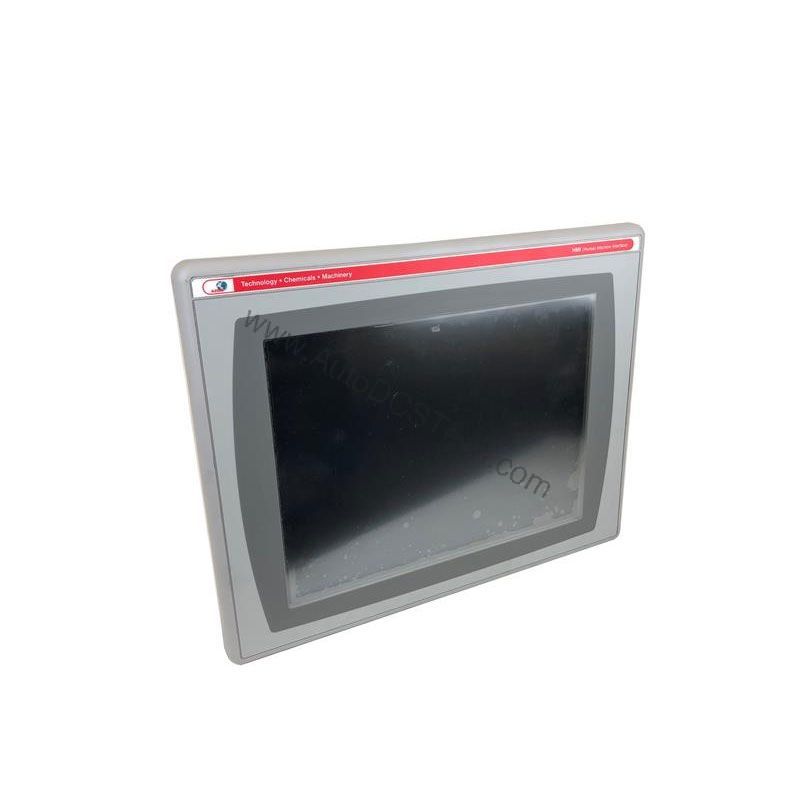
The Allen-Bradley 2711P-B12C4D1 is a discontinued operator interface terminal from the PanelView Plus 1250 series. This DC-powered HMI combines a 12.1-inch full-color display with both touchscreen and keypad input, giving operators flexible control in demanding industrial environments. With a wide input power range of 18-32 Volts DC, this terminal suits applications where stable DC power is available. Its serial and Ethernet communication options allow seamless integration into existing control networks. For engineers managing legacy systems, this terminal remains a reliable choice for replacement or upgrade projects.
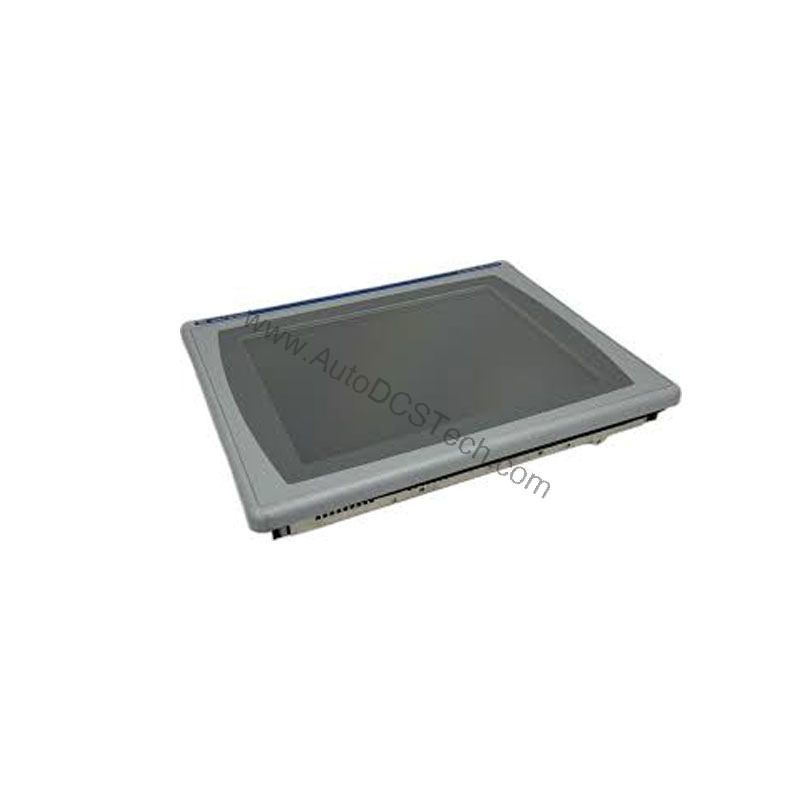
Technical Specifications Breakdown
Key parameters for the 2711P-B12C4D1 are listed below for quick reference:
| Feature | Specification |
|---|---|
| Manufacturer | Rockwell Automation |
| Brand | Allen-Bradley |
| Part Number | 2711P-B12C4D1 |
| Product Line | PanelView Plus 1250 |
| Display Size | 12.1 inches |
| Input Type | Touchscreen and Keypad |
| Display Type | Full Color |
| Communication | Serial or Ethernet |
| Input Power | 18-32 Volts DC |
| Memory | 64 Megabytes |
| Shipping Dimensions | 11.12 x 16.36 x 2.17 inches |
| Product Lifecycle Status | Discontinued/Obsolete |
Industry Applications
Its 12.1-inch screen provides clear operator feedback, while the keypad ensures reliable input even with gloves. The DC power input makes it suitable for mobile equipment or facilities with battery-backed DC buses. For engineers upgrading legacy systems, the 2711P-B12C4D1 offers a familiar interface that minimizes training time.
Installation & Setup Guidance
When installing the 2711P-B12C4D1, always disconnect power before making any connections. Ensure the installation area is nonhazardous and the terminal is mounted vertically to minimize solar loading. If the front of the terminal faces direct sunlight, especially where ambient temperature exceeds 40°C, use a visor to reduce heat buildup. For ambient temperatures below 0°C, consider a heater installation. The built-in temperature sensor automatically reduces backlight intensity when cabinet temperature exceeds 55°C, helping maintain internal temperatures within specification.
Maintenance & Reliability
To extend field life, protect the terminal from ultraviolet and infrared radiation. Regularly inspect the bezels for damage, as they contribute to long product life. Keep the display clean using a soft, dry cloth. Periodically check that ventilation openings are not blocked. Because this model is discontinued, source replacement units from reputable suppliers like AutoDCSTech to ensure authenticity and reliability.
Compatibility & Integration
The 2711P-B12C4D1 supports both serial and Ethernet communication, allowing connection to PLCs, drives, and other automation devices. Its 64 MB memory provides ample space for application files and logs. For seamless integration, verify that your control system supports these protocols. When replacing an existing unit, confirm that your application file is compatible or can be converted.
Selection Guide & Purchasing Advice
When selecting a replacement HMI, consider the display size, input type, and power requirements. The 2711P-B12C4D1 offers a proven design with a 12.1-inch color display and dual input methods. Since it is discontinued, availability may be limited. AutoDCSTech specializes in sourcing hard-to-find industrial automation parts, ensuring you get genuine components. Contact AutoDCSTech to confirm current stock and lifecycle status before ordering.
Troubleshooting & Common Issues
If the display is dim, check the ambient temperature; the backlight may be reduced automatically if the cabinet exceeds 55°C. If the touchscreen is unresponsive, verify that the protective film is removed and that the screen is clean. For communication errors, check cable connections and network settings. If the terminal fails to power up, measure the DC input voltage to ensure it is within 18-32 Volts DC. Always consult the user manual for detailed diagnostics.
Availability & Condition at AutoDCSTech
| Part Number | 2711P-B12C4D1 |
|---|---|
| Availability | In Stock |
| Condition | New |
| Warranty | One Year |
| Origin | US |