Product Overview
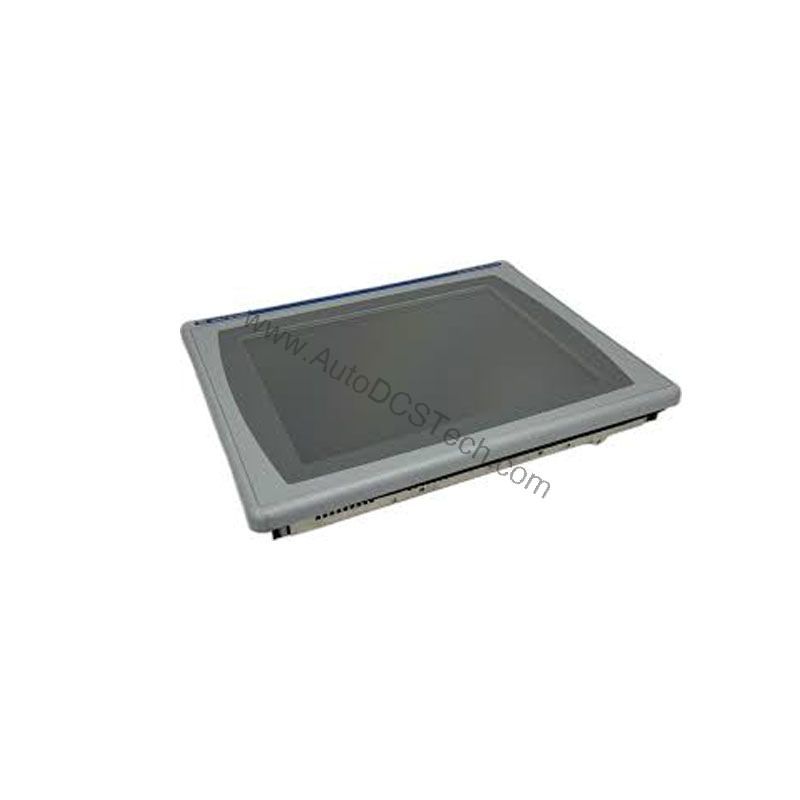
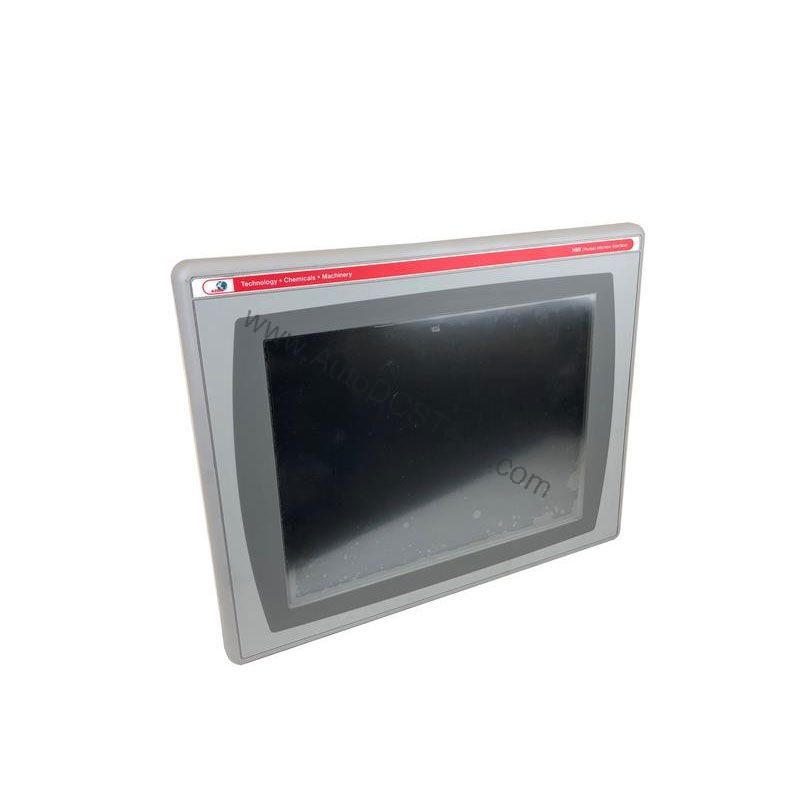
The Allen-Bradley 2711P-B10C4D9 is a versatile human-machine interface (HMI) from the PanelView Plus 6 series, designed and manufactured by Rockwell Automation. This control and display terminal combines a 10.4-inch color display with both keypad and touchscreen input methods, offering flexible operator interaction. Whether you need to monitor machine status, input data, or control processes, this HMI provides a reliable and user-friendly interface for industrial environments.
Technical Specifications Breakdown
Key parameters for the 2711P-B10C4D9 are listed below for quick reference:
| Feature | Specification |
|---|---|
| Manufacturer | Rockwell Automation |
| Brand | Allen-Bradley |
| Part Number | 2711P-B10C4D9 |
| Product Line | PanelView Plus 6 |
| Display Size | 10.4 in. |
| Display Color | Color |
| Input Type | Keypad/Touchscreen |
| Communication | Ethernet and RS-232 |
| Input Power | 18-32 VDC |
| Memory | 512 MB RAM |
| Backlight | 2711P-RL10C2 |
| Communication Cable | 2711-NC14 |
| Shipping Weight | 8 lbs. |
| Shipping Dimensions | 16 x 14 x 8 in |
| Series | Series A and Series B |
Industry Applications
The 2711P-B10C4D9 is well-suited for a range of industrial settings where operators need to monitor and control machinery. Its 10.4-inch color display provides clear visual feedback, while the combined keypad and touchscreen allow for precise data entry even in environments where gloves are worn. Common applications include:
- Machine control panels: Use the HMI to start/stop processes, set parameters, and view real-time alarms.
- Process monitoring: Display trends, logs, and production data from PLCs over EtherNet/IP.
Installation & Setup Guidance
When installing the 2711P-B10C4D9, ensure the input power is within the specified 18-32 VDC range. Use a properly regulated DC supply to avoid voltage fluctuations that could affect performance. For communication, connect the Ethernet port to your network using a standard RJ45 cable (10/100Base-T). The RS-232 port can be used for serial connections to legacy devices. The communication cable 2711-NC14 is recommended for RS-232 connections. If an additional Ethernet port is needed, the 2711P-RN20 module is available for terminals 700 to 1500, providing an unique IP address for network communication.
Maintenance & Reliability
To ensure long-term reliability, periodically inspect the HMI for dust accumulation on the screen and ventilation areas. Clean the touchscreen with a soft, dry cloth. Avoid using harsh solvents. Check all cable connections for tightness and signs of wear. The backlight (part number 2711P-RL10C2) may require replacement over time; plan for this maintenance to avoid downtime.
Compatibility & Integration
The 2711P-B10C4D9 supports Ethernet and RS-232 communication protocols. The Ethernet port supports EtherNet/IP, an open industrial network that enables real-time I/O messaging and message exchange. This allows the HMI to communicate with controllers and other devices on the network. The RS-232 port provides a serial interface for connecting to older equipment. The terminal is compatible with Rockwell Automation's FactoryTalk View Studio software for application development and configuration.
Selection Guide & Purchasing Advice
When selecting the 2711P-B10C4D9, consider your application's display size, input method, and communication requirements. The keypad/touchscreen combination offers flexibility for different operator preferences. Ensure your power supply matches the 18-32 VDC input range. For availability and lifecycle status, contact AutoDCSTech. They can provide current inventory information and assist with any questions about this product.
Troubleshooting & Common Issues
If the HMI does not power on, verify that the input voltage is within the 18-32 VDC range and that the power supply is functioning. Check the Ethernet connection for proper link status. If communication fails, confirm that the IP address is configured correctly and the network cable is securely connected. For display issues, ensure the backlight is working; if not, replace it with the 2711P-RL10C2. If the touchscreen is unresponsive, recalibrate it using the HMI's built-in calibration tool.
Availability & Condition at AutoDCSTech
| Part Number | 2711P-B10C4D9 |
|---|---|
| Availability | In Stock |
| Condition | New |
| Warranty | One Year |
| Origin | US |