Product Overview
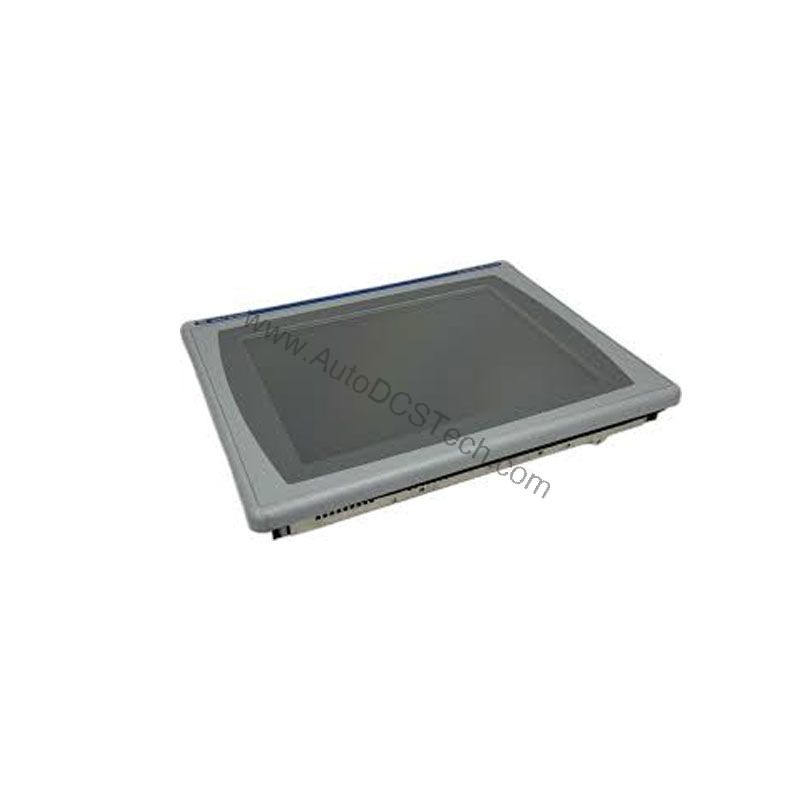
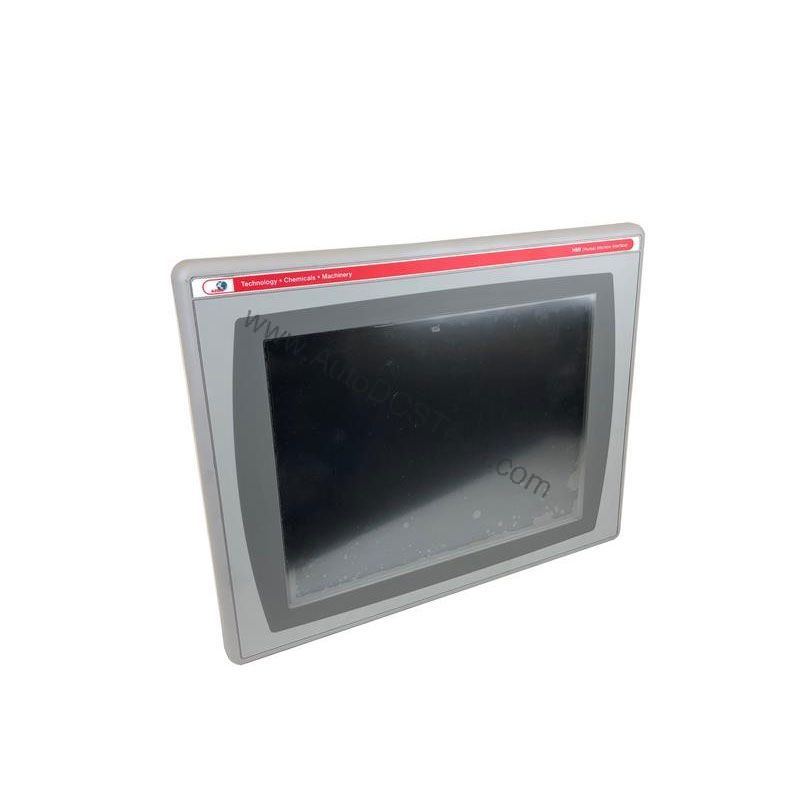
The Allen-Bradley 2711P-B12C4A6 is a PanelView Plus 1250 operator terminal that combines a 12.1-inch full-color display with both touchscreen and keypad input. This HMI is designed for applications requiring graphical monitoring, control, and real-time information display. Its robust feature set makes it suitable for both indoor and outdoor installations, helping operators understand and respond to process conditions quickly.
As part of the PanelView Plus 1250 series, this module offers a versatile interface for industrial environments. The 2711P-B12C4A6 supports Ethernet for application transfers and remote web-based viewing, plus RS-232 for file transfers and controller communication. Two USB ports allow connection of peripherals such as a mouse, printer, or USB drives.
Technical Specifications Breakdown
Key parameters for the 2711P-B12C4A6 are listed below for quick reference:
| Feature | Specification |
|---|---|
| Manufacturer | Rockwell Automation |
| Brand | Allen-Bradley |
| Part Number | 2711P-B12C4A6 |
| Product Line | PanelView Plus 1250 |
| Display Size | 12.1 inches |
| Input Type | Touchscreen and Keypad |
| Display Type | Full Color |
| Communication | Serial or Ethernet |
| Input Power | 85-264 Volts AC |
| Memory | 128 Megabytes |
| Shipping Dimensions | 11.12 x 16.36 x 2.17 inches |
Industry Applications
For example, in a bottling plant, this HMI can display line speeds, fill levels, and alarm statuses while allowing operators to adjust setpoints via the keypad or touchscreen. The full-color display makes it easy to differentiate between normal and abnormal conditions.
Another common use is in outdoor utility monitoring, such as water treatment or power distribution. The terminal's robust design and wide input power range (85-264 Volts AC) make it adaptable to various site conditions. Operators can access real-time data remotely through a web browser, reducing the need for physical presence at the equipment.
Installation & Setup Guidance
When installing the 2711P-B12C4A6, ensure the input power is within the specified 85-264 Volts AC range. Use the Ethernet port for transferring applications between a computer and the terminal. The RS-232 port supports file transfers, printing, and controller communication. Connect USB devices such as a mouse or printer to the two USB ports as needed.
Mount the terminal in a location that allows easy access to the reset switch and default switch. The reset switch restarts the terminal without powering it off, while the default switch accesses maintenance functions like factory reset. Ensure proper grounding and follow local electrical codes.
Maintenance & Reliability
Regularly inspect the terminal for dust accumulation on the display and ventilation areas. Clean the screen with a soft, dry cloth. Periodically check all cable connections to ensure they are secure. The operating temperature range is factory set from 0 to 55 degrees Celsius, so avoid exposing the unit to extremes outside this range.
Because the 2711P-B12C4A6 is discontinued, consider stocking spare units or critical components to minimize downtime. AutoDCSTech can help you source reliable replacements.
Compatibility & Integration
The 2711P-B12C4A6 communicates via serial (RS-232) or Ethernet, making it compatible with many Rockwell Automation controllers and other industrial devices. The Ethernet port also enables remote monitoring via a web browser. The two USB ports allow flexible peripheral integration.
Selection Guide & Purchasing Advice
When selecting an HMI for your application, consider the display size, input method, and communication options. Its 128 MB memory supports moderate applications.
Since this model is discontinued, verify availability and lifecycle status with AutoDCSTech before ordering. AutoDCSTech specializes in supplying industrial automation parts, including legacy Allen-Bradley components.
Troubleshooting & Common Issues
If the terminal fails to power on, check the input power supply is within 85-264 Volts AC. If communication errors occur, verify Ethernet or serial cable connections and settings. For unresponsive touchscreen, recalibrate or check for physical obstructions. Use the reset switch to reboot the terminal without power cycling. For persistent issues, consult the user manual or contact AutoDCSTech for support.
Availability & Condition at AutoDCSTech
| Part Number | 2711P-B12C4A6 |
|---|---|
| Availability | In Stock |
| Condition | New |
| Warranty | One Year |
| Origin | US |