Technical Specifications Breakdown
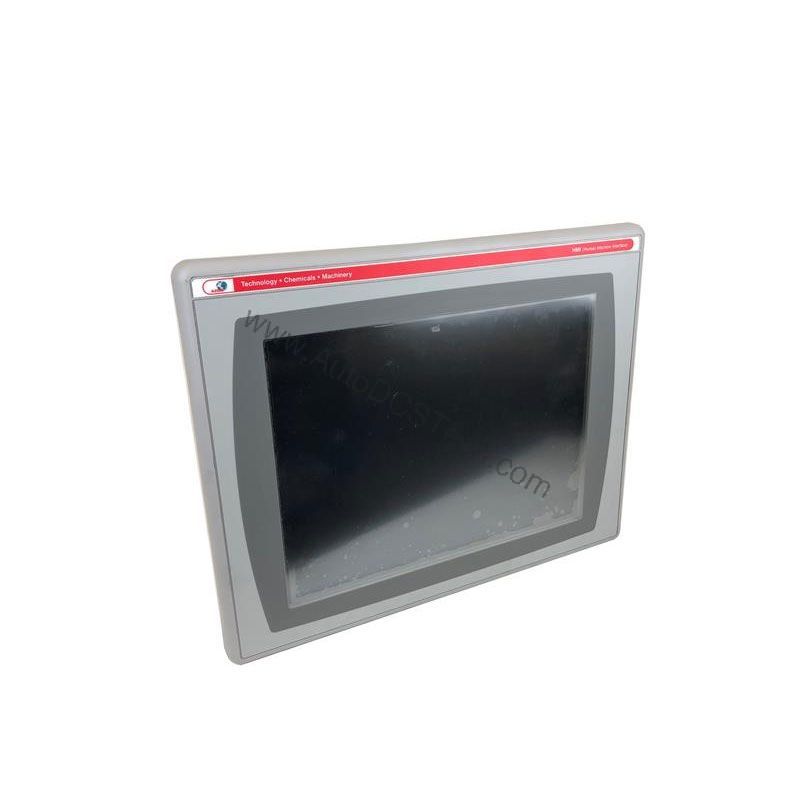
Key parameters for the 2711P-B12C4D6 are listed below for quick reference:
| Feature | Specification |
|---|---|
| Manufacturer | Rockwell Automation |
| Brand | Allen-Bradley |
| Part Number | 2711P-B12C4D6 |
| Product Line | PanelView Plus 1250 |
| Display Size | 12.1 inches |
| Input Type | Touchscreen and Keypad |
| Display Type | Full Color |
| Communication | Serial or Ethernet |
| Input Power | 18-32 Volts DC |
| Memory | 128 Megabytes |
| Shipping Dimensions | 11.12 x 16.36 x 2.17 inches |
| Product Lifecycle Status | Discontinued/Obsolete |
Industry Applications: Where This Terminal Saves Money
In packaging lines, the touchscreen and keypad allow quick recipe changes and alarm acknowledgment, minimizing downtime. In material handling systems, the Ethernet communication enables centralized data collection, reducing manual logging costs.
Because the terminal is DC-powered, it is particularly cost-effective in facilities that already have 24V DC control power, eliminating the expense of AC-to-DC converters. The 12.1-inch full-color display provides clear visualization, reducing operator errors and improving throughput.
Installation & Setup Guidance
When installing the 2711P-B12C4D6, ensure the DC supply is within the 18-32 Volts DC range. Use properly sized wiring and fusing per the terminal's documentation. Mount the unit securely in an enclosure that allows adequate ventilation. For Ethernet communication, connect to a managed switch with appropriate security settings. For serial communication, use the RS-232 port with correct null-modem or straight-through cabling as required.
Before power-up, verify that all connections are secure and that the DC polarity is correct. Configure the terminal's IP address or serial parameters to match your network. For internet-based remote viewing, install the optional add-on module as described in the manual.
Maintenance & Reliability
Regular inspection of the terminal's enclosure and display is recommended to ensure dust and moisture do not compromise performance. Clean the touchscreen with a soft, lint-free cloth and a mild cleaner. Check that all connectors remain tight and free of corrosion. Although the terminal is obsolete, proper maintenance can extend its service life, delaying the need for replacement.
Why the 2711P-B12C4D6 Remains a Cost-Effective HMI Choice
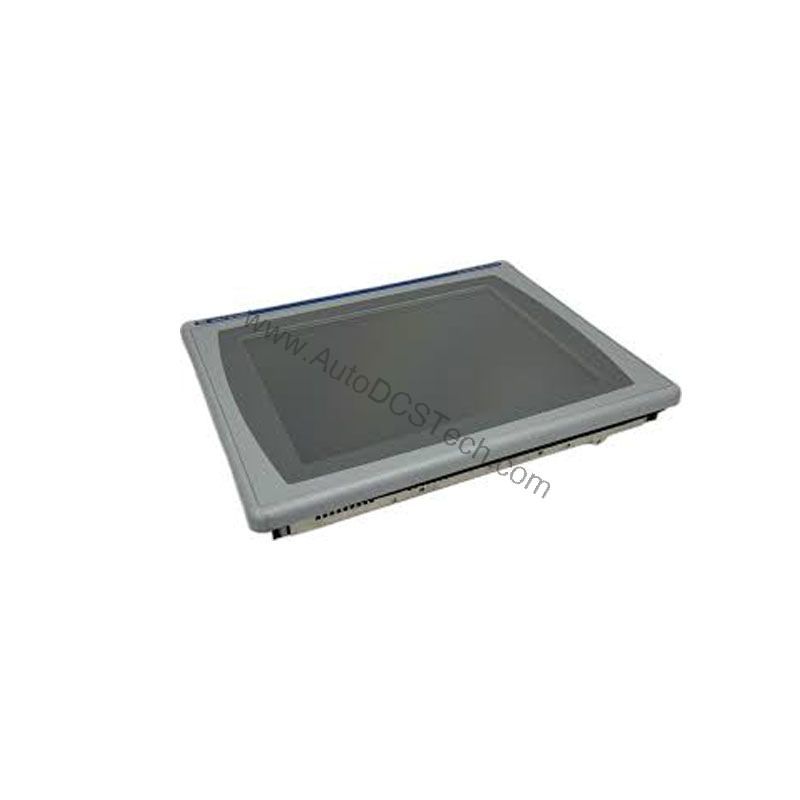
For operations running legacy Allen-Bradley control systems, the 2711P-B12C4D6 operator interface terminal delivers proven reliability without the expense of a full migration. This PanelView Plus 1250 model combines a 12.1-inch full-color display with both touchscreen and keypad input, giving operators flexible control over diverse applications. Its DC power input range of 18-32 Volts DC makes it suitable for installations with stable DC supplies, reducing the need for additional power conversion hardware.
From a cost perspective, deploying this terminal in existing PanelView Plus environments avoids retraining and re-engineering costs. The familiar interface and communication options—Serial or Ethernet—integrate into current architectures, preserving your investment in application logic and operator workflows.
Compatibility & Integration
The 2711P-B12C4D6 supports standard communication via Serial (RS-232) and Ethernet ports. It also includes two USB ports for peripheral connectivity. The terminal is part of the PanelView Plus 1250 series, ensuring compatibility with Rockwell Automation's FactoryTalk View Studio software for application development. For replacement, the 2711P-B12C4D9 with the 2711P-RN20 Ethernet module is a suggested upgrade path.
Selection Guide & Purchasing Advice
Given the discontinued status, sourcing a genuine 2711P-B12C4D6 requires a trusted supplier. AutoDCSTech specializes in industrial automation parts and can provide this model, along with guidance on replacement options. When ordering, verify the part number and condition. For critical applications, consider the upgrade to the PanelView Plus 6 series to ensure long-term support.
Troubleshooting & Common Issues
If the display remains blank, check the DC power supply voltage and polarity. If communication fails, verify Ethernet cable connections and IP settings. For serial issues, confirm baud rate and protocol settings. If the touchscreen is unresponsive, recalibrate it through the configuration menu. Always consult the user manual for detailed diagnostics.
Availability & Condition at AutoDCSTech
| Part Number | 2711P-B12C4D6 |
|---|---|
| Availability | In Stock |
| Condition | New |
| Warranty | One Year |
| Origin | US |