Product Overview
When production line downtime strikes, the operator interface is often the first point of failure. The Allen-Bradley 2711P-B12C4D9 from Rockwell Automation delivers a robust solution for real-time machine control and monitoring. This PanelView Plus 6 HMI combines a 12.1-inch color display with both keypad and touchscreen input, giving operators flexible control in demanding environments. Whether you are upgrading an aging panel or standardizing new equipment, this terminal provides the reliability you need.
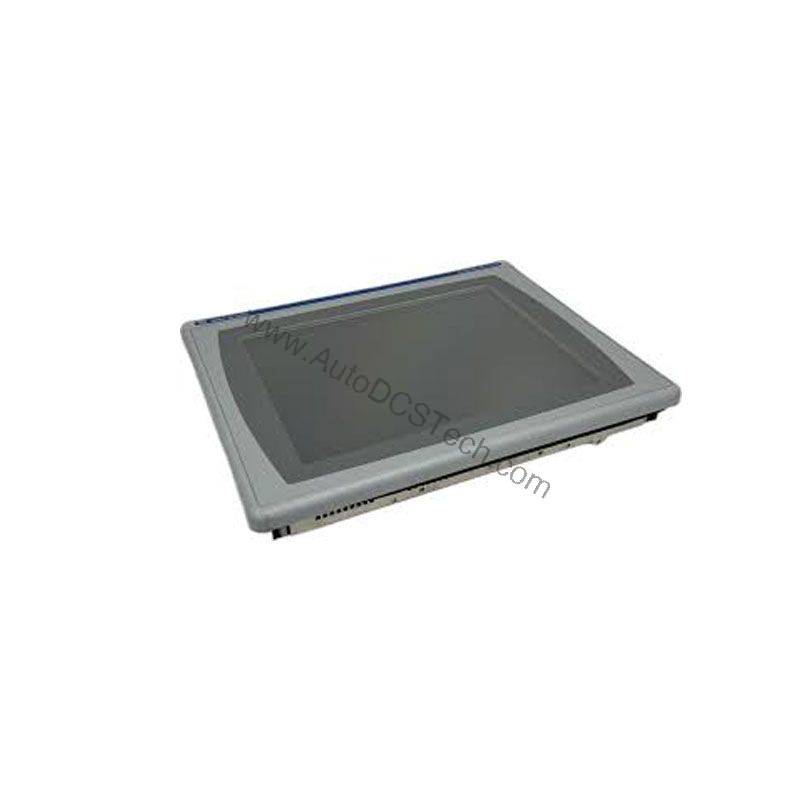
Technical Specifications Breakdown
Key parameters for the 2711P-B12C4D9 are listed below for quick reference:
| Feature | Specification |
|---|---|
| Manufacturer | Rockwell Automation |
| Brand | Allen-Bradley |
| Part Number | 2711P-B12C4D9 |
| Product Line | PanelView 6 Plus |
| Display Size | 12.1 in. |
| Display Color | Color |
| Input Type | Keypad/Touchscreen |
| Communication | Ethernet and RS-232 |
| Input Power | 18-32 VDC |
| Memory | 512 MB RAM |
| Backlight | 2711P-RL12C2 |
| Communication Cable | 2711-NC14 |
| Shipping Weight | 10 lbs. |
| Shipping Dimensions | 20 x 14 x 8 in |
| Series | Series A and Series B |
Industry Applications
For example, on a packaging line, the 12.1-inch color touchscreen lets operators monitor machine status and adjust parameters without opening cabinets. The keypad provides a redundant input method for gloved hands or high-vibration areas. In a wastewater treatment plant, the Ethernet port connects to PLCs over EtherNet/IP, enabling remote alarming and data logging. The RS-232 port supports legacy devices, easing integration into existing infrastructure.
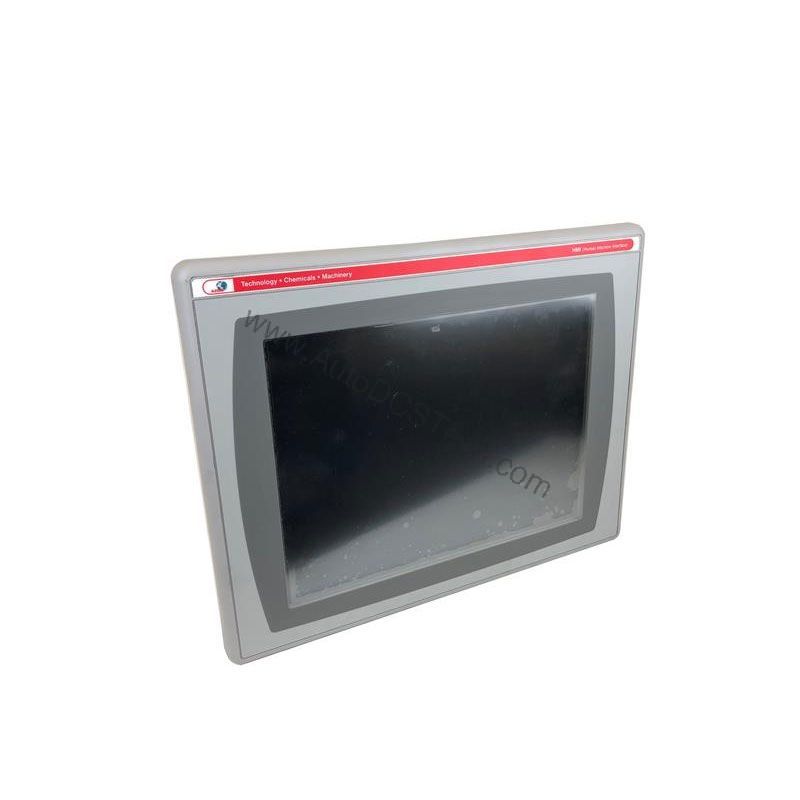
Installation & Setup Guidance
Proper installation starts with a clean, dry enclosure rated for the environment. Mount the terminal securely, ensuring adequate airflow around the unit. Connect 18-32 VDC power using a regulated supply; verify polarity before energizing. For Ethernet, use a standard RJ45 cable with 10/100Base-T capability; the port supports MDI/MDI-X, so crossover cables are unnecessary. For RS-232, use the 2711-NC14 cable to connect to controllers. Download the application via the Ethernet port; the terminal stores parameters in non-volatile memory.
Maintenance & Reliability
Regular inspection prevents unexpected failures. Clean the touchscreen with a soft, lint-free cloth and mild cleaner, avoiding abrasive materials. Check the backlight (part number 2711P-RL12C2) periodically; dimming indicates it may need replacement. Verify that the DC power supply remains within the 18-32 VDC range to avoid stress on internal components. Keep the enclosure sealed to protect against dust and moisture, and inspect gaskets annually.
Compatibility & Integration
The 2711P-B12C4D9 supports EtherNet/IP, an open industrial network that enables real-time I/O messaging and message exchange. The Ethernet port connects directly to controllers on an EtherNet/IP network, and also supports application transfers and printing. For applications requiring an additional Ethernet port, the 2711P-RN20 module (available for 700 to 1500 terminals) provides a second connection with its own IP address. The RS-232 port offers serial communication for legacy equipment, making this terminal versatile across mixed-vintage systems.
Selection Guide & Purchasing Advice
When selecting a replacement HMI, verify that the 2711P-B12C4D9 meets your application's requirements. Check the display size, input type, and communication ports against your existing setup. The 12.1-inch color display and keypad/touchscreen combination suit most industrial environments. For availability and current lifecycle status, contact AutoDCSTech. Their knowledgeable staff can confirm stock and provide guidance on compatibility. With fast shipping and competitive pricing, AutoDCSTech is your trusted source for Allen-Bradley automation parts.
Troubleshooting & Common Issues
If the display remains blank, check the DC power supply first—ensure it delivers 18-32 VDC. If the touchscreen is unresponsive, recalibrate it via the configuration menu. For communication issues, verify the Ethernet cable and IP settings; the port supports MDI/MDI-X, so cable type is rarely the problem. If the backlight dims or flickers, replace it with the 2711P-RL12C2 backlight. For persistent issues, consult the user manual or contact AutoDCSTech for technical support.
Availability & Condition at AutoDCSTech
| Part Number | 2711P-B12C4D9 |
|---|---|
| Availability | In Stock |
| Condition | New |
| Warranty | One Year |
| Origin | US |