Technical Specifications Breakdown
Key parameters for the 2711P-B15C4A7 are listed below for quick reference:
| Feature | Specification |
|---|---|
| Manufacturer | Rockwell Automation |
| Brand | Allen-Bradley |
| Part Number | 2711P-B15C4A7 |
| Series | PanelView Plus 1500 |
| Input Method | Keypad and Touchscreen Input |
| Communication Ports | Ethernet, USB, RS-232 |
| Power | VAC Input |
| Display Type | 15 in. Color Display |
| Features | 256 MB |
| Product Lifecycle Status | Discontinued/Obsolete |
Why the 2711P-B15C4A7 Still Matters for Industrial HMI Applications
Industrial operators often face a common challenge: keeping legacy lines running without sacrificing visibility or control. The Allen-Bradley 2711P-B15C4A7, part of the PanelView Plus 1500 series, addresses this by combining a 15-inch color display with dual input methods—keypad and touchscreen. This flexibility lets operators choose the most efficient interaction style for their environment, whether they are wearing gloves or using a stylus.
As a discontinued model, this terminal remains a practical choice for facilities that need a drop-in replacement or a consistent HMI across multiple machines. Its robust feature set and familiar Rockwell Automation ecosystem integration make it a reliable option for maintaining production uptime.
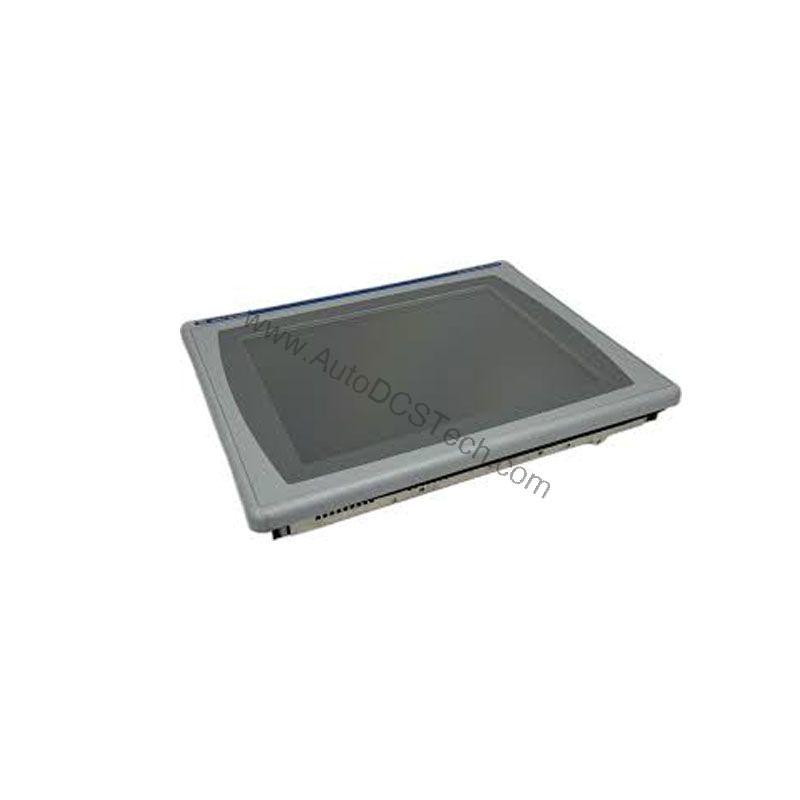
The 2711P-B15C4A7 is well-suited for batch processing, material handling, and packaging lines where operators need clear status feedback and quick data entry. The resistive touchscreen supports gloved operation, which is a major advantage in cold environments or cleanrooms where gloves are mandatory. The keypad provides tactile function keys (F1–F20, K1–K20) and a numeric keypad, enabling rapid navigation without looking away from the process.
For facilities that already use PanelView Plus terminals, integrating this unit into an existing architecture is straightforward. The standard Ethernet port allows remote monitoring and recipe management, while the RS-232 port can connect to legacy controllers. This makes the 2711P-B15C4A7 a cost-effective way to extend the life of existing control systems without a full migration.
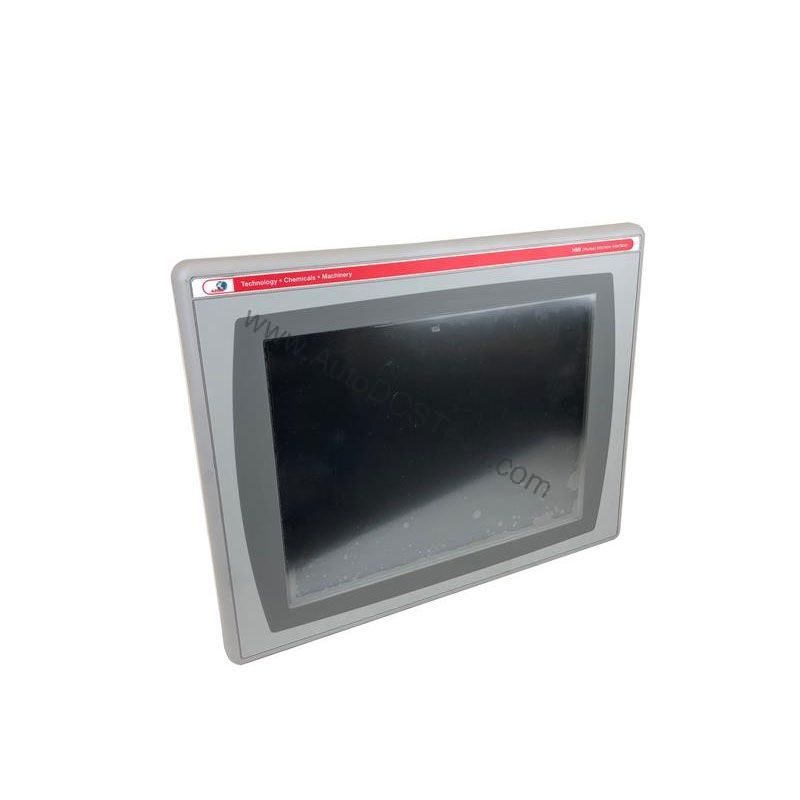
Installation & Setup Guidance
Proper installation is critical for reliable operation. Mount the device vertically and away from direct sunlight to prevent solar loading and overheating of the enclosure. The internal ambient temperature inside the enclosure must be maintained below 55 degrees Celsius; external cooling fans may be required in hot environments. Conversely, if temperatures drop below 0 degrees Celsius, a heater may be necessary to keep the unit within its operating range.
Ensure that the AC input voltage is within the specified range of 85 to 264 Volts AC. Verify that the enclosure provides adequate ventilation and that the pollution degree is limited to 2, as the device is designed for such industrial environments. The USB ports comply with hazardous location requirements per the National Electric Code article 500, so follow local electrical codes when wiring.
Maintenance & Reliability
Because the 2711P-B15C4A7 is discontinued, proactive maintenance is essential to maximize its service life. Periodically inspect the touchscreen for scratches or wear, and clean it with a soft, dry cloth. Check all cable connections for tightness and signs of corrosion. Keep the enclosure free of dust and debris, as accumulation can reduce heat dissipation and lead to premature component failure.
Monitor the ambient temperature inside the enclosure regularly, especially during summer months. If the temperature approaches the upper limit, consider adding a cooling fan or improving airflow. Similarly, in cold climates, ensure the heater is functional to avoid condensation and cold-start issues.
Compatibility & Integration
The 2711P-B15C4A7 offers three communication interfaces: Ethernet, USB, and RS-232. This trio covers most legacy and modern control networks. The Ethernet port enables connection to plant networks for data logging and remote diagnostics. The USB ports allow quick upload/download of application files or connection to peripherals. The RS-232 port remains useful for interfacing with older PLCs or serial devices.
When integrating this terminal, verify that the firmware and application files are compatible with your existing PanelView Plus project. Because the unit is discontinued, it is wise to back up your application files and keep a spare unit on hand to minimize downtime.
Selection Guide & Purchasing Advice
When sourcing a replacement for your HMI, consider the total cost of ownership. The 2711P-B15C4A7 offers a proven design and a wide feature set, but availability may be limited. At AutoDCSTech, we specialize in providing industrial automation parts, including legacy and discontinued models. We can help you verify the lifecycle status and availability of this terminal before you order.
Before purchasing, confirm that the input voltage matches your facility's power supply (85–264 VAC) and that the display size and input method meet your operational needs. If you are replacing an existing unit, ensure that the mounting dimensions (469 mm width, 330 mm height, 93 mm depth) fit your enclosure. Our team can assist with cross-reference checks and compatibility questions.
Availability & Condition at AutoDCSTech
| Part Number | 2711P-B15C4A7 |
|---|---|
| Availability | In Stock |
| Condition | New |
| Warranty | One Year |
| Origin | US |