Technical Specifications Breakdown
Key parameters for the 2711P-B4C5A are listed below for quick reference:
| Feature | Specification |
|---|---|
| Manufacturer | Rockwell Automation |
| Brand | Allen-Bradley |
| Part Number | 2711P-B4C5A |
| Product Line | PanelView Plus 400 |
| Display Size | 3.5 inch |
| Display Color | Color |
| Input Type | Keypad/Touchscreen |
| Communication | RS-232 Port |
| Input Power | AC |
| Memory | 64 MB |
| Series | A, B, C, D, E |
| Product Lifecycle Status | Discontinued/Obsolete |
Key Features and Usability
The device includes a battery-based real-time clock and an application memory of 190 KB for application run time. The irreplaceable battery ensures continuous operation, though it should be monitored over time.
Application Scenarios
- Pharmaceutical Manufacturing: The dust-resistant design and glove-friendly touchscreen allow operators to monitor and control processes without compromising hygiene or safety.
- Metal Works: The durable construction withstands harsh conditions, providing reliable HMI functionality in high-vibration environments.
- General Factory Automation: With RS-232 communication, it integrates easily into existing control systems, offering a cost-effective solution for legacy upgrades.
Installation and Setup Guidance
When installing the 2711P-B4C5A, ensure the input power matches the specified AC voltage rating of 85 to 264 Volts AC. Mount the terminal in a location that avoids excessive vibration and direct exposure to liquids. Connect the RS-232 port to the host controller using a suitable cable. After power-up, configure the communication parameters to match your network settings. Always refer to the product manual for detailed wiring instructions.
Maintenance and Reliability
Regularly inspect the terminal for dust accumulation on the screen and keypad. Clean with a soft, dry cloth. Periodically check the battery status to ensure the real-time clock remains accurate. Although the device is robust, avoid exposing it to temperatures outside the specified operating range. For long-term storage, maintain the storage temperature between -20 and 85 degrees Celsius.
Why the 2711P-B4C5A Remains a Reliable HMI Choice
Industrial environments demand operator interfaces that can handle dust, residue, and constant use. The Allen-Bradley 2711P-B4C5A from the PanelView Plus 400 series delivers dependable performance in a compact form factor. With a 3.5-inch color display and combined keypad/touchscreen input, this terminal provides flexible control for a wide range of applications.
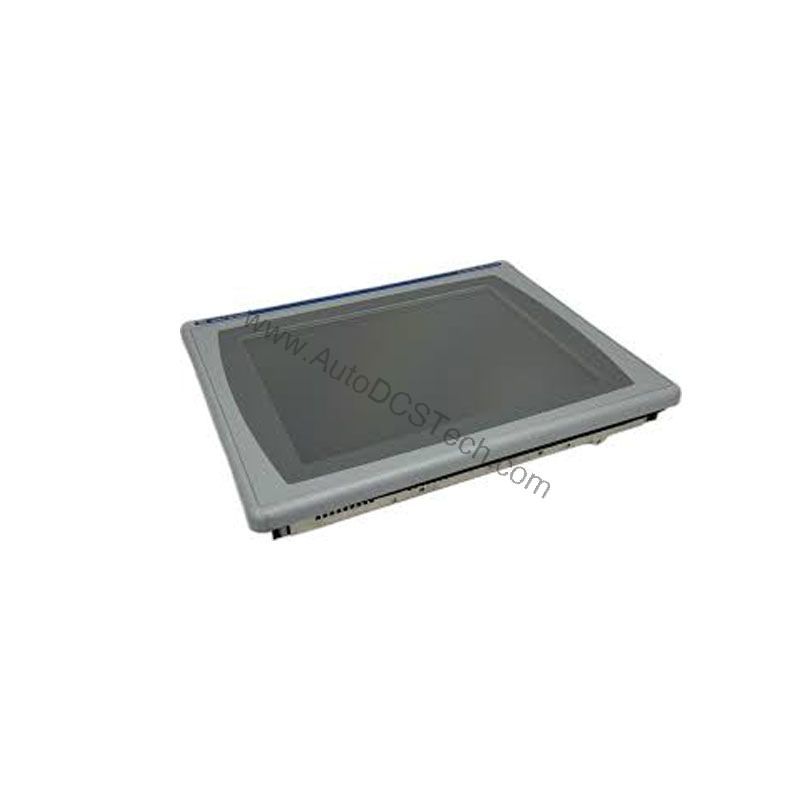
Built for Tough Environments
The 2711P-B4C5A is engineered to withstand stress, dust, and residue, making it suitable for industries ranging from pharmaceuticals to metal works. Its touchscreen works effectively even when operators wear safety gloves, ensuring uninterrupted workflow. The terminal operates optimally between 0 and 55 degrees Celsius and can be stored between -20 and 85 degrees Celsius, offering resilience across temperature extremes.
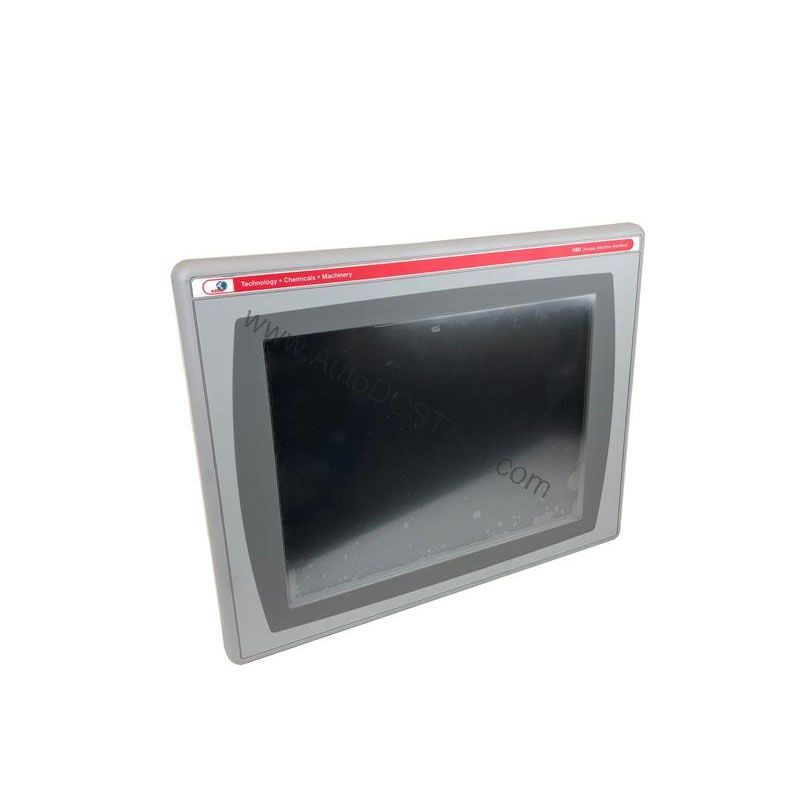
Compatibility and Integration
The 2711P-B4C5A is part of the PanelView Plus 400 series and supports RS-232 communication, making it compatible with many Allen-Bradley controllers. Its 64 MB memory provides ample space for applications. The terminal is available in series A, B, C, D, and E, ensuring compatibility with various system revisions.
Purchasing Advice
As the 2711P-B4C5A is discontinued and obsolete, sourcing a reliable unit can be challenging. AutoDCSTech specializes in supplying industrial automation parts, including this model. Contact AutoDCSTech to verify current lifecycle status and availability before ordering. Our team can help you find the right solution for your application.
Troubleshooting Common Issues
If the touchscreen becomes unresponsive, check for dirt or residue on the surface and clean it gently. If the display shows no image, verify the input power is within the specified range. For communication errors, confirm the RS-232 cable connections and port settings. If the real-time clock resets, the battery may need replacement—contact a qualified technician for service.
Availability & Condition at AutoDCSTech
| Part Number | 2711P-B4C5A |
|---|---|
| Availability | In Stock |
| Condition | New |
| Warranty | One Year |
| Origin | US |