Technical Specifications Breakdown
Key parameters for the 2711P-B4C5D are listed below for quick reference:
| Feature | Specification |
|---|---|
| Manufacturer | Rockwell Automation |
| Brand | Allen-Bradley |
| Part Number | 2711P-B4C5D |
| Product Line | PanelView Plus 400 |
| Display Size | 3.5 inch |
| Display Color | Color |
| Input Type | Keypad/Touchscreen |
| Communication | RS-232 Port |
| Input Power | DC |
| Memory | 64 MB |
| Series | A, B, C, D, E |
Built for Real-World Industrial Applications
Because the 2711P-B4C5D supports both keypad and touchscreen input, it suits environments where operators wear gloves or where touchscreens alone may be impractical. Common applications include:
- Machine control panels – Operators can start, stop, and monitor cycles using either the keypad or touchscreen, whichever is faster in the moment.
- Data entry stations – The RS-232 port allows connection to PLCs or other serial devices, enabling quick parameter changes and status readouts.
- Process monitoring – The 3.5-inch color display presents clear visual feedback, helping operators spot anomalies quickly and respond before issues escalate.
The combination of a compact footprint and dual-input design makes this HMI a practical choice for retrofit projects or new equipment builds where panel space is limited.
Installation and Setup Guidance
Proper installation is essential for reliable operation. Allen-Bradley recommends that only certified personnel handle the installation of the 2711P-B4C5D. Follow these general guidelines:
- Environment – Install the terminal in a location with recommended temperatures and protect it from moisture or corrosive atmospheres. Avoid exposing the unit to condensation or chemical vapors.
- Mounting – Ensure the panel cutout is clean and the gasket seals properly to maintain the enclosure rating.
- Wiring – Connect DC power according to the terminal's input power specification. Use the RS-232 port for communication with compatible devices.
- Display care – The touchscreen supports gloved or ungloved hands. Never use sharp objects that could dent or break the screen.
Maintenance and Reliability
Regular inspection helps extend the service life of the 2711P-B4C5D. Periodically check the display for cracks or scratches, and verify that the keypad responds correctly. Keep the unit free of dust and debris, especially around ventilation openings. If the terminal is installed in a harsh environment, increase the frequency of inspections to ensure contaminants do not affect performance.
Because the 2711P-B4C5D is part of the PanelView Plus 400 series, replacement units and spare parts may still be available through specialized suppliers. Always confirm the current lifecycle status and availability with AutoDCSTech before ordering.
The Allen-Bradley 2711P-B4C5D: A Compact HMI Built for Speed and Clarity
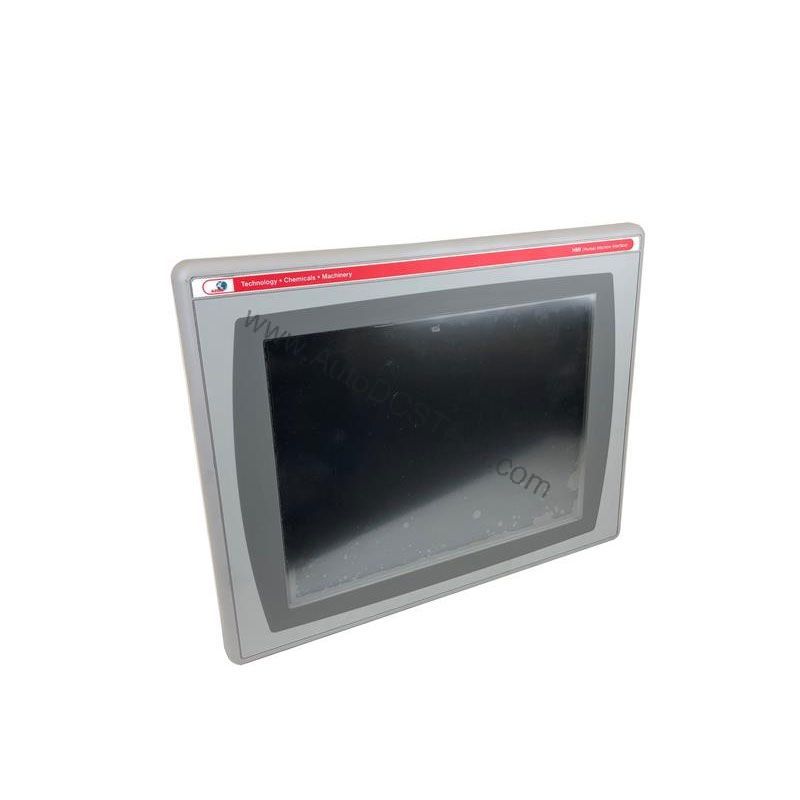
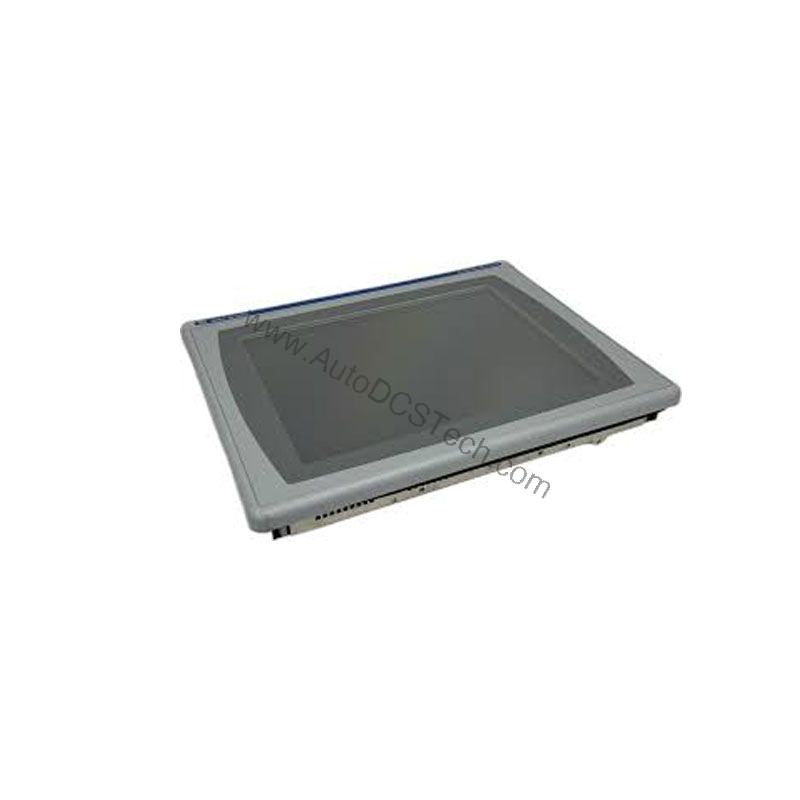
In many production environments, operators need a control interface that responds instantly and communicates clearly. The Allen-Bradley 2711P-B4C5D operator interface terminal from Rockwell Automation delivers exactly that. Part of the PanelView Plus 400 series, this compact HMI combines a 3.5-inch color display with both keypad and touchscreen input, giving operators flexible, immediate control over machinery and processes.
This unit is designed for applications where access and speed are critical. Its straightforward command structure reduces ambiguity, helping operators interact with machines confidently and efficiently. With a 64 MB memory, the 2711P-B4C5D handles its functions smoothly, ensuring reliable performance on the plant floor.
Compatibility and Integration
The 2711P-B4C5D communicates via an RS-232 port, a widely supported serial interface. This allows integration with many Allen-Bradley PLCs and other industrial devices that offer RS-232 connectivity. For applications requiring additional communication options, consider other PanelView Plus models with Ethernet or additional ports.
Selection Guide and Purchasing Advice
When selecting an operator interface terminal, verify that the display size, input type, and communication port meet your application requirements. The 2711P-B4C5D is a discontinued/obsolete product, but it remains a viable option for existing systems that require a drop-in replacement. Contact AutoDCSTech to check availability and to discuss alternatives if needed.
AutoDCSTech specializes in industrial automation parts and can help you source the right HMI for your control panel. Our team understands the importance of uptime and can provide guidance on both new and legacy components.
Troubleshooting and Common Issues
If the display is unresponsive, first check that the DC power supply is within the specified range and that all connections are secure. If the keypad or touchscreen does not respond accurately, clean the screen with a soft, dry cloth. Avoid using solvents or abrasive materials. If communication errors occur, verify the RS-232 cable and the settings on the connected device. For persistent issues, consult the product manual or contact a qualified technician.
Availability & Condition at AutoDCSTech
| Part Number | 2711P-B4C5D |
|---|---|
| Availability | In Stock |
| Condition | New |
| Warranty | One Year |
| Origin | US |