Technical Specifications Breakdown
Key parameters for the 2711P-K12C4A7 are listed below for quick reference:
| Feature | Specification |
|---|---|
| Manufacturer | Rockwell Automation |
| Brand | Allen-Bradley |
| Part Number/Catalog No. | 2711P-K12C4A7 |
| Product Line | PanelView Plus 1250 |
| Display Size | 12.1 inches |
| Input Type | Keypad |
| Display Type | Full Color |
| Communication | Serial or Ethernet |
| Input Power | 85-264 Volts AC |
| Memory | 256 Megabytes |
| Shipping Dimensions | 11.12 x 16.36 x 2.17 inches |
| Product Lifecycle Status | Discontinued/Obsolete |
Industry Applications
Typical uses include:
- Packaging Lines: Operators can start/stop cycles, view production counts, and acknowledge alarms directly from the keypad.
- Material Handling Systems: The terminal displays conveyor status and allows manual override for maintenance or troubleshooting.
- Process Control: For batch processes, the 2711P-K12C4A7 provides a clear window into temperature, pressure, and flow values, enabling quick adjustments.
Because it supports both serial and Ethernet, this terminal fits into existing architectures without major rewiring. Its 12.1-inch screen offers enough space to display detailed process graphics, making it a practical choice for machine builders and end users alike.
Installation and Setup Guidance
When installing the 2711P-K12C4A7, follow these engineer-level recommendations:
- Mounting: Ensure the panel cutout matches the shipping dimensions (11.12 x 16.36 x 2.17 inches) for a secure fit. Use the provided gasket to maintain a proper seal against dust and moisture.
- Power Connection: Connect the external AC-to-DC power supply to a clean 85-264 Volts AC source. Verify that the supply is properly grounded and that the voltage is within the specified range before powering up.
- Communication Setup: For serial connections, use the built-in RS-232 port. For Ethernet, connect the built-in Ethernet port to your network switch. Configure the IP address, subnet mask, and gateway according to your network plan.
- Grounding: Follow standard industrial grounding practices to minimize electrical noise interference. Use shielded cables for serial and Ethernet where required.
Maintenance and Reliability
To ensure long-term reliable operation, inspect the terminal periodically for dust accumulation on the screen and keypad. Clean the display with a soft, dry cloth; avoid harsh solvents. Check all cable connections for tightness and signs of wear. Since this model is discontinued, consider stocking a spare unit or planning an upgrade path to minimize downtime.
Operator Interface for Machine Control and Monitoring
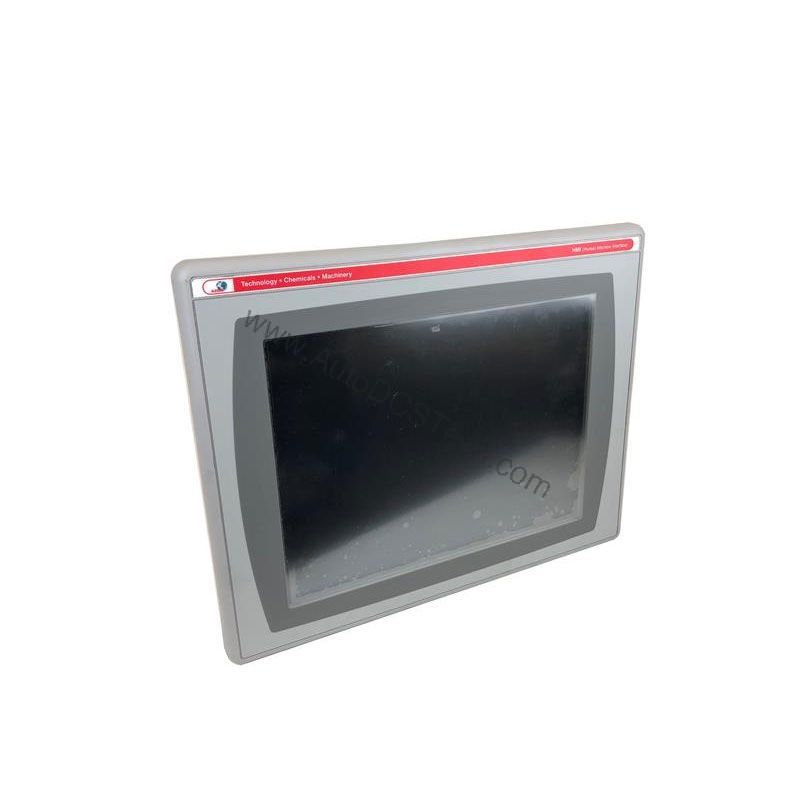
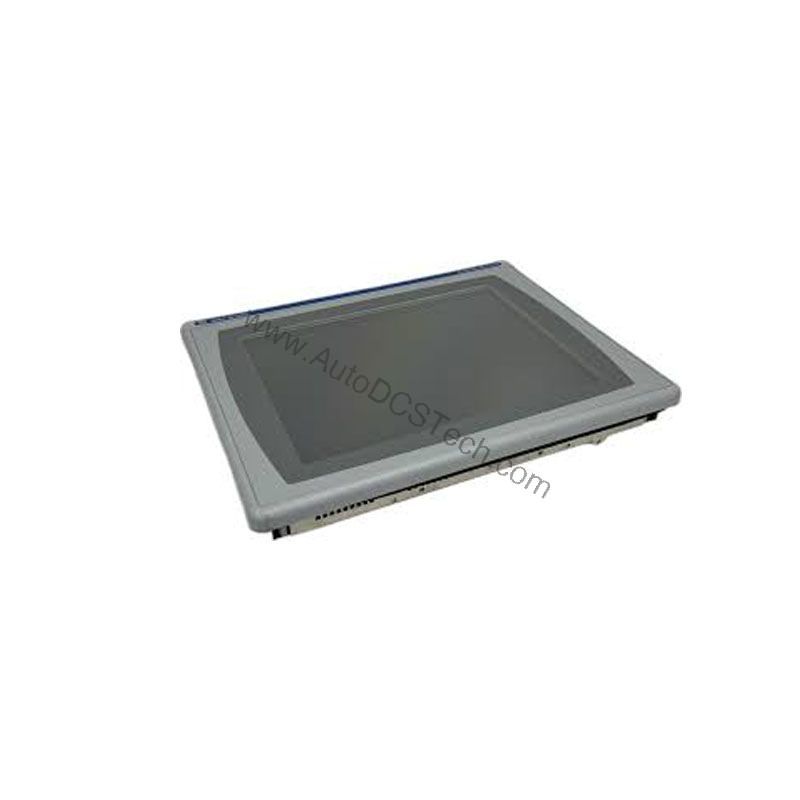
The Allen-Bradley 2711P-K12C4A7 is a keypad-based operator interface terminal from the PanelView Plus 1250 series. Designed for industrial environments, this terminal lets operators control applications on various machines and monitor those applications in real time. Its 12.1-inch display supports full-color graphics, providing clear visual feedback for process status and alarms.
Built for flexibility, the 2711P-K12C4A7 communicates with other industrial machines via serial or Ethernet connections. This makes it suitable for both legacy and modern control architectures. The terminal is powered by an external AC-to-DC power supply, accepting 85-264 Volts AC, which simplifies installation in facilities with standard industrial power.
Key Features and Benefits
- 12.1-inch Full-Color Display: Delivers vibrant graphics for intuitive operator interaction.
- Keypad Input: Provides tactile response for reliable data entry in gloved or harsh environments.
- Serial and Ethernet Communication: Enables integration with PLCs, drives, and other automation equipment.
- 256 MB Memory: Ample storage for application files, logs, and recipes.
- Wide Input Power Range: Accepts 85-264 Volts AC, accommodating global power standards.
Compatibility and Integration
The 2711P-K12C4A7 communicates via serial (RS-232) and Ethernet. It can connect to Allen-Bradley PLCs such as ControlLogix, CompactLogix, and SLC 500, as well as third-party devices that support standard protocols. The optional 2711P-RN20 communication module adds an additional Ethernet port and scheduled/unscheduled communication capabilities, enhancing integration flexibility.
Selection Guide and Purchasing Advice
When selecting a replacement or spare for your automation system, verify the current lifecycle status and availability with AutoDCSTech before ordering. The 2711P-K12C4A7 is discontinued, but AutoDCSTech often has new, used, and refurbished units in stock. Contact their team to confirm compatibility with your application and to discuss upgrade options, such as migrating to the PanelView Plus 6 series.
Troubleshooting and Common Issues
- No Display: Check that the AC power supply is delivering 85-264 Volts AC and that the terminal is powered on. Verify the backlight fuse if applicable.
- Communication Errors: Confirm that the serial or Ethernet cable is properly seated. For Ethernet, test the network connection with a known-good device. Check IP settings for conflicts.
- Keypad Unresponsive: Clean the keypad contacts with a dry cloth. If the issue persists, the keypad membrane may need replacement.
Always refer to the official Rockwell Automation documentation for detailed troubleshooting procedures. For safety, disconnect power before any internal inspection.
Please verify the current lifecycle status and availability with AutoDCSTech before ordering.
Availability & Condition at AutoDCSTech
| Part Number | 2711P-K12C4A7 |
|---|---|
| Availability | In Stock |
| Condition | New |
| Warranty | One Year |
| Origin | US |