Technical Specifications Breakdown
Key parameters for the 2711P-K12C4A8 are listed below for quick reference:
| Feature | Specification |
|---|---|
| Manufacturer | Rockwell Automation |
| Product Family | PanelView Plus 6 Operator Terminals |
| Product Type | PanelView Plus 6 1200 Operator terminals |
| Display Type | Color active-matrix TFT |
| Display Area | 246 x 184 mm (9.7 x 7.2 in.) |
| Resolution | 800 x 600, 18-bit color graphics |
| Keypad | 1 million presses |
| Internal Memory | 512MB Flash Memory / 512 MB Random Access Memory |
| Integrated Ports | Ethernet, RS-232 |
| Input Voltage Range | 100-240VAC |
| Input Frequency | 50-60 Hz |
Real-World Applications
Its 12.1-inch display offers a clear view of process variables, while the keypad allows quick navigation and data entry even in glove-friendly settings.
Packaging Lines: The Ethernet port supports EtherNet/IP communication, enabling real-time data exchange with PLCs.
Material Handling: With RS-232 connectivity supporting DH485 and DF1 protocols, this terminal can interface with legacy controllers. The keypad's 40 programmable function keys (F1-F20, K1-K20) allow operators to trigger commands without navigating through multiple screens.
Process Control: The 800 x 600 resolution with 18-bit color graphics ensures that trend graphs and alarm screens are sharp and easy to read. The 512 MB RAM and 512 MB flash memory provide ample space for application storage and data logging.
Installation and Setup Guidance
When integrating this operator terminal into your system, follow these practical steps:
- Mounting: Ensure the enclosure provides adequate clearance for ventilation. The terminal measures 20 x 14 x 8 inches and weighs 10 lbs., so verify that the mounting panel can support the weight.
- Power Connection: Connect the terminal to a clean 100-240VAC supply within the specified frequency range of 50-60 Hz. Use a dedicated circuit to avoid voltage fluctuations that could affect performance.
- Communication Setup: For Ethernet, use a standard RJ45 cable to connect to your network switch. For RS-232, use the 2711-NC14 communication cable for peer-to-peer connections up to 15 meters. For longer distances, rely on the Ethernet port with a maximum cable length of 100 meters in linear topology.
- Peripheral Devices: The two USB ports allow you to connect a mouse, keyboard, or flash drive for data transfer. You can also use an SD card for backup and additional storage.
Maintenance and Reliability
To ensure long-term reliability, follow these maintenance practices:
- Backlight: The white LED backlight is not replaceable and has a minimum lifespan of 25,000 hours at 25°C (77°F). This translates to roughly 2.8 years of continuous operation. Plan for eventual display replacement if you run the terminal 24/7.
- Keypad: The keypad is rated for 1 million presses. Over time, you may notice reduced tactile response. If this occurs, consider replacing the terminal or the keypad assembly if available.
- Cleaning: Use a soft, dry cloth to clean the display. Avoid harsh chemicals that could damage the anti-glare coating.
- Environmental Conditions: Operate the terminal within the specified temperature range (refer to the user manual). Avoid exposure to excessive dust, moisture, or vibration.
Why the 2711P-K12C4A8 Remains a Reliable Choice for Machine Control
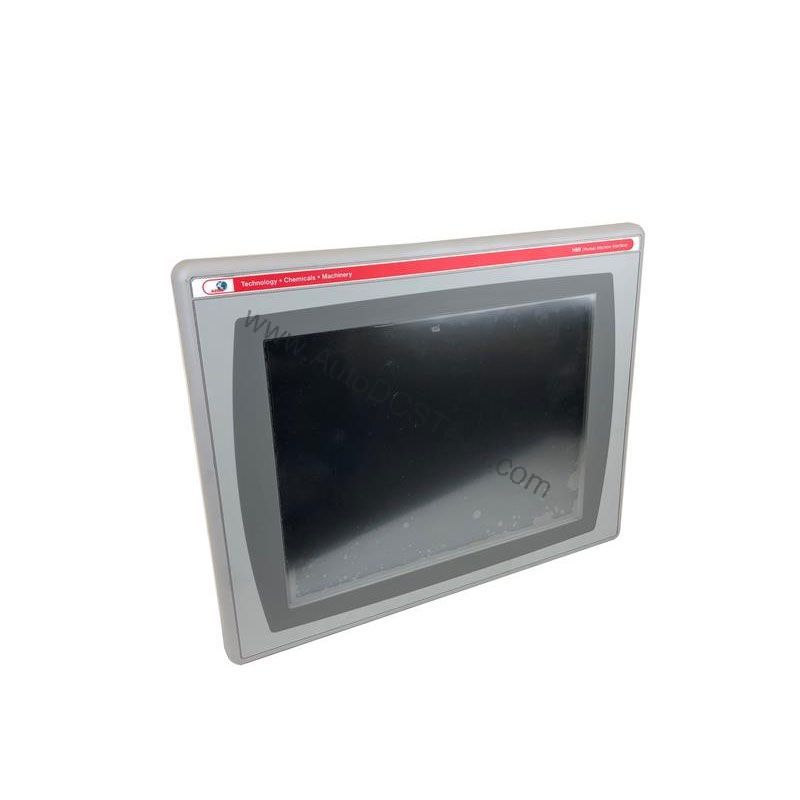
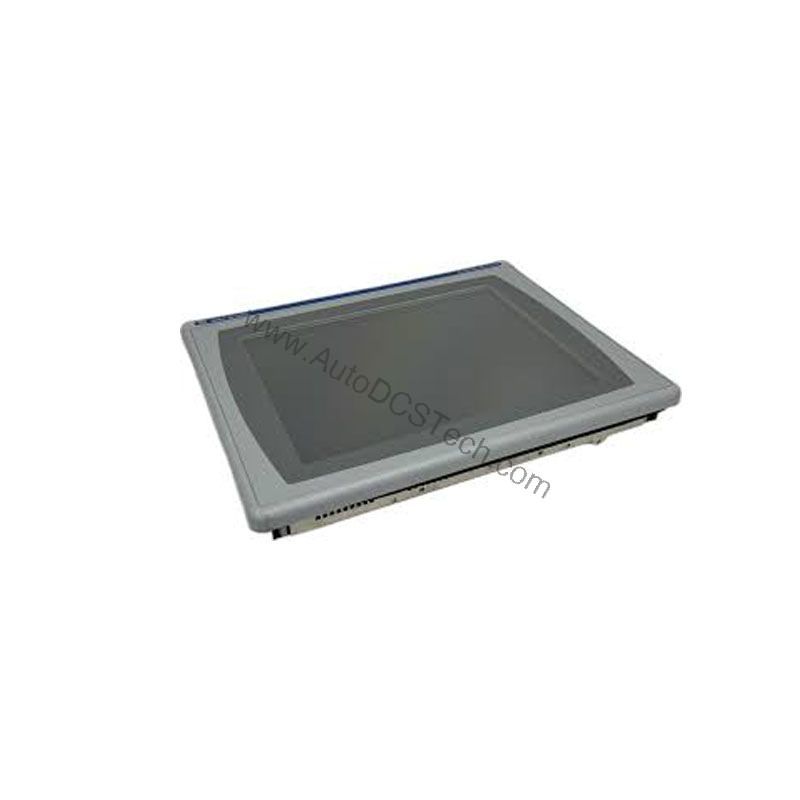
In modern manufacturing, operators need a clear window into their processes. The Allen-Bradley 2711P-K12C4A8 delivers that visibility through a 12.1-inch color active-matrix TFT display. This PanelView Plus 6 1250 operator terminal combines a responsive keypad interface with robust communication options, making it a practical solution for many industrial applications.
Although this unit has reached its end-of-life status, it remains a dependable option for existing installations that require a proven human-machine interface. AutoDCSTech offers this terminal for businesses that need a reliable replacement or a spare unit to minimize downtime.
Compatibility and Integration
The 2711P-K12C4A8 is designed to integrate into Rockwell Automation environments. It supports EtherNet/IP, an open industrial network that enables real-time I/O messaging and message exchange. This allows the terminal to communicate with ControlLogix, CompactLogix, and other EtherNet/IP-capable controllers.
For legacy systems, the RS-232 port supports DH485 and DF1 protocols, providing a bridge to older PLCs. Optional modules for DH+, DH-485, and ControlNet are also available (not included), giving you flexibility in network architecture.
The terminal also includes a real-time clock with a battery that has a minimum lifespan of 4 years. This ensures accurate timestamping for critical data logs.
Selection and Purchasing Advice
Before ordering, verify the current lifecycle status and availability with AutoDCSTech. The 2711P-K12C4A8 is classified as end-of-life, so availability may be limited. However, AutoDCSTech specializes in sourcing industrial automation parts, including legacy components. Contact our team to confirm stock and lead times.
When selecting a replacement, consider your application's communication requirements. If you need Ethernet/IP, this terminal is an fit. If you require additional protocols, check the availability of optional modules.
AutoDCSTech offers competitive pricing and fast shipping. We understand the urgency of minimizing downtime, so we strive to keep popular models in stock.
Troubleshooting Common Issues
Display shows no image: Check the power supply and ensure the input voltage is within 100-240VAC. Verify that the backlight is functioning (if you can see a faint image, the backlight may be failing).
Communication errors: Confirm that the Ethernet cable is properly connected and that the IP address is configured correctly. For RS-232, ensure the cable length does not exceed 15 meters and that the baud rate matches the connected device.
Keypad unresponsive: If some keys do not respond, the keypad may have reached its 1 million press limit. Try cleaning the keypad area. If the issue persists, the terminal may need service.
Slow performance: If the terminal becomes sluggish, check available memory. With 512 MB RAM, large applications may consume resources. Close unused windows or restart the terminal to clear temporary data.
Clock battery low: If the clock resets after power loss, the battery may need replacement. This is a serviceable item, but consult the user manual or a qualified technician.
For further assistance, contact AutoDCSTech's technical support team. We can help you diagnose issues and find the right replacement parts.
Availability & Condition at AutoDCSTech
| Part Number | 2711P-K12C4A8 |
|---|---|
| Availability | In Stock |
| Condition | New |
| Warranty | One Year |
| Origin | US |