Technical Specifications Breakdown
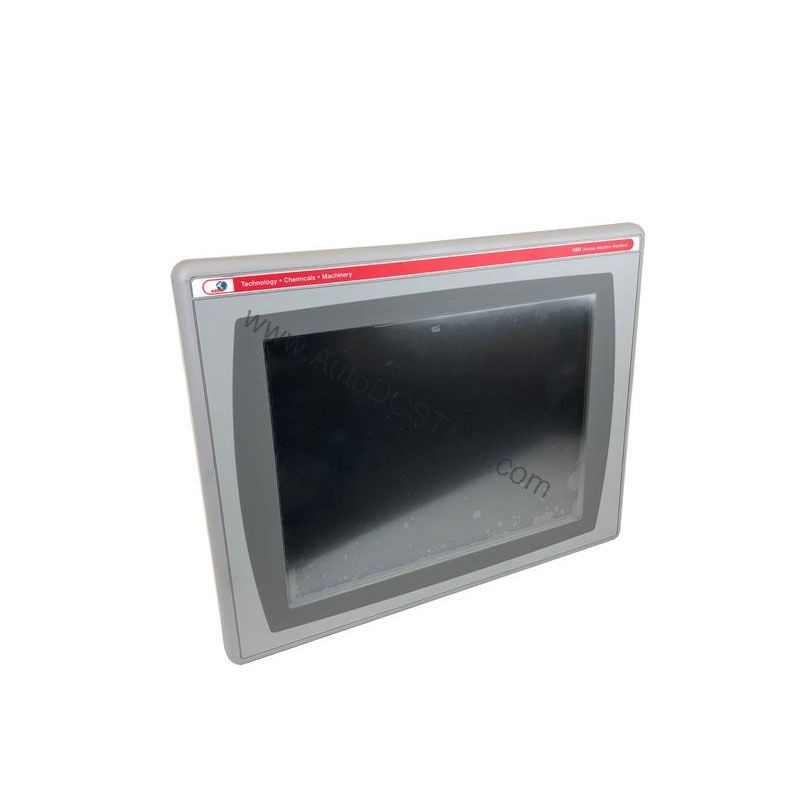
Key parameters for the 2711P-K4C3A are listed below for quick reference:
| Feature | Specification |
|---|---|
| Manufacturer | Rockwell Automation |
| Brand | Allen-Bradley |
| Part Number | 2711P-K4C3A |
| Product Line | PanelView Plus 400 |
| Display Size | 3.5 inches |
| Display Color | Color |
| Input Type | Keypad |
| Communication | DH-485 Port |
| Input Power | AC |
| Memory | 64 MB |
The input voltage rating is 100 to 240 Volts AC at 50 to 60 Hertz, as stated in the full description. This wide range allows installation in diverse global facilities without additional transformers.
Real-World Applications and Operational ROI
The keypad input ensures reliable interaction even when touchscreens fail. Typical uses include:
- Packaging lines: Operators can quickly navigate recipes and monitor output without removing gloves.
- Material handling systems: The compact 3.5-inch display fits into tight control panels, providing local status and control.
- Batch processing: With 64 MB memory, the terminal stores multiple screens and recipes, reducing downtime during changeovers.
Choosing a discontinued but fully functional 2711P-K4C3A from AutoDCSTech avoids the high cost of a full system upgrade. You extend the life of existing PLCs and I/O, achieving significant ROI compared to re-engineering the entire control system.
Installation and Setup Guidance
Before mounting, verify that the ambient temperature does not exceed 55 degrees Celsius. The terminal carries a temperature code of T4, so it must not be placed where atmospheric gases have an ignition temperature below 135 degrees Celsius. Ensure adequate ventilation around the enclosure to maintain safe operating conditions.
Connect the DH-485 port for peer-to-peer communication with other Rockwell devices. The Ethernet interface allows network integration, while the USB port supports peripherals like a keyboard, mouse, printer, or barcode scanner. Use the CompactFlash slot (Type 1) for data logging or application transfer.
Maintenance and Reliability
Regular inspection of the keypad and display is recommended to ensure proper operation. Clean the screen with a soft, dry cloth only. Check that all connectors remain secure and free from corrosion. Since this is a discontinued product, verify the current lifecycle status and availability with AutoDCSTech before ordering. Keeping a spare unit in stock minimizes production loss in case of failure.
Why the 2711P-K4C3A Remains a Reliable HMI Choice
Industrial operators often face a tough decision when a trusted human-machine interface reaches the end of its lifecycle. The Allen-Bradley 2711P-K4C3A from Rockwell Automation has proven itself in countless applications, and its availability on the secondary market offers a cost-effective path to keep legacy lines running.
Compatibility and Integration
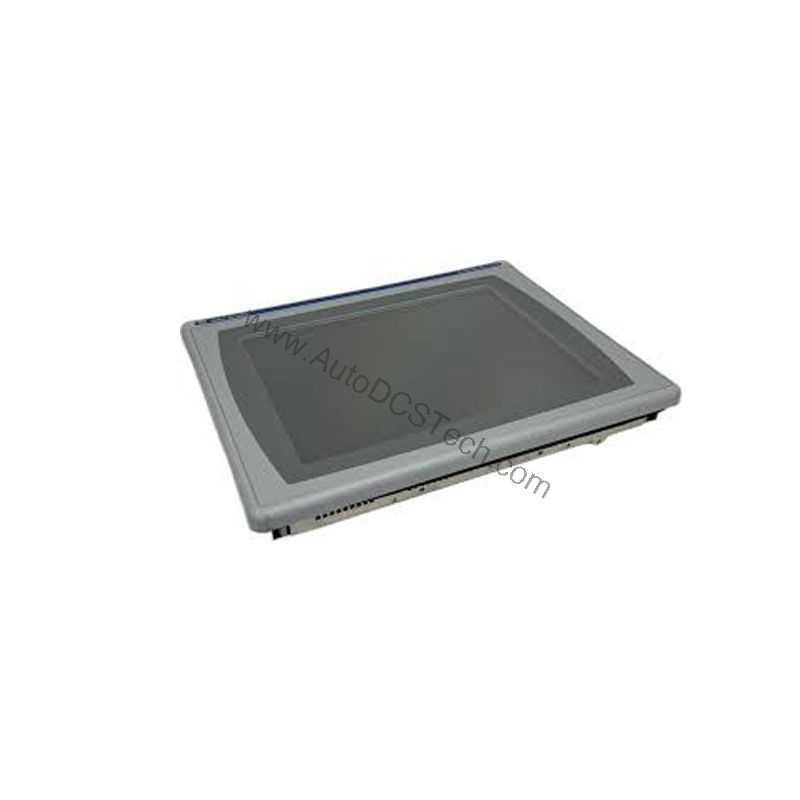
The 2711P-K4C3A supports DH-485 and Ethernet communication, allowing seamless integration into existing Rockwell architectures. The ControlNet communication ports on PanelView terminals include a network application port for temporarily connecting programming terminals. This flexibility makes the unit suitable for both legacy and modern control networks.
Selection Guide and Purchasing Advice
When sourcing a replacement for a failed HMI, confirm that your application requires a keypad interface and a 3.5-inch color display. AutoDCSTech offers this model with full technical support, ensuring you receive a genuine Allen-Bradley product. Contact our team to check current stock and lead times.
Troubleshooting and Common Issues
If the display remains blank, verify that AC power is present and within the rated range. Check the DH-485 connection for loose wiring. For communication errors, confirm the network address settings match the PLC. If the keypad becomes unresponsive, reboot the terminal. For persistent issues, consult the Rockwell Automation manual for the PanelView Plus 400 series.
Availability & Condition at AutoDCSTech
| Part Number | 2711P-K4C3A |
|---|---|
| Availability | In Stock |
| Condition | New |
| Warranty | One Year |
| Origin | US |