Technical Specifications Breakdown
Key parameters for the 2711P-K6C5A are listed below for quick reference:
| Feature | Specification |
|---|---|
| Manufacturer | Rockwell Automation |
| Brand | Allen-Bradley |
| Part Number | 2711P-K6C5A |
| Series | PanelView Plus 600 |
| Module Type | Operator Interface Terminal |
| Input Type | Keypad |
| Power Supply | 120 Volts AC |
| Communication | RS-232, USB ports |
| Display | 5.7-inch Color |
| UPC | 10781180130547 |
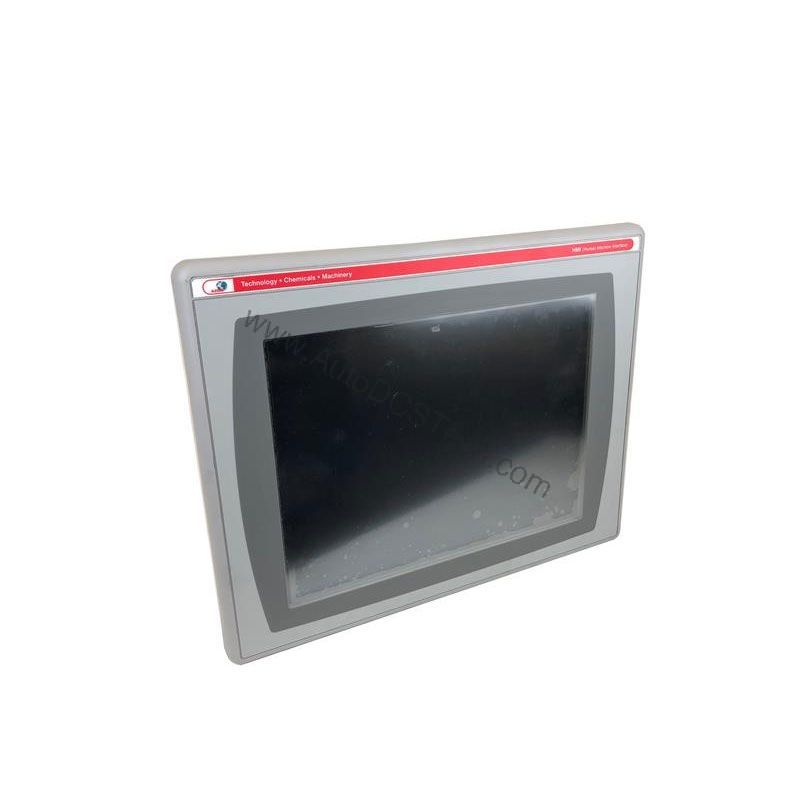
The terminal features a color matrix TFT display with a 5.5-inch screen size and a display area of 4.37 x 3.30 inches. It offers 320 x 240 resolution with 18-bit color graphics, ensuring clear and detailed visualization. The CCFL backlight has a lifespan of 50,000 hours, reducing maintenance frequency. Memory includes 64 MB RAM and 64 MB non-volatile flash, with 20 MB dedicated to application storage.
Industry Applications
The 2711P-K6C5A is well-suited for applications requiring reliable operator input in harsh industrial settings. The programmable function keys enable quick access to frequently used commands, improving operational efficiency. The terminal's real-time clock, with an accuracy of +/-2 minutes per month, ensures accurate timestamping of critical data, which is essential for quality control and traceability.
Installation & Setup Guidance
When installing the 2711P-K6C5A, ensure that the power supply matches the specified 120 Volts AC. The input voltage range is 85 to 264 Volts AC with a frequency of 47 to 63 Hertz. Verify that the maximum AC power consumption of 60 VA does not exceed the circuit capacity. Mount the terminal in a location that allows proper ventilation, and maintain the operating temperature between 0 and 55 degrees Celsius. Use the RS-232 and USB ports for communication with PLCs or other devices, following standard wiring practices.
Maintenance & Reliability
The 2711P-K6C5A is designed for long-term reliability, but periodic inspection is recommended. Keep the keypad and display clean to prevent buildup of dust or debris. The non-condensing relative humidity range of 5 to 95% should be maintained to avoid moisture-related issues. The operating shock rating of 15 g at 11 milliseconds and non-operating shock of 30 g at 11 milliseconds indicate robust construction, but avoid unnecessary impacts. Check the backlight status periodically; if it dims, plan for replacement to avoid downtime.
The Allen-Bradley 2711P-K6C5A: A Reliable Keypad Interface for Industrial Control
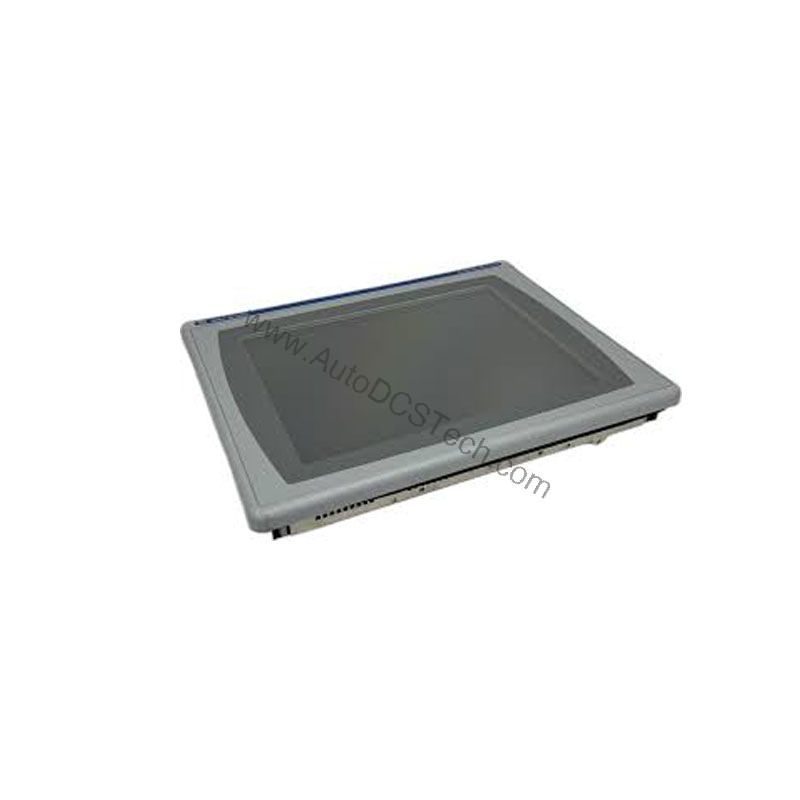
The Allen-Bradley 2711P-K6C5A is a keypad interface terminal from the PanelView Plus 600 series, designed to provide efficient operator control and data entry in industrial environments. This terminal uses a keypad as its primary input method, featuring numeric keys, navigation keys, and 10 programmable function keys that operators can customize with their own labels. The stainless steel domed membrane keypad ensures durability and responsiveness, making it suitable for demanding applications.
Compatibility & Integration
The terminal supports RS-232 and USB communication protocols, making it compatible with a wide range of Allen-Bradley controllers and other industrial equipment. The USB port allows for easy data transfer and firmware updates. The RS-232 port enables serial communication with legacy systems. For integration, ensure that the terminal's application software is compatible with your existing control system. The 2711P-K6C5A is part of the PanelView Plus 600 series, which is known for its flexibility and ease of use in various automation setups.
Selection Guide & Purchasing Advice
The 2711P-K6C5A is discontinued and obsolete. For availability and alternative options, contact AutoDCSTech. They specialize in industrial automation parts and can provide guidance on replacements or upgrades. When selecting a replacement, consider your application's requirements, such as display size, input type, and communication needs. AutoDCSTech offers a range of PanelView Plus terminals and can help you find the right fit for your system.
Troubleshooting & Common Issues
If the terminal fails to power on, check the power supply connections and verify that the input voltage is within the specified range. If the display is blank but the backlight is on, the issue may be with the display or the application software. For keypad responsiveness issues, ensure that the membrane is not damaged and that the keypad is clean. If communication errors occur, verify the RS-232 or USB connections and check the port settings. For persistent problems, consult the user manual or contact AutoDCSTech for technical support.
Availability & Condition at AutoDCSTech
| Part Number | 2711P-K6C5A |
|---|---|
| Availability | In Stock |
| Condition | New |
| Warranty | One Year |
| Origin | US |