Overview: A Compact Operator Interface for Reliable Machine Control
This small operator interface terminal is engineered for environments where space is limited but clear operator feedback and robust communication are essential. As a discontinued product, it remains a viable option for existing installations and for those seeking a proven, cost-effective replacement part.
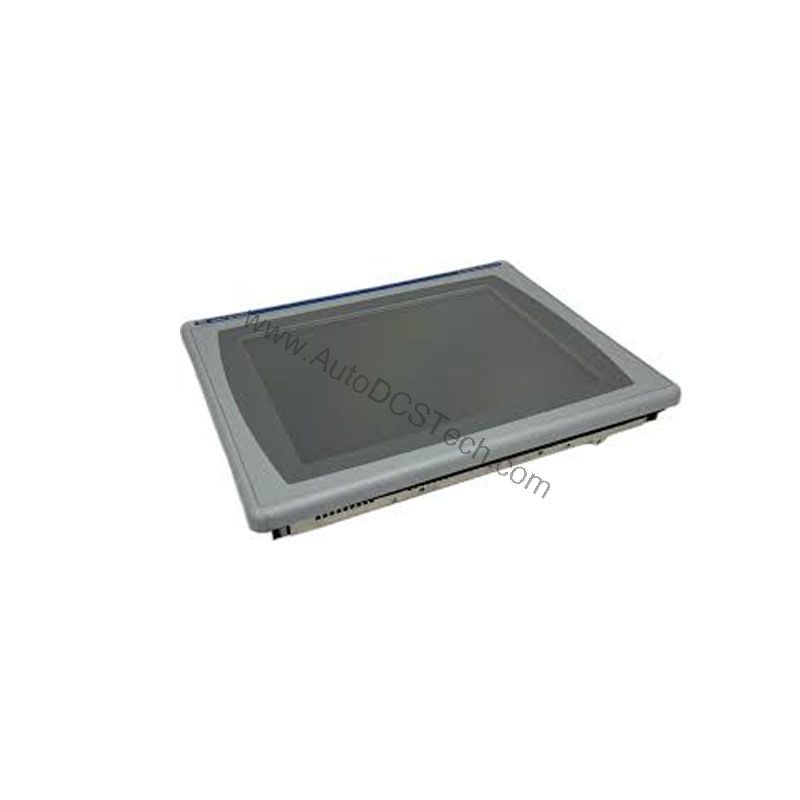
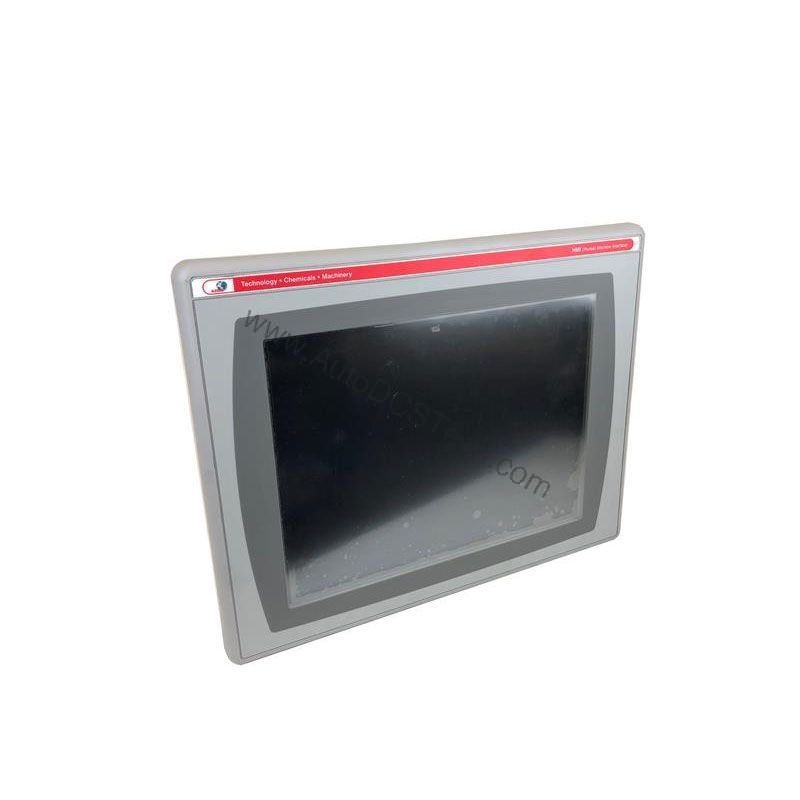
The 2711P-K6C8A is controlled via an integrated keypad that includes number keys, arrow keys, and programmable function keys. This design allows operators to navigate screens, enter data, and trigger actions without a touchscreen, which can be advantageous in environments where gloves are worn or where touchscreens may be less practical. The 5.7-inch color display provides a clear, readable interface for monitoring and controlling processes.
Technical Specifications Breakdown
Key parameters for the 2711P-K6C8A are listed below for quick reference:
| Feature | Specification |
|---|---|
| Manufacturer | Rockwell Automation |
| Brand | Allen-Bradley |
| Part Number/Catalog No. | 2711P-K6C8A |
| Series | PanelView Plus 600 |
| Module Type | Operator Interface Terminal |
| Input Type | Keypad |
| Power Supply | 120 Volts AC |
| Communication | RS-232, USB, Ethernet, DH+ |
| Display | 5.7-inch Color |
| Product Lifecycle Status | Discontinued/Obsolete |
The 2711P-K6C8A also supports DC voltage in the range of 18 to 32 Volts DC, as noted in the full description. It features an active matrix TFT display with a resolution of 320 x 234, and a battery-backed real-time clock for timestamping critical data. The battery is field-replaceable, simplifying maintenance.
This operator interface terminal is well-suited for a variety of industrial applications.
- Packaging Machinery: Use the programmable function keys to set batch parameters, monitor line speed, and display fault messages. The 5.7-inch display provides clear visibility of machine status, while the Ethernet and DH+ communication ports allow integration with PLCs and SCADA systems.
- Material Handling Systems: In conveyor or sorting applications, the 2711P-K6C8A can display sensor status, count totals, and alarm conditions. The RS-232 and USB ports facilitate data logging and recipe transfer, while the keypad allows operators to override or adjust settings quickly.
- Process Control Panels: For batch processing or simple loop control, this terminal can serve as a local HMI. The DH+ communication protocol enables connection to legacy Rockwell Automation networks, making it a cost-effective upgrade or replacement for older PanelView units.
Because the product is discontinued, integrating the 2711P-K6C8A into a new design requires careful consideration of long-term availability. However, for existing systems, it offers a straightforward path to keep production running without redesigning the control panel.
Installation & Setup Guidance
When installing the 2711P-K6C8A, follow these practical steps to ensure reliable operation:
- Mounting: The terminal comes with mounting hardware for panel placement. The enclosure is not waterproof, so install it in a dry, indoor location or within a suitable protective enclosure. Ensure adequate clearance for ventilation and cable routing.
- Power Supply: Connect the terminal to a 120 Volts AC supply, or use the DC power range of 18 to 32 Volts DC. Verify that the supply voltage matches the terminal's requirements before energizing. Use a dedicated circuit with proper overcurrent protection.
- Communication Wiring: Connect RS-232, USB, Ethernet, or DH+ cables as needed. Use shielded cables for Ethernet and DH+ to minimize electromagnetic interference. For DH+, use the appropriate terminators and follow the network topology guidelines.
- Grounding: Properly ground the terminal and the panel to prevent noise-related issues. Follow local electrical codes and the manufacturer's recommendations.
- Configuration: Use the PanelView Plus configuration software to create or download the application. Set the communication parameters (baud rate, IP address, node address) to match your network. Test the keypad functions and display before placing the system into service.
Maintenance & Reliability
To maintain reliable operation of the 2711P-K6C8A, implement a periodic inspection program. Check the following items on a regular basis:
- Display and Keypad: Inspect for physical damage, wear, or unresponsive keys. Clean the display and keypad with a soft, dry cloth. Avoid using solvents or abrasive cleaners.
- Connections: Verify that all communication and power cables are secure and free from corrosion. Tighten loose connections as needed.
- Battery: The real-time clock uses a field-replaceable battery. Replace the battery according to the manufacturer's recommended interval or when the clock loses time. Use the correct battery type as specified in the product documentation.
- Environmental Conditions: Keep the terminal within its specified operating temperature and humidity range. Avoid exposure to excessive dust, moisture, or vibration. If the terminal is in a harsh environment, consider installing it in a sealed enclosure.
Since the product is discontinued, stock spare parts such as the battery and keypad overlay if possible. This proactive approach minimizes downtime in case of component failure.
Compatibility & Integration
The 2711P-K6C8A supports multiple communication protocols, making it flexible for integration into various control systems. The RS-232 port allows connection to barcode scanners, printers, or serial devices. The USB port facilitates data transfer and firmware updates. Ethernet enables network connectivity for remote monitoring and data exchange. The DH+ port provides compatibility with legacy Allen-Bradley PLCs and networks.
When integrating this terminal into an existing system, verify that the communication parameters match the host controller. For DH+, set the node address and baud rate correctly. For Ethernet, assign a valid IP address and subnet mask. Use the configuration software to map tags and alarms to the display screens.
Selection Guide & Purchasing Advice
When selecting the 2711P-K6C8A for your application, consider the following:
- Availability: Since the product is discontinued, confirm availability and lead times with your supplier. AutoDCSTech specializes in industrial automation parts and can help you source this unit or recommend alternatives.
- Condition: If purchasing used or refurbished, request testing records and inspect the unit for signs of wear. Ensure that the display, keypad, and communication ports are fully functional.
- Lifecycle: For new designs, evaluate whether a current PanelView Plus model would better suit your long-term needs. For existing systems, the 2711P-K6C8A can be a direct replacement.
AutoDCSTech offers a range of automation parts, including discontinued models. Contact our team to verify availability and to discuss your specific requirements.
Troubleshooting & Common Issues
If you encounter issues with the 2711P-K6C8A, consider these common scenarios:
- No Power: Check the power supply voltage at the terminal. Ensure the 120 Volts AC or 18-32 Volts DC is present. Inspect the power cable and connections.
- Display Not Working: If the display is blank, verify that the backlight is functioning. Check the display brightness setting. If the display is damaged, it may need replacement.
- Keypad Not Responding: Clean the keypad and check for stuck keys. If the keypad is unresponsive, the keypad membrane may be worn and need replacement.
- Communication Errors: Verify the communication cable connections and settings. For Ethernet, check the IP address and network connectivity. For DH+, confirm the node address and baud rate.
- Clock Losing Time: Replace the battery if the real-time clock resets. Use the correct battery type and follow proper replacement procedures.
For persistent issues, consult the product manual or contact AutoDCSTech for technical support. Do not attempt internal repairs unless you are qualified and have the necessary documentation.
Please verify current lifecycle status and availability with AutoDCSTech before ordering.
Availability & Condition at AutoDCSTech
| Part Number | 2711P-K6C8A |
|---|---|
| Availability | In Stock |
| Condition | New |
| Warranty | One Year |
| Origin | US |