Overview: A Reliable Interface for Industrial Machines
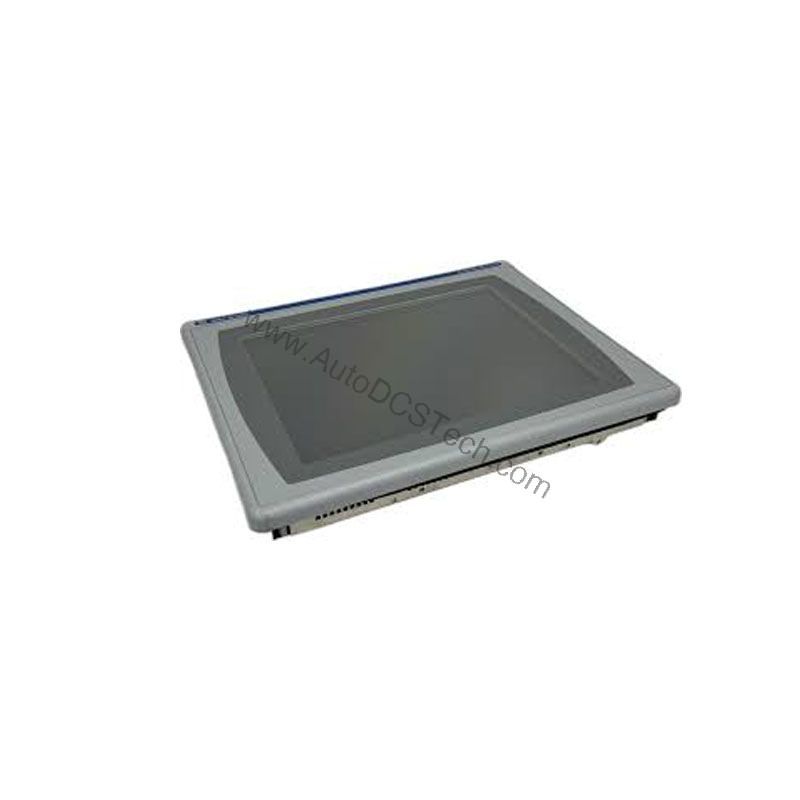
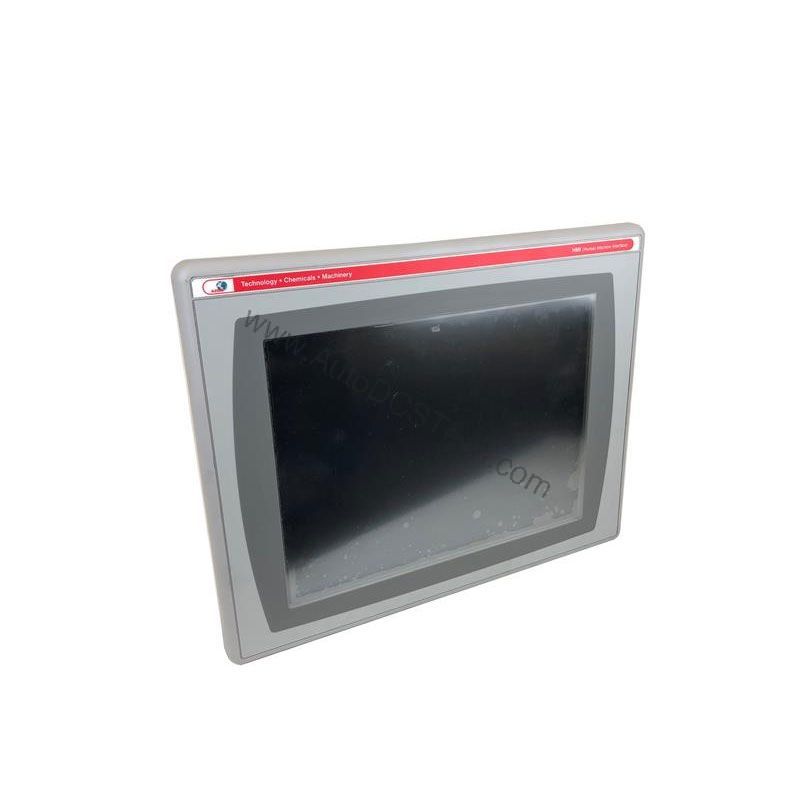
The Allen-Bradley 2711P-K6C20A is a PanelView Plus 600 operator interface terminal designed to control and monitor a wide range of industrial machinery. This keypad-operated terminal provides a durable and straightforward interface for operators who need reliable access to process data and controls. With its compact 5.7-inch color display and robust communication options, the 2711P-K6C20A fits well into many automation environments.
Technical Specifications Breakdown
Key parameters for the 2711P-K6C20A are listed below for quick reference:
| Feature | Specification |
|---|---|
| Manufacturer | Rockwell Automation |
| Brand | Allen-Bradley |
| Part Number | 2711P-K6C20A |
| Series | PanelView Plus 600 |
| Module Type | Operator Interface Terminal |
| Input Type | Keypad |
| Power Supply | 120 Volts AC |
| Communication | RS-232, USB, 2 Ethernet ports |
| Display | 5.7-inch Color |
This operator interface terminal is well-suited for applications that require a compact, reliable HMI for machine control. Common uses include:
- Packaging Lines: The keypad input allows operators to quickly navigate screens and enter parameters, while the color display shows production status and alarms clearly.
- Material Handling Systems: With its Ethernet ports, the 2711P-K6C20A can integrate into a plant network, enabling remote monitoring and data collection.
- Process Control Panels: The RS-232 and USB ports provide flexible connectivity to PLCs and other control devices, making it a versatile choice for retrofitting older equipment.
Installation & Setup Guidance
When installing the 2711P-K6C20A, follow the manufacturer's guidelines for panel cutout and mounting to ensure proper fit and cooling. The terminal requires a cut-out measuring 142 x 241 millimeters for installation. Ensure the power supply matches the 120 Volts AC rating. Connect communication cables to the RS-232, USB, or Ethernet ports as needed for your application. For initial setup, use the keypad to navigate the configuration menus and set the IP address for Ethernet communication.
Maintenance & Reliability
The 2711P-K6C20A is designed for long-term reliability. The keypad membrane is rated for 1 million presses, providing a long service life. The display backlight is rated for a minimum of 25,000 hours of operation, reducing the need for frequent replacements. To maintain optimal performance, keep the terminal clean and free from dust and moisture. Periodically inspect the connections and mounting hardware to ensure they remain secure. The real-time clock battery is field-replaceable and has a minimum 4-year lifespan, so plan for replacement during routine maintenance.
Compatibility & Integration
The 2711P-K6C20A offers multiple communication options, including RS-232, USB, and two Ethernet ports. This allows it to connect to a variety of Allen-Bradley PLCs and other industrial devices. The Ethernet ports support 10/100 Mbps networking, enabling integration into plant-wide control systems. The USB host and device ports allow for data transfer and firmware updates using standard USB drives.
Selection Guide & Purchasing Advice
When selecting an operator interface terminal, consider factors such as display size, input method, and communication requirements. The 2711P-K6C20A is a good choice for applications that require a compact keypad-based HMI with Ethernet connectivity. Since this product is discontinued, verify availability and lifecycle status with AutoDCSTech before ordering. AutoDCSTech specializes in industrial automation parts and can help you find the right solution for your needs.
Troubleshooting & Common Issues
If the display is blank, check the power supply to ensure it is providing 120 Volts AC. If the keypad is unresponsive, verify that the membrane is not damaged and that the terminal is properly grounded. For communication issues, confirm that the Ethernet cables are connected to the correct ports and that the IP address settings are correct. If the real-time clock loses time, replace the battery with a new field-replaceable unit. For more complex issues, consult the Rockwell Automation documentation or contact AutoDCSTech for technical support.
Availability & Condition at AutoDCSTech
| Part Number | 2711P-K6C20A |
|---|---|
| Availability | In Stock |
| Condition | New |
| Warranty | One Year |
| Origin | US |