Technical Specifications Breakdown
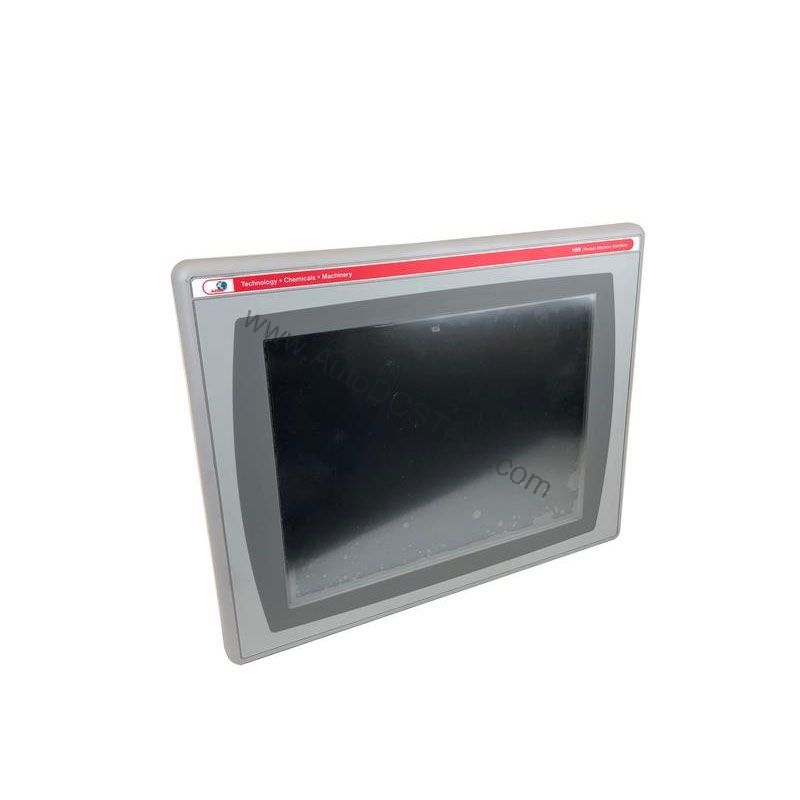
Key parameters for the 2711P-K6C8D are listed below for quick reference:
| Feature | Specification |
|---|---|
| Manufacturer | Rockwell Automation |
| Brand | Allen-Bradley |
| Part Number | 2711P-K6C8D |
| Series | PanelView Plus 600 |
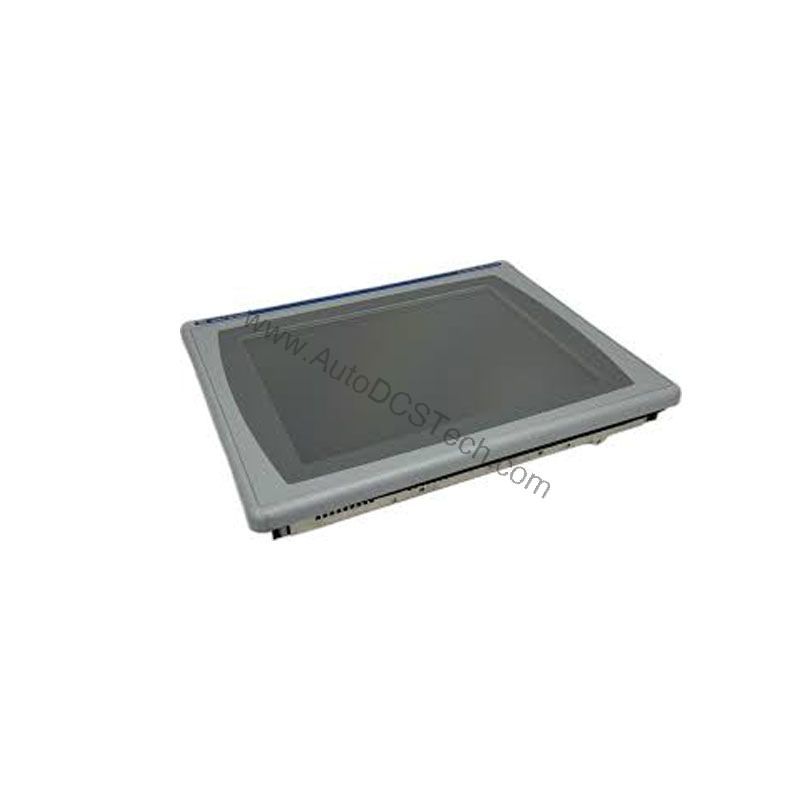
| Module Type | Operator Interface Terminal |
| Input Type | Keypad |
| Power Supply | 24 Volts DC |
| Communication | RS-232, USB, Ethernet, DH+ |
| Display | 5.7-inch Color |
| Product Lifecycle Status | Discontinued/Obsolete |
Industry Applications: Where This Terminal Saves Money
The 2711P-K6C8D is designed for applications that demand straightforward operator interaction. In a packaging line, for example, the keypad allows quick entry of batch numbers or recipe selections, while the 5.7-inch color display shows machine status and alarm messages. Because the terminal supports Ethernet and DH+ communication, it can integrate into existing Rockwell networks without requiring new cabling or protocol converters—a direct cost saving.
Another common use is in material handling systems, where operators need to acknowledge faults or change conveyor speeds. The 10 programmable function keys (as noted in the full description) reduce training time and minimize input errors, which translates to fewer costly mistakes. By choosing a discontinued but fully functional terminal like this, plants can extend the life of their current control systems and defer large upgrade expenditures.
Installation & Setup Guidance
Before installation, verify that the 2711P-K6C8D is in good condition and that all communication ports (RS-232, USB, Ethernet, DH+) are accessible. Mount the terminal in a panel that provides adequate clearance for ventilation. Connect the DC power supply, ensuring the voltage matches the rated 24 Volts DC. For communication, use shielded cables appropriate for the network type. When configuring the terminal, use the keypad to navigate menus and set the IP address for Ethernet communication. Always follow the user manual for specific wiring and grounding instructions.
Maintenance & Reliability
To ensure long-term reliability, inspect the terminal periodically for dust accumulation on the display and keypad. Use a soft, dry cloth to clean the screen. Check that all cable connections are secure and that the power supply is stable. Since the terminal is discontinued, it is wise to keep a spare unit in stock to minimize downtime. Environmental conditions should be within the operating range specified by the manufacturer; avoid exposure to excessive moisture or vibration.
The Allen-Bradley 2711P-K6C8D: A Cost-Effective HMI for Legacy Systems
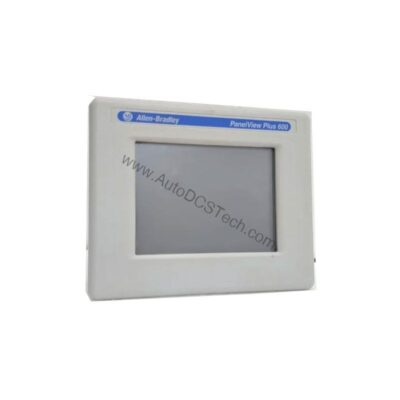
When production lines depend on older automation hardware, finding a reliable operator interface that doesn't break the budget is critical. The Allen-Bradley 2711P-K6C8D from the PanelView Plus 600 series offers a proven way to maintain visibility and control without a full system overhaul. This terminal lets operators monitor real-time data and input commands through a responsive keypad, all while keeping capital expenses in check.
Compatibility & Integration
The 2711P-K6C8D is part of the PanelView Plus 600 series, which is designed to work with Rockwell Automation controllers. The built-in Ethernet port allows integration with modern ControlLogix or CompactLogix systems, while the DH+ port supports legacy PLC-5 or SLC 500 networks. The RS-232 and USB ports provide additional flexibility for connecting peripherals or uploading/downloading applications. This multi-protocol support reduces the need for additional gateways, saving both hardware and engineering costs.
Selection Guide & Purchasing Advice
When selecting a replacement or spare for your existing HMI, confirm that the part number matches your requirements. Because this model is discontinued, availability may be limited. AutoDCSTech specializes in sourcing hard-to-find industrial automation parts. Contact AutoDCSTech to check current stock and lifecycle status before ordering. Their team can help you verify that this terminal meets your application needs and budget.
Troubleshooting & Common Issues
If the display remains blank, first check the DC power supply voltage. Ensure it is within the rated input range (18 to 30 Volts DC as per the full description). If the keypad does not respond, verify that the terminal is not in a locked mode. For communication issues, confirm the network settings and cable connections. If the terminal fails to boot, the internal CompactFlash may need to be replaced. Always consult the user manual for detailed troubleshooting steps. For persistent problems, contact AutoDCSTech for technical support.
Availability & Condition at AutoDCSTech
| Part Number | 2711P-K6C8D |
|---|---|
| Availability | In Stock |
| Condition | New |
| Warranty | One Year |
| Origin | US |