Technical Specifications Breakdown
Key parameters for the 2711P-K15C4A9 are listed below for quick reference:
| Feature | Specification |
|---|---|
| Manufacturer | Rockwell Automation |
| Brand | Allen-Bradley |
| Part Number/Catalog No. | 2711P-K15C4A9 |
| Product Line | PanelView 6 Plus |
| Display Size | 15 in. |
| Display Color | Color |
| Input Type | Keypad |
| Communication | Ethernet and RS-232 |
| Input Power | 100-240 VAC |
| Memory | 512 MB RAM |
| Backlight | 2711P-RL15C |
| Communication Cable | 2711-NC14 |
| Shipping Weight | 13 lbs. |
| Shipping Dimensions | 20 x 14 x 8 in |
| Series | Series A and Series B |
The 2711P-K15C4A9 is a versatile operator interface suitable for applications that require reliable, real-time control and monitoring. Typical applications include:
- Machine Control: Use the keypad to navigate screens, start/stop processes, and adjust setpoints on packaging lines, CNC machines, and assembly equipment.
- Process Monitoring: Display real-time data from PLCs, such as temperature, pressure, and flow, allowing operators to quickly identify anomalies.
- Data Entry: Enter batch numbers, recipe selections, or operator IDs using the tactile keypad, reducing input errors in high-throughput operations.
Installation & Setup Guidance
Proper installation is essential for reliable operation. Follow these general guidelines when setting up the 2711P-K15C4A9:
- Mounting: Install the terminal in a panel cutout that provides adequate support. Ensure the unit is securely fastened to prevent vibration-induced loosening.
- Power Supply: Connect the input power to a dedicated 100-240 VAC source. Use a properly rated circuit breaker and follow local electrical codes. Verify the voltage before energizing.
- Communication: Use the Ethernet port for EtherNet/IP networking and the RS-232 port for serial connections. The Ethernet port supports RJ45, 10/100Base-T connections with MDI/MDI-X auto-detection. Use the 2711-NC14 communication cable for RS-232 connections.
- Grounding: Follow standard grounding practices to minimize electrical noise interference. Ensure the panel is properly grounded.
Maintenance & Reliability
To ensure long-term reliability, perform periodic inspections of the terminal and its connections. Check for dust accumulation on the display and vents, and clean with a soft, dry cloth. Verify that all cable connections are secure and free from corrosion. If the backlight dims or fails, replace it with the specified 2711P-RL15C backlight unit. Regularly back up your application files to prevent data loss.
The Allen-Bradley 2711P-K15C4A9 PanelView Plus 6 HMI: A Reliable Operator Interface for Industrial Control
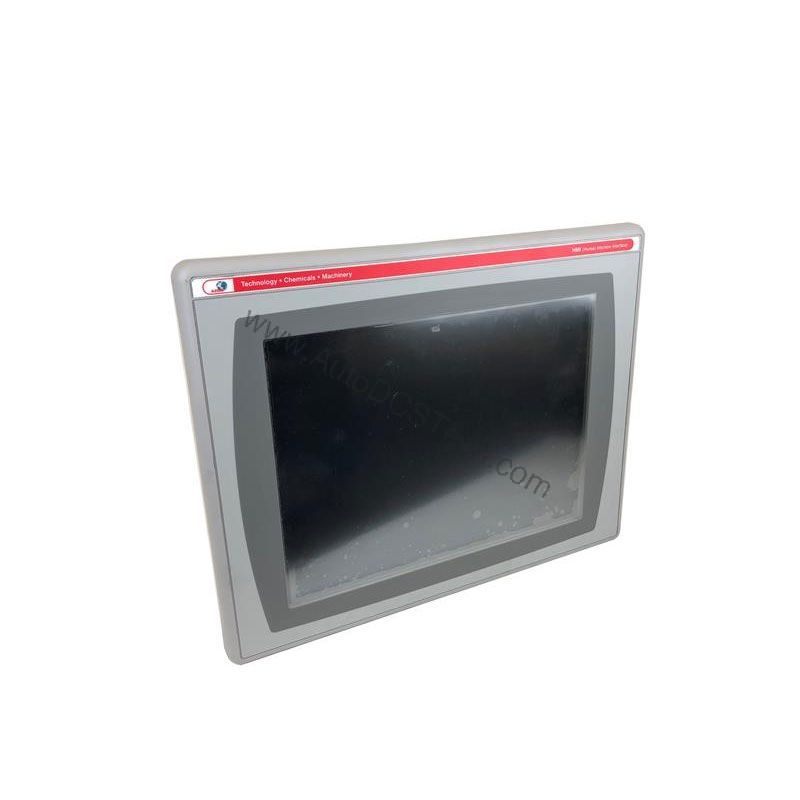
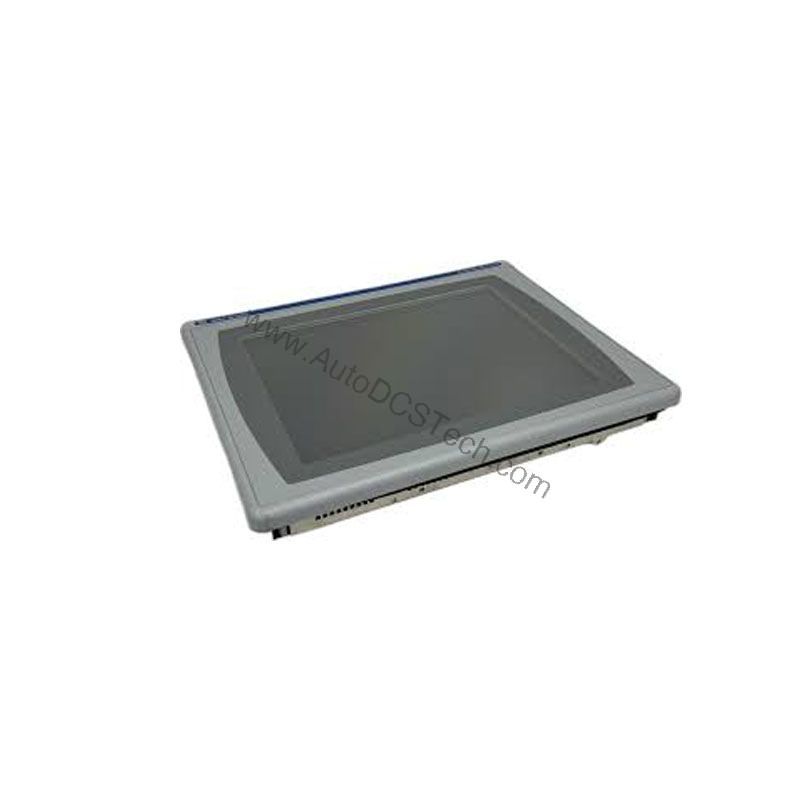
In modern manufacturing, the operator interface is the critical link between your team and your machinery. The Allen-Bradley 2711P-K15C4A9 is a 15-inch color operator interface terminal designed to provide clear, responsive control and monitoring for a wide range of applications. Built as part of the PanelView Plus 6 series, this HMI delivers the performance and reliability that industrial environments demand.
Compatibility & Integration
The 2711P-K15C4A9 supports Ethernet and RS-232 communication, enabling integration with a wide range of Rockwell Automation controllers and other industrial devices. The Ethernet port supports EtherNet/IP, an open industrial network that allows real-time I/O messaging and message exchange. This allows the HMI to communicate with controllers on the same network, as well as support application transfers and printing. For applications requiring an additional Ethernet port, the 2711P-RN20 Ethernet communication module is available for 700 to 1500 terminals, providing a separate IP address.
Selection Guide & Purchasing Advice
When selecting an operator interface, consider the display size, input method, and communication requirements of your application. The 2711P-K15C4A9 offers a 15-inch color display and keypad input, making it a solid choice for applications where touchscreens are not ideal. Its Ethernet and RS-232 communication capabilities provide flexibility for various control architectures. When you are ready to purchase, AutoDCSTech offers genuine Allen-Bradley products with competitive pricing and fast shipping. Contact AutoDCSTech to verify current availability and lifecycle status before ordering.
Troubleshooting & Common Issues
If the HMI does not power up, check the input power source and ensure the voltage is within the specified range. If the display is blank but the unit is powered, check the backlight and replace it if necessary. For communication issues, verify the Ethernet cable connection and IP address settings. Ensure that the controller and HMI are on the same subnet. If the keypad is unresponsive, restart the terminal and check for any stuck keys. For persistent issues, consult the user manual or contact AutoDCSTech for technical support.
Availability & Condition at AutoDCSTech
| Part Number | 2711P-K15C4A9 |
|---|---|
| Availability | In Stock |
| Condition | New |
| Warranty | One Year |
| Origin | US |