Technical Specifications Breakdown
Key parameters for the 2711P-K4C20D are listed below for quick reference:
| Feature | Specification |
|---|---|
| Manufacturer | Rockwell Automation |
| Brand | Allen-Bradley |
| Part Number | 2711P-K4C20D |
| Product Line | PanelView Plus 400 |
| Display Size | 3.5 inch |
| Display Color | Color |
| Input Type | Keypad |
| Communication | Ethernet and RS-232 Ports |
| Input Power | DC |
| Memory | 64 MB |
| Series | A, B, C, D, E |
| Product Lifecycle Status | Discontinued/Obsolete |
This terminal shines in applications where a full-sized HMI is overkill but basic visualization and control are still critical. Consider these scenarios:
- Packaging Machinery: The 3.5-inch color display lets operators view machine status, count totals, and alarm messages right at the point of operation. The keypad input allows quick data entry for batch changes or recipe selection, reducing downtime between runs.
- Material Handling: In conveyor systems, this terminal can be mounted near the line to display sensor status and allow operators to override or acknowledge faults. Its compact size fits in tight spaces where larger panels cannot.
- Process Control in Hazardous Areas: With its hazardous location rating, the 2711P-K4C20D can be placed in environments where flammable gases or vapors may be present, providing safe local monitoring and control.
Installation & Setup Guidance
Proper installation is key to long-term reliability. Here are engineer-level recommendations based on the terminal's design:
- Mounting Orientation: Mount the terminal in a vertical position. Avoid placing it on the west side of the cabinet where it can receive direct sunlight, as high temperatures could damage the screen and other components.
- Clearances for Ventilation: Leave adequate clearance around the unit to allow proper airflow. Maintain at least 55 mm at the top, 102 mm at the bottom, and 25 mm on each side.
- Environmental Limits: The terminal can withstand a maximum temperature of 55 degrees Celsius. Do not install it where atmospheric gases could ignite at a temperature of 135 degrees Celsius.
- Power Connection: The unit operates on 18 to 30 Volts DC. Ensure your power supply is within this range and properly regulated.
Maintenance & Reliability
Although this unit is discontinued, many facilities still rely on it. To maximize uptime:
- Periodic Inspection: Check the display and keypad for signs of wear or damage. Clean the screen with a soft, dry cloth to maintain visibility.
- Ventilation Checks: Ensure that the clearances are not blocked by dust or debris. Blocked airflow can cause overheating and premature failure.
- Environmental Monitoring: Keep the terminal away from direct sunlight and sources of high heat. Monitor ambient temperature to stay within the 55°C maximum.
The Allen-Bradley 2711P-K4C20D: A Compact Operator Interface for Demanding Environments
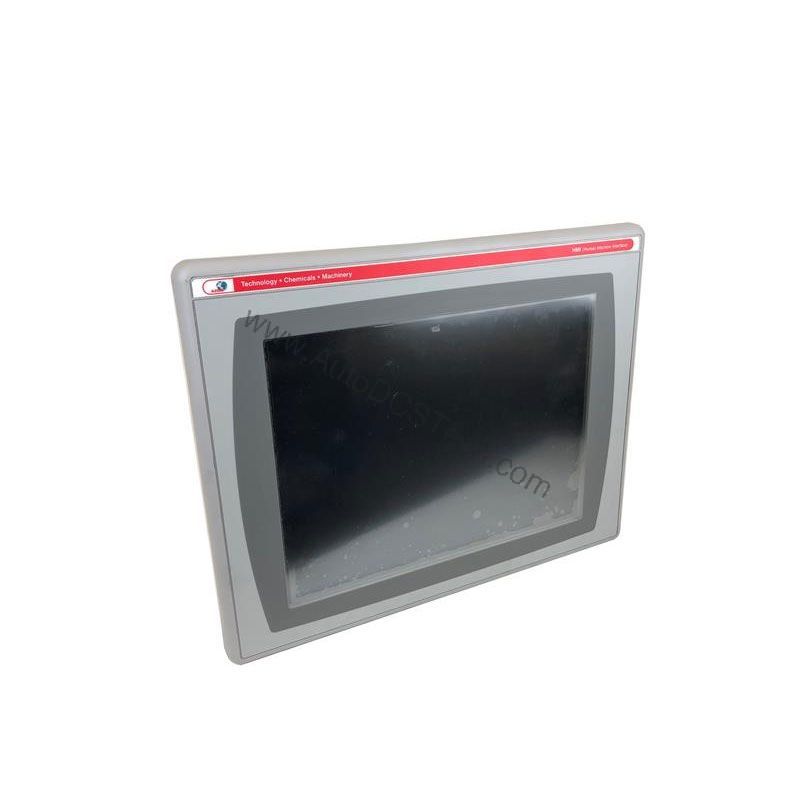
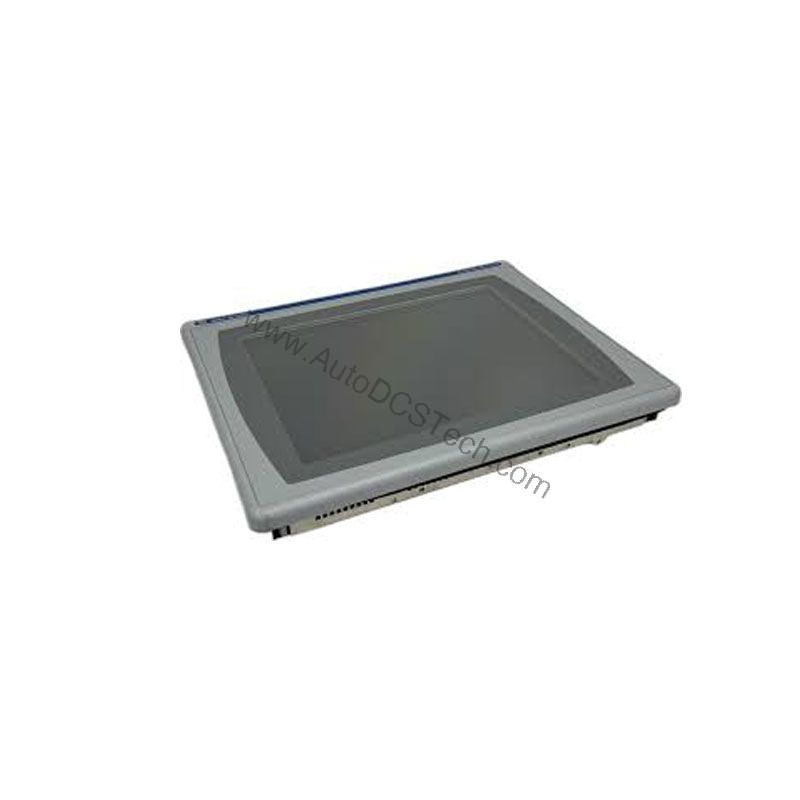
This keypad operator terminal provides full-color graphics on a 3.5-inch display, allowing operators to monitor and adjust process variables without being physically tied to the equipment. Designed for hazardous locations, this unit brings essential HMI functionality where space is limited and conditions are tough.
Compatibility & Integration
The 2711P-K4C20D supports Ethernet and RS-232 communication ports, making it easy to integrate into existing industrial networks. The Ethernet port allows connection to PLCs and other devices for data exchange and remote monitoring. The RS-232 port enables serial communication with legacy equipment. Additionally, the unit provides USB ports (as mentioned in the full description) for connecting peripherals such as a mouse, printer, keyboard, or barcode reader. All USB ports comply with hazardous location requirements per the National Electrical Code, article 500.
Selection Guide & Purchasing Advice
Since the 2711P-K4C20D is discontinued/obsolete, sourcing a reliable replacement or spare unit requires a trusted supplier. AutoDCSTech specializes in industrial automation parts and can help you find this model or a suitable alternative. Before ordering, verify the current lifecycle status and availability with AutoDCSTech. When selecting a replacement, consider your communication needs (Ethernet vs. RS-232), display size, and input method. The PanelView Plus 400 series offers various configurations to match your application.
Troubleshooting & Common Issues
Here are common issues and general guidance:
- Display Not Powering On: Check the DC power supply voltage (18-30V DC). Verify connections and fuses.
- Communication Errors: Ensure Ethernet or RS-232 cables are properly connected and configured. Check IP addresses and baud rates.
- Keypad Unresponsive: Inspect for physical damage or debris. If the keypad is faulty, the unit may need replacement.
- Screen Flickering or Dim: This could indicate a backlight issue. If the display is failing, consider replacing the terminal.
For any repair or replacement needs, contact AutoDCSTech for expert assistance.
Availability & Condition at AutoDCSTech
| Part Number | 2711P-K4C20D |
|---|---|
| Availability | In Stock |
| Condition | New |
| Warranty | One Year |
| Origin | US |