Technical Specifications Breakdown
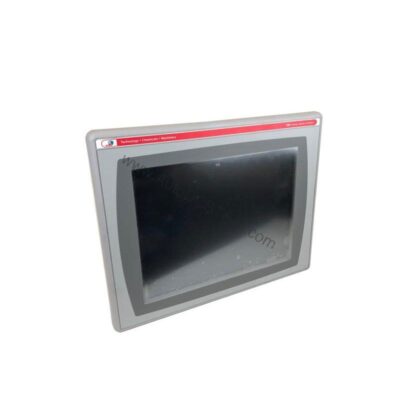
Key parameters for the 2711P-T15C4D7 are listed below for quick reference:
| Feature | Specification |
|---|---|
| Manufacturer | Rockwell Automation |
| Brand | Allen-Bradley |
| Part Number | 2711P-T15C4D7 |
| Series | PanelView Plus 1500 |
| Input Method | Touchscreen Input |
| Communication Ports | Ethernet, USB, RS-232 |
| Power Input | 24 VDC |
| Display Type | 15 in. Color Display |
| Memory | 256 MB |
Real-World Applications
1. Batch Process Monitoring
In chemical or food processing, operators use the 2711P-T15C4D7 to monitor temperature, pressure, and flow. The 15-inch color display shows trends and alarms clearly, helping operators react quickly to deviations. The touchscreen input simplifies data entry for batch recipes, reducing errors and improving consistency.
2. Machine Control on Assembly Lines
Automotive or electronics assembly lines benefit from the terminal's compact yet large display. Operators can start/stop cycles, view production counts, and adjust parameters without leaving the machine. The RS-232 port allows connection to legacy equipment, preserving existing investments.
3. Remote Monitoring in Utilities
Water treatment plants use the Ethernet port to link the terminal to a central SCADA system. Operators can view real-time data from remote pumps and valves, reducing the need for physical inspections. The 24V DC input makes it suitable for battery-backed systems, ensuring uptime during power fluctuations.
Installation and Setup Guidance
Before mounting the 2711P-T15C4D7, verify that all panel components are properly connected to prevent electrical shock. Use the quick-connect plug or optional input plugs for DC wiring, as per your preference. For downloading applications, establish a data link via Ethernet. Then transfer your HMI project files using Rockwell Automation's FactoryTalk View Studio software. Ensure the terminal is grounded according to local electrical codes. After power-up, calibrate the touchscreen if necessary. Always follow the user manual for specific wiring diagrams and torque settings.
Maintenance and Reliability
Although the 2711P-T15C4D7 is discontinued, it remains a reliable workhorse if maintained properly. Inspect the unit periodically for dust accumulation on the screen and ventilation slots. Use a soft, dry cloth to clean the touchscreen; avoid harsh solvents. Check the DC power supply voltage to ensure it stays within 24V DC nominal range. Verify that Ethernet and RS-232 cables are securely connected and not damaged. For long-term reliability, keep a spare unit in storage, as replacement parts may become scarce.
Why the 2711P-T15C4D7 Still Makes Sense for Your HMI Needs
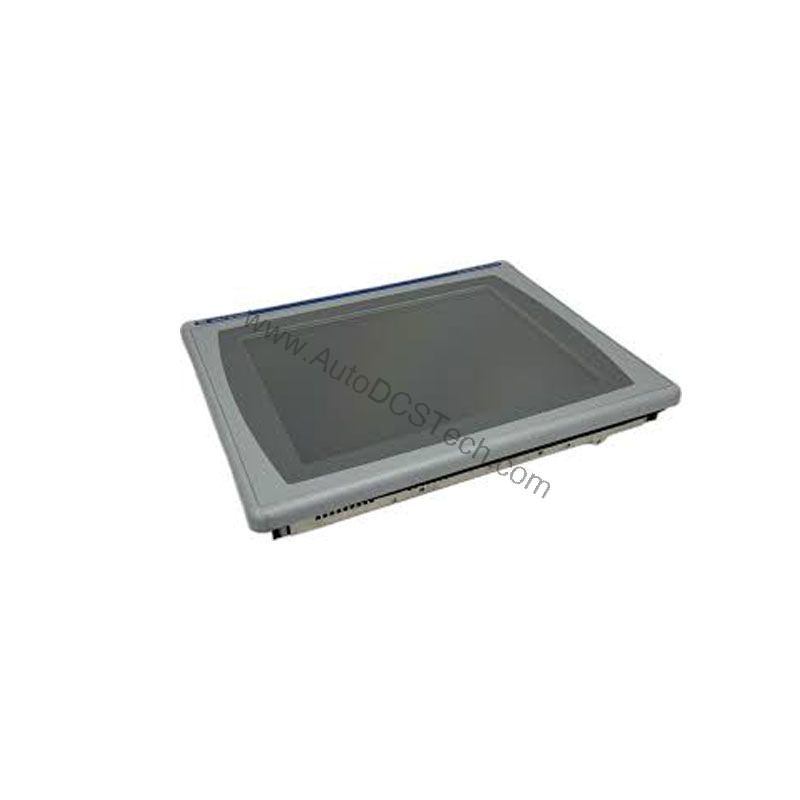
Even though this model is now discontinued, many facilities continue to run it because of its solid performance and straightforward design. The 15-inch color display and touchscreen input give operators a clear, responsive way to monitor and control processes. For maintenance teams, having a spare unit on hand can prevent costly downtime. This article explains the key specifications, practical applications, and cost-saving considerations for this terminal.
Cost-Benefit Analysis: Why This Terminal Saves Money
The 2711P-T15C4D7 runs on 24V DC power, which is a common industrial voltage. Using DC power can lower energy costs compared to AC-powered units because DC conversion is often more efficient. The 256 MB memory allows you to store recipes, logs, and screen data locally, reducing the need for frequent network transfers. This local storage also speeds up screen changes, improving operator efficiency. The built-in Ethernet port enables fast data exchange with PLCs and SCADA systems, minimizing integration time. By choosing this terminal, you avoid the higher cost of retrofitting a newer HMI that may require additional adapters or software changes.
Compatibility and Integration
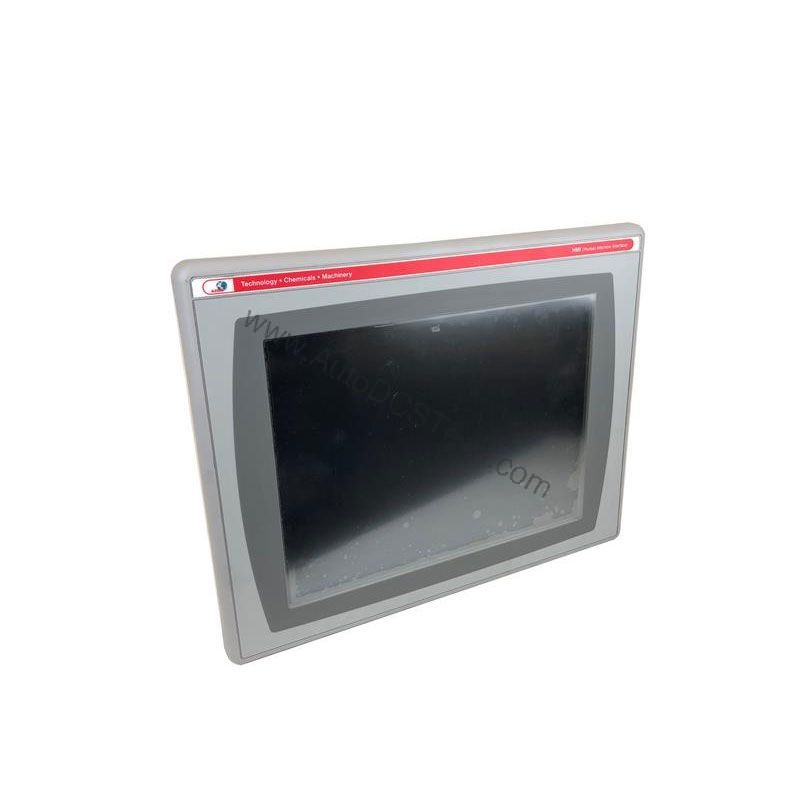
The terminal supports standard communication via Ethernet, USB, and RS-232. This allows integration with Allen-Bradley PLCs (such as ControlLogix or CompactLogix) and third-party devices that use Modbus or other protocols over serial. The USB port enables easy data backup and firmware updates. The Ethernet port supports both local and remote access, making it easy to add the terminal to an existing network. Because it is part of the PanelView Plus 1500 series, it is compatible with FactoryTalk View Machine Edition applications, simplifying project migration.
Selection Guide and Purchasing Advice
When sourcing a replacement for your 2711P-T15C4D7, consider the total cost of ownership. Buying an used or refurbished unit from a trusted supplier like AutoDCSTech can save up to 50% compared to a new HMI. Ensure that the unit includes all necessary connectors and that the firmware version meets your application needs. Because this model is discontinued, verify current lifecycle status and availability with AutoDCSTech before ordering.
Troubleshooting Common Issues
- Touchscreen unresponsive: Calibrate the screen or check for a faulty digitizer. Restart the terminal.
- No display: Verify 24V DC power is present and the backlight is functional. Check the fuse.
- Communication errors: Ensure Ethernet cable is properly connected and IP settings match your network. For RS-232, check baud rate and wiring.
- Slow performance: Clear unused files from memory or reduce the number of active screens.
For persistent issues, contact AutoDCSTech for expert assistance. They can help diagnose hardware failures and provide replacement parts.
Availability & Condition at AutoDCSTech
| Part Number | 2711P-T15C4D7 |
|---|---|
| Availability | In Stock |
| Condition | New |
| Warranty | One Year |
| Origin | US |