Technical Specifications Breakdown
Key parameters for the 2711P-T6M5D are listed below for quick reference:
| Feature | Specification |
|---|---|
| Manufacturer | Rockwell Automation |
| Brand | Allen-Bradley |
| Part Number | 2711P-T6M5D |
| Series | PanelView Plus 600 |
| Module Type | Operator Interface Terminal |
| Input Type | Touchscreen |
| Power Supply | 24 Volts DC |
| Communication | RS-232, USB ports |
| Display | 5.7-inch Monochrome |
Real-World Applications
This HMI shines in environments where reliability and simplicity matter more than flashy graphics. Consider a packaging line that needs a robust operator panel to start/stop motors and display fault messages. Similarly, in a water treatment plant, operators can monitor tank levels and pump statuses through the touchscreen, with the RS-232 port connecting to a PLC that uses a multi-vendor protocol. The USB port allows quick recipe downloads or data logging without opening the enclosure.
Installation and Setup Guidance
Before mounting the terminal, verify that the enclosure meets the required IP or NEMA rating. The 2711P-T6M5D is intended for indoor use only, so protect it from direct outdoor exposure. When wiring the 24 VDC power supply, ensure the voltage stays within the acceptable range. For earth/ground functional connections, you must provide a separate power source. This is a critical step to avoid ground loops and ensure stable operation. Also, note that the terminal supports enclosures with IP 66 or NEMA/UL Type 12, 13, 4x ratings, so plan your cutout accordingly.
Maintenance and Reliability
Because this is a discontinued product, proactive maintenance is key. Inspect the touchscreen periodically for cracks or unresponsive areas. Check the enclosure gaskets to maintain the IP rating. Keep the ambient relative humidity between 5% and 95% without condensation to prevent internal corrosion. Since the terminal is CE certified for EMC and complies with industrial immunity and emissions standards, you can trust it to operate in electrically noisy environments, but regular checks of the power supply and grounding are still recommended.
Is Your Legacy HMI Holding Back Your Line?
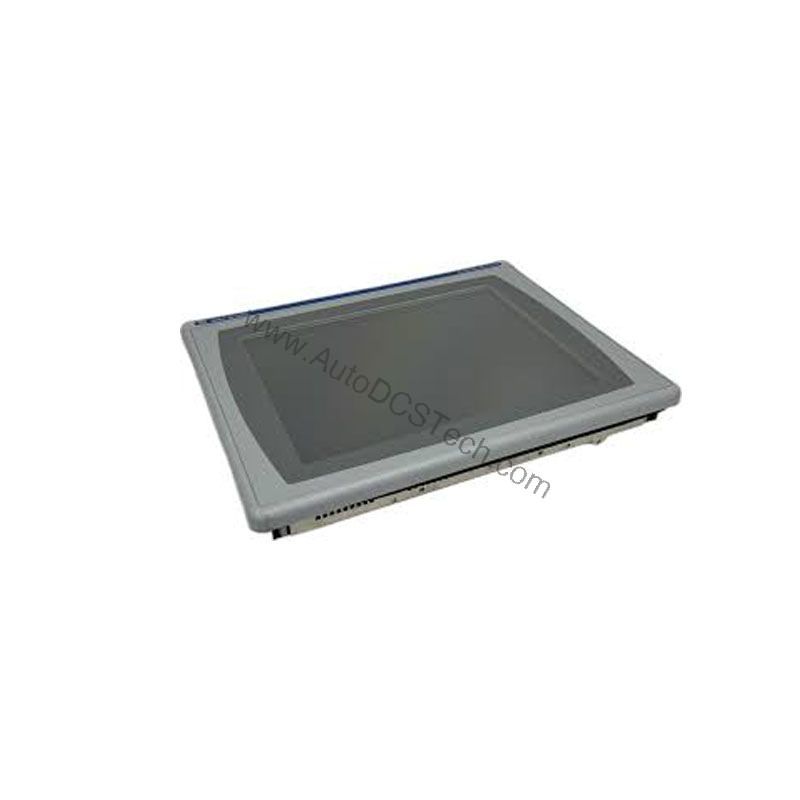
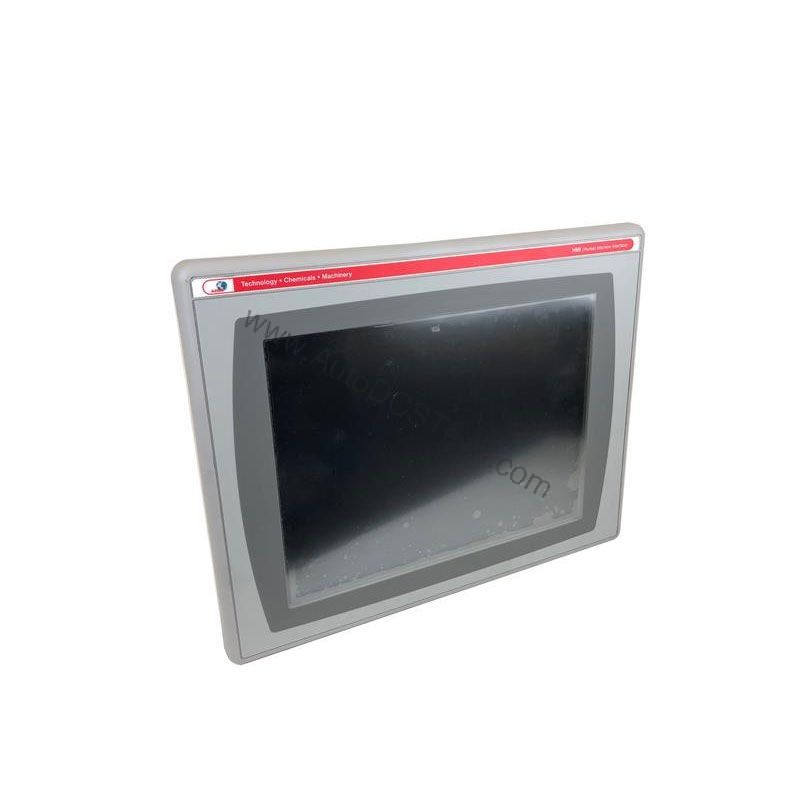
The Allen-Bradley 2711P-T6M5D offers a practical path for plants that need reliable, familiar control without a full migration. This PanelView Plus 600 terminal delivers the core functions you expect from a Rockwell Automation HMI, in a compact 5.7-inch grayscale package.
Compatibility and Integration
The RS-232 port on the 2711P-T6M5D supports multiple vendor PLC protocols, making it a flexible choice for mixed-vendor plants. The high-speed USB port simplifies file transfers and firmware updates. However, because the product is obsolete, you may need to source replacement units from a reliable supplier. AutoDCSTech specializes in hard-to-find industrial automation parts, and we can help you keep your line running.
Selection Guide and Purchasing Advice
Even though the product is discontinued, AutoDCSTech often has new or refurbished units in stock. Before ordering, confirm that the unit you receive matches the exact part number and that it includes the necessary communication ports. Our team can assist with compatibility questions and ensure you get the right HMI for your application.
Troubleshooting Common Issues
If the touchscreen becomes unresponsive, first check the power supply voltage. A drop below the minimum rating can cause erratic behavior. If the display appears dim, verify the backlight settings. For communication issues, inspect the RS-232 cable and ensure the PLC protocol is correctly configured. Always consult the user manual for specific diagnostic procedures. If the unit fails to power up, test the 24 VDC source with a multimeter before suspecting the terminal itself.
Availability & Condition at AutoDCSTech
| Part Number | 2711P-T6M5D |
|---|---|
| Availability | In Stock |
| Condition | New |
| Warranty | One Year |
| Origin | US |
Datasheet & Downloads
Specification sheet for 2711P-T6M5D. For lead time, condition and price, contact our team.