The Allen-Bradley 2711P-T15C4D8: A Reliable Touchscreen HMI for Demanding Industrial Environments
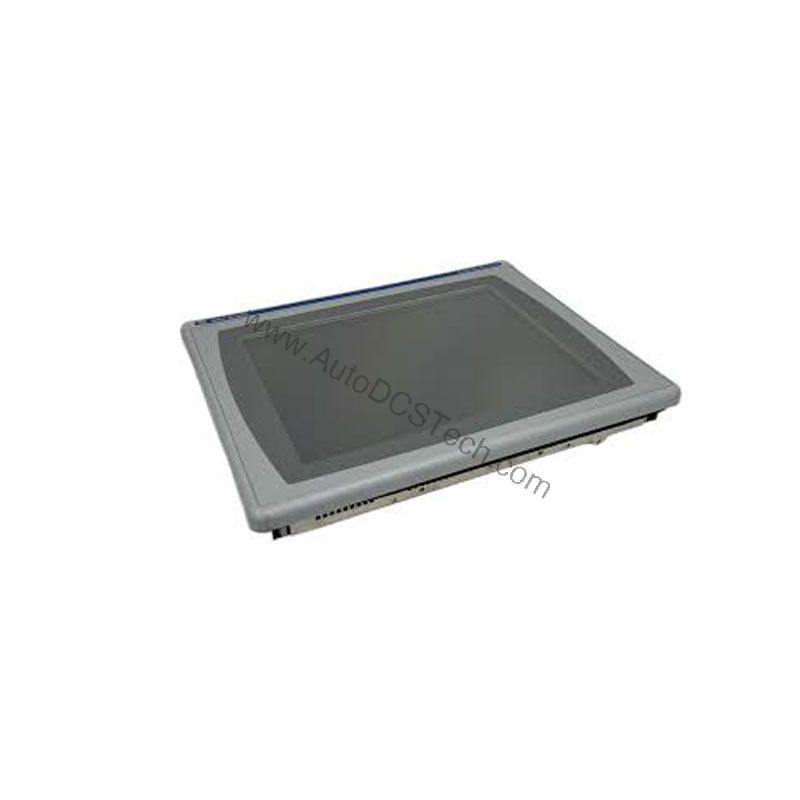
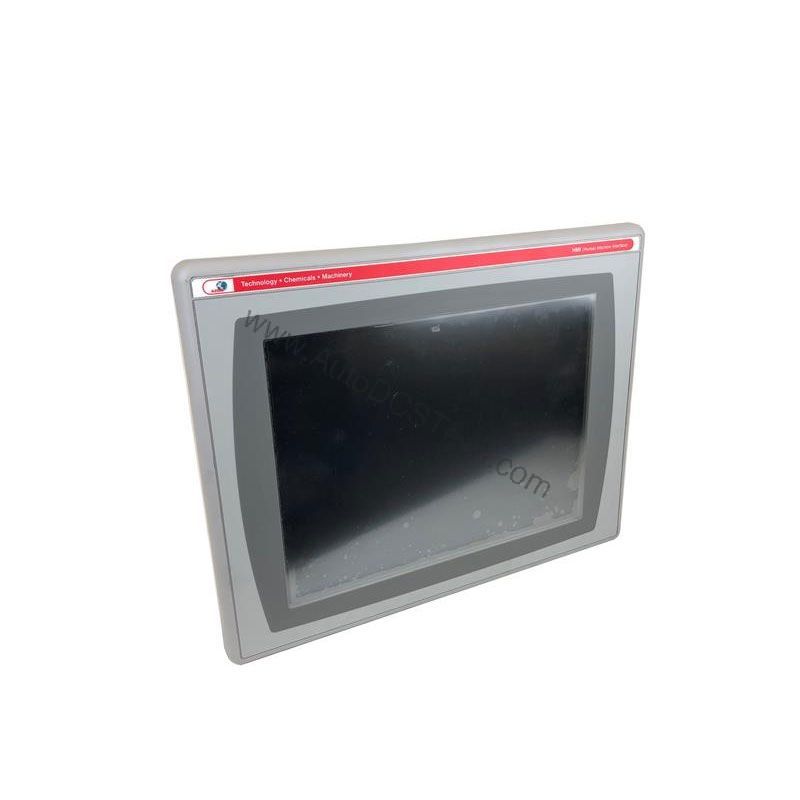
From a maintenance engineer's perspective, the Allen-Bradley 2711P-T15C4D8 is a workhorse operator terminal that has earned its place in countless control panels. As part of the PanelView Plus 6 1500 family, this device is designed for clear visualization and dependable touch interaction. Its 15.0-inch color active-matrix TFT display delivers a sharp 1024 x 768 resolution with 18-bit color graphics, making it easy for operators to monitor processes and respond quickly.
Key Parameters for the 2711P-T15C4D8
Key parameters for the 2711P-T15C4D8 are listed below for quick reference:
| Feature | Specification |
|---|---|
| Manufacturer | Rockwell Automation |
| Product Family | PanelView Plus 6 Operator Terminals |
| Product Type | PanelView Plus 6 1500 Operator Terminals |
| Operator Input | Touch |
| Display Area | 304 x 228 mm (12.0 x 9.0 in.) |
| Resolution | 1024 x 768, 18-bit color graphics |
| Touch | 1 million presses |
| Internal Memory | 512MB Flash Memory / 512 MB Random Access Memory |
| Integrated Ports | Ethernet, RS-232, 2 USB host |
| Input Voltage Range | 18-30VDC |
Built for Reliable Operation
The 2711P-T15C4D8 is engineered for longevity. The touchscreen is rated for 1 million presses, ensuring it can withstand years of daily use. The display backlight is field-replaceable, which simplifies maintenance and extends the service life of the terminal. With 512 MB of RAM and 512 MB of non-volatile flash memory, the unit provides ample space for application files and data logging.
This operator terminal is a versatile choice for a wide range of industrial applications. Its robust design and multiple communication ports make it suitable for:
- Process Control: Monitor and adjust setpoints on PLCs in chemical, food, or pharmaceutical plants. The Ethernet port allows seamless connection to EtherNet/IP networks, enabling real-time data exchange.
- Machine Control: Use it on packaging lines, CNC machines, or material handling equipment. The touchscreen simplifies operator interaction, reducing training time and improving efficiency.
- Remote Monitoring: With RS-232 and USB ports, the terminal can interface with legacy equipment or peripherals like barcode scanners and printers, making it a central hub for data collection.
Installation & Setup Guidance
Proper installation is critical for reliable operation. The 2711P-T15C4D8 is designed for flush mounting into an enclosure. Create a panel cutout with dimensions of 154 (6.08) H x 220 (8.67) W. The unit is rated for NEMA/UL Type 12, 13, 4X (indoor use only), and IEC IP54, IP65 enclosures, providing protection against dust and water ingress. Ensure the enclosure is properly grounded and that the power supply provides a clean 18-30VDC input.
Maintenance & Reliability
Regular inspection is key to maximizing the lifespan of your HMI. Check the backlight for dimming or flickering, and replace it when necessary. Keep the touchscreen clean using a soft, non-abrasive cloth. Periodically verify that all communication cables are securely connected. Since the unit is end-of-life, having a spare on hand is a smart strategy to avoid costly downtime.
Compatibility & Integration
The 2711P-T15C4D8 comes with an Ethernet port that connects to controllers on an EtherNet/IP network. This port also supports application transfers and printing. The built-in RS-232 port allows connection to legacy devices, while the two USB host ports enable quick data transfer and peripheral connectivity. The terminal is compatible with Rockwell Automation's FactoryTalk View Studio software for application development.
Selection Guide & Purchasing Advice
Because the Allen-Bradley 2711P-T15C4D8 is end-of-life, sourcing a reliable replacement is essential. AutoDCSTech specializes in providing hard-to-find industrial automation parts. We offer genuine Allen-Bradley products, thoroughly tested and backed by our quality guarantee. Contact AutoDCSTech to check current availability and ensure your operations continue without interruption.
Troubleshooting & Common Issues
If the display remains blank, first verify the input power is within the 18-30VDC range. Check the backlight fuse and replace if necessary. If the touchscreen is unresponsive, ensure the protective film is removed and recalibrate the touch screen via the configuration menu. Communication issues are often caused by incorrect IP settings; verify the Ethernet configuration matches your network. For persistent problems, consult the Rockwell Automation manual or contact AutoDCSTech for technical support.
Availability & Condition at AutoDCSTech
| Part Number | 2711P-T15C4D8 |
|---|---|
| Availability | In Stock |
| Condition | New |
| Warranty | One Year |
| Origin | US |