Technical Specifications Breakdown
Key parameters for the 2711P-T6M5A8 are listed below for quick reference:
| Feature | Specification |
|---|---|
| Manufacturer | Rockwell Automation |
| Brand | Allen-Bradley |
| Part Number | 2711P-T6M5A8 |
| Product Line | PanelView Plus 6 |
| Display Size | 5.7 in. |
| Display Color | Monochrome |
| Input Type | Touchscreen |
| Communication | RS-232 |
| Input Power | 100-240 VAC |
| Memory | 256 MB RAM |
| Backlight | Non-replaceable |
| Communication Cable | 2711-NC13 |
| Shipping Weight | 6 lbs. |
| Shipping Dimensions | 14 x 11 x 8 in |
| Series | Series A and Series B |
The 2711P-T6M5A8 is a versatile operator interface suited for a range of industrial applications.
- Packaging Machinery: Monitor and control line speed, temperature, and fault conditions with a straightforward touchscreen interface.
- Material Handling Systems: Provide operators with a clear view of conveyor status and allow for manual overrides when needed.
- Process Control Panels: Integrate into existing control cabinets to display process variables and alarm messages, enabling quick operator response.
The RS-232 communication port supports DH-485 and DF1 protocols, allowing seamless integration with Allen-Bradley controllers and third-party devices. This ensures reliable data exchange and remote monitoring capabilities.
Installation & Setup Guidance
Proper installation is critical for optimal performance. Here are some practical tips:
- Mounting: Ensure the panel is properly sealed to maintain the IP rating. The 2711P-T6M5A8 is designed for panel mounting; follow the cutout dimensions provided in the user manual.
- Power Supply: Connect the 100-240 VAC input to a stable power source. Use a dedicated circuit to avoid voltage fluctuations that could affect operation.
- Communication Wiring: Use the specified 2711-NC13 communication cable for RS-232 connections. Keep cable lengths within the recommended 15.24 meters to ensure signal integrity.
- Grounding: Follow standard grounding practices to minimize electrical noise interference.
Maintenance & Reliability
Regular maintenance ensures long-term reliability. Because the backlight is non-replaceable, the unit's lifespan is tied to the backlight's life. To maximize service life:
- Inspect Periodically: Check for dust accumulation on the screen and vents. Clean with a soft, dry cloth.
- Environmental Considerations: Operate within the specified temperature and humidity ranges. Avoid exposure to excessive vibration or corrosive atmospheres.
- Firmware Updates: Keep the firmware current to benefit from bug fixes and performance improvements.
The Allen-Bradley 2711P-T6M5A8: A Compact HMI for Reliable Machine Interaction
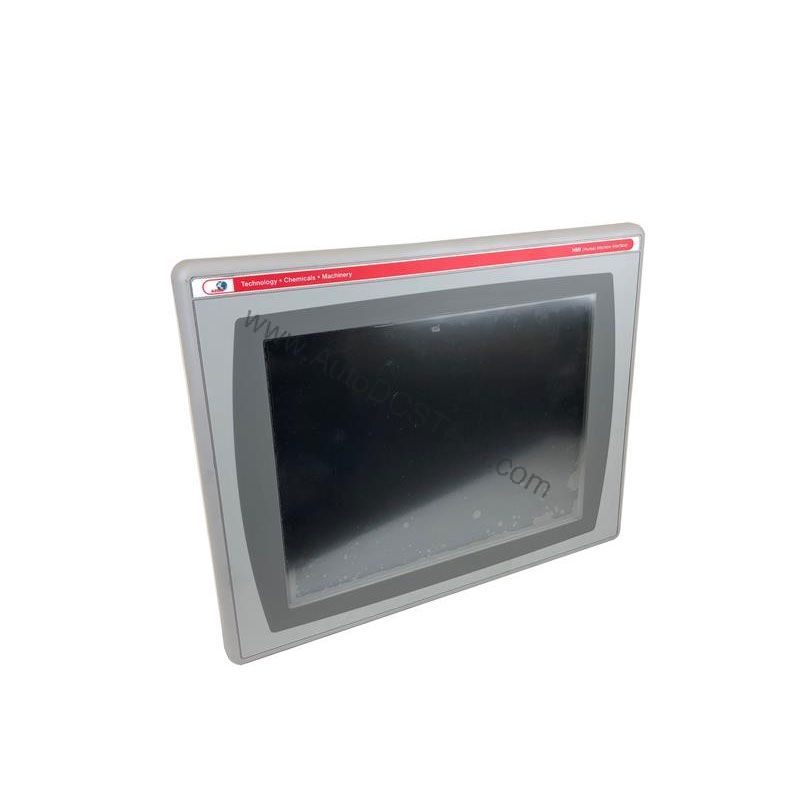
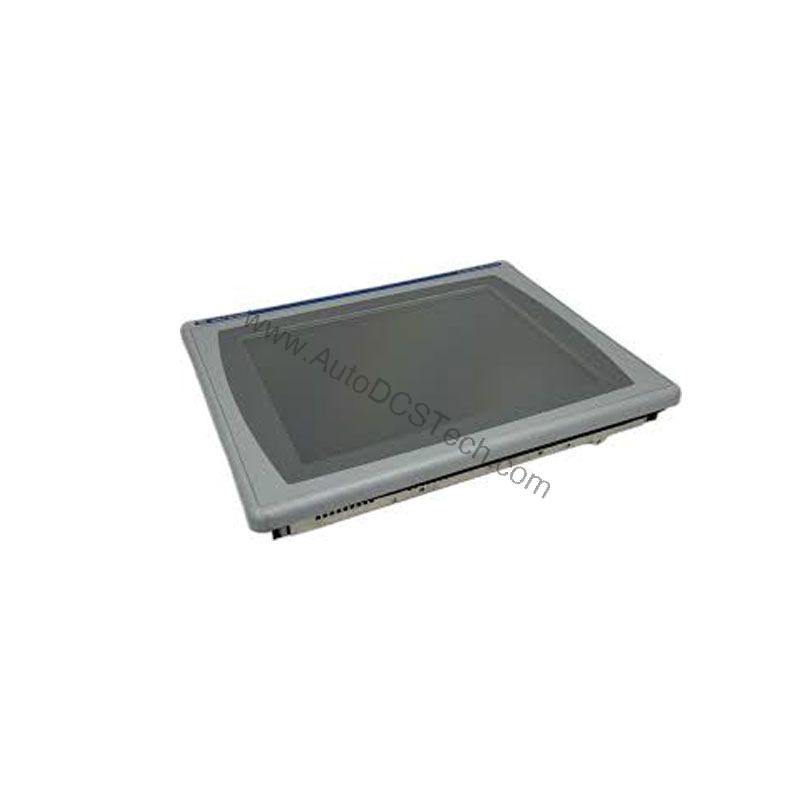
This HMI provides a clear, monochrome 5.7-inch touchscreen that allows operators to interact with equipment efficiently. It is engineered for applications where simplicity and reliability are paramount, making it a practical choice for many industrial settings.
Compatibility & Integration
The 2711P-T6M5A8 is part of the PanelView Plus 6 series, ensuring compatibility with Rockwell Automation's FactoryTalk View Studio software. It supports RS-232 communication, enabling connections to various controllers via DH-485 or DF1 protocols. This makes it a flexible choice for both new installations and retrofits.
Selection Guide & Purchasing Advice
When selecting the 2711P-T6M5A8, consider your application's specific needs. If you require a monochrome display and basic communication, this model offers a cost-effective solution. For more complex visualization, consider higher-end models with color displays and Ethernet.
At AutoDCSTech, we supply genuine Allen-Bradley parts, including the 2711P-T6M5A8. Our team can help you verify compatibility and availability.
Troubleshooting & Common Issues
Even reliable HMIs can encounter issues. Here are common problems and solutions:
- No Display: Check the power supply and ensure the input voltage is within 100-240 VAC. Verify the unit is properly grounded.
- Touchscreen Unresponsive: Calibrate the touchscreen via the configuration menu. If the issue persists, check for physical damage.
- Communication Errors: Verify the RS-232 cable is securely connected and not damaged. Confirm the communication settings (baud rate, parity) match the connected device.
For persistent issues, consult the official Rockwell Automation documentation or contact AutoDCSTech for technical support.
Availability & Condition at AutoDCSTech
| Part Number | 2711P-T6M5A8 |
|---|---|
| Availability | In Stock |
| Condition | New |
| Warranty | One Year |
| Origin | US |