Technical Specifications Breakdown
Key parameters for the 2711P-T7C15A2 are listed below for quick reference:
| Feature | Specification |
|---|---|
| Manufacturer | Rockwell Automation |
| Brand | Allen-Bradley |
| Part Number | 2711P-T7C15A2 |
| Product Line | PanelView Plus 700 |
| Display Size | 6.5 in. |
| Display Color | Color |
| Input Type | Touchscreen |
| Communication | ControlNet |
| Input Power | 85-264 VAC |
| Memory | 128 MB |
| Backlight | 2711P-RL7C |
| Communication Cable | 1747-KFC15A |
| Shipping Weight | 8 lbs. |
| Shipping Dimensions | 14 x 11 x 8 in |
| Series | Series A, B, C, D, E, F, G |
| Product Lifecycle Status | Discontinued/Obsolete |
Industry Applications That Maximize ROI
The 2711P-T7C15A2 shines in applications where ControlNet infrastructure already exists. In automotive assembly lines, this HMI provides real-time status of PLC-based stations, reducing downtime by enabling rapid operator response. In food and beverage processing, the touchscreen interface simplifies recipe changes and batch monitoring, cutting changeover time. For material handling systems, the 6.5-inch display offers a compact yet clear view of conveyor status, improving throughput. Each of these scenarios translates into measurable cost savings—less downtime, fewer errors, and faster troubleshooting.
Installation & Setup Guidance
Before installation, verify that the 2711P-T7C15A2 is compatible with your existing ControlNet network. The unit supports scheduled and unscheduled access to controller data, as well as redundant cabling, which enhances network reliability. When mounting the terminal, ensure adequate clearance for ventilation and cable routing. Connect the protective earth ground using 14-12 AWG wire, and the functional earth using 14-10 AWG wire, to meet EMC requirements. Always power down the unit before removing or replacing the battery to avoid electrical shock. Improper wiring can damage communication connectors, so follow the manual carefully.
Maintenance & Reliability
The 2711P-T7C15A2 features a replaceable battery with a minimum life of four years at 25 °C. To maximize uptime, schedule an annual inspection of the touchscreen for scratches or cracks. Use only a soft stylus or fingers to avoid damaging the screen. Keep the enclosure clean and free of dust, which can block airflow and cause overheating. If the backlight dims, replace it with the 2711P-RL7C part. Regular preventive maintenance extends the life of this HMI and prevents unexpected failures that halt production.
Why the 2711P-T7C15A2 Remains a Cost-Effective HMI Choice
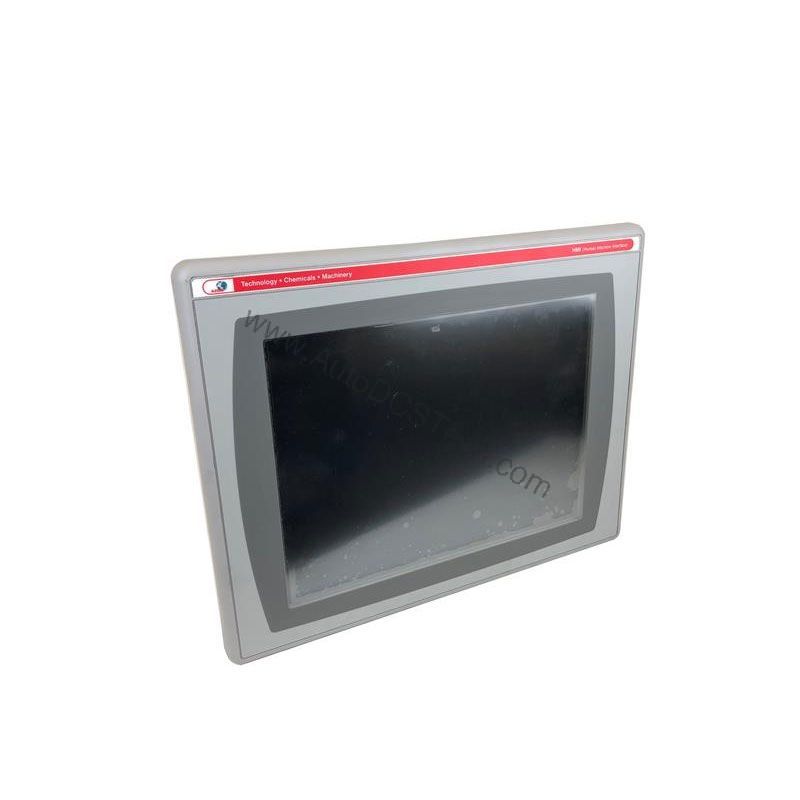
When production lines depend on reliable operator interface, the Allen-Bradley 2711P-T7C15A2 from the PanelView Plus 700 series delivers proven performance. This 6.5-inch color touchscreen terminal lets operators monitor and control machinery with minimal training. Its intuitive interface reduces human error, which directly lowers operational costs. For plants running ControlNet networks, this HMI offers a seamless integration path that avoids expensive rewiring.
Compatibility & Integration
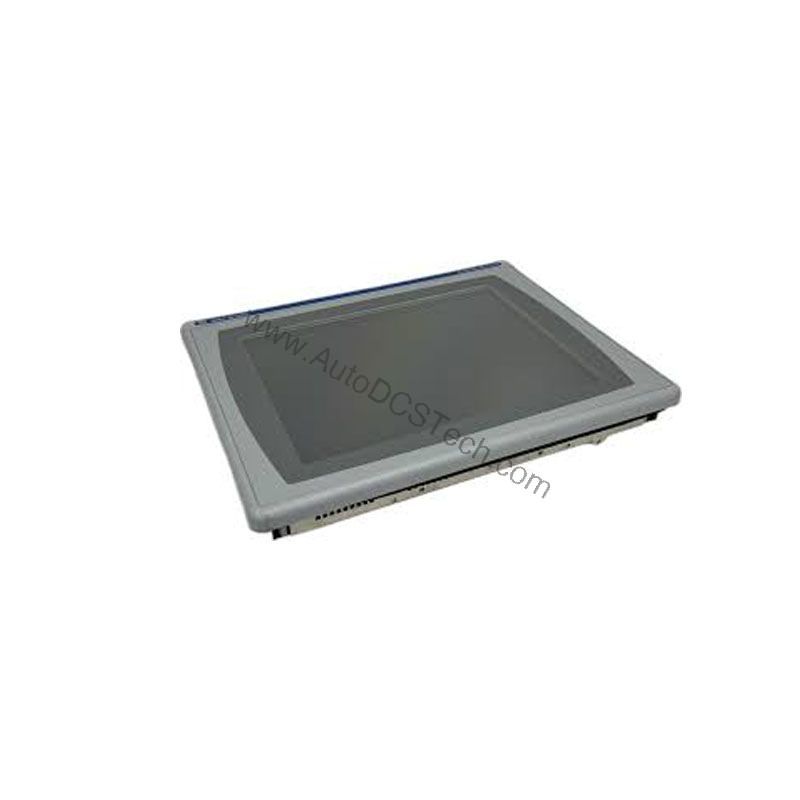
This terminal communicates over ControlNet, allowing connection to single or multiple controllers. It supports symbolic CIP addressing when used with a ControlLogix system, simplifying tag-based programming. The Network Access port provides local access for diagnostics and configuration. The 1747-KFC15A communication cable is the recommended accessory for network connections. Because the 2711P-T7C15A2 is discontinued, verify availability and lifecycle status with AutoDCSTech before ordering.
Selection Guide & Purchasing Advice
When selecting a replacement HMI, consider the total cost of ownership. The 2711P-T7C15A2 offers a lower upfront cost compared to newer models, but factor in the availability of spare parts. AutoDCSTech stocks this discontinued model, ensuring you can keep legacy lines running without a full migration. If you are planning a long-term upgrade, evaluate the cost of migrating to a current PanelView Plus model versus the savings from using existing ControlNet infrastructure. For immediate needs, the 2711P-T7C15A2 remains a reliable, cost-effective choice.
Troubleshooting & Common Issues
If the touchscreen becomes unresponsive, first check the power supply and connections. Verify that the input power is within 85-264 VAC. A blank screen may indicate a failed backlight; replace it with the 2711P-RL7C. Communication errors often stem from incorrect network settings or faulty cables—inspect the 1747-KFC15A cable for damage. If the terminal fails to boot, the battery may be low; replace it with power removed. For persistent issues, consult the Rockwell Automation manual or contact AutoDCSTech for technical support.
Please verify current lifecycle status and availability with AutoDCSTech before ordering.
Availability & Condition at AutoDCSTech
| Part Number | 2711P-T7C15A2 |
|---|---|
| Availability | In Stock |
| Condition | New |
| Warranty | One Year |
| Origin | US |