Technical Specifications Breakdown
Key parameters for the 2711P-T7C1D6 are listed below for quick reference:
| Feature | Specification |
|---|---|
| Manufacturer | Allen Bradley |
| Series | PanelView Plus 700 |
| Product Type | Operator Terminal |
| Communication Option | Remote I/O |
| Color Display | Yes |
| Input Type | Touchscreen |
| Memory | 128 MB |
| Power Type | DC |
| Communication Ports | Ethernet and RS-232 port |
| Display Size | 6.5 inches |
| Display Area | 132 x 99 mm |
| Resolution | 640 x 480 |
| Touch Interface | Analog resistive |
| Rated Input Power | 24 VDC |
| Operational Input Power | 18-32 VDC |
Industry Applications and Use Cases
Process Monitoring: In a bottling plant, this terminal can display line speed, fill levels, and fault alarms. The clear color display helps operators quickly identify issues, reducing downtime.
Machine Control: For a CNC machine, the touchscreen allows operators to input parameters and start cycles. The Ethernet port enables seamless integration with PLCs for data exchange and recipe management.
Remote I/O Integration: The Remote I/O communication option makes this terminal suitable for distributed control architectures. It can communicate with remote racks, reducing wiring and simplifying maintenance.
Installation and Setup Guidance
When installing the 2711P-T7C1D6, ensure the DC power supply is within the operational range of 18-32 VDC. Use a dedicated power source to avoid voltage fluctuations. Mount the terminal in a location that is easily accessible and visible to operators. Connect the Ethernet and RS-232 ports according to your network architecture. For Remote I/O, configure the communication settings in the PanelView Plus configuration software.
Maintenance and Reliability
Regularly inspect the touchscreen for cracks or wear. Clean the screen with a soft, dry cloth to maintain touch accuracy. Periodically check the power connections and communication cables for tightness. The terminal's robust design is built for continuous operation, but routine checks can prevent unexpected failures.
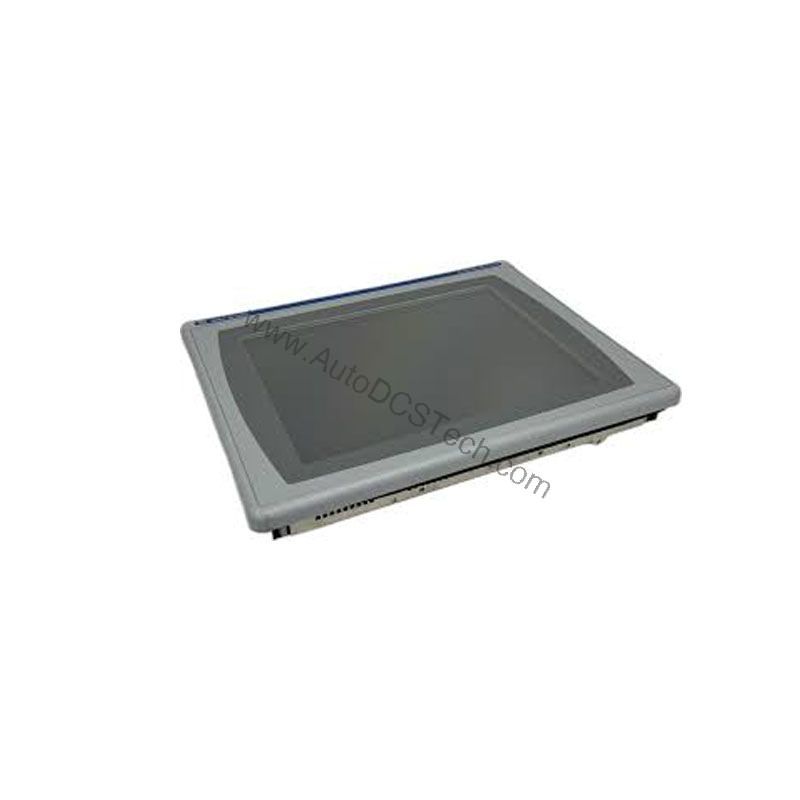
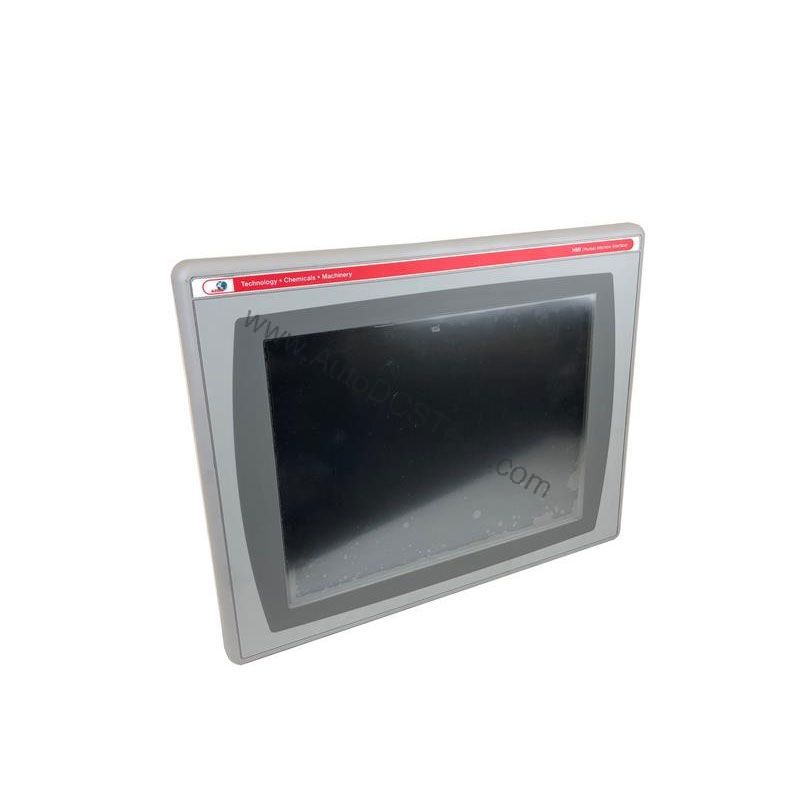
The Allen-Bradley 2711P-T7C1D6: A Reliable Touchscreen HMI for Industrial Control
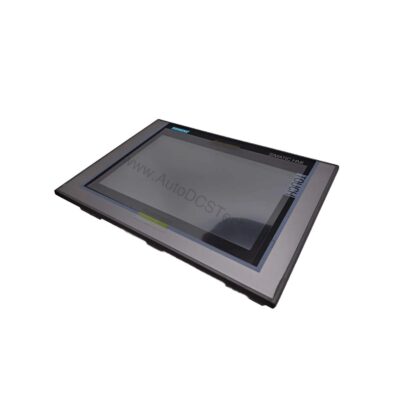
This operator terminal is engineered for demanding industrial environments where uptime and usability matter. Its compact 6.5-inch display and robust feature set make it a practical choice for monitoring and controlling processes effectively.
Compatibility and Integration
The 2711P-T7C1D6 integrates easily into existing systems thanks to its Ethernet and RS-232 ports. It supports Remote I/O, making it compatible with Allen-Bradley PLCs and other industrial devices. The 128 MB memory allows for storing multiple applications, which is useful for multi-purpose machines.
Selection Guide and Purchasing Advice
When selecting an operator terminal, consider your application's display size, resolution, and communication needs. The 2711P-T7C1D6 is a versatile choice for many industrial settings. At AutoDCSTech, we offer genuine Allen-Bradley parts with reliable availability. Please verify current lifecycle status and availability with AutoDCSTech before ordering. Our team can help you confirm the right part for your system.
Troubleshooting and Common Issues
If the display is blank, check the DC power supply voltage. It must be between 18-32 VDC. If the touchscreen is unresponsive, ensure the analog resistive layer is not damaged. For communication issues, verify the Ethernet cable connection and IP settings. For Remote I/O problems, confirm the node address and baud rate settings. Always refer to the user manual for detailed diagnostics.
Availability & Condition at AutoDCSTech
| Part Number | 2711P-T7C1D6 |
|---|---|
| Availability | In Stock |
| Condition | New |
| Warranty | One Year |
| Origin | US |