Technical Specifications Breakdown
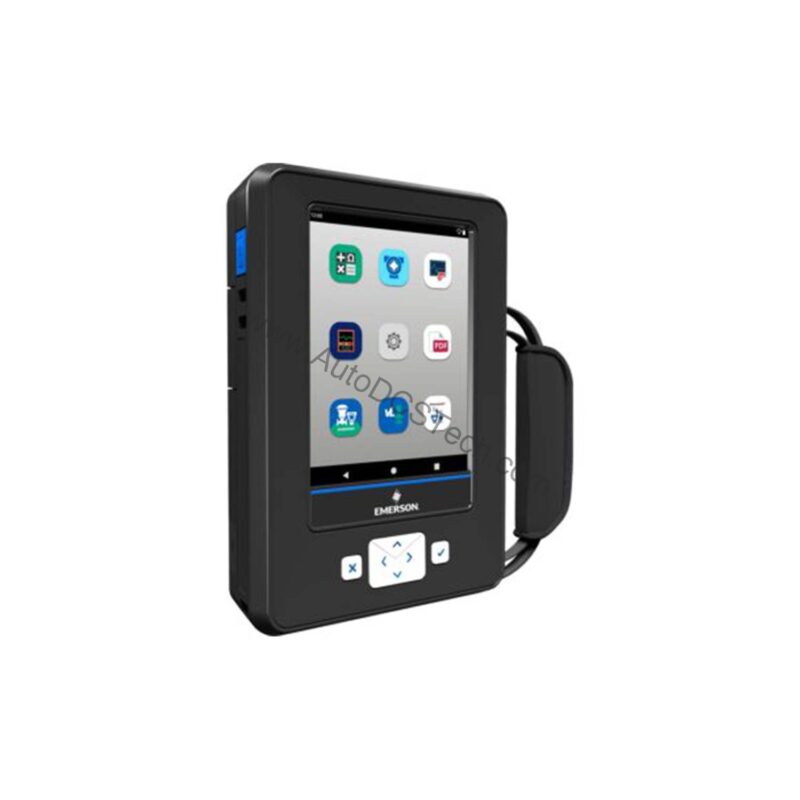
Key parameters for the TREXLHPNAWS3 are listed below for quick reference:
| Feature | Specification |
|---|---|
| Manufacturer | Emerson |
| Product No. | TREXLHPNAWS3 |
| Product Type | AMS Trex Device Communicator |
| Platform | Base Trex Platform |
| Communication Module | Device Communicator Plus |
| Application | HART |
| Power Module | Rechargeable Li-Ion |
| Certifications | No Approval |
| Radio Options | Wireless |
| Support | Standard Support (3 Year) |
| Microprocessor | 800 MHz ARM Cortex A8/NXP |
| Internal Flash Memory | 2GB NAND and 32 GB extended flash |
| Operating System | Windows Embedded Compact 2013 |
| Display | 640 x 480 pixel |
Industry Applications That Justify the Cost
The TREXLHPNAWS3 is designed for process plants where HART devices are common—think refineries, chemical plants, and power generation. With its HART application and wireless capability, technicians can quickly connect to transmitters, valve positioners, and analyzers to read process variables, perform loop tests, and verify configurations. This reduces the time spent on each calibration task, lowering labor costs and minimizing process interruptions.
Installation & Setup Guidance
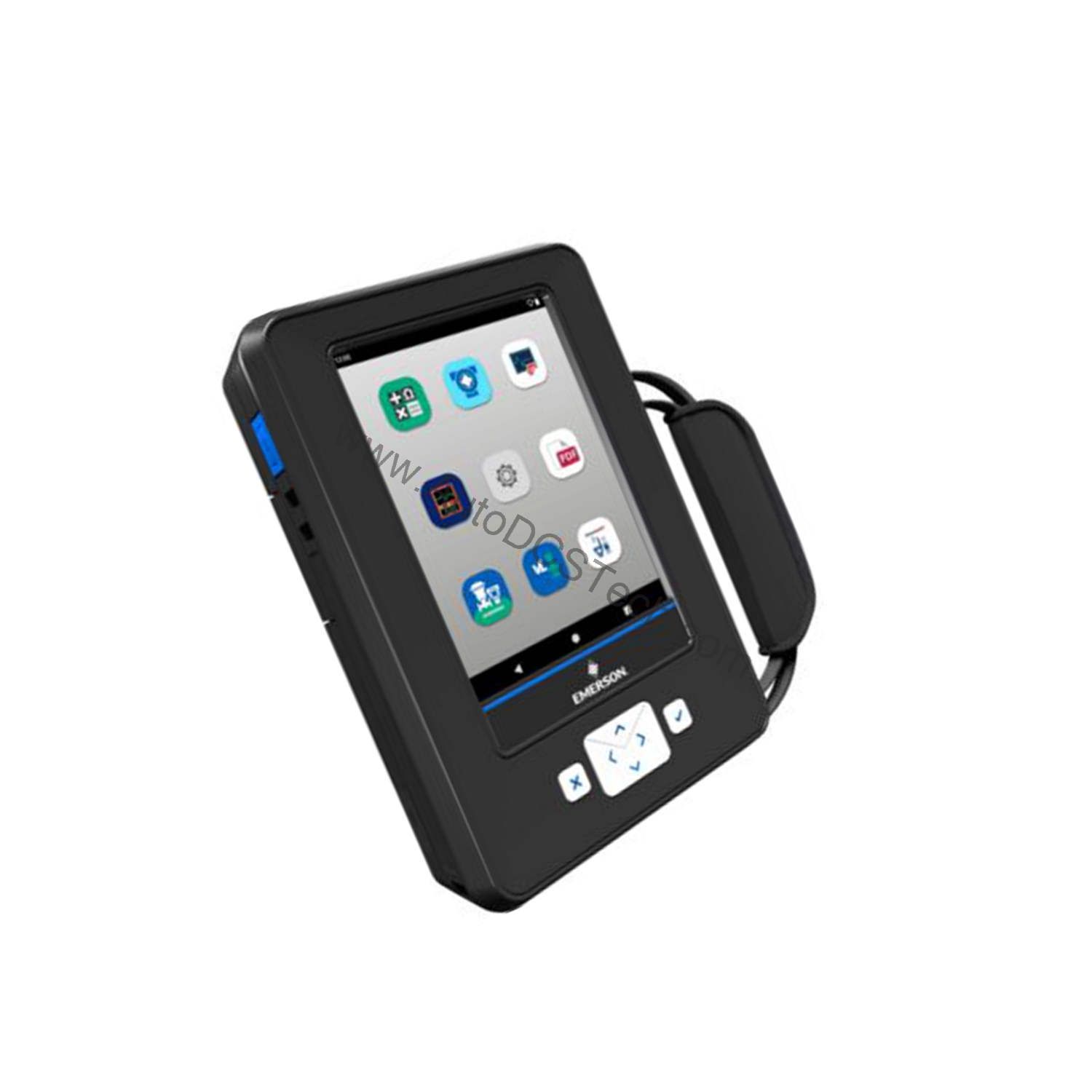
Before first use, fully charge the rechargeable Li-Ion power module to ensure a full work shift. The device boots into Windows Embedded Compact 2013, so navigation is familiar. Pair the wireless radio with your plant’s network following standard security protocols. For HART communication, connect the leads to the device terminals—no special tools are required. Always verify the device is properly grounded to avoid measurement errors.
Why the TREXLHPNAWS3 Is a Smart Investment for Plant Reliability
For maintenance teams managing HART-based field devices, the cost of unplanned downtime often outweighs the price of the right communicator. The Emerson TREXLHPNAWS3 AMS Trex Device Communicator helps you reduce that risk by combining a rugged handheld platform with wireless connectivity and a 3-year standard support plan.
Maintenance & Reliability
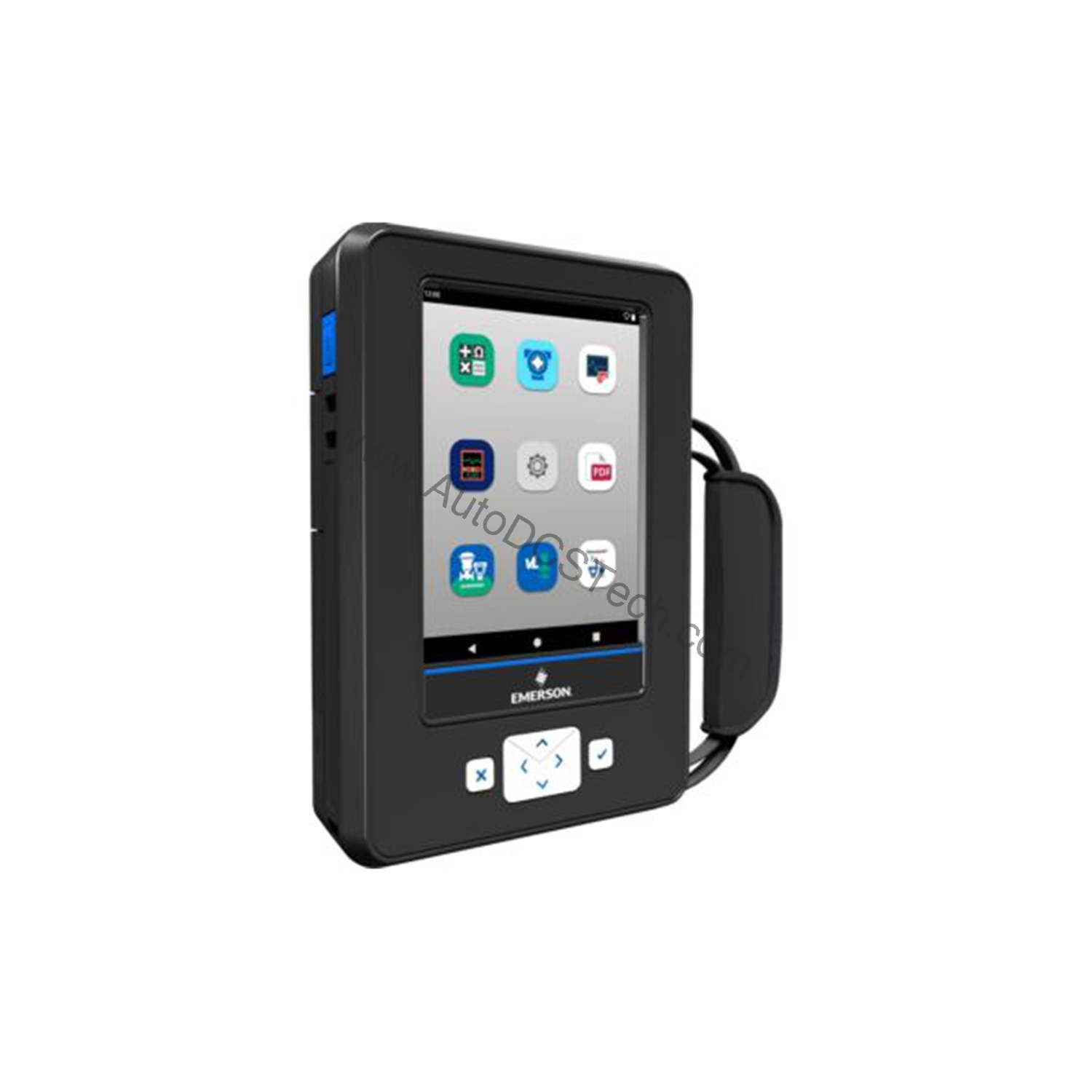
To keep the TREXLHPNAWS3 reliable, inspect the display and connectors periodically for dust or moisture. Clean the touchscreen with a soft, dry cloth. Recharge the Li-Ion battery before it fully depletes to extend its lifespan. Store the communicator in a clean, dry environment when not in use. These simple steps prevent common issues and ensure long-term performance.
Compatibility & Integration
The TREXLHPNAWS3 is part of the AMS Trex platform, which integrates with Emerson’s AMS Device Manager software. This allows you to upload configuration data, document results, and synchronize with your asset management system. The wireless option enables remote monitoring and data transfer, reducing the need for physical connections in hazardous or hard-to-reach areas.
Selection Guide & Purchasing Advice
When selecting a device communicator, consider your installed device base and communication protocols. AutoDCSTech offers this model with a 3-year standard support, ensuring you have manufacturer backing. Contact AutoDCSTech to verify current lifecycle status and availability before ordering.
Troubleshooting & Common Issues
If the communicator fails to power on, check the battery charge and connections. For communication errors, ensure the HART leads are correctly attached and the device is powered. If the wireless connection drops, move closer to the access point or check network settings. For persistent issues, consult the user manual or contact AutoDCSTech for technical support.
Availability & Condition at AutoDCSTech
| Part Number | TREXLHPNAWS3 |
|---|---|
| Availability | In Stock |
| Condition | New |
| Warranty | One Year |
| Origin | US |