Technical Specifications Breakdown
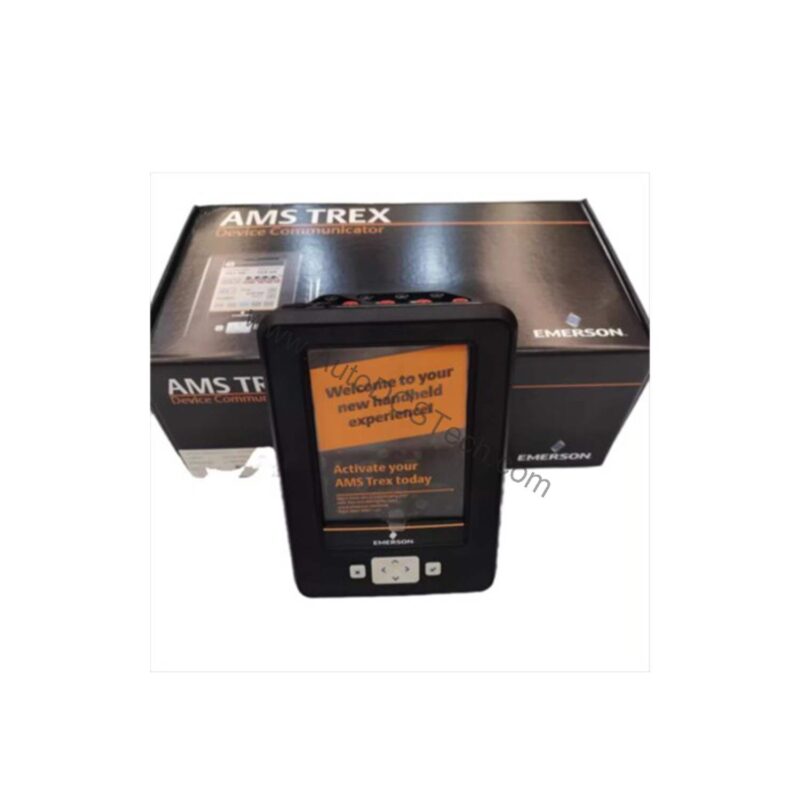
Key parameters for the TREXCHPNAWP1 are listed below for quick reference:
| Feature | Specification |
|---|---|
| Manufacturer | Emerson |
| Product No. | TREXCHPNAWP1 |
| Product Type | AMS Trex Device Communicator |
| Platform | Base Trex Platform |
| Communication Module | Device Communicator |
| Application | HART |
| Power Module | Rechargeable Li-Ion |
| Certifications | No Approval |
| Radio Options | Wireless |
| Support | Standard Support (3 Year) |
| Microprocessor | 800 MHz ARM Cortex A8/NXP |
| Internal Flash | 2GB NAND and 32GB extended flash |
| Operating System | Windows Embedded Compact 2013 |
| Display | 640 x 480 pixel |
Industry Applications
Here are three scenarios where this tool proves its worth.
1. Refinery Loop Commissioning
During plant turnarounds, technicians must verify hundreds of pressure and temperature transmitters. The HART application on this communicator lets them call up device diagnostics, check range values, and perform loop tests directly from the field. The wireless option reduces the need to carry extra cables, making the job faster and safer.
2. Chemical Plant Preventive Maintenance
Routine maintenance rounds often involve checking valve positioners and flow meters. With the TREXCHPNAWP1, a technician can quickly connect to a device, review its health status, and spot early warnings before they become failures. This proactive approach minimizes unplanned downtime and keeps production schedules on track.
3. Offshore Platform Troubleshooting
Space is tight on offshore platforms, and every tool must be reliable. The rugged design of the Base Trex Platform, combined with the long-lasting rechargeable Li-Ion power module, makes this communicator a dependable companion for diagnosing HART instruments in harsh conditions.
Installation & Setup Guidance
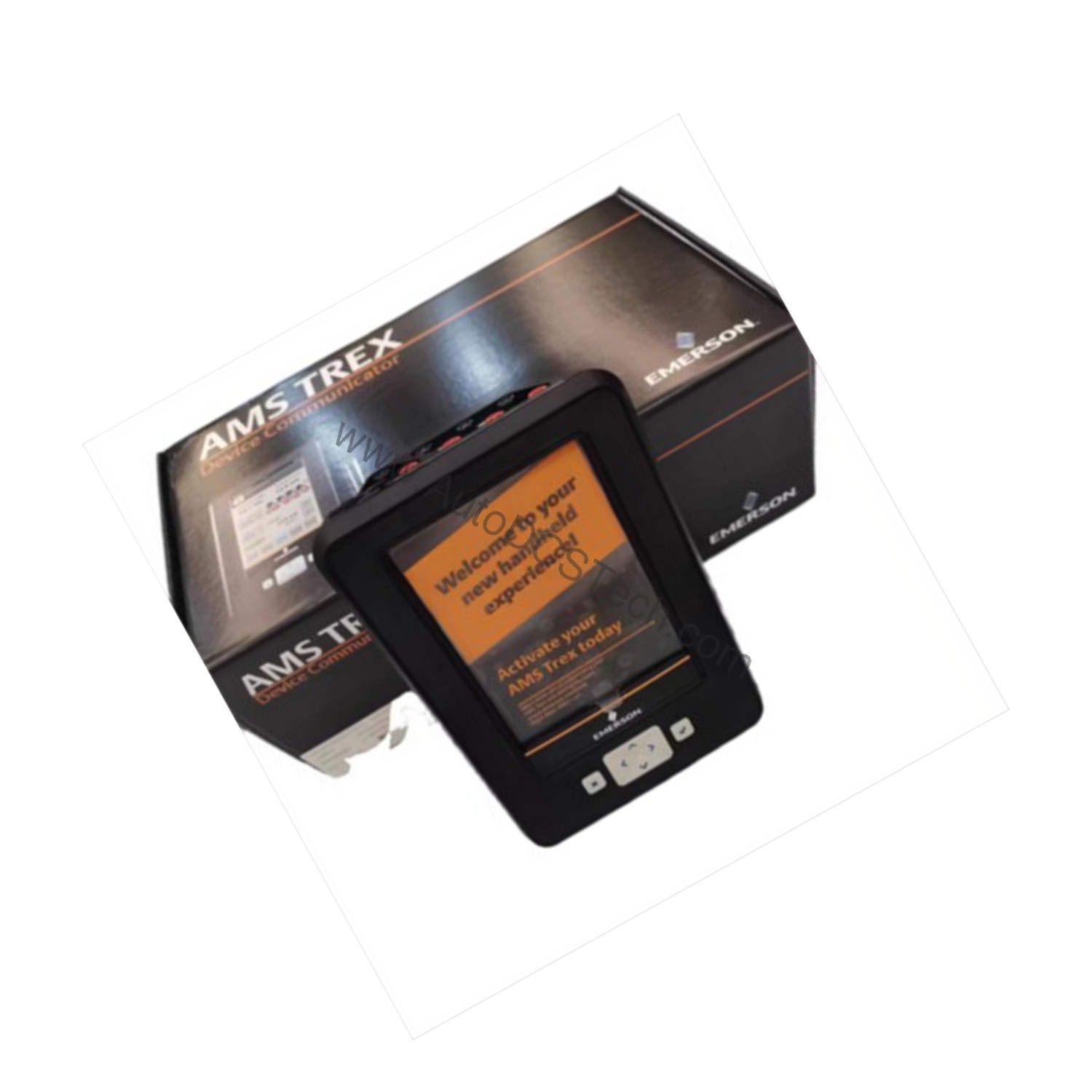
Getting the TREXCHPNAWP1 ready for the field is straightforward. First, fully charge the rechargeable Li-Ion power module before initial use. Next, power on the device and let the Windows Embedded Compact 2013 operating system boot completely. Then, connect the communicator to a HART device using the appropriate leads. The HART application will automatically detect the connected instrument and display its configuration. For wireless use, ensure the radio option is enabled and paired with your plant's wireless network. Always verify the connection is secure before making any changes to device parameters.
Maintenance & Reliability
To keep the TREXCHPNAWP1 performing reliably, follow these simple practices. Inspect the device and its cables periodically for signs of wear or damage. Clean the display with a soft, dry cloth to maintain visibility. Keep the rechargeable battery charged according to the manufacturer's recommendations. Store the communicator in a clean, dry environment when not in use. If you notice any abnormal behavior, such as slow response or unexpected shutdowns, contact AutoDCSTech for support. Regular maintenance ensures that this tool remains a trustworthy partner in your daily operations.
Field Device Management Evolved
Industrial plants have moved beyond simple loop checks. Technicians now need handheld tools that match the complexity of modern smart transmitters and valves. The Honeywell TREXCHPNAWP1 answers that need.
This communicator combines a responsive 800 MHz ARM Cortex A8/NXP microprocessor with a clear 640 x 480 pixel display. The result is a tool that lets you navigate menus quickly and read process data without squinting. Whether you are commissioning a new loop or troubleshooting a stubborn valve positioner, this device helps you get the job done efficiently.
Compatibility & Integration
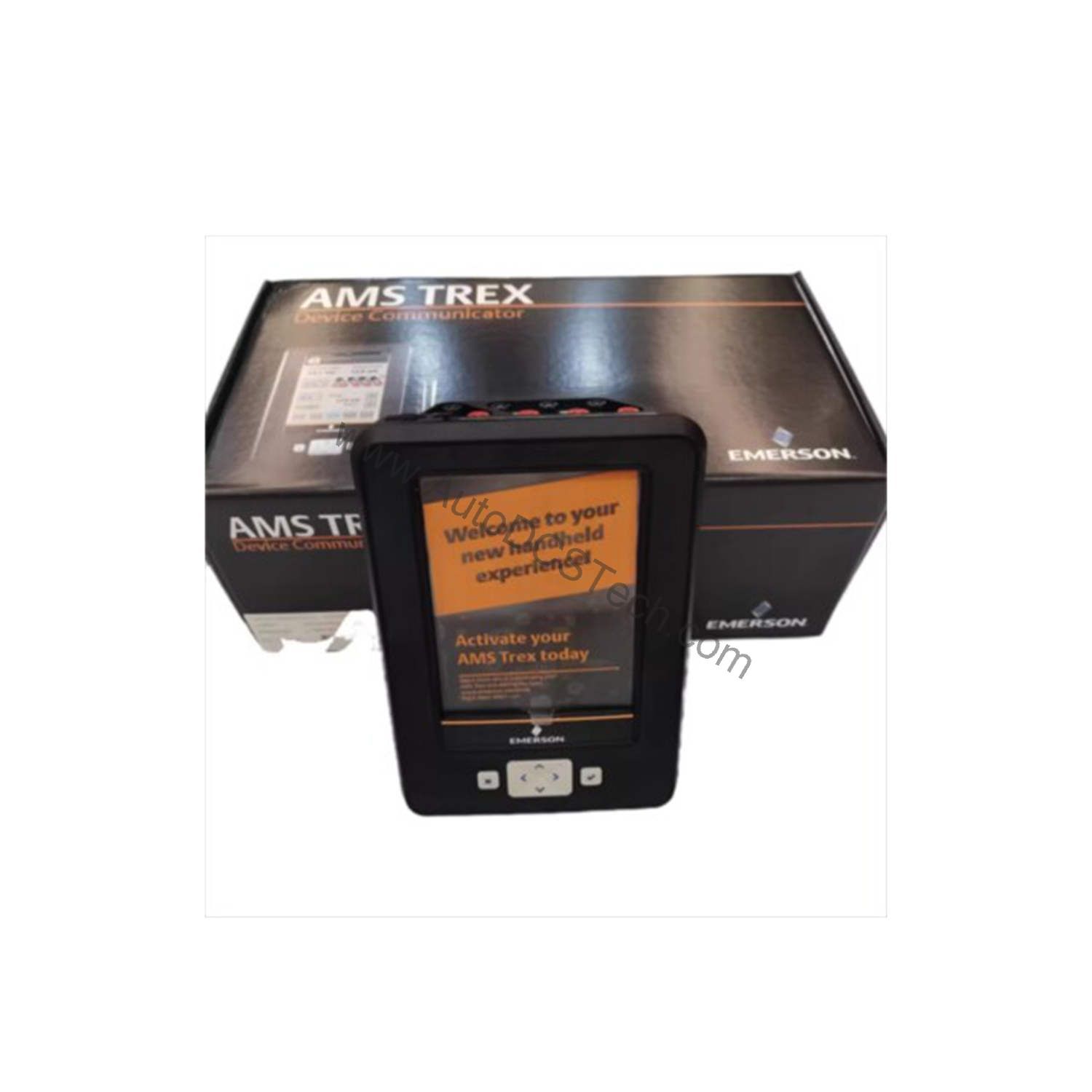
The Device Communicator communication module supports standard HART protocol, allowing you to configure, calibrate, and diagnose compatible instruments. The wireless radio option enables cable-free communication, which is especially useful in hard-to-reach locations. For a complete solution, pair this communicator with the AMS Device Manager software for centralized device management. This compatibility simplifies your workflow and reduces the need for multiple tools.
Selection Guide & Purchasing Advice
When selecting a device communicator, consider your specific application needs. Before ordering, verify the current lifecycle status and availability with AutoDCSTech. As a trusted supplier of industrial automation parts, AutoDCSTech can help you confirm that this model meets your requirements and is in stock. Contact them today to get a quote or to discuss your application in detail.
Availability & Condition at AutoDCSTech
| Part Number | TREXCHPNAWP1 |
|---|---|
| Availability | In Stock |
| Condition | New |
| Warranty | One Year |
| Origin | US |