Introduction to the Triconex 4351B Communication Module
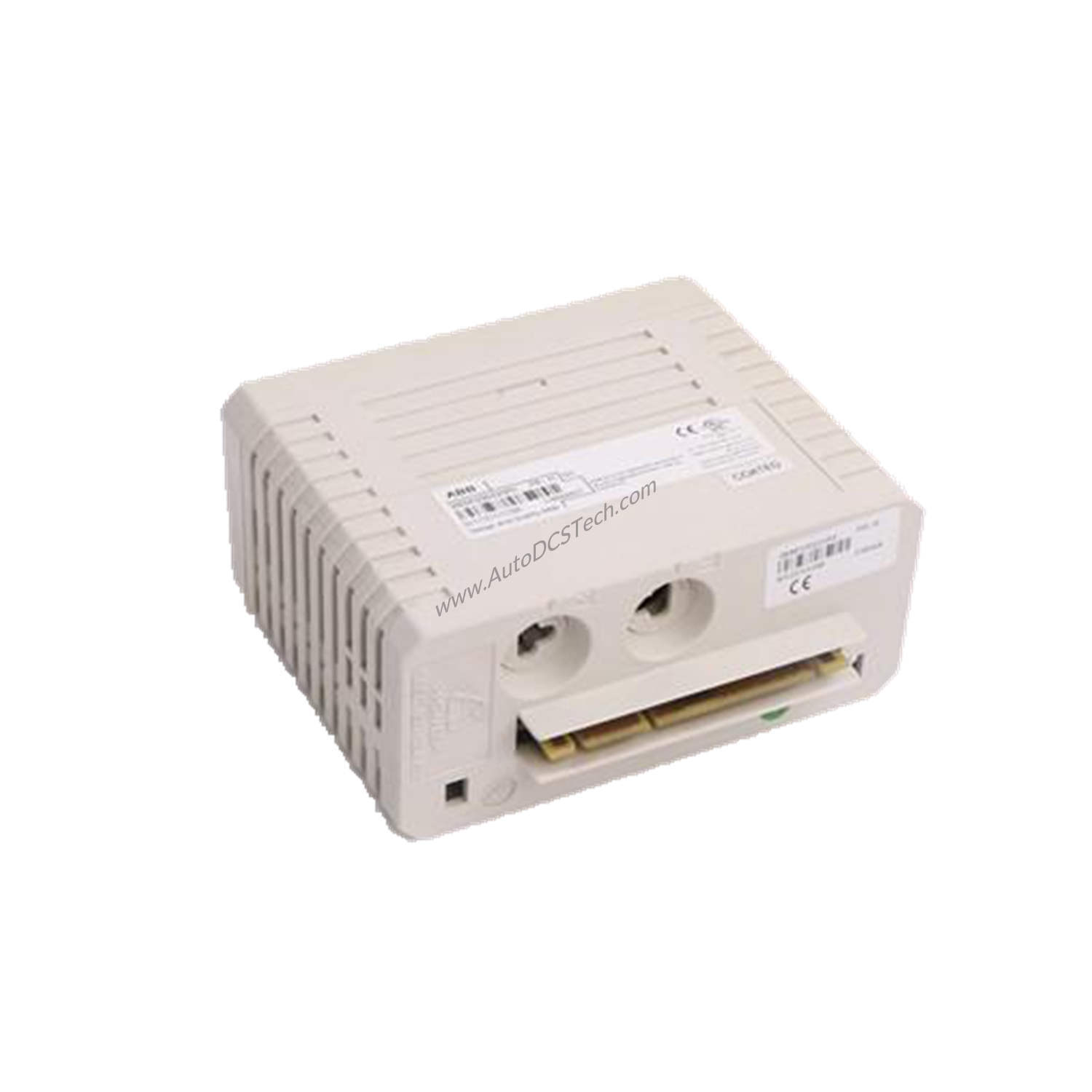
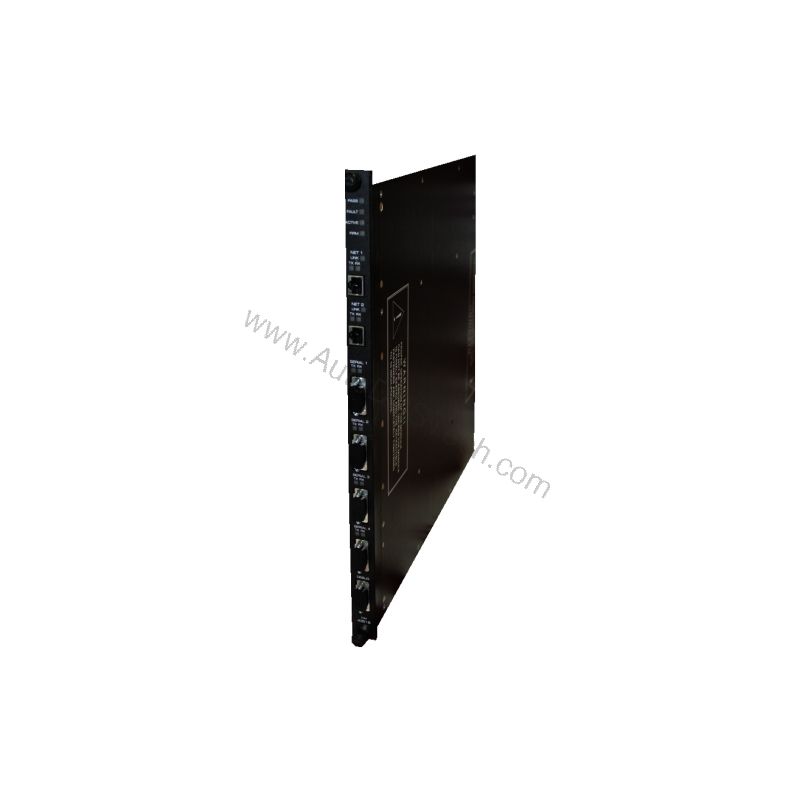
When your control system demands reliable data exchange, the 4351B from Triconex delivers. This Tricon Communication Module is engineered for demanding industrial environments where uptime is critical. With four serial ports and two network ports, it provides the connectivity your operations need.
Key Features and Technical Specifications
The 4351B is built to handle diverse communication tasks. Its specifications are designed for performance and isolation.
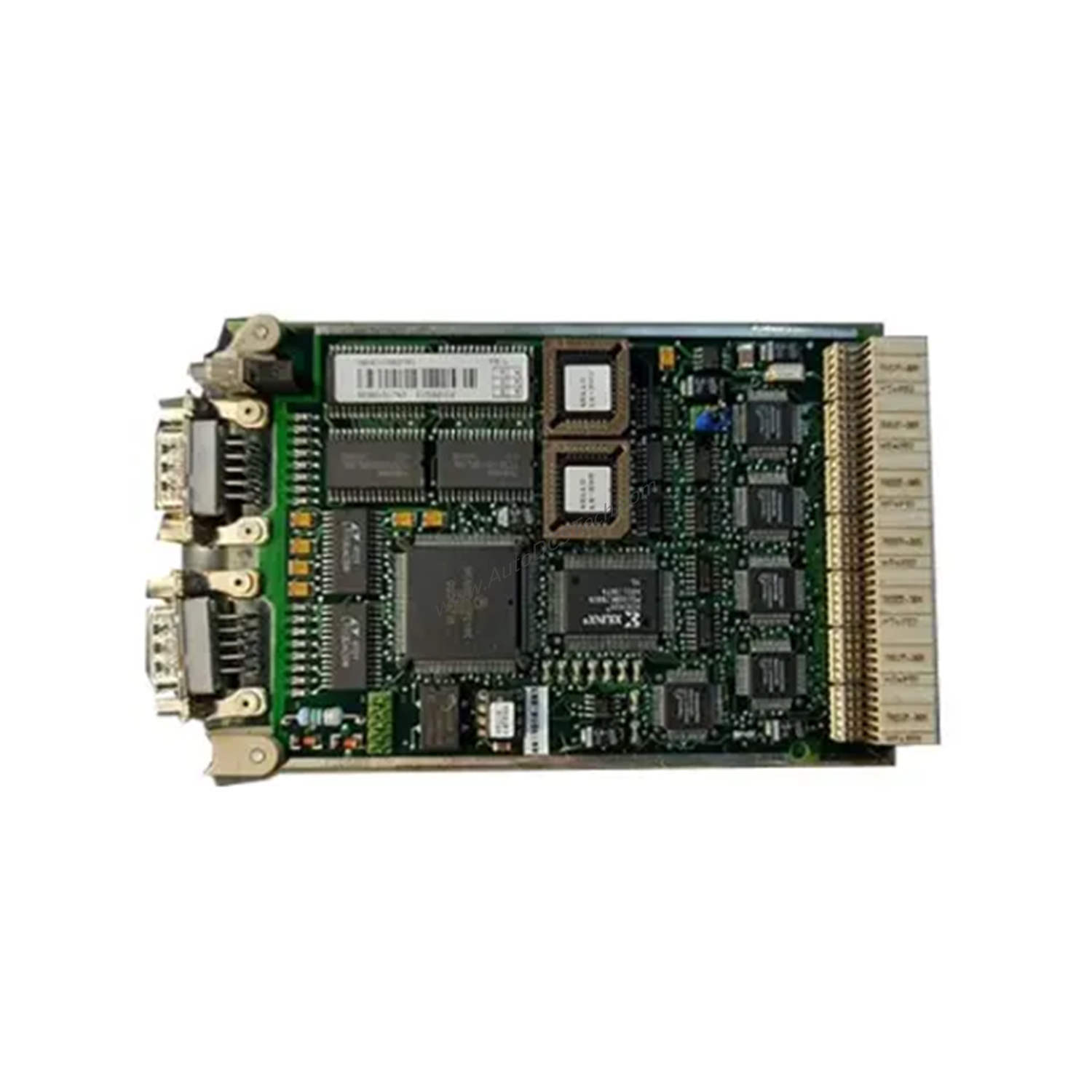
- Four serial ports support RS-232/RS-485 with DB-9 connectors.
- Two network ports provide 10/100BaseT Ethernet with RJ-45 connectors.
- Port isolation of 500 VDC ensures electrical separation between channels.
- Serial communication speeds reach up to 115.2 Kbps per port.
- Copper Ethernet ports operate at 10/100 Mbps.
- Fiber Ethernet ports support 100 Mbps for longer-distance links.
- Status indicators include PASS, FAULT, ACTIVE, FIRM, LINK, TX, and RX.
These features make the 4351B a versatile choice for integrating Tricon systems with plant networks.
Supported Protocols and Integration
The 4351B supports a wide range of protocols, ensuring compatibility with existing infrastructure. These include TriStation, Modbus, TCP/IP, ICMP, SNTP, TSAA with IP Multicast support, Trimble GPS, Peer-to-Peer (UDP/IP), Peer-to-Peer Time Synchronization, and Jet Direct for network printing. This breadth of protocol support simplifies integration into diverse control architectures.
Installation and Setup Considerations
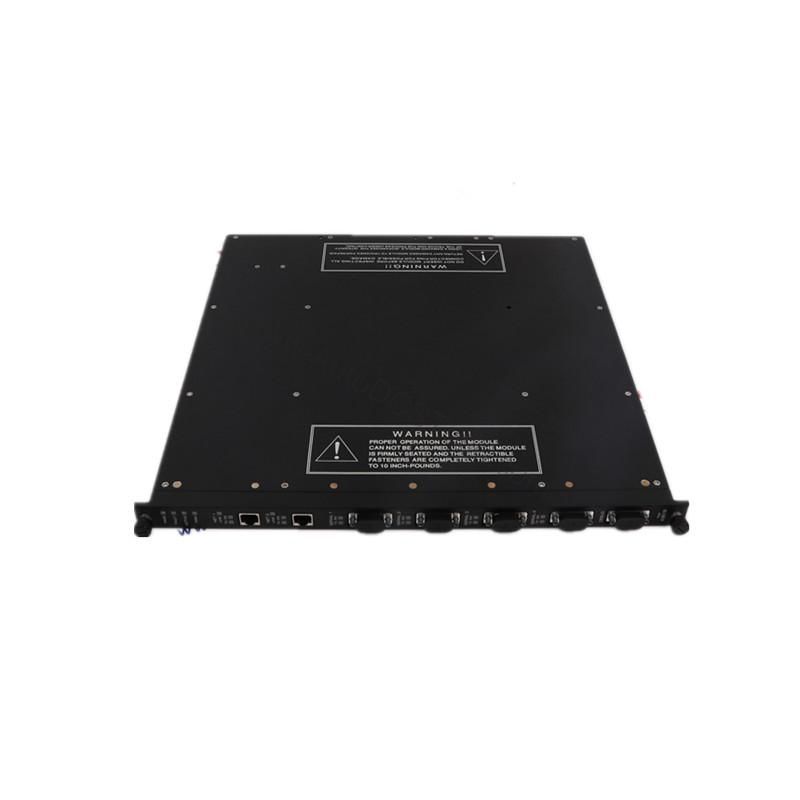
When installing the 4351B, ensure proper mounting in the Tricon chassis. Verify that the serial and network connections are secure. For fiber models, use 62.5/125 um fiber cables with MT-RJ connectors. Always follow the manufacturer's manual for detailed wiring and configuration steps.
Maintenance and Reliability
Regular inspection of the 4351B helps maintain system integrity. Check the status indicators periodically to confirm normal operation. Keep the module free from dust and moisture. Follow the manufacturer's guidelines for routine maintenance to extend service life and prevent unexpected failures.
Common Issues and Troubleshooting
If communication errors occur, verify that the port settings match the connected devices. Check the LINK and TX/RX indicators to confirm network activity. For serial issues, confirm baud rate and protocol settings. Refer to the official Triconex documentation for detailed troubleshooting procedures.
Product Support and Availability
The 4351B is available from AutoDCSTech. Contact our team to confirm current stock and lifecycle status before ordering. We are ready to assist with your industrial automation needs.
Availability & Condition at AutoDCSTech
| Part Number | 4351B |
|---|---|
| Availability | In Stock |
| Condition | New |
| Warranty | One Year |
| Origin | US |