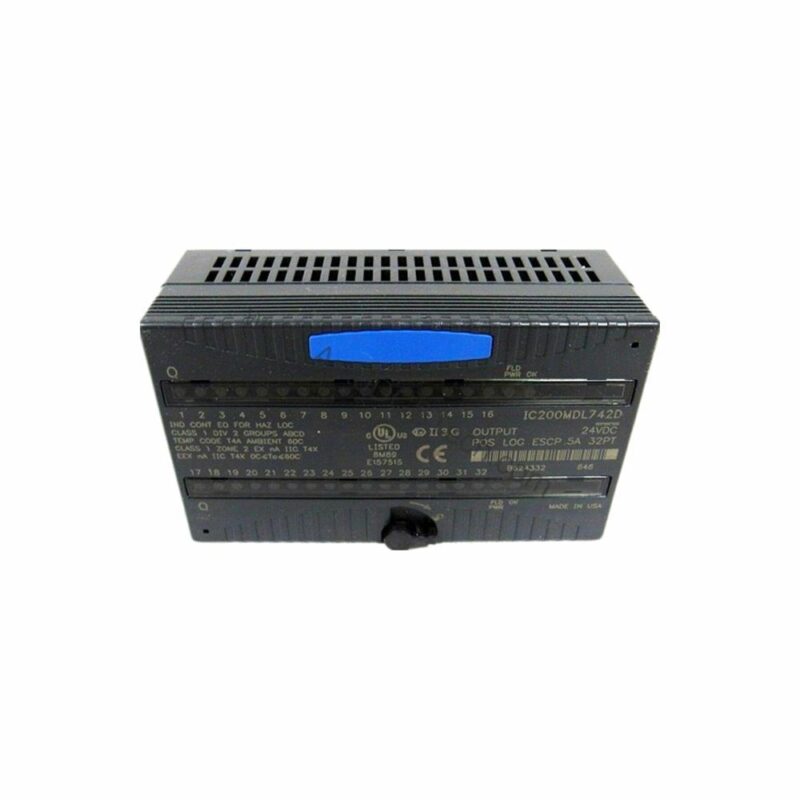
Technical Specifications Breakdown
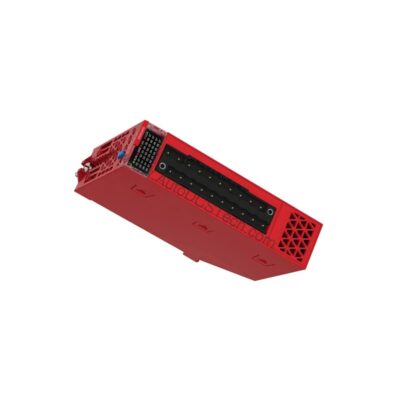
Key parameters for the IC200MDL744 are listed below for quick reference:
| Feature | Specification |
|---|---|
| Brand | GE Fanuc |
| Series | Versamax |
| Part Number | IC200MDL744 |
| Product Description | Discrete Output Module |
| Module ID | 80808080 |
| Number of Points | 32 Outputs |
| Number of Groups | 2 |
| Output Voltage (5VDC-TTL mode) | 4.75 to 5.25 Volts DC, 5 Volts DC nominal |
| Output Voltage (12/24VDC mode) | 10.2 to 30 Volts DC, 12/24 Volts DC nominal |
| Group to Group Isolation | 250 Volts AC continuous, 1500 Volts AC for 1 minute |
| Point to Point Isolation | None |
| LED Indicators | One LED per point, OK and FLD PWR LEDs |
| Backplane Current Consumption | 5 Volts, 140 milliamps |
| Protection | No internal fuse |
Industry Applications
Automotive Assembly Lines
In automotive manufacturing, the IC200MDL744 controls solenoid valves and indicator lights on assembly stations. With 32 outputs in 2 groups, it can manage multiple actuators simultaneously, reducing cabinet space and wiring complexity. The negative logic design ensures compatibility with sinking-type field devices commonly used in this sector.
Packaging Machinery
Packaging systems require fast, reliable output switching for conveyor diverters, labeling heads, and reject gates. The module's 5 VDC TTL mode allows direct interface with high-speed logic controllers, while the 12/24 VDC mode handles standard industrial loads. The per-point LED indicators simplify troubleshooting, minimizing downtime.
Water Treatment Plants
For water and wastewater facilities, the IC200MDL744 drives pump starters, valve positioners, and alarm beacons. The group-to-group isolation of 250 VAC continuous protects against ground loops and voltage transients, enhancing system safety. The absence of an internal fuse means external overcurrent protection must be provided per local codes.
Installation & Setup Guidance
Mount the IC200MDL744 securely on a Versamax backplane. Ensure the backplane power supply delivers 5 VDC at 140 milliamps minimum to meet the module's current consumption. Connect field wiring to the terminal blocks per group: each group provides DC+ and DC- terminals for 16 outputs. Use twisted-pair shielded cable for noisy environments. For inductive loads such as relays or solenoids, install an external suppression diode across the load to prevent voltage spikes. Verify the output voltage mode (TTL or 12/24 VDC) matches your field devices before powering up. The module does not include an internal fuse; therefore, add a fuse or circuit breaker in the field power line as recommended by the manufacturer.
Maintenance & Reliability
Inspect the module periodically for dust accumulation and loose connections. Clean with a dry, low-pressure air stream. Verify that the OK and FLD PWR LEDs illuminate correctly during operation—a missing OK LED indicates backplane power loss, while a missing FLD PWR LED signals field power failure. Check that all output LEDs respond to commands; if an output LED stays off despite a logic on command, the channel may be damaged. The module's thermal derating depends on ambient temperature, voltage level, and orientation—ensure adequate airflow around the unit. No internal fuse means that external protection devices must be maintained per the system's safety plan.
Compatibility & Integration
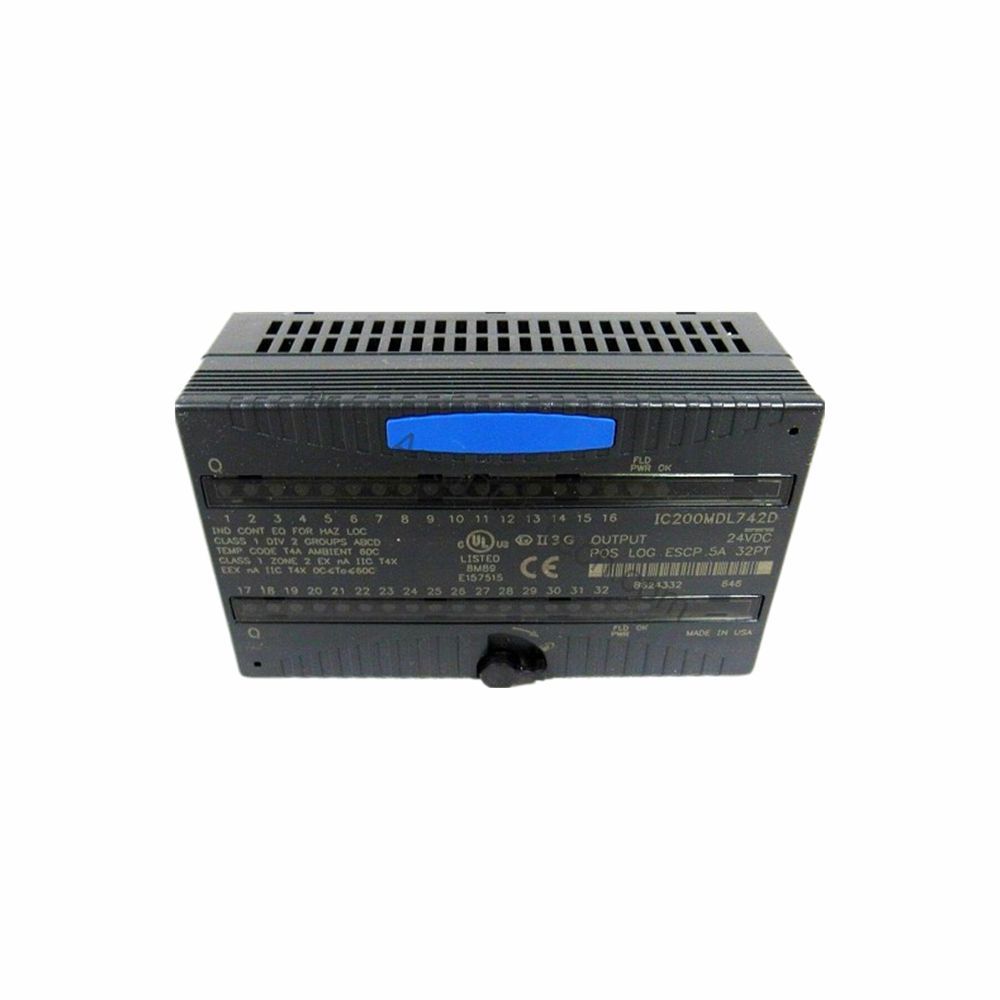
The IC200MDL744 integrates with any Versamax PLC system, requiring an NIU or CPU for intelligent processing. It is compatible with GE Fanuc Series 90-30 and RX3i backplanes when used with appropriate adapters. The module uses negative logic (sinking outputs), so it connects the load to the negative side of the DC power supply. For positive logic systems, use a different module or add an external inverter. The module ID (80808080) is automatically recognized by the Versamax bus, simplifying configuration in Proficy Machine Edition.
Selection Guide & Purchasing Advice
When selecting the IC200MDL744, verify your application's output voltage requirements: use TTL mode (5 VDC) for logic-level loads, and 12/24 VDC mode for standard industrial devices. Confirm that your backplane can supply 140 milliamps at 5 VDC. For applications requiring point-to-point isolation, consider alternative modules. AutoDCSTech stocks this module and offers fast shipping. Please verify current lifecycle status and availability with AutoDCSTech before ordering.
Troubleshooting & Common Issues
Output Fails to Turn On
Check the FLD PWR LED: if off, verify field power supply voltage (10.2 to 30 VDC in 12/24 VDC mode). Ensure the output channel's LED is lit; if not, the logic signal may be missing or the channel may be damaged. Test with a known good output point.
All Outputs Off
If the OK LED is off, the backplane power is absent. Check the 5 VDC supply and backplane connections. If the OK LED is on but all outputs are off, verify the NIU or CPU is running and the configuration is correct.
Intermittent Operation
Loose wiring or a failing external suppression diode can cause erratic behavior. Tighten all terminal screws and replace any suspect diode. Also, check for voltage drops in the field power wiring.
LED Not Indicating Correctly
If an output LED remains on when the logic signal is off, the channel may be shorted. Replace the module. If the FLD PWR LED flickers, the field power supply may be unstable—check for ripple or under-voltage.
Availability & Condition at AutoDCSTech
| Part Number | IC200MDL744 |
|---|---|
| Availability | In Stock |
| Condition | New |
| Warranty | One Year |
| Origin | US |