Technical Specifications Breakdown
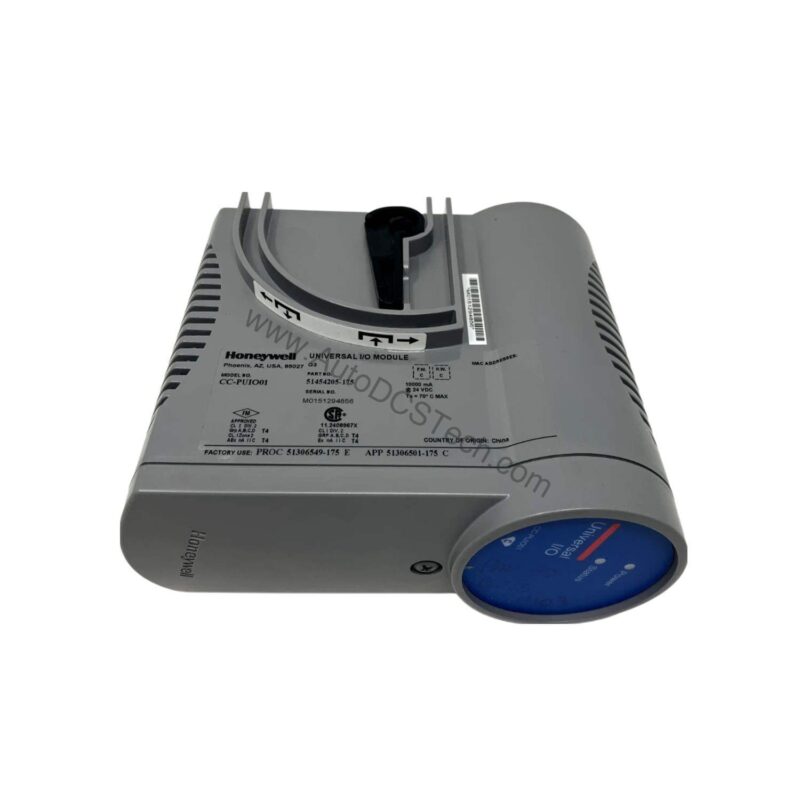
Key parameters for the CC-PUIO01 are listed below for quick reference:
| Feature | Specification |
|---|---|
| Manufacturer | Honeywell |
| Part Number | CC-PUIO01 |
| Number of I/O Points | 24 |
| I/O Types | Digital inputs, digital outputs, analog inputs, analog outputs |
| HART Communication | Yes |
| Electronic Short Circuit Protection | Yes |
Industry Applications: Solving Real-World Control Challenges
1. Mixed-Signal Process Control
In chemical or refining applications, you often need to read analog transmitters and drive digital actuators in the same cabinet. The CC-PUIO01 handles both analog and digital signals on one module. This reduces the number of field wiring terminations and simplifies loop checks. Maintenance teams can troubleshoot faster because all I/O points are in one location.
2. HART-Enabled Asset Management
HART communication is built into this module. That means you can access diagnostic data from smart field devices without extra wiring. For plants running predictive maintenance programs, this capability helps detect instrument drift or blockages early. You avoid unexpected shutdowns and reduce manual field inspections.
3. Space-Constrained Skids and Panels
When panel space is tight, an universal I/O module is a lifesaver. The CC-PUIO01 packs 24 points into a single unit. You can replace several discrete modules with one part number. This simplifies procurement and reduces the physical footprint of your control system.
Installation & Setup Guidance
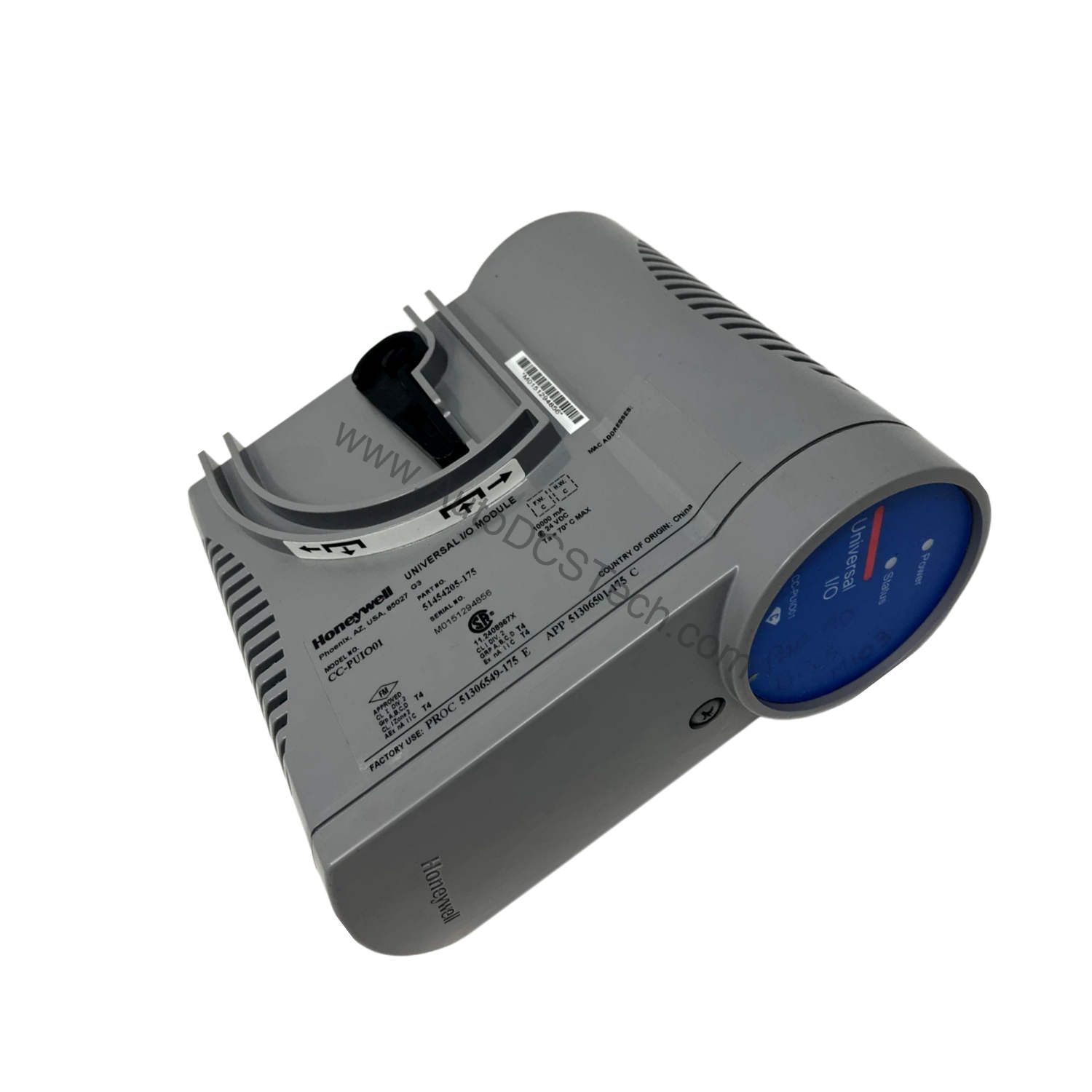
Before installation, verify that the module is compatible with your Honeywell control system. Check the part number against your system's I/O catalog. Ensure the module is properly seated in the correct slot. Follow the manufacturer's guidelines for grounding and shielding to avoid noise interference. Use the appropriate termination panels and cables as specified in the system documentation. Always power down the system before inserting or removing the module.
Maintenance & Reliability
Regular inspection of the module's status indicators can help detect early signs of failure. Check for loose connections or signs of corrosion on the terminals. Keep the enclosure clean and free of dust. The electronic short circuit protection feature helps prevent damage from accidental wiring faults. Still, it is wise to periodically test the protection function by simulating a fault under controlled conditions. Follow your plant's preventive maintenance schedule for I/O modules.
Why the Honeywell CC-PUIO01 Stands Out in Process Automation
Process plants face constant pressure to reduce wiring complexity, lower inventory costs, and simplify maintenance. The Honeywell CC-PUIO01 Universal Process IO Module addresses these challenges by consolidating multiple I/O types into a single, flexible unit. With 24 I/O points supporting digital inputs, digital outputs, analog inputs, and analog outputs, this module reduces the need for multiple dedicated cards. That means fewer spare parts to stock and less engineering time spent on configuration.
Compatibility & Integration
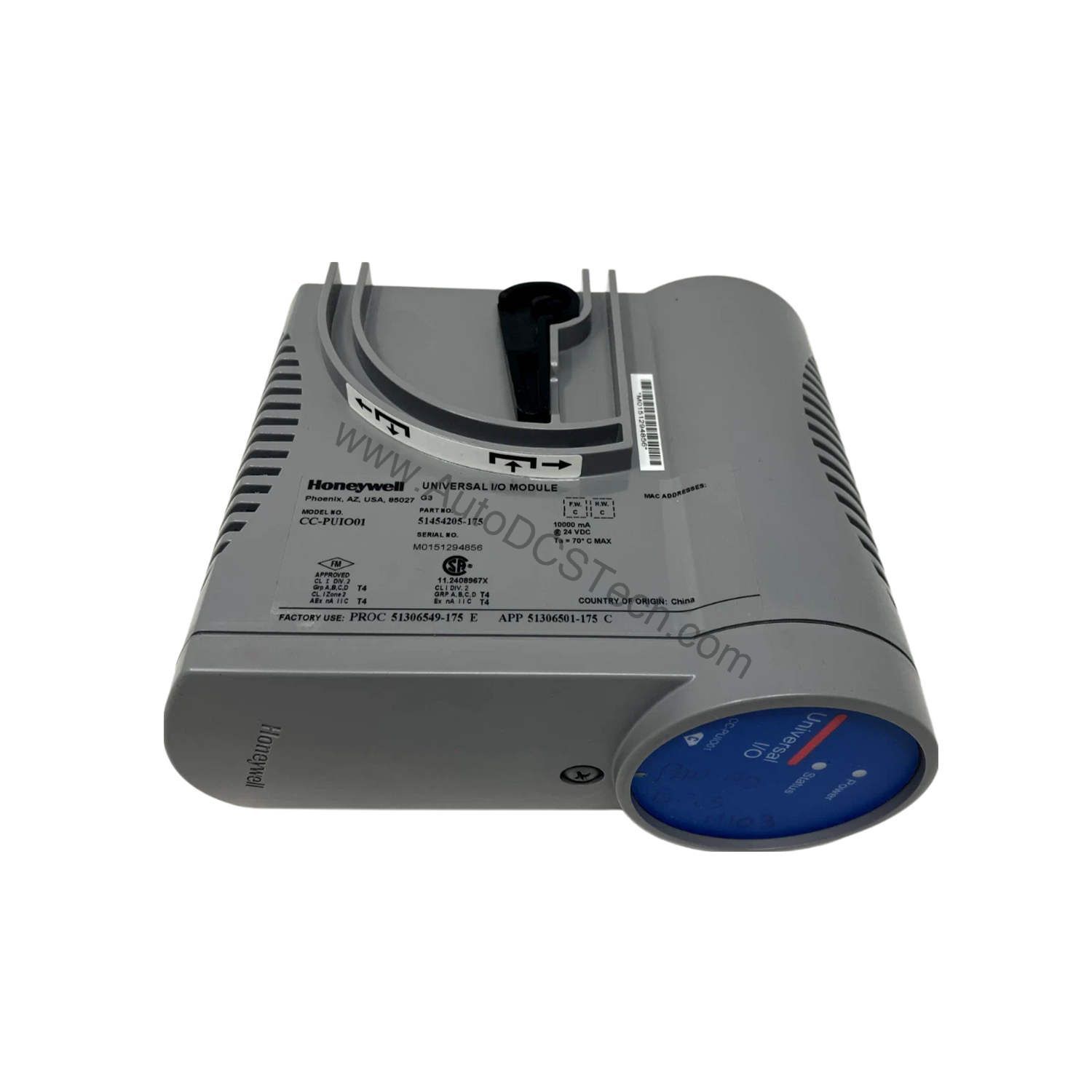
The CC-PUIO01 is designed for Honeywell distributed control systems. It supports HART communication, which allows integration with a wide range of HART-enabled field instruments. The module's universal I/O capability means it can be configured for various signal types, making it a versatile choice for new installations or retrofits. Always confirm compatibility with your specific Honeywell controller model before ordering.
Selection Guide & Purchasing Advice
When selecting an universal I/O module, consider the total number of I/O points and the mix of signal types you need. The CC-PUIO01 offers 24 points, which is suitable for many medium-density applications. If you require more points, you can use multiple modules. For purchasing, AutoDCSTech is a reliable supplier of industrial automation parts. They can help you verify the current lifecycle status and availability of the CC-PUIO01 before you place an order.
Troubleshooting & Common Issues
If the module is not communicating with the controller, check the backplane connection and ensure the module is fully seated. If a specific channel is not working, verify the field wiring and the configuration in the control system. For analog inputs, check the signal scaling and ensure the transmitter is powered correctly. If the module shows a fault, consult the system diagnostics. The electronic short circuit protection will trip if there is a wiring fault, so inspect the field wiring for shorts. Always follow safe work practices when troubleshooting live systems.
Availability & Condition at AutoDCSTech
| Part Number | CC-PUIO01 |
|---|---|
| Availability | In Stock |
| Condition | New |
| Warranty | One Year |
| Origin | US |