Technical Specifications Breakdown
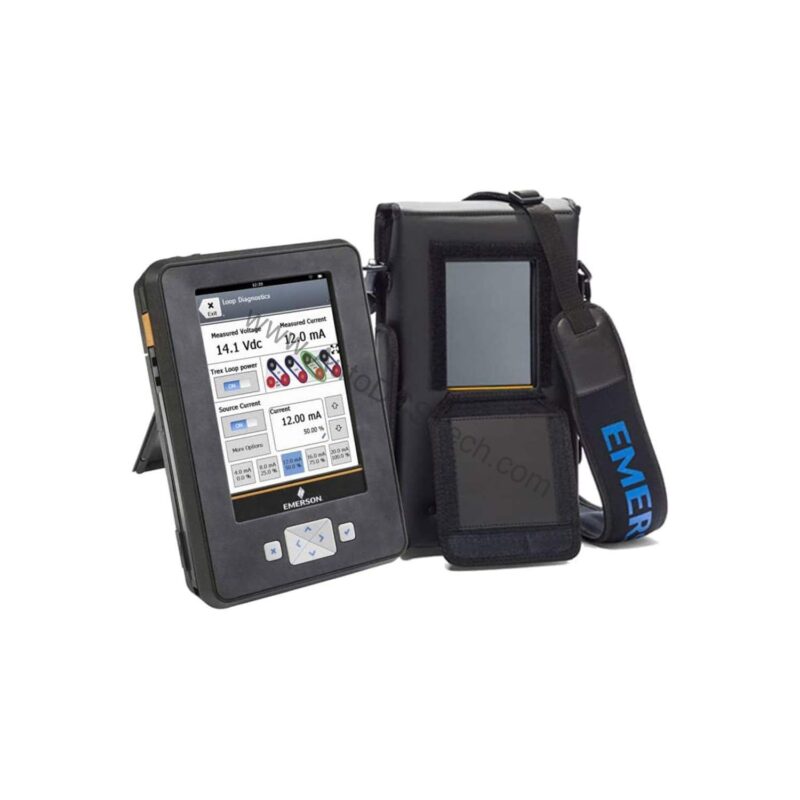
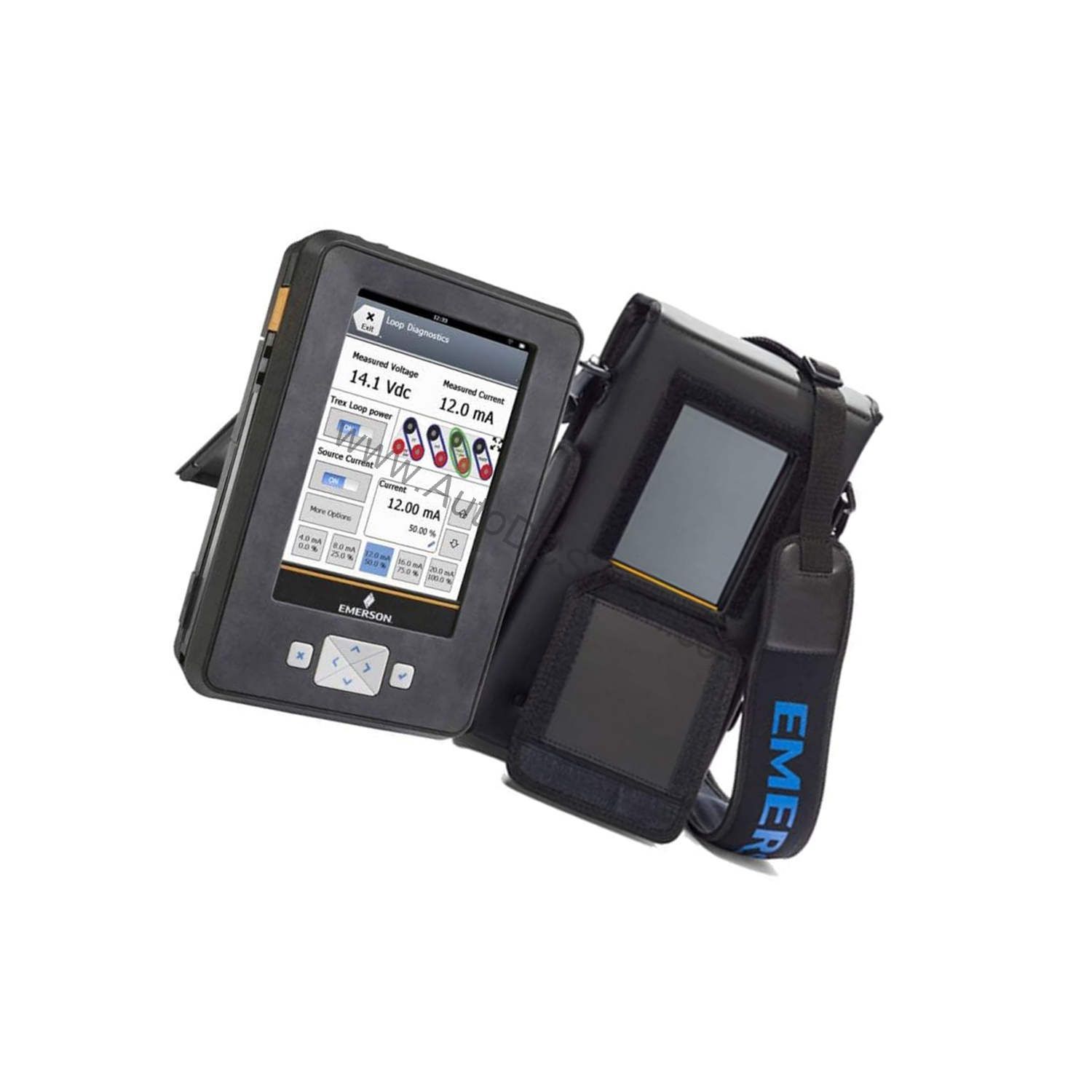
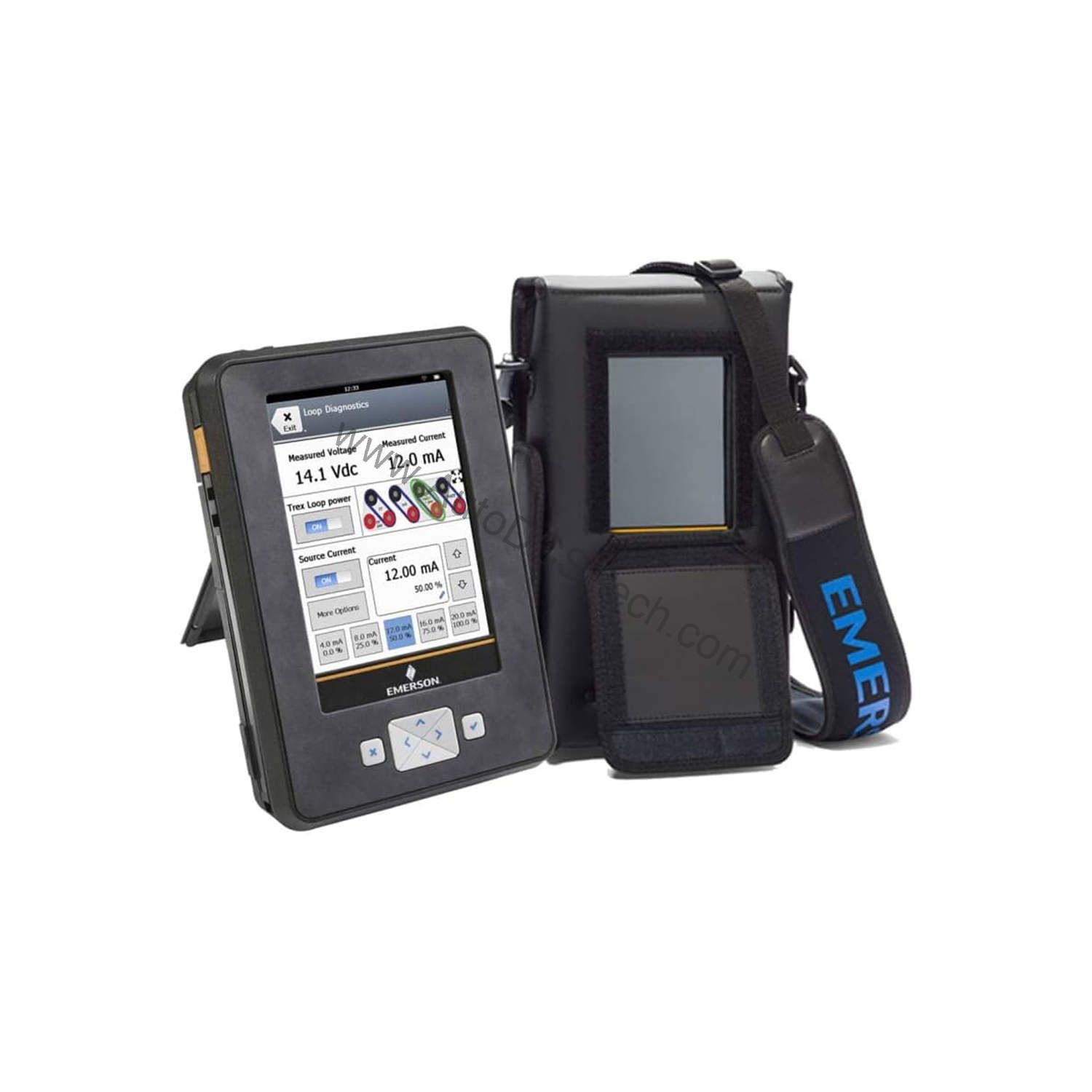
Key parameters for the TREXLHPKLWS3S are listed below for quick reference:
| Feature | Specification |
|---|---|
| Manufacturer | Emerson |
| Product No. | TREXLHPKLWS3S |
| Product Type | AMS Trex Device Communicator |
| Communication Module | Device Communicator Plus communication module |
| Applications | HART Application |
| Power Module Type | Rechargeable Li-Ion Power Module |
| Product Certifications | ATEX, CSA (US/Canada) and IECEx Intrinsically Safe (includes FISCO as applicable) |
| Radio Options | Wireless |
| Support | Standard Support (3 Year) |
| Carrying Case | Carrying Case |
| Included With | Battery And Adapter Charger |
Real-World Applications in Process Industries
For example, a technician can use it to calibrate a pressure transmitter on a pipeline, verify loop integrity, and troubleshoot a smart valve positioner. The wireless option enables secure communication with the device without physical cable connection, which is especially useful in hard-to-reach locations. The intrinsically safe certifications (ATEX, CSA, IECEx) mean it can be used in hazardous areas where flammable gases or vapors may be present, providing confidence to maintenance crews.
Installation and Setup Guidance
Before first use, fully charge the Li-Ion power module using the included adapter charger. The device is designed for handheld operation; no permanent installation is required. To connect to a HART device, use the appropriate communication cable (not included) and ensure the device is in a safe area or the area is classified as per the device's certifications. Follow the manufacturer's quick start guide to establish a connection and navigate the HART application menus. Always verify that the device firmware is up to date to ensure compatibility with the latest HART device revisions.
Maintenance and Reliability
The TREXLHPKLWS3S is built for field use, but regular care extends its lifespan. Keep the device clean and dry, and store it in the provided carrying case when not in use. Inspect the battery contacts periodically for corrosion or debris. The Li-Ion battery should be charged regularly, even during periods of inactivity, to maintain optimal performance. If the device is exposed to extreme temperatures or moisture, allow it to acclimate to room conditions before use. For any hardware issues, contact AutoDCSTech for support options.
Field Device Configuration Under Pressure
Imagine a plant floor where a critical HART transmitter starts drifting. The process engineer needs immediate diagnostics, but the control room is a hundred meters away. A technician must climb to the skid, connect a communicator, and interpret the device status. This rugged, hand-held tool lets you connect directly to HART devices in the field, view real-time process variables, and perform configuration tasks without returning to the control room. It is built for the harsh realities of industrial environments, offering both wireless connectivity and intrinsic safety.
Compatibility and Integration
This communicator is specifically configured for HART applications, making it compatible with a wide range of HART-enabled field devices from various manufacturers. The Device Communicator Plus module supports both wired and wireless communication, allowing integration into existing plant networks. The wireless radio option enables remote access to devices, reducing the need for physical contact. The included FISCO support ensures safe operation with fieldbus intrinsically safe concept devices, where applicable.
Selection Guide and Purchasing Advice
When selecting a device communicator, consider the communication protocols you use, the hazardous area classifications, and the need for wireless capability. The TREXLHPKLWS3S covers these bases with HART, wireless, and intrinsic safety. It also includes a carrying case and a 3-year standard support plan, which adds value for long-term use. AutoDCSTech offers this model and can provide guidance on availability and lifecycle status. Please verify current lifecycle status and availability with AutoDCSTech before ordering.
Troubleshooting Common Issues
If the device fails to power on, check the battery charge level and connections. If communication with a HART device fails, verify the wiring and that the device is HART-enabled. For wireless issues, ensure the radio is enabled and within range of the access point. If the screen is unresponsive, perform a soft reset as described in the manual. For persistent problems, consult the support documentation or contact AutoDCSTech for technical assistance.
Availability & Condition at AutoDCSTech
| Part Number | TREXLHPKLWS3S |
|---|---|
| Availability | In Stock |
| Condition | New |
| Warranty | One Year |
| Origin | US |