Technical Specifications Breakdown
Key parameters for the TREXLHPNAWS1 are listed below for quick reference:
| Feature | Specification |
|---|---|
| Manufacturer | Emerson |
| Product No. | TREXLHPNAWS1 |
| Product Type | AMS Trex Device Communicator |
| Platform | Base Trex Platform |
| Communication Module | Device Communicator Plus |
| Application | HART |
| Power Module | Rechargeable Li-Ion |
| Certifications | No Approval |
| Radio Options | Wireless |
| Support | Standard Support (1 Year) |
| Microprocessor | 800 MHz ARM Cortex A8/NXP |
| Internal Flash | 2GB NAND and 32GB Extended |
| Operating System | Windows Embedded Compact 2013 |
| Display | 640 x 480 pixels |
Industry Applications: Where This Communicator Pays Off
Process Manufacturing (Chemical, Oil & Gas) – In hazardous and remote areas, the wireless capability of this unit allows technicians to connect to HART devices without physical cable runs. The 800 MHz processor speeds up data transfer, reducing the time spent per device. Faster loop checks mean less process interruption, which directly translates to higher production uptime and lower operational cost.
Utility and Power Generation – For routine calibration and configuration of pressure transmitters and flow meters, the intuitive 640x480 display provides clear menus. The rechargeable Li-Ion power module supports a full shift of work, eliminating the need for spare batteries. This reduces inventory costs and ensures your team is always ready.
Facility Maintenance and Turnarounds – During plant shutdowns, every minute counts. The 2GB NAND and 32GB extended flash memory allow you to store extensive device configurations and history. Quick recall of previous settings speeds up re-commissioning, cutting labor hours and getting the plant back online faster.
Installation & Setup Guidance
Before first use, fully charge the rechargeable Li-Ion power module. Connect the communicator to a HART device using the appropriate leads. The wireless option simplifies initial pairing in the field. Use the touchscreen to navigate the Windows Embedded Compact 2013 interface. For best performance, ensure the device firmware is up to date. Always follow your plant's safety procedures when connecting to live instruments.
Maintenance & Reliability
To ensure long-term reliability, inspect the communicator's housing and connectors periodically for damage. Keep the display clean and free of abrasive materials. The Li-Ion battery should be charged regularly, even during storage, to maintain its capacity. Avoid exposing the unit to extreme temperatures or moisture beyond its rated environment. For any hardware issues, contact AutoDCSTech for support options.
Field-Proven HART Communication for Modern Plant Operations
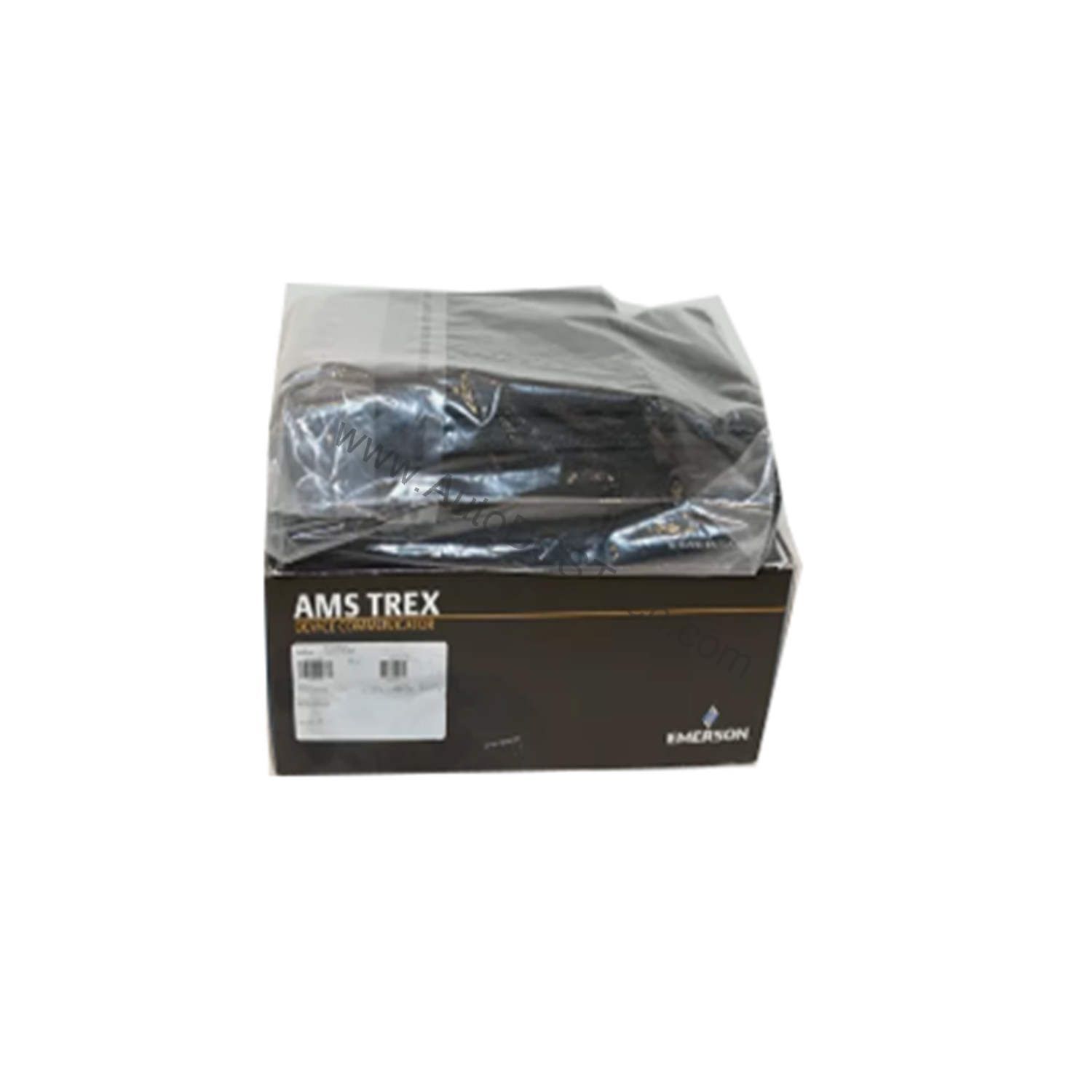
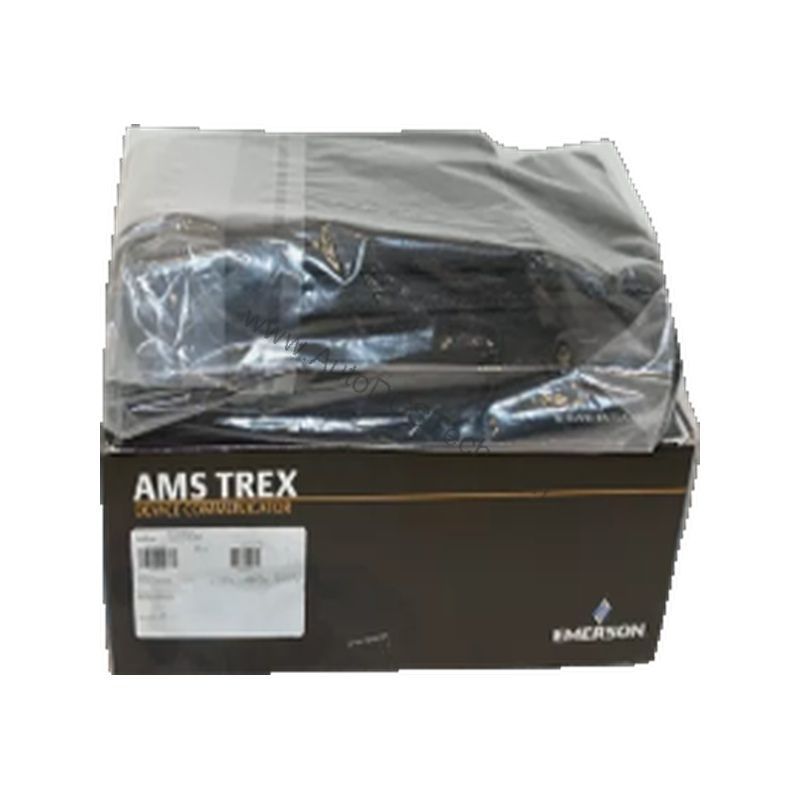
The TREXLHPNAWS1, manufactured by Emerson, is a dedicated AMS Trex Device Communicator built on the Base Trex Platform. It pairs a robust hardware design with the HART application to give technicians a reliable tool for configuring, troubleshooting, and calibrating HART field instruments. In today's competitive industrial environment, minimizing unplanned downtime is critical. This communicator helps you do exactly that by enabling rapid diagnostics and quick loop checks, directly reducing the time your process spends offline.
Compatibility & Integration
The TREXLHPNAWS1 is specifically designed for HART applications. The wireless radio option provides flexibility in connecting to instruments in hard-to-reach locations. This communicator is a standalone tool, but it can also be used with asset management software for data logging and analysis.
Selection Guide & Purchasing Advice
When selecting a device communicator, consider the communication protocols you use. This model is optimized for HART. If you need Foundation Fieldbus or Profibus, look for other Trex variants. The "No Approval" certification means it is not certified for hazardous area use. For most general-purpose applications, this is sufficient. AutoDCSTech offers this unit with standard support for one year. Verify the current lifecycle status and availability with AutoDCSTech before ordering. Our team can help you confirm this is the right model for your plant's needs.
Troubleshooting & Common Issues
If the communicator fails to power on, check the battery charge and connections. If the display is unresponsive, perform a soft reset. For communication errors, verify the HART device is powered and the wiring is correct. If the wireless signal is weak, move closer to the device. For persistent issues, consult the user manual or contact AutoDCSTech for technical assistance. Do not attempt to disassemble the unit; contact qualified service personnel.
Availability & Condition at AutoDCSTech
| Part Number | TREXLHPNAWS1 |
|---|---|
| Availability | In Stock |
| Condition | New |
| Warranty | One Year |
| Origin | US |