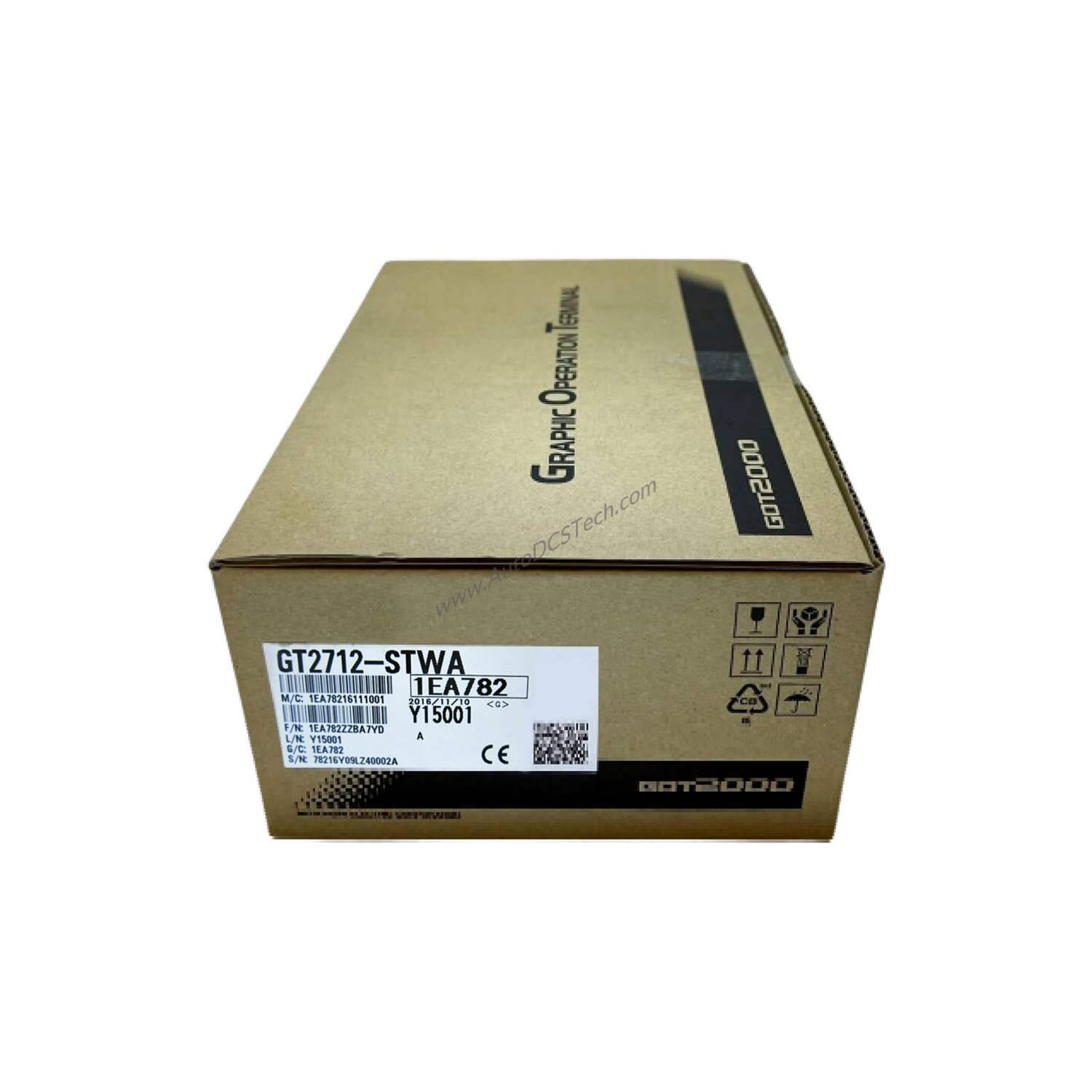
Product Overview
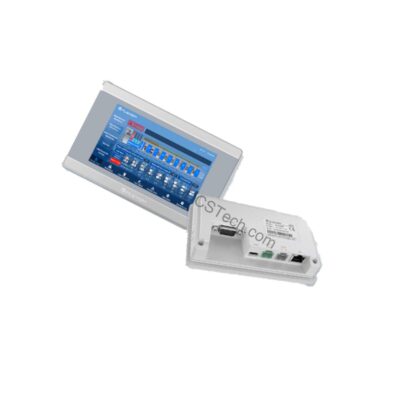
This unit is engineered for direct interaction with industrial processes, offering a 10.4-inch SVGA TFT color display with a resolution of 800 x 600 dots and support for 65,536 colors. The black panel finish complements modern control cabinets, while the DC power input offers flexibility for various electrical setups.
Technical Specifications Breakdown
- Display Performance: The 10.4-inch SVGA TFT color screen delivers sharp graphics with 65,536 colors, ensuring operators can distinguish critical process data quickly. The 32-level brightness adjustment allows adaptation to different lighting conditions, reducing eye strain during long shifts.
- Touch Interface: Multi-touch compatibility enhances user interaction, enabling intuitive gestures like pinch-to-zoom and swipe for faster navigation through screens.
- Memory and Storage: With 57 MB of ROM and 128 MB of RAM, the GT2710-STBD handles multitasking efficiently, supporting complex applications and data logging without lag.
- Backlight Design: The non-replaceable LED backlight provides consistent illumination over the product's lifetime, minimizing maintenance needs and ensuring long-term reliability.
Industry Applications
In a packaging line, its multi-touch capability allows operators to quickly adjust parameters, while the bright display remains readable under factory lighting. For material handling systems, the RGB/video/multimedia compatibility enables integration with camera feeds or video instructions, aiding troubleshooting. The DC power input simplifies wiring in retrofit projects where existing DC supplies are available.
Installation and Setup Guidance
Mount the GT2710-STBD in a panel cutout following the manufacturer's guidelines. Ensure the DC power supply meets the terminal's requirements—verify polarity and voltage stability before connection. For first-time setup, use the GOT2000 configuration software to design screens and load them via USB or Ethernet. Calibrate the touch screen after installation to ensure accurate touch registration.
Maintenance and Reliability
From a service perspective, the non-replaceable LED backlight reduces planned maintenance tasks. Periodically inspect the display for physical damage and clean the screen with a soft, dry cloth to maintain touch sensitivity. Check DC power connections for corrosion or looseness during routine inspections. The solid-state design of the GT2710-STBD minimizes wear, contributing to long service life and reduced total cost of ownership.
Buying Guide
Before purchasing the GT2710-STBD, verify that your control system supports the GOT2000 series for seamless integration. Confirm the DC power source voltage range and ensure the panel cutout accommodates the terminal dimensions. AutoDCSTech offers this model with fast shipping and expert support to help you select the right HMI for your application.
Availability & Condition at AutoDCSTech
| Part Number | GT2710-STBD |
|---|---|
| Availability | In Stock |
| Condition | New |
| Warranty | One Year |
| Origin | Japan |