Technical Specifications Breakdown
Key parameters for the FE7043WE are listed below for quick reference:
| Feature | Specification |
|---|---|
| Display | 4.3" 16:9 TFT LCD |
| Resolution | 800×480 |
| Touch Panel | 4-wire resistive touchscreen |
| CPU | 1GHz, Dual-core Cortex-A7 |
| Storage | 128 MB DDR3 + 128 MB Flash |
| Ethernet Port | 1*RJ45, 10/100Mbps |
| Serial Port | COM1: RS232/RS485/RS422, COM2: RS485, COM3: RS232 |
| Rated Voltage | DC24V, working range DC 9V-28V |
| Protection Level | Front: IP65 (NEMA panel), Rear: IP20 |
Where the FE7043WE Fits in Your Application
The FE7043WE is a versatile operator interface for small to medium machines. The dual serial ports (RS232/RS485/RS422) allow connection to a wide range of PLCs, VFDs, and sensors. The Ethernet port enables remote monitoring and data logging, which is valuable in distributed systems.
For example, in a small bottling line, the HMI can display production counts, alarm messages, and allow operators to adjust parameters. The IP65 front panel protects against dust and water splashes, making it suitable for washdown areas.
Installation and Setup Guidance
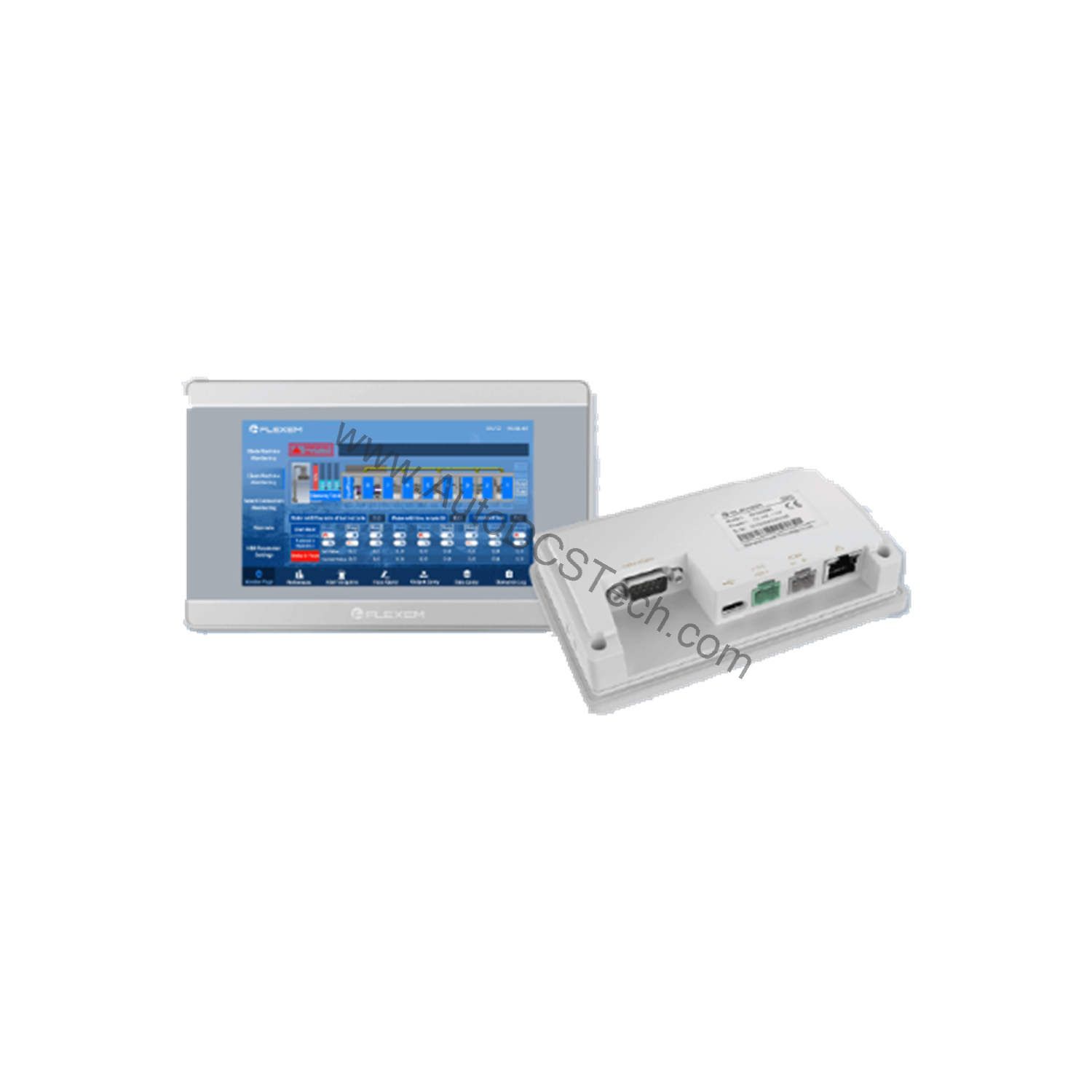
When installing the FE7043WE, follow the cutout dimensions (132mm×80mm) and ensure the panel is clean and flat. The unit is designed for panel mounting; the front gasket provides the IP65 seal. Use the provided mounting clips to secure the unit. For wiring, connect DC power (9-28V) to the rated terminals, observing polarity. The power interruption tolerance of less than 5mS means the HMI can ride through brief dips, but a stable supply is recommended.
For program download, you can use the USB Type-C OTG port or an USB flash drive. The serial ports (COM1/COM2/COM3) are for connecting to external devices. Refer to the Flexem programming manual for pin assignments and communication settings. Always power down before connecting or disconnecting cables to avoid damage.
Maintenance and Reliability
The FE7043WE is built for long service life in industrial settings. The front IP65 rating protects against dust and moisture, while the rear IP20 is suitable for inside an enclosure. Operating temperature is 0-50°C, so avoid mounting near heat sources. Storage temperature is -20-60°C. The unit is not rated for high UV environments, so keep it out of direct sunlight. Vibration endurance is 10-25 Hz (X,Y,Z direction, 2G/30 min), which covers most machine vibration.
Periodically inspect the touchscreen for surface damage and clean with a soft, dry cloth. Check that the panel gasket remains intact to maintain the IP rating. Verify that the power supply voltage stays within the 9-28V range. No internal maintenance is required; do not attempt to open the enclosure.
Compact HMI for Space-Constrained Machines
When panel space is tight and operator feedback is critical, the Flexem FE7043WE delivers a practical balance of size, performance, and connectivity. This 4.3-inch HMI fits into shallow enclosures while providing a clear 800×480 display and flexible serial communication options. It is designed for OEMs and system integrators who need a dependable operator interface without over-engineering the solution.
Compatibility and Integration
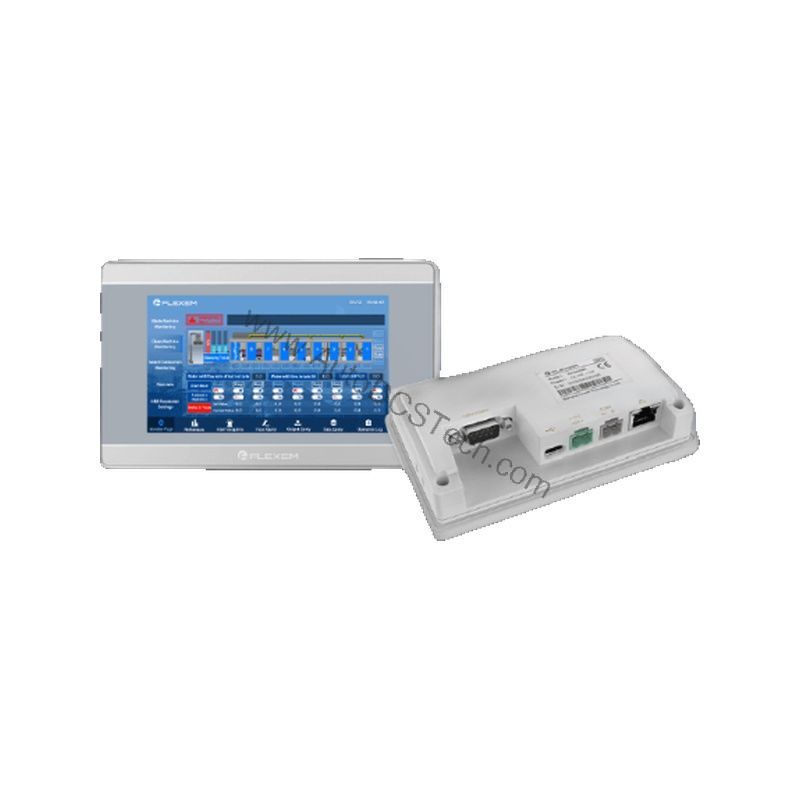
The FE7043WE supports multiple communication protocols via its serial ports and Ethernet. The COM1 port can be configured for RS232, RS485, or RS422, giving flexibility for different PLC brands. The Ethernet port (10/100Mbps) allows integration into plant networks for data exchange and remote access. The HMI is compatible with major PLCs through standard drivers; consult the Flexem software for the specific driver list.
For system integration, the dual-core Cortex-A7 processor ensures smooth screen transitions and responsive touch. The 128 MB DDR3 RAM and 128 MB Flash provide ample memory for screens and data logging. The USB Type-C OTG port simplifies file transfer and firmware updates.
Selection Guide and Purchasing Advice
When selecting an HMI for your project, consider the display size, resolution, and communication needs. The FE7043WE offers a good balance for small machines. If you need more screen space, consider larger Flexem models, but for compact applications, this is an choice. AutoDCSTech stocks the FE7043WE and can provide technical support. Verify current lifecycle status and availability with AutoDCSTech before ordering. We are an industrial automation parts supplier dedicated to helping you find the right components.
Troubleshooting and Common Issues
If the HMI does not power on, check the DC supply voltage (9-28V) and wiring. If the display is blank but the backlight is on, the program may be corrupted; reload the project via USB. If the touchscreen is unresponsive, recalibrate it in the system menu. For communication issues, verify the serial port settings (baud rate, parity) match the connected device. If the Ethernet connection fails, check the cable and IP address configuration. For persistent problems, contact AutoDCSTech for assistance.
Availability & Condition at AutoDCSTech
| Part Number | FE7043WE |
|---|---|
| Availability | In Stock |
| Condition | New |
| Warranty | One Year |
| Origin | US |