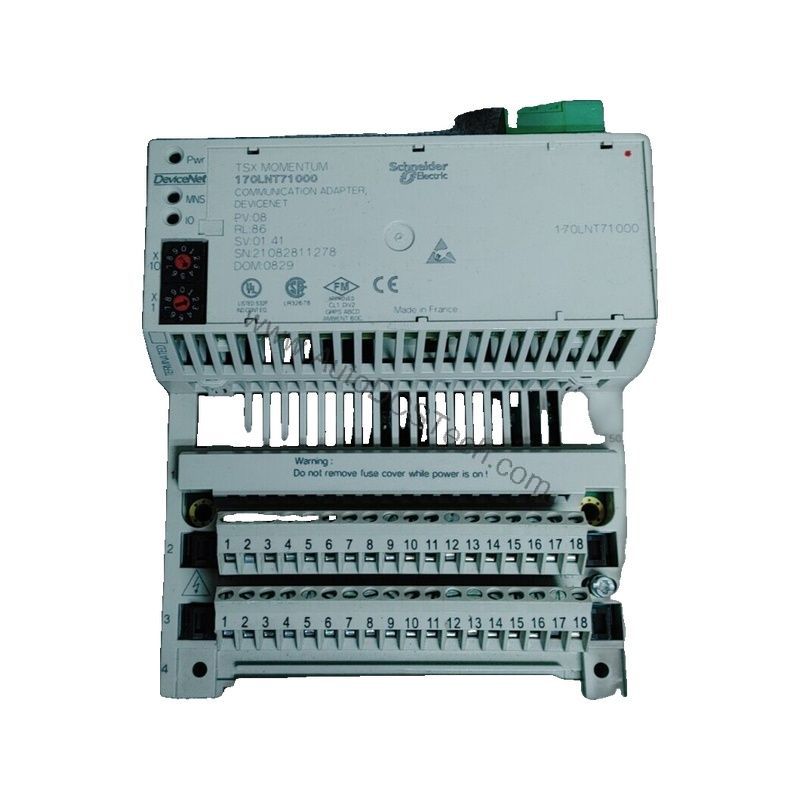
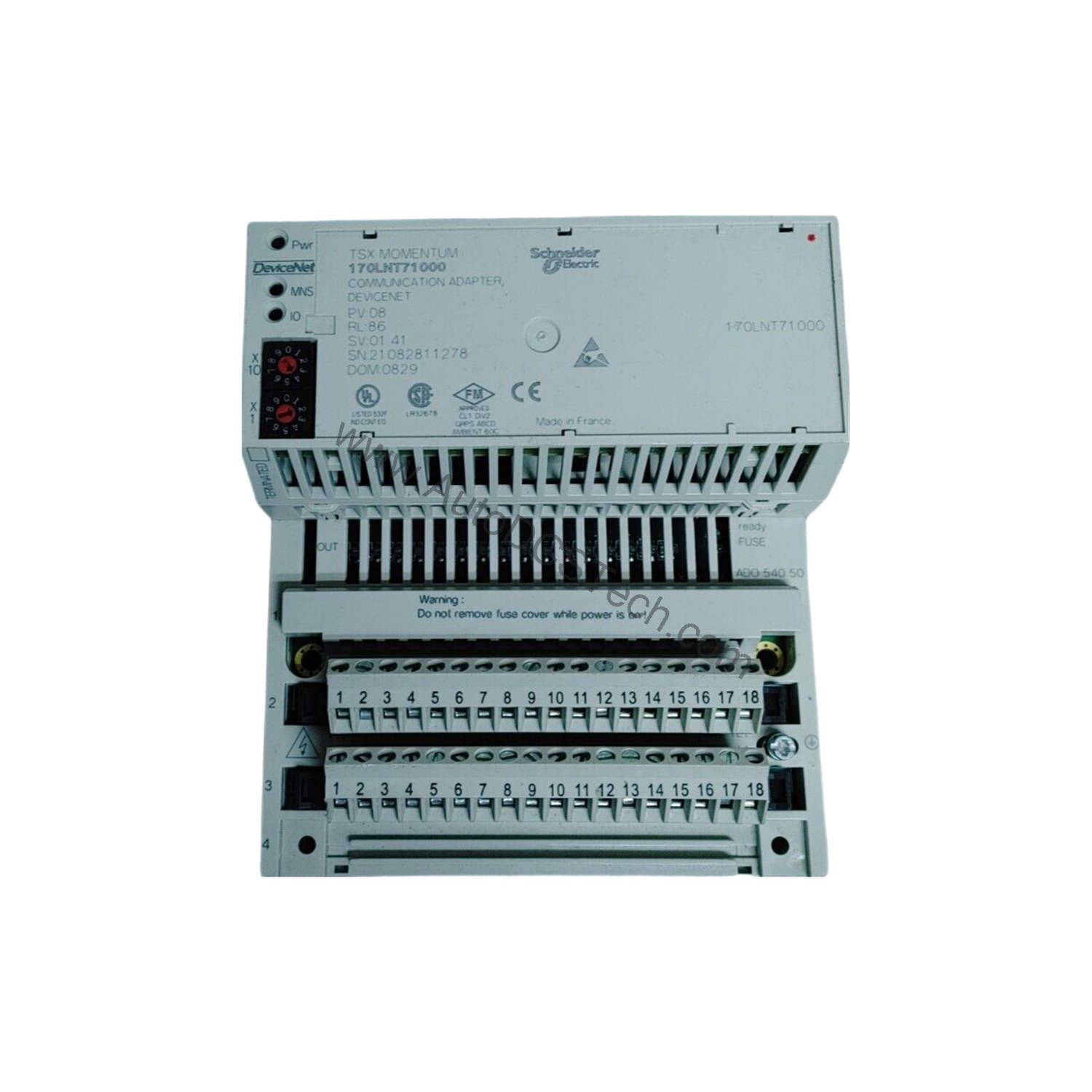
When integrating automation components from different vendors, network reliability often determines overall system uptime. The Schneider 170LNT71000 communication adapter from the Modicon Momentum series offers a proven solution for DeviceNet environments, balancing speed, distance, and device density.
Technical Specifications Breakdown
Key parameters for the 170LNT71000 are listed below for quick reference:
| Feature | Specification |
|---|---|
| Manufacturer | Schneider Electric |
| Product Type | Communication Adapter |
| Product Line | Modicon Momentum |
| Part Number | 170LNT71000 |
| Transmission Rate | 125, 250, and 500 kilobits per second |
| Communication Protocol | DeviceNet |
| Network Topology | Multi-drop trunk |
| Access Method | Carrier Sense Multiple Access/Collision Avoidance (CSMA/CA), Master/Slave, and peer-to-peer (P2P) |
| Number of Devices Per Segment | 0 to 64 per segment |
| Maximum Cable Distance Between Devices | More than 1,640.4 feet (500 meters) based on the transmission rate |
| Electrical Connection Type | One 5-pin DeviceNet connector |
| Ambient Operating Temperature | 0 to 60°C (in a non-condensing environment) |
| Storage Temperature | -40 to 85°C (in a non-condensing environment) |
| Protection Class | IP20 |
| Net Weight | 0.15 lb(US) (0.07 kg) |
Industry Applications
In manufacturing lines where multiple sensors and actuators share a single network, the 170LNT71000 reduces wiring complexity. For example, a packaging facility using DeviceNet can connect up to 64 devices per segment, leveraging the multi-drop trunk topology to simplify installation. The adapter's support for 125, 250, and 500 kbit/s transmission rates allows engineers to balance speed against cable length—critical when devices are spread over 500 meters.
Installation & Setup Guidance
When integrating the 170LNT71000, use twisted pair cables as the transmission medium. Connect via the single 5-pin DeviceNet connector, ensuring proper termination at each end of the trunk. Configure the access method (CSMA/CA, Master/Slave, or P2P) according to your network's control scheme. Verify that the ambient temperature remains between 0 and 60°C in a non-condensing environment to maintain reliable operation.
Maintenance & Reliability
Periodically inspect the IP20 enclosure for dust accumulation, especially in industrial settings. Check cable connections for corrosion or looseness. Store spare units within -40 to 85°C to preserve component longevity. The adapter's lightweight design (0.15 lb) simplifies handling during replacement.
Compatibility & Integration
The 170LNT71000 is designed for the Modicon Momentum automation platform and communicates via DeviceNet protocol. It supports multi-drop trunk topology and can operate at altitudes below 16,404 feet (5,000 meters). The CRC-16 control parameter ensures data integrity across the network.
Selection Guide & Purchasing Advice
For new installations or legacy upgrades requiring a reliable DeviceNet adapter, the 170LNT71000 offers a compact, proven solution. At AutoDCSTech, we stock this part to support your automation needs. Please verify current lifecycle status and availability with AutoDCSTech before ordering.
Troubleshooting & Common Issues
If devices fail to communicate, first check the transmission rate setting—ensure all nodes use the same speed (125, 250, or 500 kbit/s). Verify that the number of devices per segment does not exceed 64. Inspect the twisted pair cable for breaks or excessive length beyond 500 meters. Confirm that the 5-pin connector is securely fastened.
Availability & Condition at AutoDCSTech
| Part Number | 170LNT71000 |
|---|---|
| Availability | In Stock |
| Condition | New |
| Warranty | One Year |
| Origin | France |