Product Overview
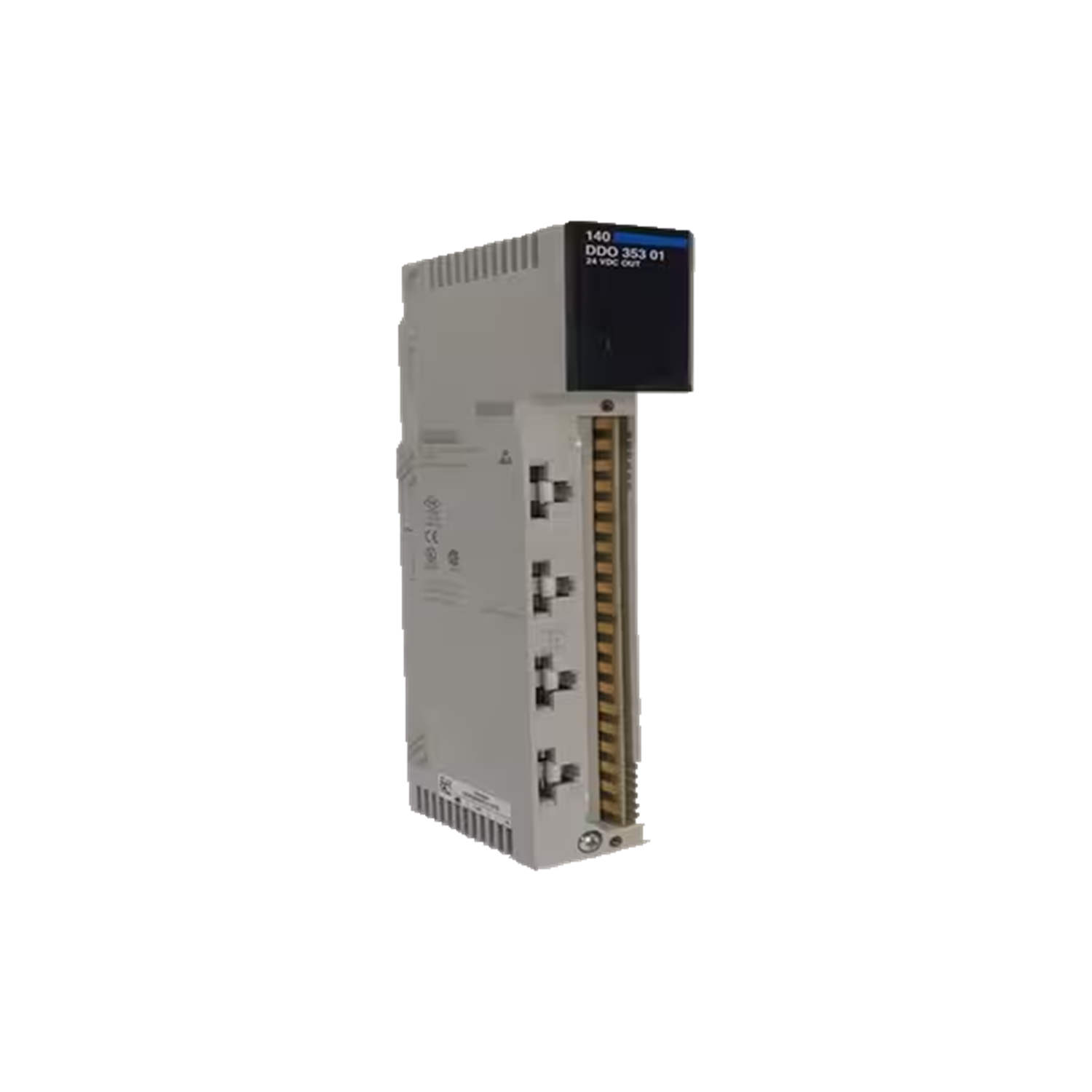
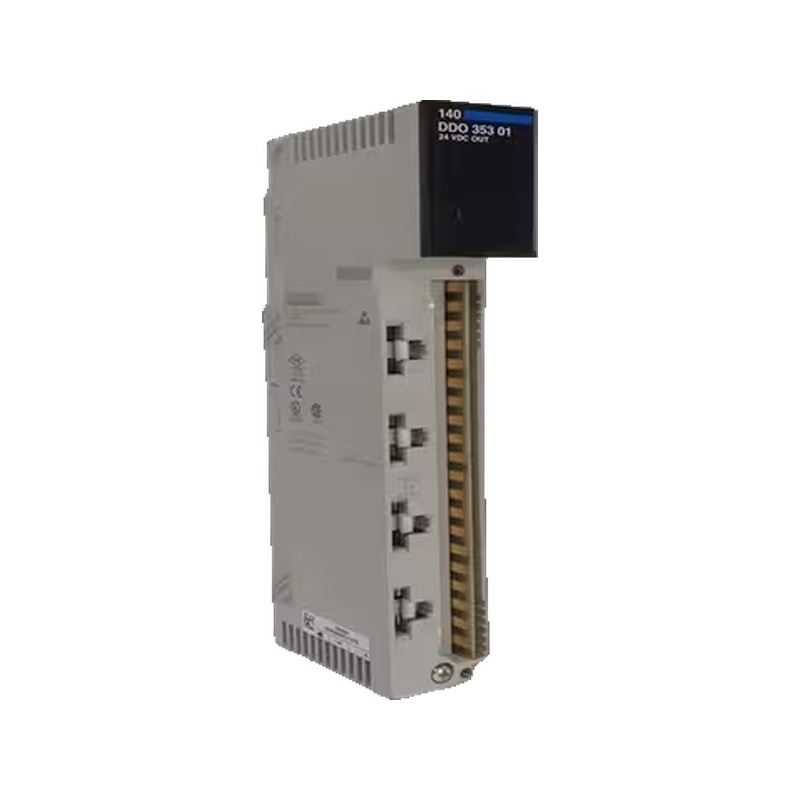
The 140NOE35100 is a dedicated Ethernet module from Schneider Electric, part of the Modicon Quantum series. It provides a single communication channel via fiber optic cable and features two 10BASE-FL Ethernet (ST-style) ports. Designed for robust connectivity, it supports only the local backplane, focusing its role on reliable, point-to-point or small network integration.
Technical Specifications Breakdown
Key parameters for the 140NOE35100 are listed below for quick reference:
| Feature | Specification |
|---|---|
| Manufacturer | Schneider Electric |
| Product Type | Ethernet Module |
| Product Line | Modicon Quantum |
| Part Number | 140NOE35100 |
| Number of Channels | 1 channel |
| Cable Type | Fiber optic cable |
| Communication Port | Two 10BASE-FL Ethernet (ST-style) ports |
| Required Bus Current for the Ethernet Port | 1 Amperes |
| Coating Type | Conformal coating |
| Backplane Support | Only for local backplane |
| Compliance Standards | UL, c-UL, CE, and CSA-certified |
| Power Supply Voltage | 115 to 230 Volts AC or 24 Volts DC |
| Ambient Operating Temperature | 0 to 60°C (in a non-condensing environment) |
| Humidity Tolerance | 0% to 95% relative humidity (without condensation) |
| Operating Altitude | 6,561.68 feet (2,000 meters) above sea level |
Industry Applications
Its fiber optic connection ensures data integrity over longer distances without signal degradation. The conformal coating protects against moisture and dust, making it suitable for partial outdoor or washdown areas. The module's compliance with UL, c-UL, CE, and CSA standards simplifies integration into global installations.
Installation & Setup Guidance
Mount the 140NOE35100 on a local backplane only, as it does not support remote backplane configurations. Use ST-style fiber optic connectors and ensure the cable is clean and properly seated. Power the module with 115 to 230 Volts AC or 24 Volts DC, verifying the supply matches your system. The module draws 1 Ampere from the bus for the Ethernet port. Keep the ambient temperature between 0 to 60°C and avoid condensation.
Solving Network Reliability in Harsh Industrial Environments
In many manufacturing plants, electromagnetic interference (EMI) from heavy machinery can disrupt standard copper Ethernet connections, leading to data loss and costly downtime. The Schneider Modicon Quantum 140NOE35100 Ethernet module addresses this challenge by using fiber optic cabling, which is inherently immune to EMI. This module ensures stable, high-integrity data transfer in environments where copper would fail.
Maintenance & Reliability
The conformal coating reduces the need for frequent cleaning, but inspect the fiber optic ports periodically for dust or damage. Operate the module within the specified humidity range of 0% to 95% relative humidity (non-condensing) and at altitudes up to 6,561.68 feet. Regular visual checks of the backplane connection and power supply ensure long-term reliability.
Compatibility & Integration
This module is designed for the Modicon Quantum automation platform and communicates via 10BASE-FL Ethernet. It integrates with other Quantum modules on the same local backplane. The fiber optic interface allows connection to switches or other devices with ST-style ports, extending network reach in noisy environments.
Selection Guide & Purchasing Advice
When selecting the 140NOE35100, confirm your system uses a local backplane and requires fiber optic connectivity. For current pricing, availability, and lifecycle status, contact AutoDCSTech, your trusted industrial automation parts supplier.
Troubleshooting & Common Issues
If the module does not communicate, check the fiber optic cable for breaks or dirty connectors. Verify the power supply voltage matches the required 115 to 230 Volts AC or 24 Volts DC. Ensure the bus current is sufficient (1 Ampere for the Ethernet port). If the module overheats, confirm the ambient temperature is within 0 to 60°C and that airflow is not obstructed.
Please verify current lifecycle status and availability with AutoDCSTech before ordering.
Availability & Condition at AutoDCSTech
| Part Number | 140NOE35100 |
|---|---|
| Availability | In Stock |
| Condition | New |
| Warranty | One Year |
| Origin | France |