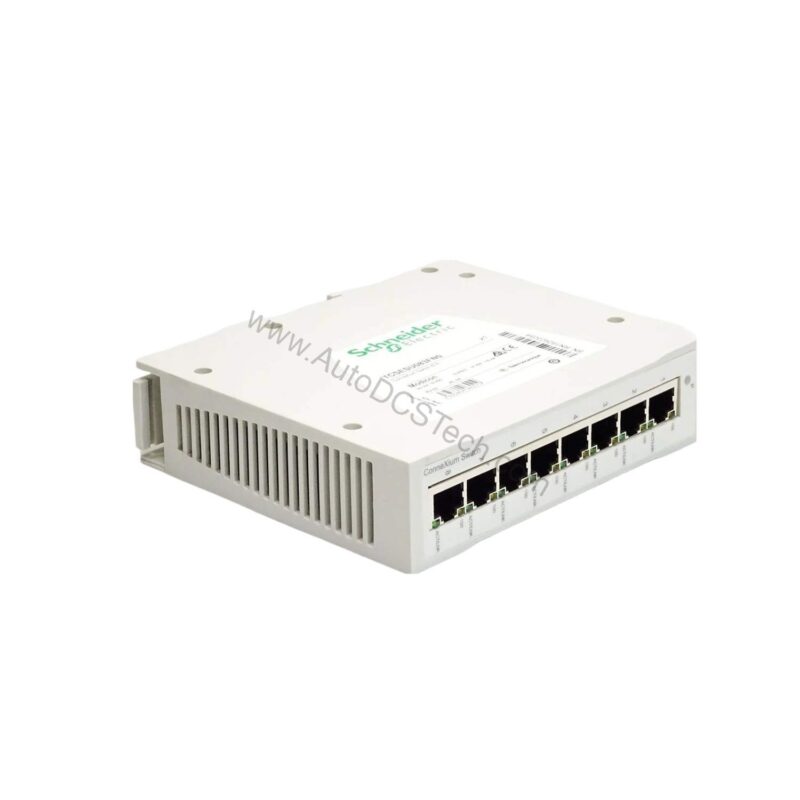
Product Overview: TCSESU083FN0 Unmanaged Switch
The Schneider Electric TCSESU083FN0 belongs to the ConneXium series and functions as an unmanaged Ethernet TCP/IP switch. Because it requires no configuration, it suits control cabinets where rapid deployment matters. Moreover, its Transparent Ready concept supports transparent integration into existing network architectures. Consequently, engineers specify this unit when deterministic, plug-and-play connectivity is the priority.
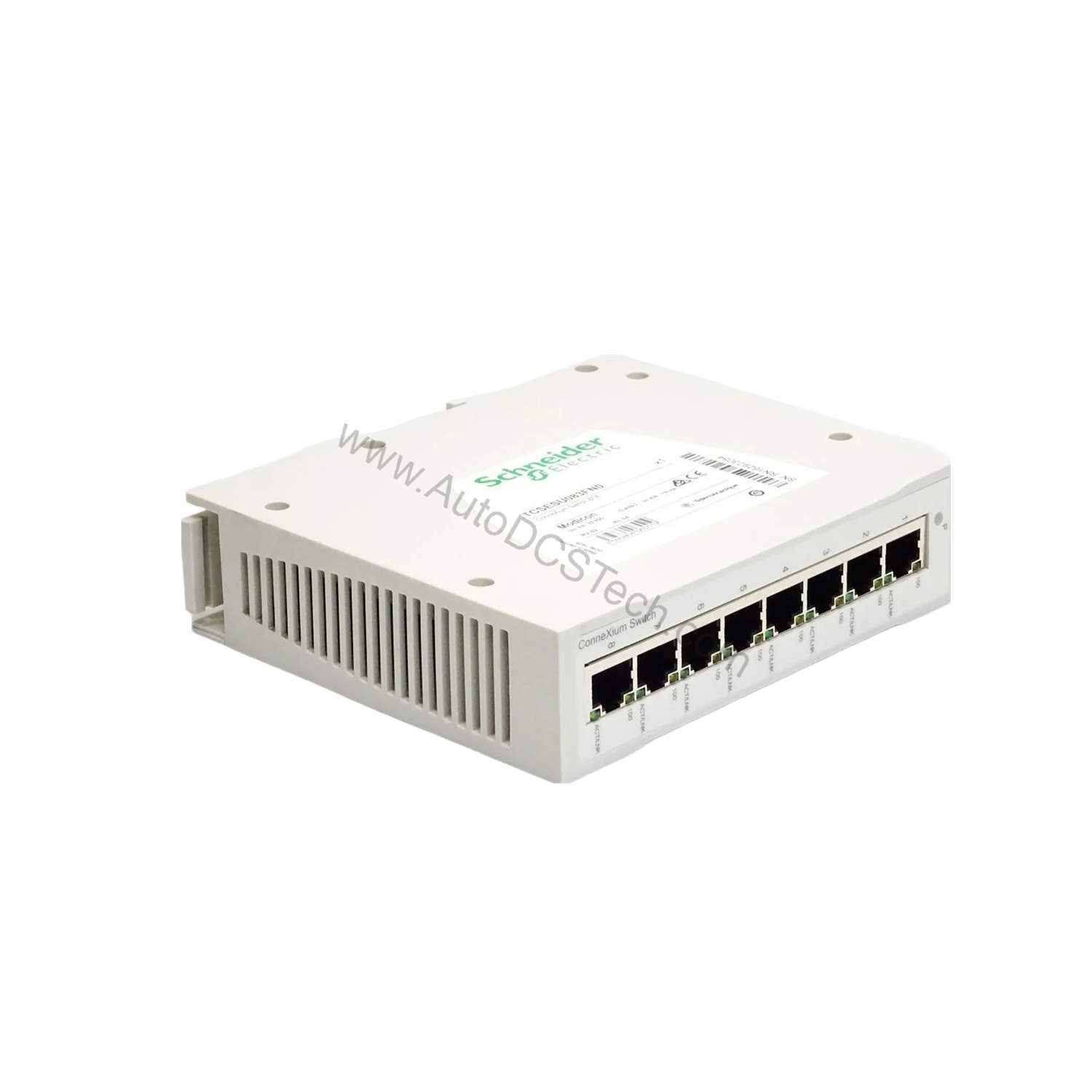
TCSESU083FN0 Key Features and Technical Specifications
- Ports: 8 x shielded RJ45 10/100BASE-TX copper
- Protocol: Ethernet TCP/IP, unmanaged operation
- Switching capacity: 1.6 Gbps
- MAC table: 8K entries
- Jumbo frame: 9216 bytes
- Supply voltage: 9.6-32V DC (SELV)
- Power consumption: 4.1 W
- Protection rating: IP20
- Mounting: 35 mm symmetrical DIN rail
- Dimensions (H×W×D): 35 × 138 × 121 mm
- Weight: 0.246 kg
- Max cascade: Unlimited
The 9216-byte jumbo frame support is distinctive. It allows larger data payloads per frame, which reduces processing overhead in high-traffic segments. Additionally, the 8K MAC table accommodates dense node counts without flooding. Operating temperature data is not available; refer to the official datasheet for thermal limits.
Evaluating the TCSESU083FN0 Against Your Requirements
First, confirm your network uses Ethernet TCP/IP at 10/100 Mbps. Second, verify a 9.6-32V DC SELV supply is available. Third, check that IP20 protection suits your enclosure environment. Because the switch is unmanaged, it offers no VLAN or SNMP configuration. Therefore, it fits applications where managed features are unnecessary. The unlimited cascade capability further simplifies linear topology expansion.
Typical Applications
Machine builders integrate this switch into control panels for cell-level networking. System integrators deploy it in conveyor and packaging lines where quick commissioning is essential. Furthermore, its DIN-rail format suits retrofit projects with limited cabinet depth. In each case, the unmanaged design eliminates configuration errors during startup.
Integration and Installation Notes
Mount the unit on a 35 mm symmetrical DIN rail. Connect shielded RJ45 cables to the eight copper ports. Because the switch is unmanaged, no IP addressing or firmware setup is required. For fieldbus integration, wiring into networks may require an external gateway or connection module; confirm cables and gateways with the supplier. Always observe SELV supply requirements.
Reliability and Maintenance
Inspect the unit periodically for dust accumulation and secure connections. The IP20 rating means the switch must reside inside a protected enclosure. Since it has no moving parts, wear is minimal. Nevertheless, verify supply voltage stability within the 9.6-32V DC range to avoid intermittent faults.
Availability
The TCSESU083FN0 is active in the ConneXium range. AutoDCSTech stocks this unit and ships promptly. Contact AutoDCSTech with your exact requirements for precise matching.
Availability & Condition at AutoDCSTech
| Part Number | TCSESU083FN0 |
|---|---|
| Availability | In Stock |
| Condition | New |
| Warranty | One Year |
| Origin | France |