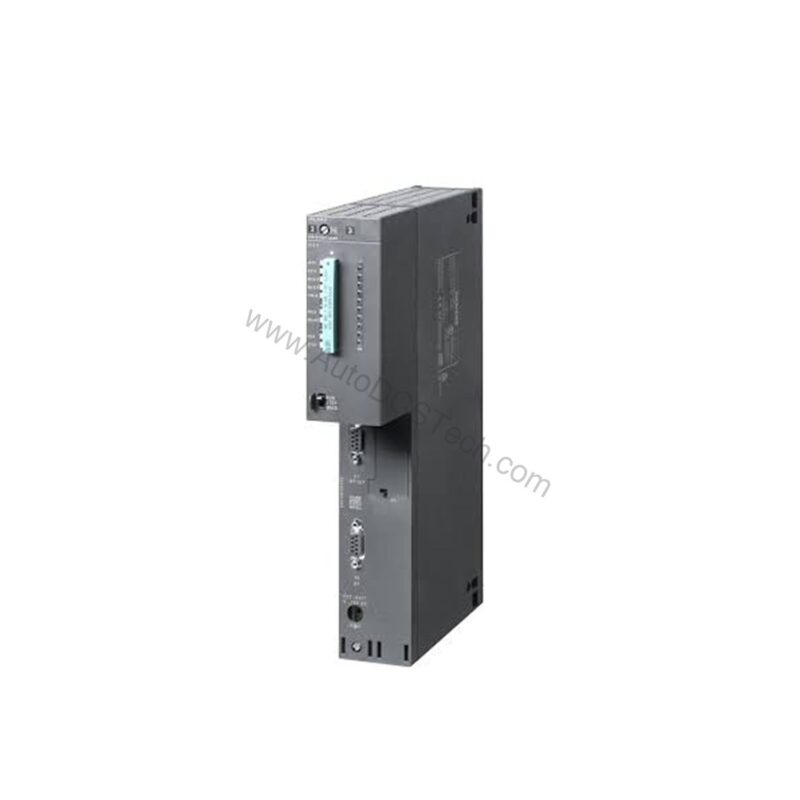
Key Features and Technical Specifications
The 6ES7416-3XS07-0AB0 is packed with features that address common engineering challenges:
- Work memory: 16 MB (8 MB code, 8 MB data) – ample space for complex programs.
- Interfaces: 1st MPI/DP at 12 Mbit/s, 2nd PROFIBUS DP, 3rd plug-in IFM module – versatile connectivity.
- Processing speed: Bit operations in 12.5 ns, floating point arithmetic in 25 ns – fast execution.
- Power loss: Typ. 5.5 W, max 6.5 W – energy-efficient operation.
- Backup current: Typ. 180 µA, max 850 µA – reliable data retention.
- Digital channels: Up to 131,072 inputs and outputs – scalable I/O capacity.
- Analog channels: Up to 8,192 inputs and outputs – precise analog processing.
The 16 MB memory reduces the need for frequent program optimization, while the fast processing times minimize cycle times, improving throughput.
Applications and Use Cases
In automotive manufacturing, the 6ES7416-3XS07-0AB0 coordinates robotic cells with precision. Its isochronous mode ensures synchronized motion, reducing cycle time and increasing output. Similarly, in material handling, the CPU manages multiple conveyor segments, using PROFIBUS DP to communicate with remote I/O. The three interfaces allow simultaneous connection to HMI panels, drives, and supervisory systems, simplifying network architecture.
Whether you are upgrading an existing S7-400 system or building a new line, this CPU provides the performance and reliability you need.
Installation and Setup
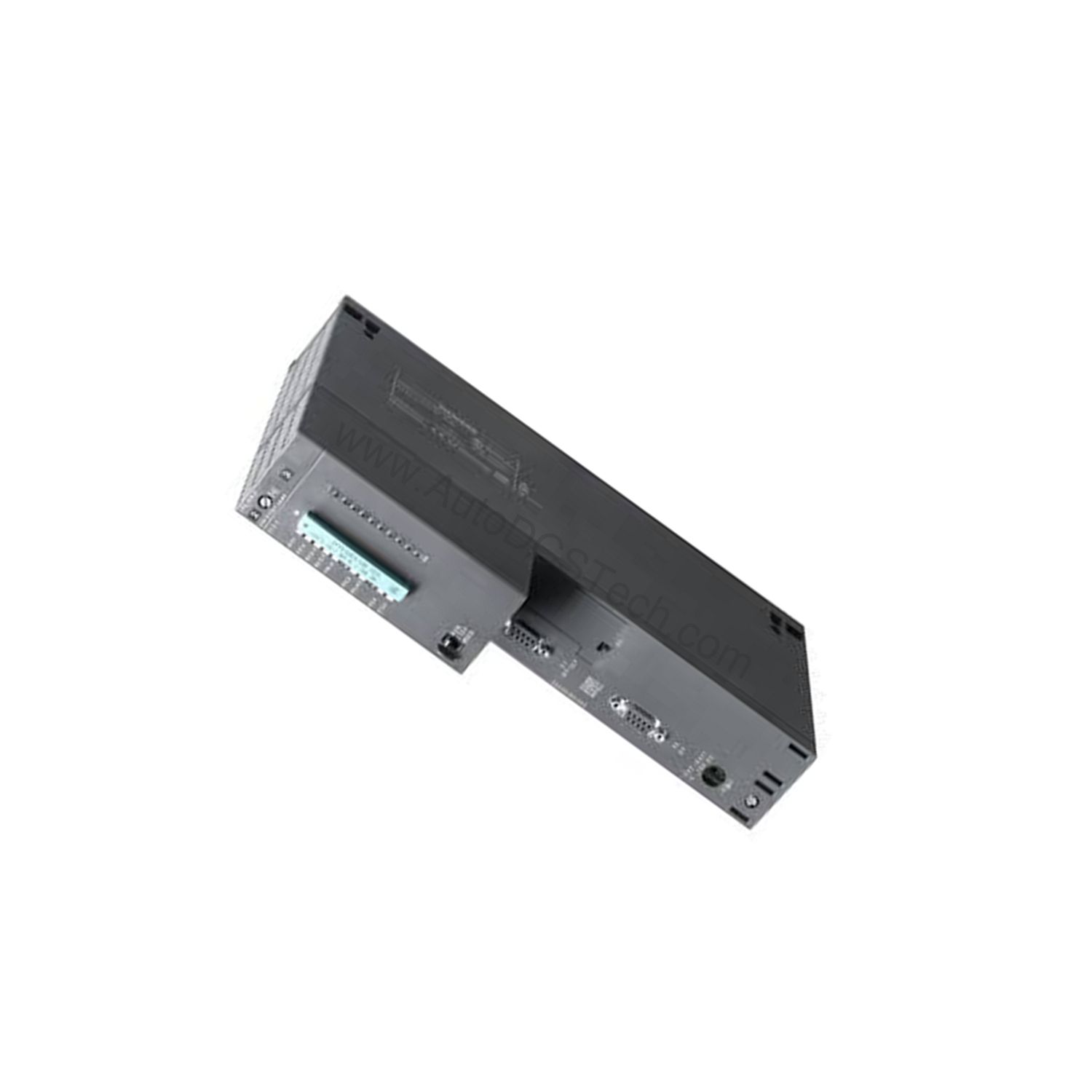
Installing the 6ES7416-3XS07-0AB0 is straightforward. It mounts directly onto the S7-400 rack. Ensure the backplane bus provides 5 V DC (typ. 1.1 A, max 1.3 A) and 24 V DC (max 450 mA) as per specifications. Connect the MPI/PROFIBUS DP interface using an RS 485 cable. For the third interface, plug in the IF 964-DP module (MLFB: 6ES7964-2AA04-0AB0) if needed. Verify that the firmware version is V7.0 and hardware functional status is 01. Use STEP 7 V5.4 or higher with HSP 261 for programming.
During setup, check that the power supply is properly rated. The CPU draws up to 1.3 A from the backplane bus, so ensure your power module can handle the load. Also, configure the MPI address and PROFIBUS parameters in STEP 7 to match your network.
Maintenance and Reliability
To ensure long-term reliability, follow a routine inspection schedule. Check the backup battery annually; the CPU uses a backup current of 180 µA (typ.) and up to 850 µA (max). Replace the battery before it depletes to maintain data retention. Keep the environment within specified temperature ranges to prevent overheating. The CPU has a power loss of up to 6.5 W, so adequate ventilation is essential.
Additionally, monitor the clock deviation. The hardware clock can drift by up to 1.7 seconds per day when buffered and 8.6 seconds when unbuffered. If your application requires precise time-stamping, synchronize the clock via MPI or PROFIBUS to minimize drift. Regular firmware updates, when available, can also improve stability.
Why the 6ES7416-3XS07-0AB0 Stands Out
This CPU 416-3 from the SIMATIC S7-400 family is engineered for complex automation tasks. It offers a work memory of 16 MB, split into 8 MB for code and 8 MB for data. This capacity allows you to run larger programs and manage more data without performance degradation.
Moreover, the CPU supports isochronous mode for PROFIBUS, ensuring precise, synchronized control. This feature is critical for applications requiring exact timing, such as motion control or high-speed packaging. With three interfaces, you can connect to multiple networks simultaneously, enhancing system flexibility.
Compatibility and Integration
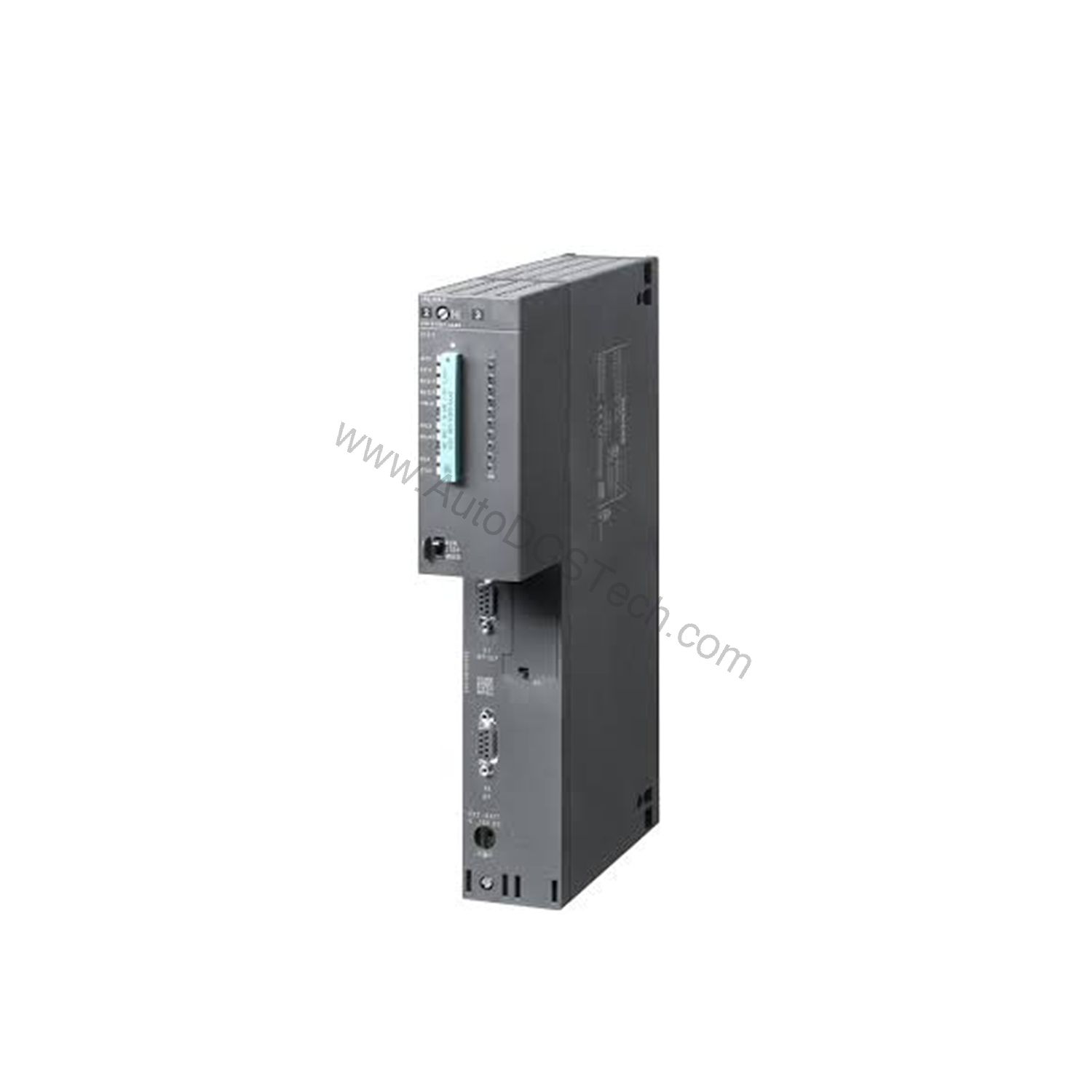
It supports MPI, PROFIBUS DP, and PROFINET (via CP). The CPU can act as a DP master or slave, and supports S7 communication for data exchange with other S7 controllers. It also supports global data communication (GD loops) for simple data sharing. For Ethernet connectivity, use a CP 443-1 module; note that the CPU does not have a built-in web server.
When using multiple CPUs in multicomputing mode, up to 4 CPUs can operate together (with UR1 or UR2 racks). This allows you to distribute tasks and increase processing power. However, ensure that you do not mix IM 467 with CP 443-5 Ext. or CP 443-1 in PROFINET IO mode, as this is not permitted.
Troubleshooting Common Issues
One common issue is communication failure on the PROFIBUS DP interface. Check the transmission rate (max 12 Mbit/s) and ensure all DP slaves are properly addressed. Use a diagnostics repeater to identify faulty nodes; note that this reduces the number of connection resources by 1. Another issue is memory overflow. If you exceed the 16 MB work memory, the CPU will stop. Monitor memory usage via STEP 7 and optimize your program if necessary.
If the CPU does not start, verify the power supply and backplane bus connections. Also, check the mode selector switch position. For clock synchronization problems, ensure that the time-of-day settings are correct and that the clock is synchronized via MPI or DP. If issues persist, consult the module data manual or contact AutoDCSTech for support.
Product Support and Availability
The 6ES7416-3XS07-0AB0 is available from AutoDCSTech. We offer competitive pricing and fast shipping. Please verify the current lifecycle status and availability with AutoDCSTech before ordering. Our team can assist with technical questions and provide documentation to ensure a smooth integration.
Availability & Condition at AutoDCSTech
| Part Number | 6ES7416-3XS07-0AB0 |
|---|---|
| Availability | In Stock |
| Condition | New |
| Warranty | One Year |
| Origin | Germany |