Introduction to the 6ES7648-3AK10-0PA0
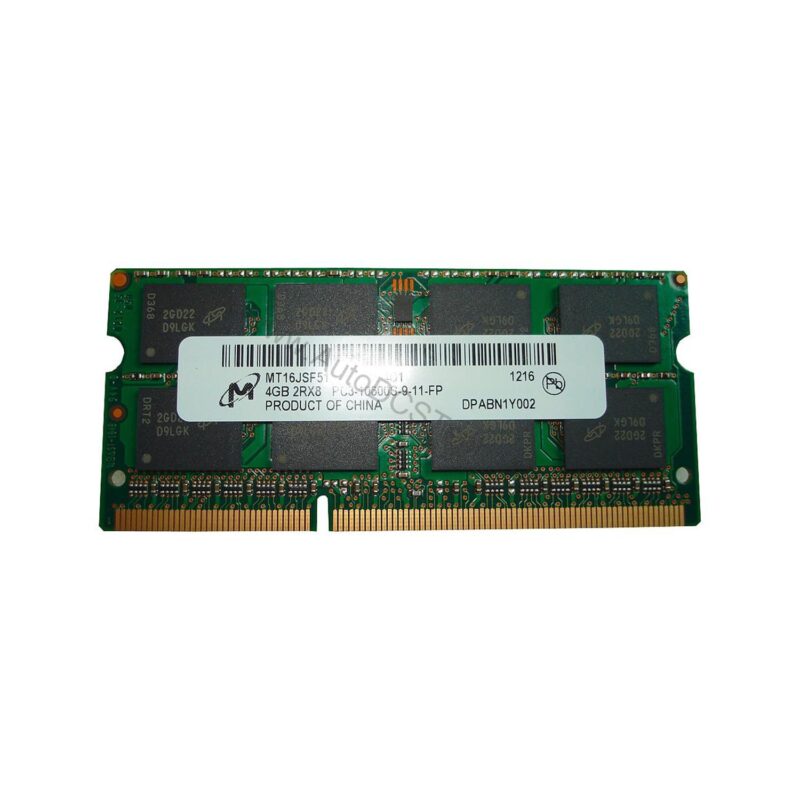
This Siemens memory expansion module adds 16 GB of DDR4 SDRAM in a compact SO-DIMM form factor, giving you the headroom needed for complex automation projects.
As a genuine Siemens product, the 6ES7648-3AK10-0PA0 is engineered to meet the exact specifications of the Field PG M6. It is a straightforward, drop-in solution that helps you avoid the compatibility risks of third-party memory modules.
Key Features and Technical Specifications
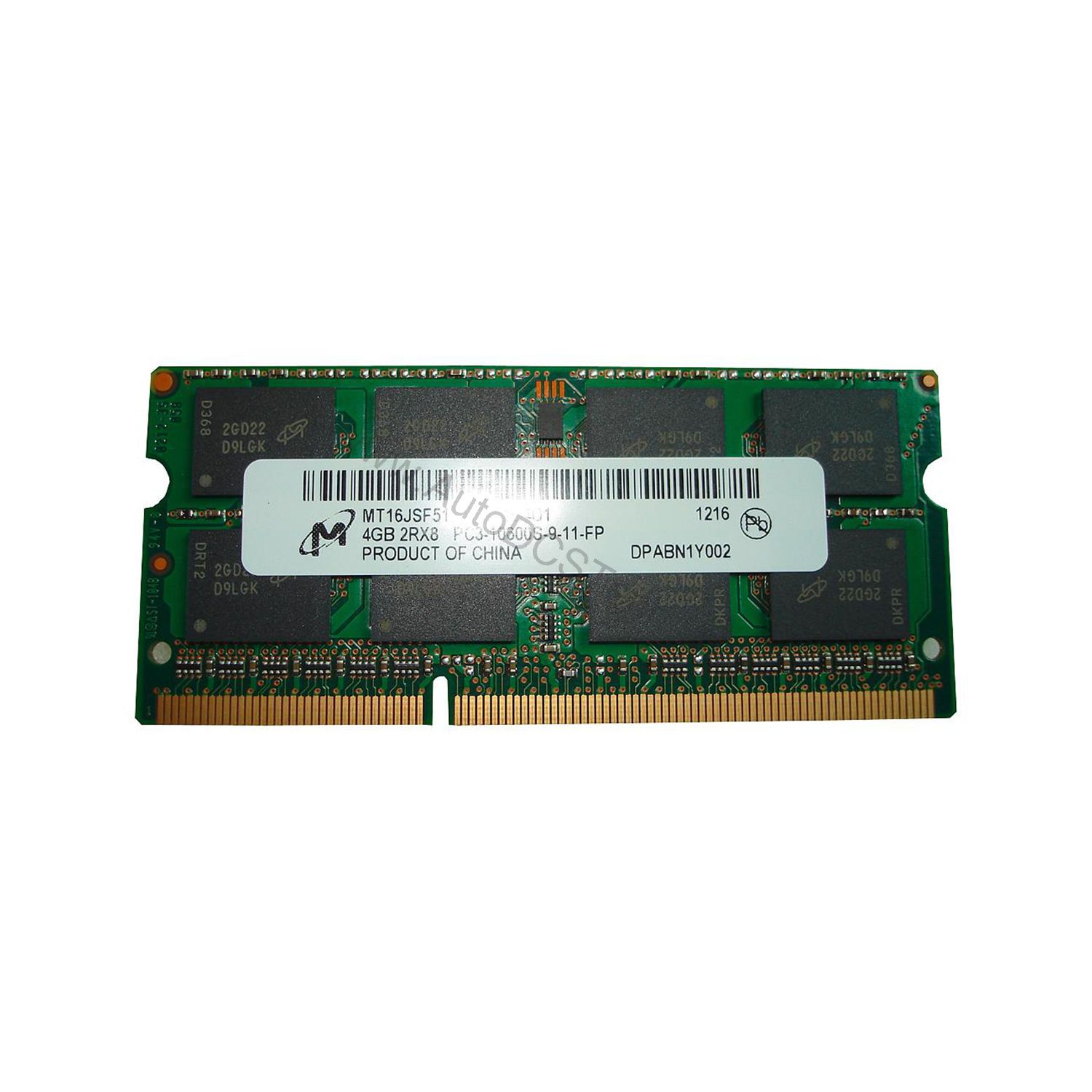
The 6ES7648-3AK10-0PA0 is a memory expansion module with the following core parameters:
- Product Type: Memory Expansion
- Memory Type: DDR4-SDRAM SO-DIMM
- Memory Size: 16 GByte
This memory module uses DDR4 technology, which offers higher bandwidth and lower power consumption compared to older DDR3 modules. The SO-DIMM form factor is specifically designed for laptops and compact industrial PCs like the Field PG M6, ensuring a precise fit.
Installation and Setup
Installing the 6ES7648-3AK10-0PA0 is a simple process. First, power down the Field PG M6 and disconnect all cables. Locate the memory slot on the motherboard, then gently insert the SO-DIMM at a 30-degree angle and press down until it clicks into place. After installation, power on the device and verify that the system recognizes the full 16 GB of memory in the BIOS or operating system.
Always refer to the Field PG M6 user manual for detailed instructions and safety precautions. If you are unsure about the installation, consult a qualified technician.
Maintenance and Reliability
Memory modules are solid-state components with no moving parts, which makes them highly reliable. However, to ensure long-term performance, keep the memory slot free of dust and debris. Periodically check that the module is seated securely, especially in environments with vibration.
Because the 6ES7648-3AK10-0PA0 is a genuine Siemens product, it meets strict quality standards. This reduces the risk of memory errors that could corrupt your project data or cause unexpected system crashes.
Compatibility and Integration
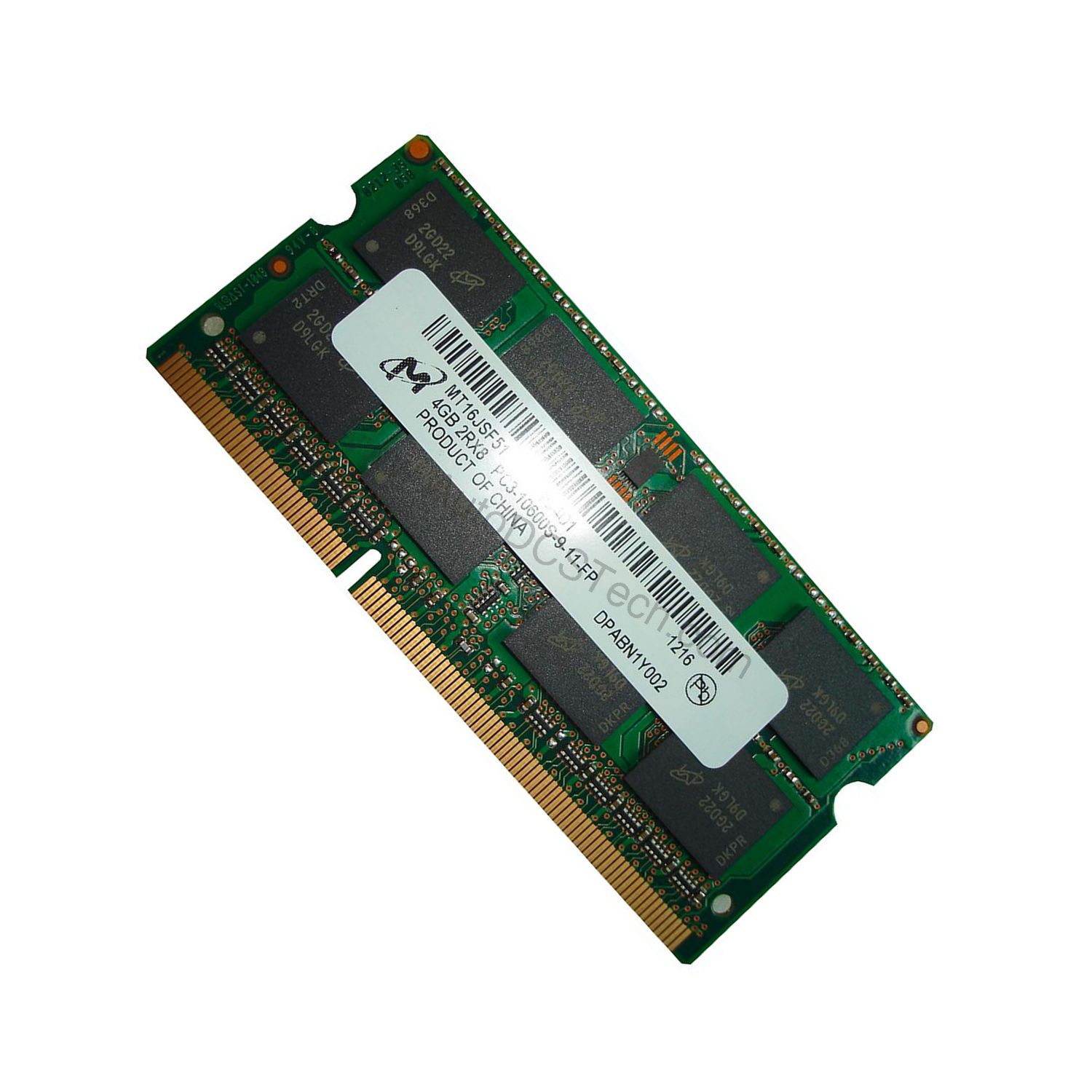
The 6ES7648-3AK10-0PA0 is specifically designed for the Siemens Field PG M6. It is not intended for use in other devices, as the SO-DIMM form factor and DDR4 standard must match the motherboard's specifications. Always verify compatibility with your specific device model before purchasing.
Troubleshooting Common Issues
If the system does not recognize the new memory, first ensure the module is properly seated. Remove and reinsert it, making sure it clicks firmly into place. If the problem persists, check that the BIOS is up to date, as older firmware may not support 16 GB modules.
Another common issue is mixing memory modules of different speeds or sizes. For optimal stability, use only the 6ES7648-3AK10-0PA0 module or match it with another module of identical specifications.
Availability and Support
The 6ES7648-3AK10-0PA0 is available from AutoDCSTech. Contact our team to confirm stock and delivery options. We are here to help you with your industrial automation needs.
Availability & Condition at AutoDCSTech
| Part Number | 6ES7648-3AK10-0PA0 |
|---|---|
| Availability | In Stock |
| Condition | New |
| Warranty | One Year |
| Origin | Germany |