Product Overview
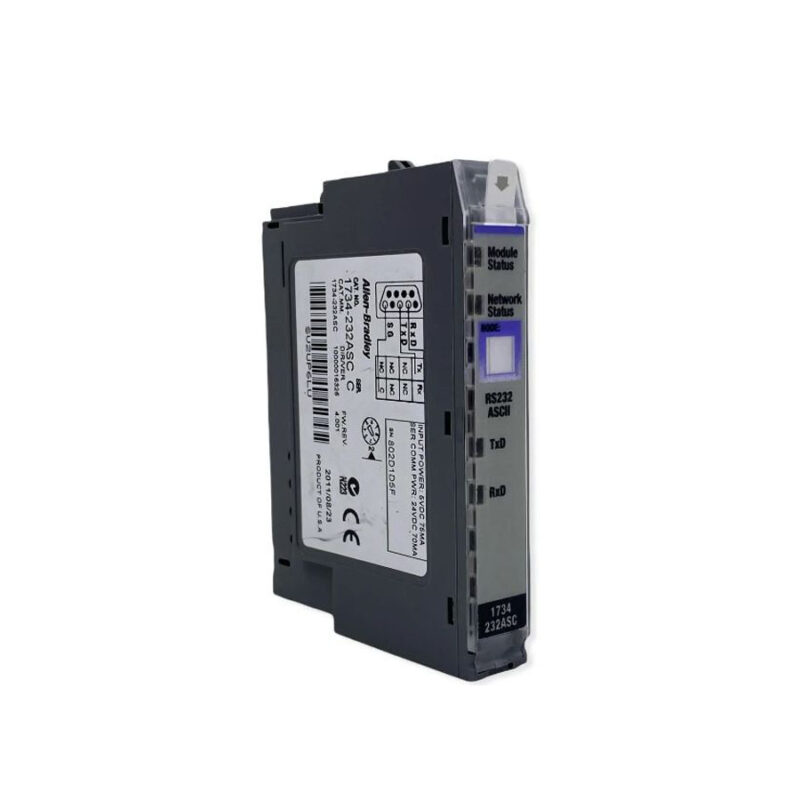
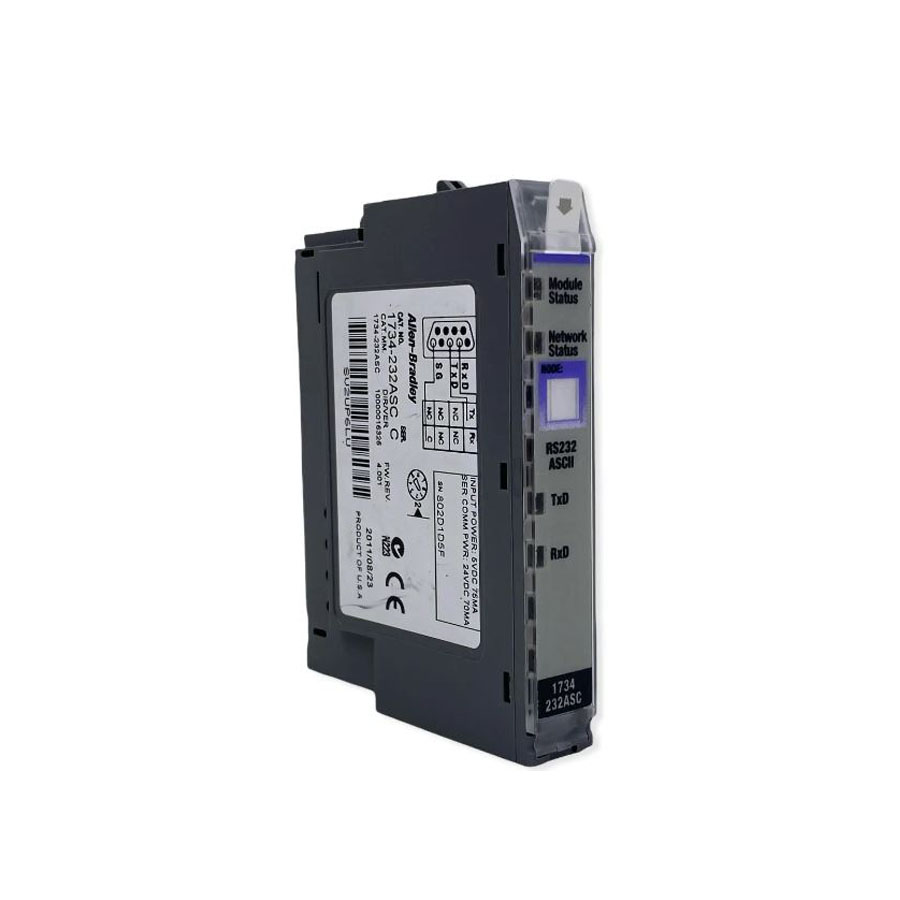
Industrial automation engineers often face the challenge of scaling I/O systems without inflating costs. The Allen-Bradley 1734-ADN DeviceNet Adapter Module offers a practical solution. As part of the POINT I/O series from Rockwell Automation, this module acts as the communication interface between a DeviceNet network and local I/O modules. By enabling distributed I/O, it reduces wiring expenses and simplifies system architecture. The 1734-ADN is designed for DIN rail mounting and occupies the leftmost position in a 1734 system, making it a compact and efficient choice for modern plants.
Technical Specifications Breakdown
Key parameters for the 1734-ADN are listed below for quick reference:
| Feature | Specification |
|---|---|
| Manufacturer | Rockwell Automation |
| Brand | Allen-Bradley |
| Part Number | 1734-ADN |
| Series | POINT I/O |
| Module Type | DeviceNet Adapter Module |
| Input Voltage | 23 Volts DC |
| Field Side Power | 400 milliamps |
| Inrush Current | 6 Amps |
| Power Consumption | 8.1 Watts |
| POINTBus Current | 1000 milliamps |
| Power Dissipation | 2.8 Watts (at 28.8 Volts) |
| I/O Module Capacity | 63 modules |
| I/O Points | 504 max |
| DeviceNet Communication Rate | 125K, 250K or 500K bits/second |
| Location | Left Side (1734 System) |
Industry Applications
Cost-Effective Distributed I/O in Manufacturing Lines
Using the 1734-ADN, manufacturers can place I/O modules close to sensors and actuators. This reduces long cable runs, lowering material and installation costs. The module supports up to 63 I/O modules and 504 I/O points, providing scalability without major redesign. For example, in an automotive assembly line, distributed I/O minimizes wiring complexity and improves system uptime.
Retrofit Projects for Legacy DeviceNet Networks
Many facilities still rely on DeviceNet for fieldbus communication. Its support for 125K, 250K, or 500K baud rates ensures compatibility with various master controllers. This avoids the expense of a full network migration while enhancing I/O capacity.
Installation & Setup Guidance
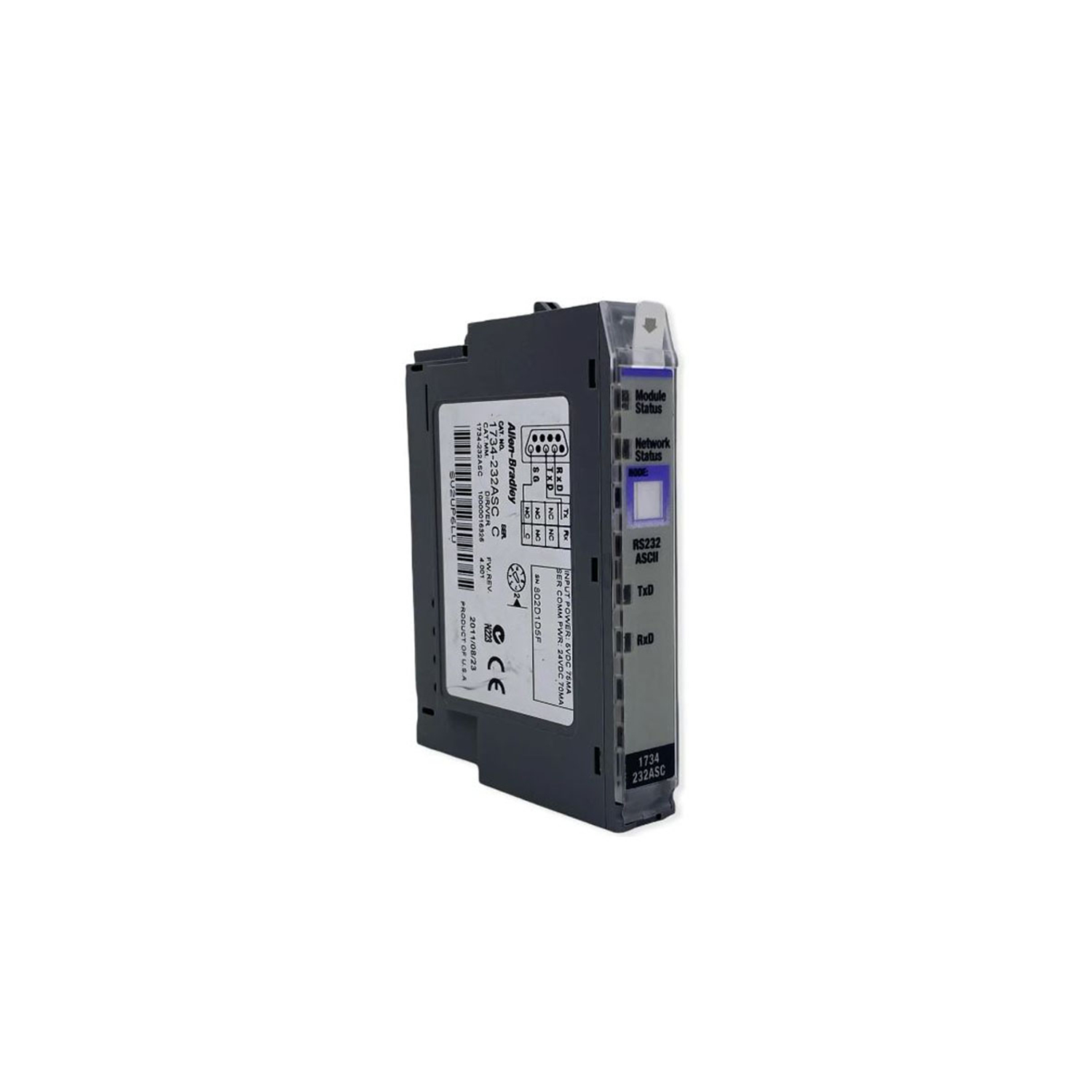
Mount the 1734-ADN vertically on a DIN rail. Apply firm pressure until the locking mechanism engages. Position it on the left side of the POINT I/O system. Configure the module using the embedded thumbwheel switch on the upper right side. Valid addresses range from 0 to 63. On power-up, the module performs a self-test of internal memories and status LEDs. The Auto Device Replace (ADR) feature automatically transfers configuration parameters to a replacement module, reducing downtime.
Maintenance & Reliability
Inspect the module periodically for dust accumulation or loose connections. Ensure the ambient environment stays within the module's operating limits. The 1734-ADN dissipates 2.8 Watts at 28.8 Volts, so adequate ventilation is recommended. Regularly check the status LEDs for error indications. No disassembly is required; general inspection and cleaning of the enclosure suffice.
Compatibility & Integration
The 1734-ADN communicates via DeviceNet at rates of 125K, 250K, or 500K bits/second. It interfaces with POINT I/O modules through the local bus, transferring I/O data to the master controller. The module supports up to 63 powered modules and 504 I/O points. For integration, set the backplane baud rate and subnet I/O module addresses to match the DeviceNet master. The Autobaud feature detects the network baud rate automatically, simplifying setup.
Selection Guide & Purchasing Advice
When selecting the 1734-ADN, consider your I/O count and network speed requirements. With support for up to 63 modules and 504 points, it suits medium to large distributed systems. AutoDCSTech stocks this module and can help verify lifecycle status. Contact us before ordering to confirm availability and compatibility with your existing POINT I/O setup.
Troubleshooting & Common Issues
If the module fails to communicate, check the DeviceNet cable connections and termination. Verify the thumbwheel address setting is within 0-63 and not conflicting with other nodes. Inspect the power supply: the 1734-ADN requires 23 Volts DC input. If the status LEDs remain off, measure field side power (400 milliamps) and inrush current (6 Amps). For persistent issues, consult the Rockwell Automation documentation or contact AutoDCSTech support.
Availability & Condition at AutoDCSTech
| Part Number | 1734-ADN |
|---|---|
| Availability | In Stock |
| Condition | New |
| Warranty | One Year |
| Origin | US |